Browser-First Processing Safe Layout Revert Lossless Image Replace Precision Alignment No Permanent Storage

Edit PDFs without breaking layout, fonts, or spacing.

We don't just edit PDFs—we preserve them. Modify text, swap images, and fix typos without destroying the original formatting. Edit PDFs without breaking layout, fonts, or spacing. Fully secure, privately processed, and print-safe.

Transform your PDF now

Drag and drop your file below to start editing with pixel-perfect precision.

How it works

Our editor makes it easy to modify your documents while preserving quality.

  1. Step 1

    Upload Document

    Upload your PDF file. We support files up to 5MB and 30 pages.

  2. Step 2

    Edit PDF

    Modify text, swap images, and fix typos without breaking the original layout.

  3. Step 3

    Download File

    Export your edited PDF instantly. Your original formatting remains intact.

Edit PDF Online With Better Accuracy, Better Speed, and Better Control

PDF is still the standard for contracts, proposals, invoices, forms, technical manuals, and compliance documents. The problem is that most editing workflows are either too limited or too destructive. Many tools treat your file like an image, flatten text layers, or rebuild the layout in ways that create small but expensive errors. A line break shifts. A number column drifts. A signature box moves. For business documents, those details matter.

Online PDF Edits is built for users who need practical editing without layout damage. You can update text, replace images, and reposition elements in a browser-based workspace while keeping the original structure readable and professional. This is useful when you need to ship revisions quickly but cannot afford to re-create the document in Word, PowerPoint, or a design file.

The goal is simple: preserve trust in the final document. If a PDF leaves your desk, it should look intentional, aligned, and production-ready. Whether you are a solo consultant, an operations lead, a legal assistant, a teacher, or a startup founder, you need an editor that respects the source file. This homepage explains exactly how the editor supports that workflow and why teams use it for high-frequency document updates.

Search visibility improves when pages answer real user intent in depth, so this content is intentionally tied to actual document tasks: editing PDF text, updating images, preserving formatting, and shipping accurate files quickly. The copy is not filler. It is written to match the problems users bring to the page and guide them to a clear next step in the editor.

Common searches this page is designed to answer include edit pdf online, free pdf editor, pdf editor without watermark, and online pdf editing tool, plus close variations such as edit pdf text online, online pdf editor no signup, edit pdf without losing formatting, and secure browser-based pdf editor.
What You Can Actually Do in the Editor

Text Editing That Keeps Layout Stable

Edit existing text directly inside the PDF. Correct typos, update names, change dates, and revise paragraphs without rebuilding the page from scratch. Use alignment and styling controls when you need fine adjustments after a content change.

  • Update text in proposals, policy pages, and internal reports.
  • Adjust font size and spacing when copy length changes.
  • Refine alignment for headings, labels, and form fields.

Image Replacement Without Rebuilding the Document

Replace outdated logos, swap screenshots, and update diagrams directly in-place. This is especially useful for marketing collateral, product one-pagers, investor decks exported to PDF, and branded templates distributed across teams.

  • Refresh logos across client-facing documents.
  • Update old charts with current numbers.
  • Resize or reposition visual elements for cleaner balance.

Positioning and Cleanup for Final Delivery

Real documents often require precision touches before delivery. Move items by small increments, clean visual spacing, and check each page before export so the final PDF reads like a polished original, not a patched file.

  • Fix drifted elements after edits.
  • Improve readability with consistent spacing and alignment.
  • Export a clean final version for sending or archiving.

Local-First, Browser-Based Workflow

The product is designed for fast, practical editing from any modern desktop browser. There is no heavy installation, no steep onboarding, and no need to train every team member on a complex design suite just to fix a PDF.

  • Start from upload to editing in minutes.
  • Use a focused interface with the controls you need most.
  • Continue with the same workflow for recurring weekly updates.

Who Uses This Online PDF Editor

The strongest use case for an online PDF editor is frequent revision work. If your team sends documents weekly or daily, tiny edits become a major time sink when the process is slow. These are common workflows where precise PDF editing makes a measurable difference:

  • Operations teams: update SOPs, checklists, onboarding packets, and vendor forms without waiting on a design cycle.
  • Sales and account managers: adjust quotes, proposals, and scope documents quickly before sending to customers.
  • HR and recruiting: maintain policy handbooks, hiring packets, and compliance documents with fewer manual steps.
  • Agencies and freelancers: swap client branding, pricing blocks, and campaign notes across reusable PDF templates.
  • Educators and trainers: revise worksheets, training guides, and classroom materials without changing familiar layouts.
  • Legal and finance support: make controlled text and formatting edits while preserving the integrity of structured pages.

If your existing process relies on "export, convert, edit, re-export, then hope it looks right," this workflow removes that fragile chain. You edit inside PDF context and keep your turnaround tighter.

Why This Approach Is Better Than Basic PDF Converters

Converters are useful for full rewrites, but they are often inefficient for targeted edits. A common converter path is: convert PDF to another format, edit, then convert back. This introduces formatting risk and creates additional QA time. For teams with deadlines, that delay is costly. In contrast, editing directly in PDF context is typically faster for day-to-day corrections and updates.

Converter Workflow Risks

  • Unexpected line breaks and text wrapping.
  • Shifted tables, bullets, and footers after re-export.
  • Lost spacing consistency across multi-page documents.
  • More review cycles before client-ready delivery.

Direct PDF Editing Advantages

  • Smaller changes with less layout disruption.
  • Faster turnaround for repeat document updates.
  • Higher confidence when publishing final files.
  • A single workflow for text, images, and positioning.

This is the same reason teams keep a dedicated PDF text editor in their stack even when they already use office suites. Different tools serve different jobs. For final-file revisions, direct PDF editing is usually the shortest path to a clean result.

Security, Privacy, and Trust Signals

Document editing is not only a productivity task; it is also a trust task. Teams often process contracts, invoices, customer records, and internal documentation. You need transparency about how files are handled and what controls exist. Our product architecture prioritizes local-first behavior and practical safeguards so you can work with confidence.

  • Browser-first editing flow designed to minimize unnecessary file exposure.
  • Clear limits and validation at upload time for safer processing.
  • Dedicated public documentation for security and file handling practices.
  • Focused interface that helps reduce accidental editing mistakes.

For policy-level details, review Security and File Handling. If you need a broader walkthrough of the editor flow, the How It Works page explains each step from upload to export.

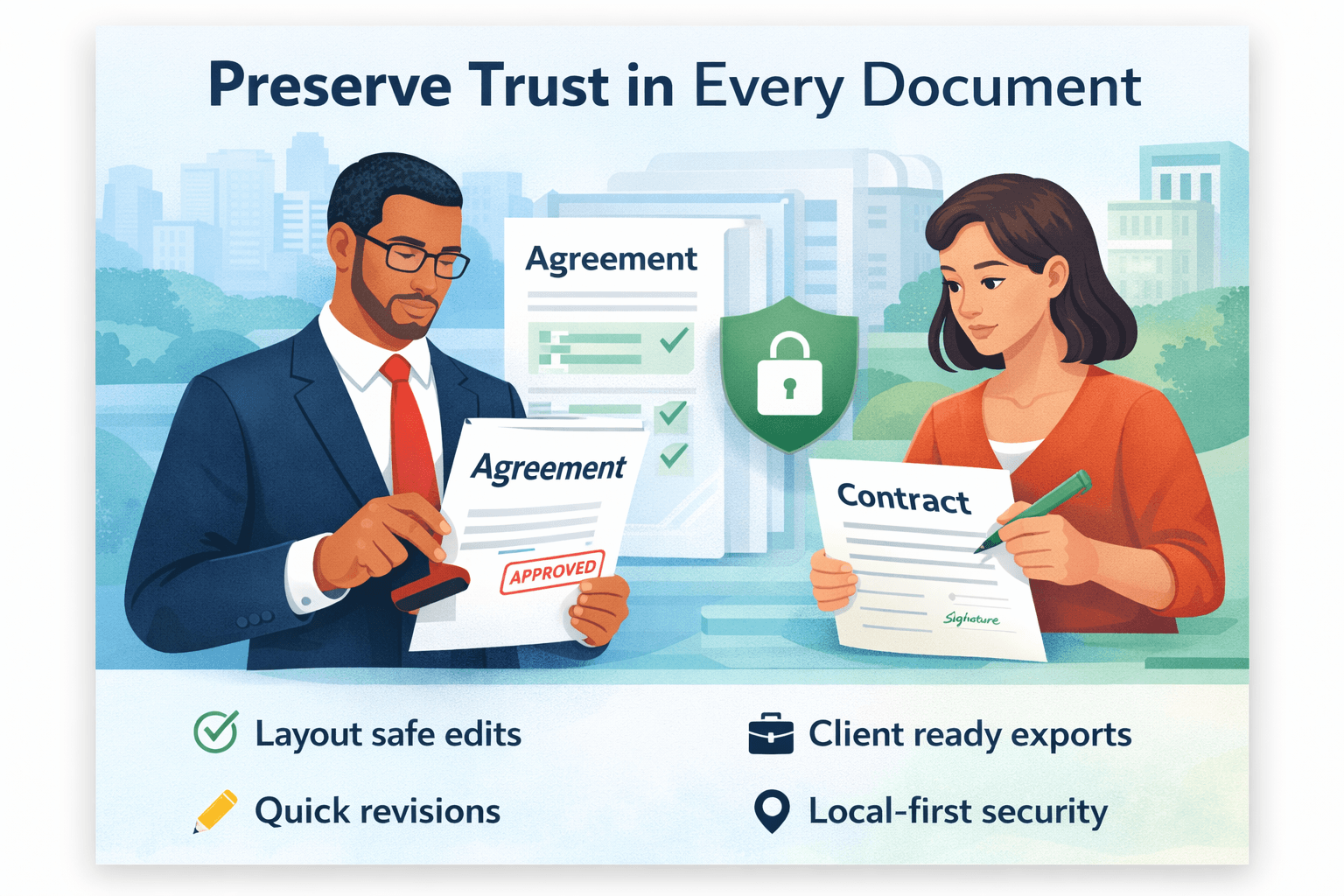
Preserve Trust in Every Document with secure PDF editing

Preserve Trust in Every Document

Editing and security are connected. A document only feels reliable when updates are accurate and handling practices are transparent. This workflow is built to help teams ship revisions confidently, from internal policy updates to client-facing contracts and proposals.

If you need operational clarity, review the complete policy pages for Security and File Handling.

Frequently Asked Questions

Can I edit PDF text without ruining the layout?

Yes. The editor is designed for targeted text changes while keeping structure and alignment intact. After editing, you can fine-tune placement, font sizing, and spacing before export.

Can I replace images in a PDF online?

Yes. You can update logos, screenshots, and other visual elements directly in your PDF workflow. This is useful for refreshes where content is mostly correct but branding or data visuals changed.

Do I need to install software?

No desktop installation is required for normal usage. The workflow is browser-based so teams can start quickly and keep the process lightweight.

What are the upload limits?

The current limit is up to 10MB per file and up to 50 pages. These limits help maintain reliable performance and a smooth editing experience.

Is this useful for teams, not just individuals?

Yes. Teams use this workflow for frequent policy revisions, quote updates, collateral refreshes, and internal operational documents where speed and consistency both matter.

Where can I explore more editing options?

Visit PDF Tools for common actions, then continue to Edit PDF to run the workflow immediately.

Ready to Update Your PDF Without Rebuilding It?

Start with one file, make precise edits, and export a clean result in minutes. If you are evaluating tools for your team, this is the fastest way to test layout-safe PDF editing in a real workflow.