Comparisons & Alternatives
Xodo PDF Editor Review 2026: Is It Still Worth Using?
An honest look at Xodo's free PDF annotation tools in 2026 — what works, what's missing, and when to use something else.
Read article →
Practical guides to help your visitors edit, convert, and ship PDF workflows faster.
An honest look at Xodo's free PDF annotation tools in 2026 — what works, what's missing, and when to use something else.
Read article →A step-by-step guide to editing PDFs using Preview on Mac — what it can and can't do, plus what to use when you need more.
Read article →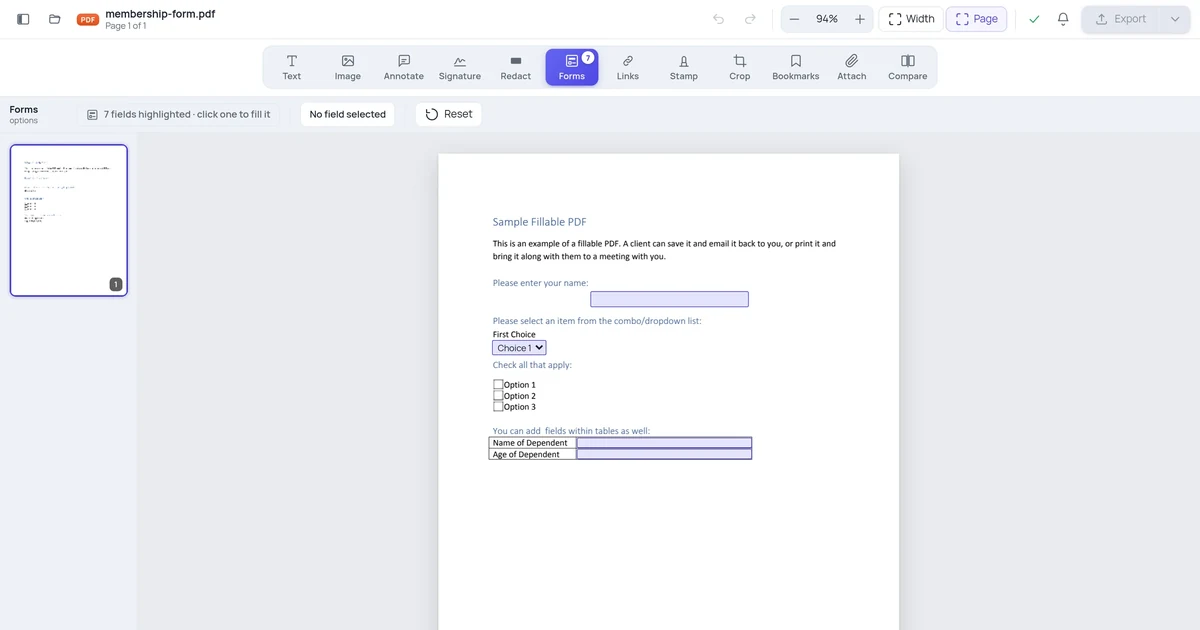
You open a form, click a blank line, and nothing happens. Here are the four reasons a PDF refuses to let you type, and how to fill each kind in without printing anything.
Read article →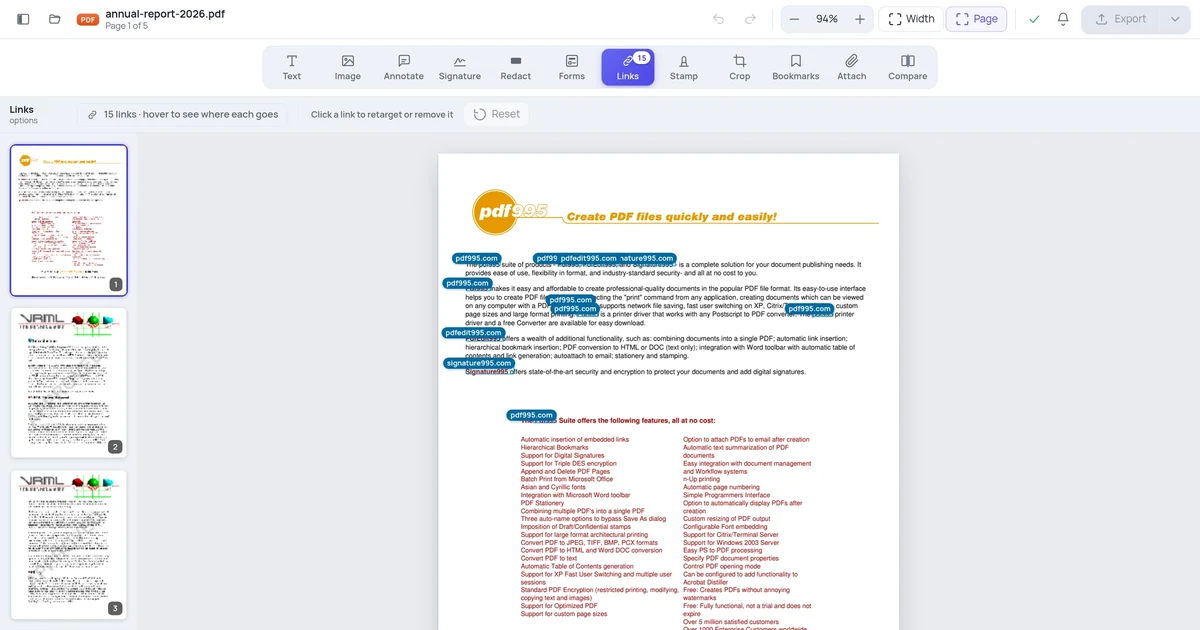
A PDF link looks like ordinary blue text, and you cannot tell where it goes without clicking it. Here's how to see every clickable area in a document at once — and fix the ones pointing somewhere embarrassing.
Read article →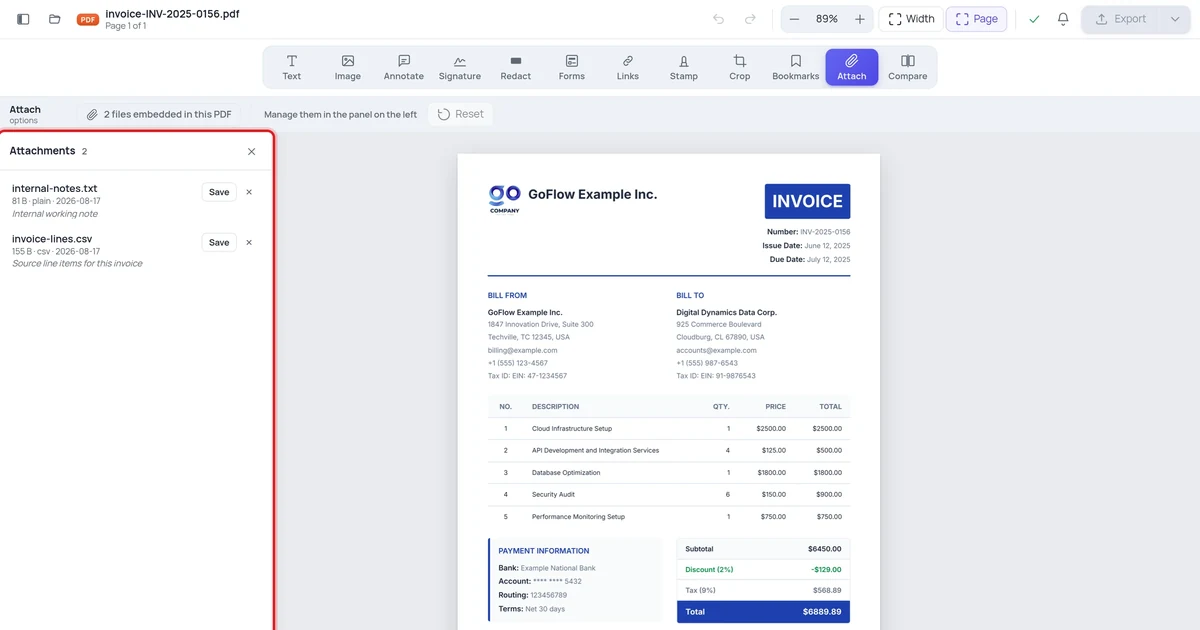
A PDF can carry entire files inside it that never appear on any page. Most readers hide them behind a paperclip icon nobody clicks. Here's how to see what's actually in a document before you send it.
Read article →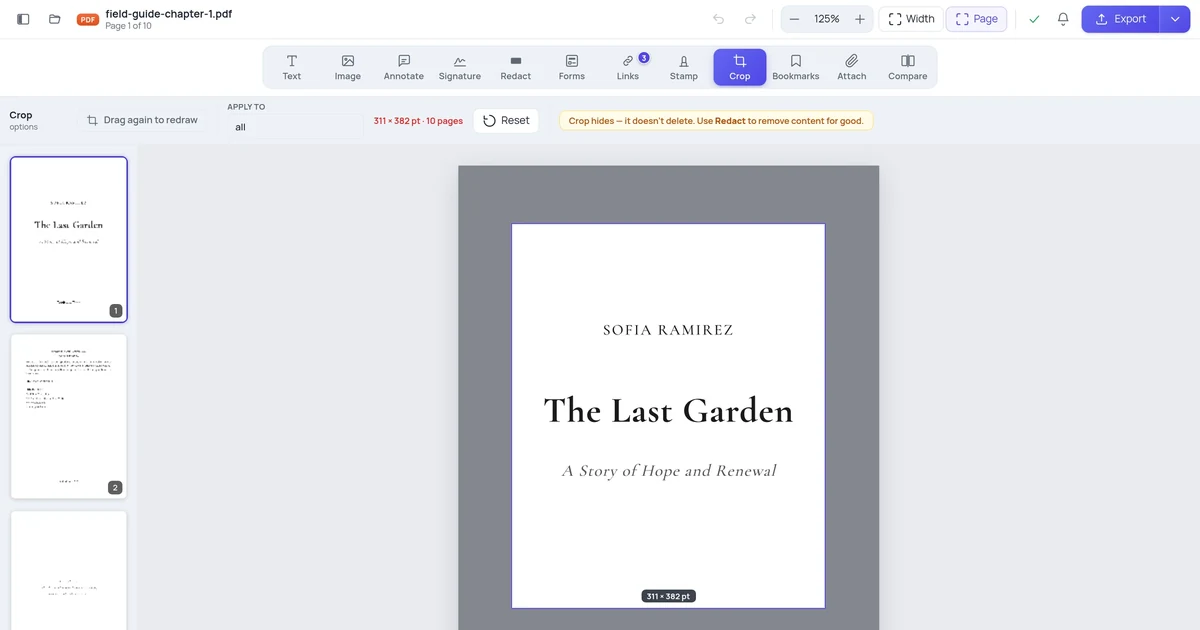
Cropping a PDF looks like cutting paper. It isn't. The cropped-away content is still in the file and comes back the moment someone widens the page — here's the proof, and what to use instead.
Read article →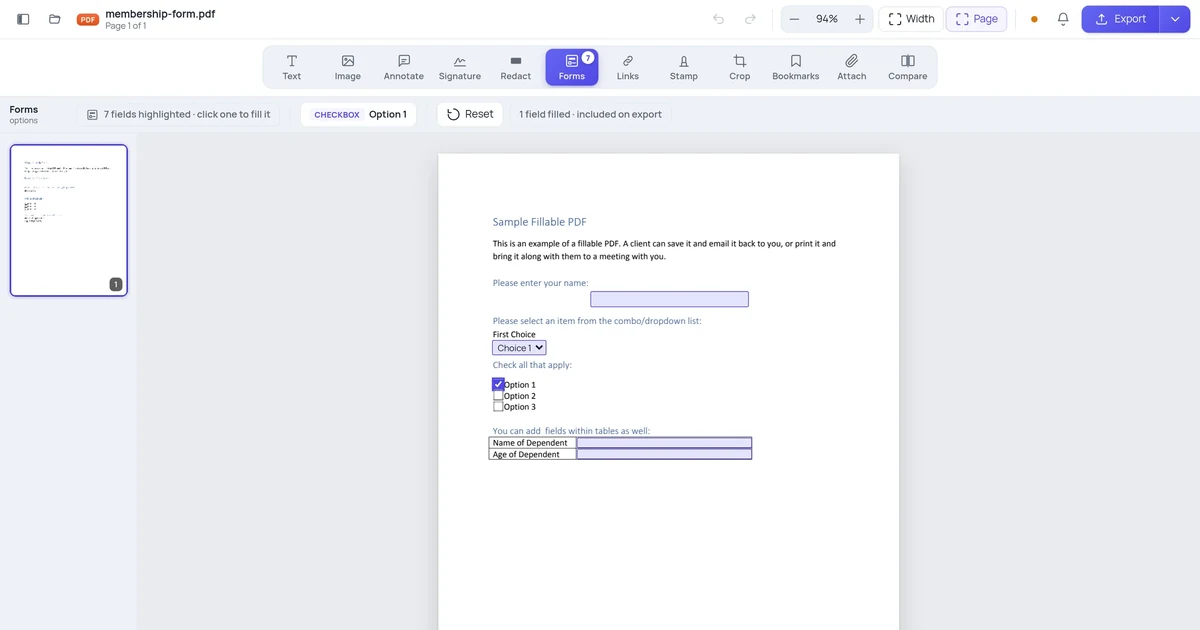
You fill in a form, save it, send it — and the recipient opens a blank form. It's one of the most common PDF complaints, and it has a specific cause and a one-checkbox fix.
Read article →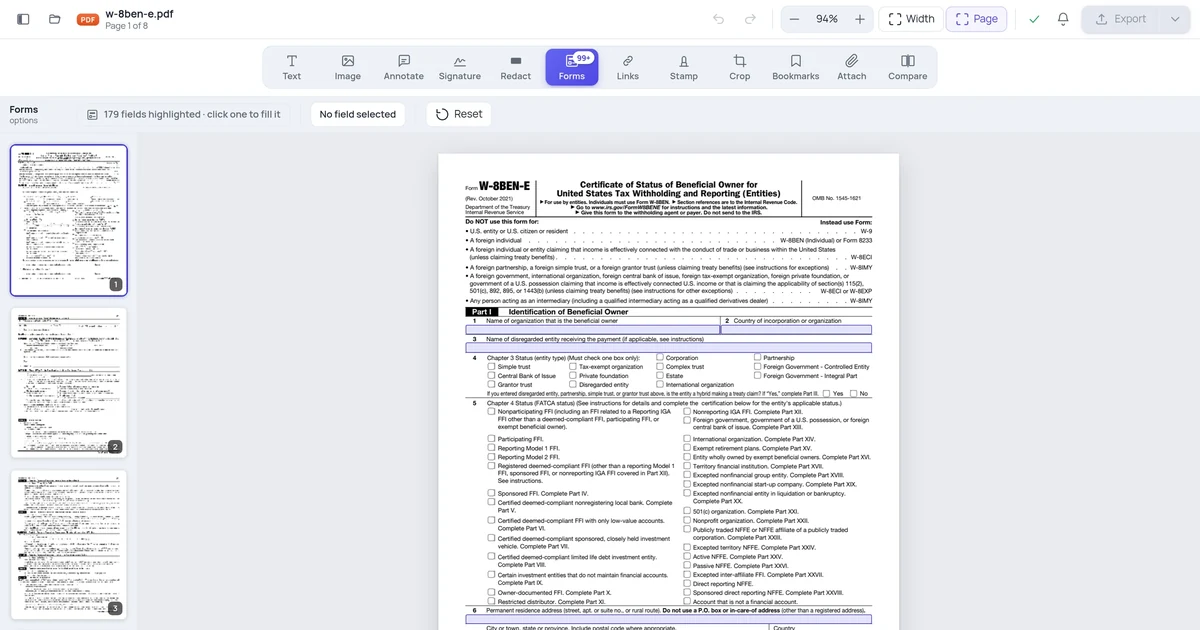
Two documents can look identical and behave completely differently: one has real fillable fields, the other just has lines drawn on it. Here's the five-second test, using a document that contains both.
Read article →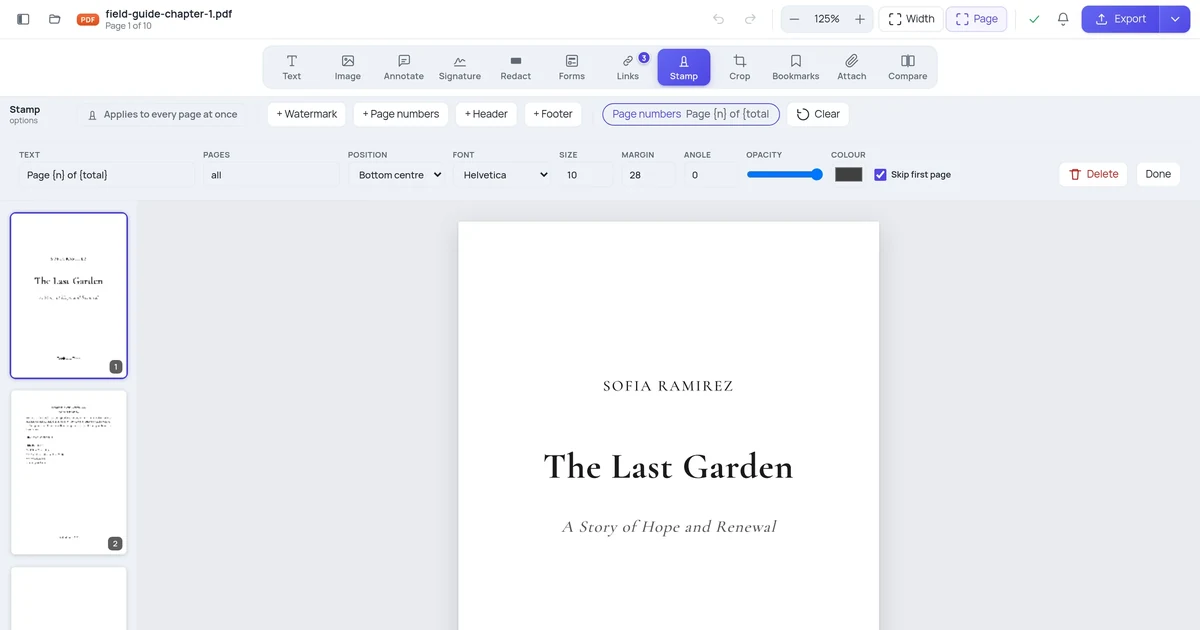
Numbering every page from 1 is easy. Skipping the cover, starting at 7 because this is volume two, or numbering only part of a document takes a tool that understands the difference.
Read article →