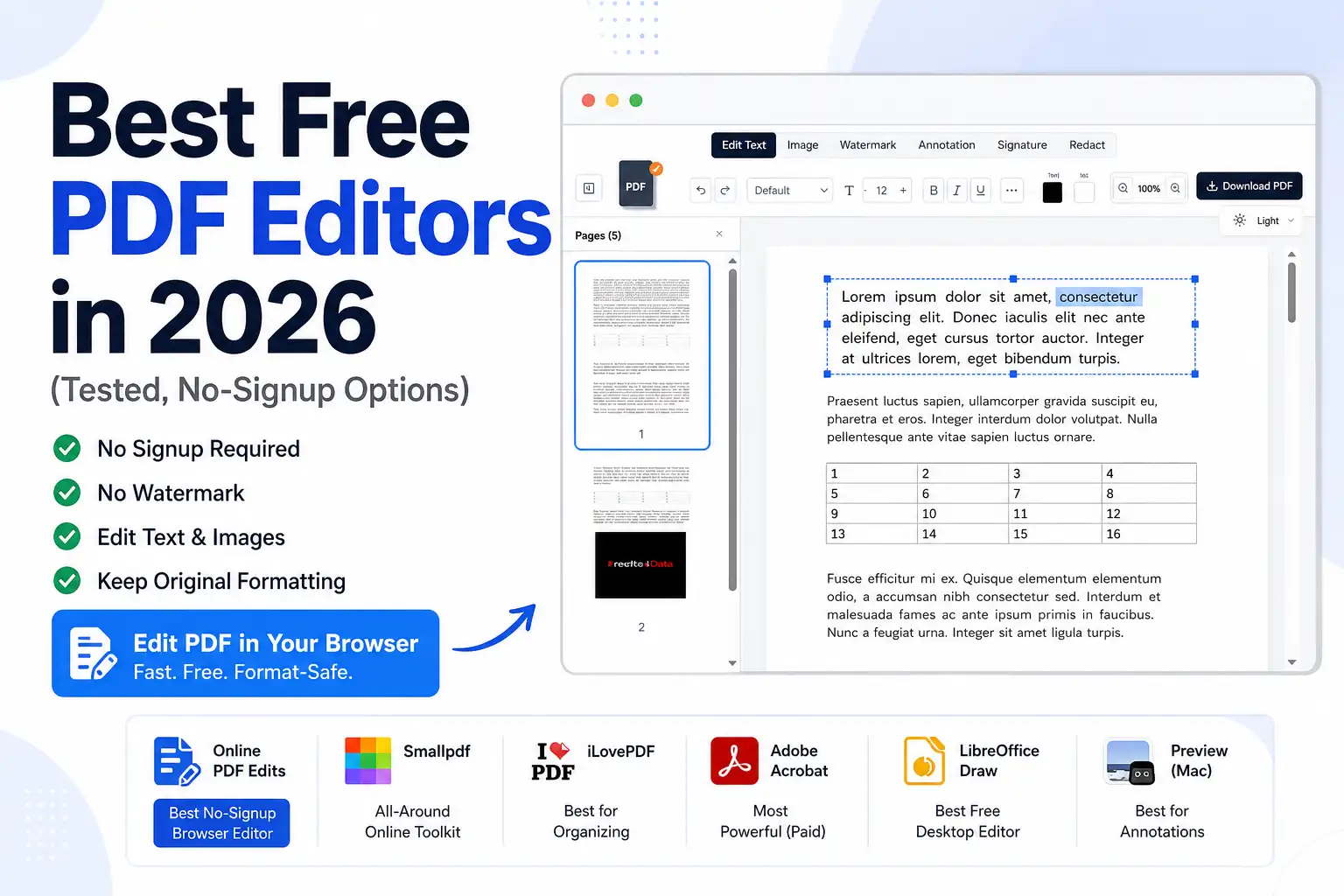
Best Free PDF Editors in 2026 (Tested, No-Signup Options)
There are dozens of "free" PDF editors, but they're not equal — some watermark your file, some make you sign up, some quietly break your formatting, and some are only free until you hit a daily limit. This is an honest roundup organized by what you actually need to do, so you can pick the right tool in a minute. No single editor wins everything, so each pick below earns its category.
What "free" should actually mean
Before the list, a quick filter. A genuinely free PDF editor should:
- Not watermark your exported file
- Not force a signup for basic edits
- Not break your formatting (the #1 complaint with free tools)
- Be clear about privacy — where your file is processed
Keep those in mind as you choose.
The best free PDF editors, by use case
Best free no-signup browser editor — Online PDF Edits
Online PDF Edits edits PDF text and images in place in your browser — no signup, no watermark, and no Word conversion, so your fonts and layout stay intact. Editing happens in the browser, so files aren't uploaded to a server by default. It also handles merge, compress, and sign. Best for: quick, format-safe edits to finished documents without an account. Trade-off: built for everyday edits, not enterprise OCR/forms.
Best all-around online toolkit — Smallpdf
A polished, broad online suite for editing, converting, and organizing PDFs, with integrations and mobile apps. Best for: people who want a wide cloud toolkit and don't mind a subscription. Trade-off: free tier has usage limits and nudges you to Pro. (See: Smallpdf alternative.)
Best for organizing & converting — iLovePDF
Strong at merging, splitting, converting, and batch jobs, with desktop/mobile apps. Best for: high-volume organize-and-convert workflows. Trade-off: editing existing body text isn't its core strength. (See: iLovePDF alternative.)
Most powerful (paid) — Adobe Acrobat
The industry standard: advanced OCR, complex forms, redaction, and enterprise e-signature workflows. Best for: power users and businesses with serious document needs. Trade-off: subscription cost and overkill for simple edits. (See: Adobe Acrobat alternative.)
Best free offline/desktop editor — LibreOffice Draw
Free and open-source; opens PDFs as fully editable objects on your computer. Best for: heavier offline editing when you can install software. Trade-off: complex PDFs can reflow, and fonts may substitute.
Best for quick annotations on Mac — Preview
Ships free on every Mac; great for signatures, highlights, and page reordering. Best for: signing and marking up on macOS. Trade-off: can't edit the existing body text of a PDF.
Quick comparison
Pricing/limits change — verify each tool's current details before relying on specifics.
| Tool | Free? | Signup | Watermark | Edits existing text | Where it runs |
|---|---|---|---|---|---|
| Online PDF Edits | Yes | No | No | ✅ In place | Browser |
| Smallpdf | Freemium | Pushed | No | ✅ | Their servers |
| iLovePDF | Freemium | Pushed | No | Limited | Their servers |
| Adobe Acrobat | Paid | Account | No | ✅ Full | Desktop / web |
| LibreOffice Draw | Yes | No | No | ✅ | Desktop |
| Preview (Mac) | Yes | No | No | ❌ (annotate only) | Desktop |
How to choose in one question
"Do I need a quick edit, or a full rebuild?"
- Quick edit to a finished PDF (typo, price, date, logo) → use a direct browser editor like Online PDF Edits. It keeps your formatting because there's no conversion.
- Full rewrite or bulk conversion → a desktop app (LibreOffice) or a broad suite (Smallpdf/iLovePDF), or Acrobat for enterprise needs.
Most people need the first and reach for the second — which is exactly what breaks their layout.
Frequently asked questions
What is the best free PDF editor in 2026? It depends on the job. For quick, format-safe edits with no signup, Online PDF Edits is the easiest. For offline editing, LibreOffice Draw. For broad cloud toolkits, Smallpdf or iLovePDF.
Which free PDF editor doesn't add a watermark? Online PDF Edits exports clean files with no watermark and no signup.
What's the best free PDF editor that keeps formatting? One that edits the PDF directly instead of converting to Word — like Online PDF Edits, which changes text and images in place.
Is there a free alternative to Adobe Acrobat? Yes — see our Adobe Acrobat alternative guide.
The bottom line
There's no single "best" free PDF editor — only the best one for your task. For the edits most people actually make on finished documents, a free, no-signup, no-watermark browser editor that preserves formatting is the fastest path. Try Online PDF Edits free — no account, no watermark.


