Best OCR Software for Large PDFs
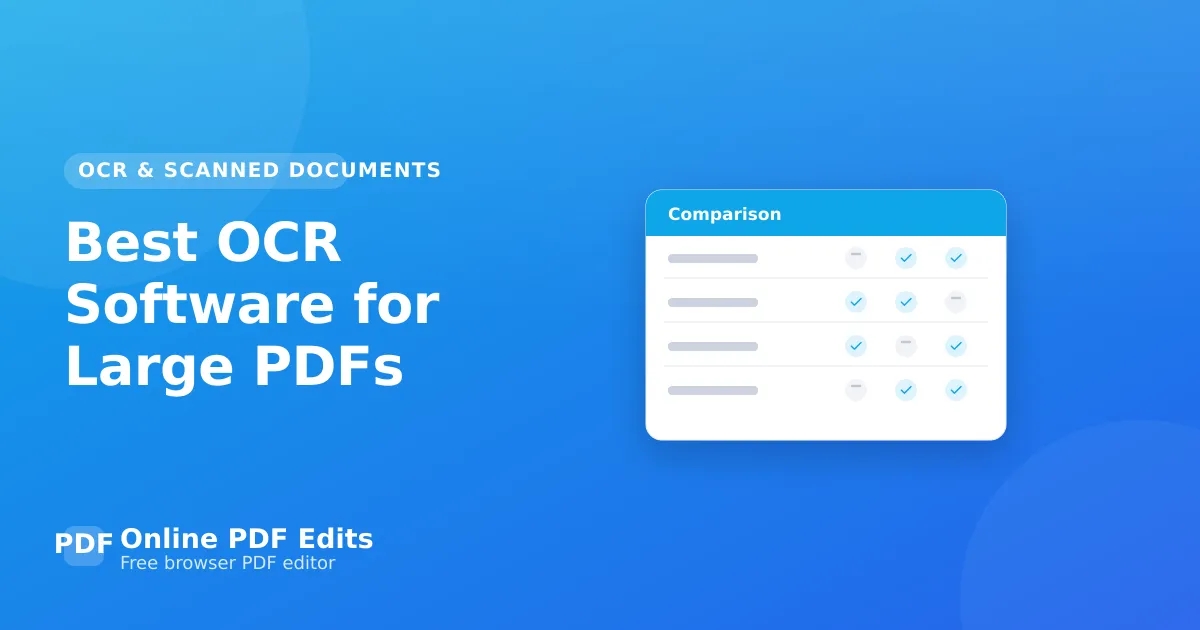
A practical, honest ranking for best OCR software for large PDF — judged on layout fidelity, price, watermarks, and friction, with our pick and when each option makes sense.

OCR on a large document fails differently than OCR on a single page. Accuracy that is acceptable across five pages compounds across five hundred; memory that is adequate for one scan is not adequate for a thousand; and a process that needs a person to click through each file does not survive a batch. Choosing for volume is a different exercise from choosing for accuracy alone.
Online PDF Edits does not do OCR at all. It edits text that already exists. Everything in this guide is a tool to use before it, not instead of it — and once a document has a text layer, editing it here works normally within a 10 MB and 100-page limit.
ABBYY FineReader
The accuracy benchmark, and the gap widens on exactly the material that makes large documents hard: poor scans, mixed languages, multi-column layouts, tables. It also handles batch processing properly rather than as an afterthought. If recognition quality determines whether the output is usable, this is the one to beat.
OCRmyPDF
Open source, built on Tesseract, and designed for precisely this job: it adds a text layer to an existing PDF while leaving the page images untouched, and it is built to be run over many files. Local, so nothing is uploaded, and scriptable, so a thousand documents is a loop rather than a thousand clicks. The best free option for volume.
Tesseract
The engine underneath much of the open-source ecosystem. Direct use gives the most control and the least convenience; most people are better served by OCRmyPDF wrapping it.
Adobe Acrobat
Solid OCR inside a full editor, with batch actions. The pragmatic choice when you already have it and the volume is moderate.
Google Document AI and AWS Textract
Cloud services aimed at structured extraction rather than document readability — pulling fields out of forms and invoices at scale, with table structure preserved. Different job from "make this document searchable", and considerably better at it. Priced per page, and the documents leave your infrastructure.
What actually goes wrong at volume
Memory, usually. Tools that load the whole document fail on large ones; OCRmyPDF and Tesseract process page by page and do not. Scan quality matters more than engine choice below roughly 200 DPI — no OCR recovers detail the scan never captured. And verification does not scale: spot-check systematically, weighting numbers and names, because reading every page defeats the point.
How this list was put together
These are capability comparisons drawn from each tool's own documentation and generally available behaviour, not a hands-on benchmark. Prices and version numbers are deliberately left out: they change often enough that a stale figure here would be worse than none. Check the vendor's page for current pricing before committing to anything paid.
Frequently asked questions
Why does OCR fail on large documents? Usually memory, and secondarily time. Page-by-page processors handle size that whole-document loaders cannot.
What DPI should I scan at for OCR? Around 300 DPI for text. Higher rarely improves recognition and multiplies file size; much lower loses the detail recognition depends on.
Is free OCR good enough? Tesseract via OCRmyPDF is good on clean scans and noticeably behind ABBYY on difficult ones. If the material is clean, the free route is genuinely fine.
Can I edit the text after OCR? Yes — that is the point of the text layer. Once it exists, an editor can change the text like any other PDF.