Add Text
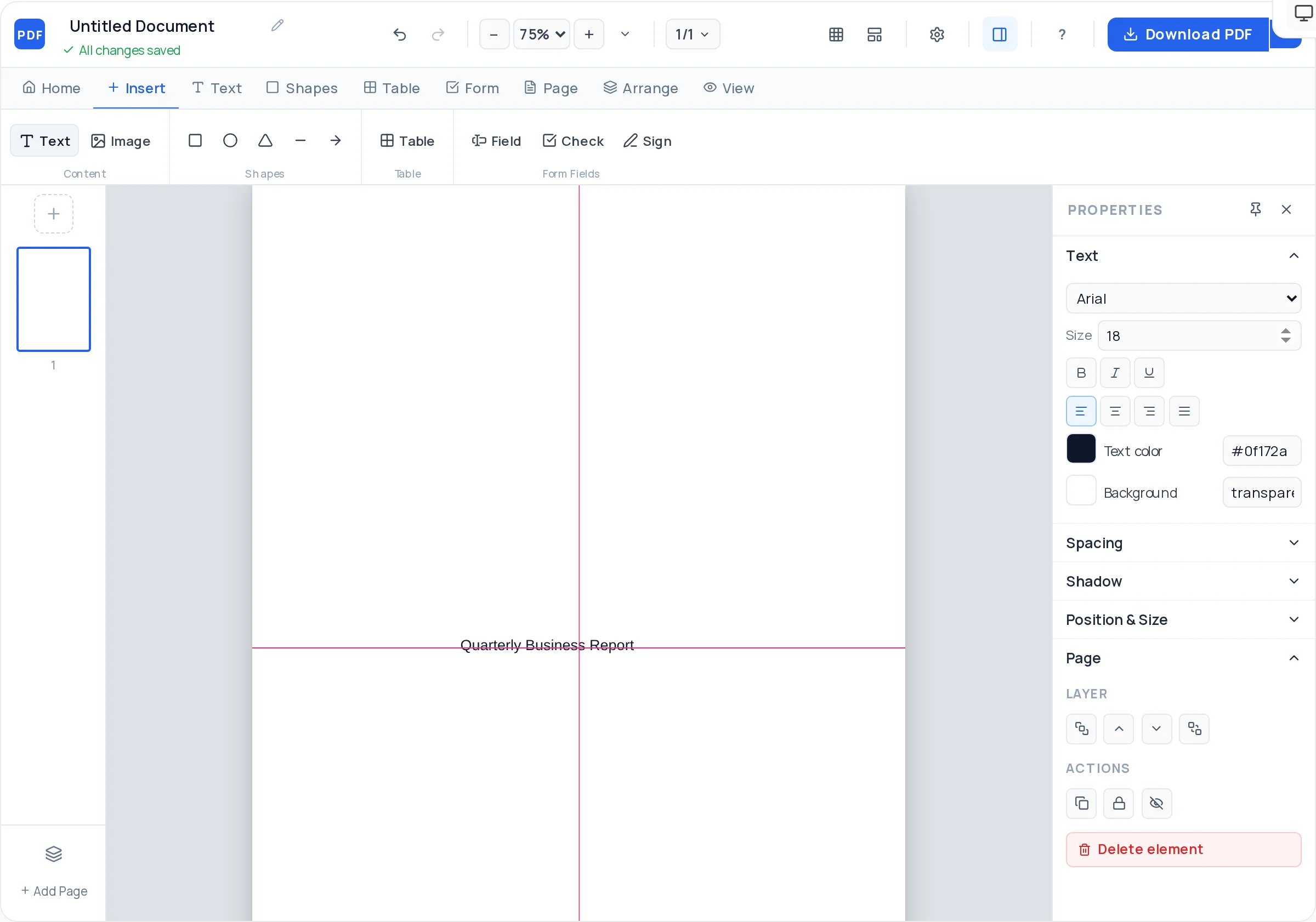
Drop text anywhere on the page. Ten fonts with size, weight, color, line height, letter spacing, and alignment controls.

Opening the PDF Creator…
Free Online PDF Creator
Design any document directly on a PDF page: text, images, shapes, tables, and real fillable form fields. Start blank or from a template, arrange everything with smart alignment guides, and download a crisp, print-ready PDF.
Loading creator…
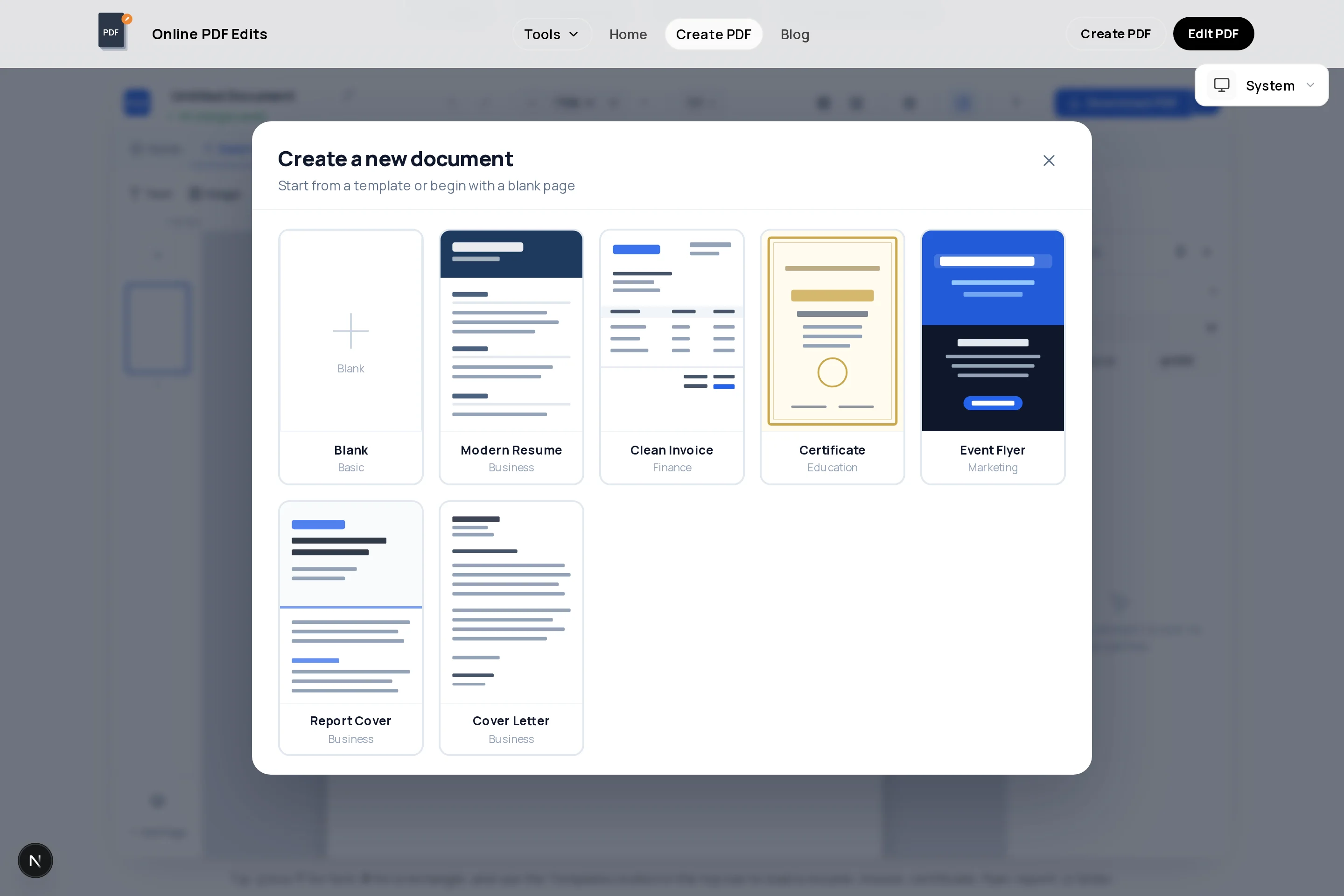
Tip: press T for text, R for a rectangle, and use the Templates button in the top bar to load a resume, invoice, certificate, flyer, report, or letter.
This is a true PDF document creator, not a converter: every element is placed directly on the page and exports exactly where you put it.
Drop text anywhere on the page. Ten fonts with size, weight, color, line height, letter spacing, and alignment controls.
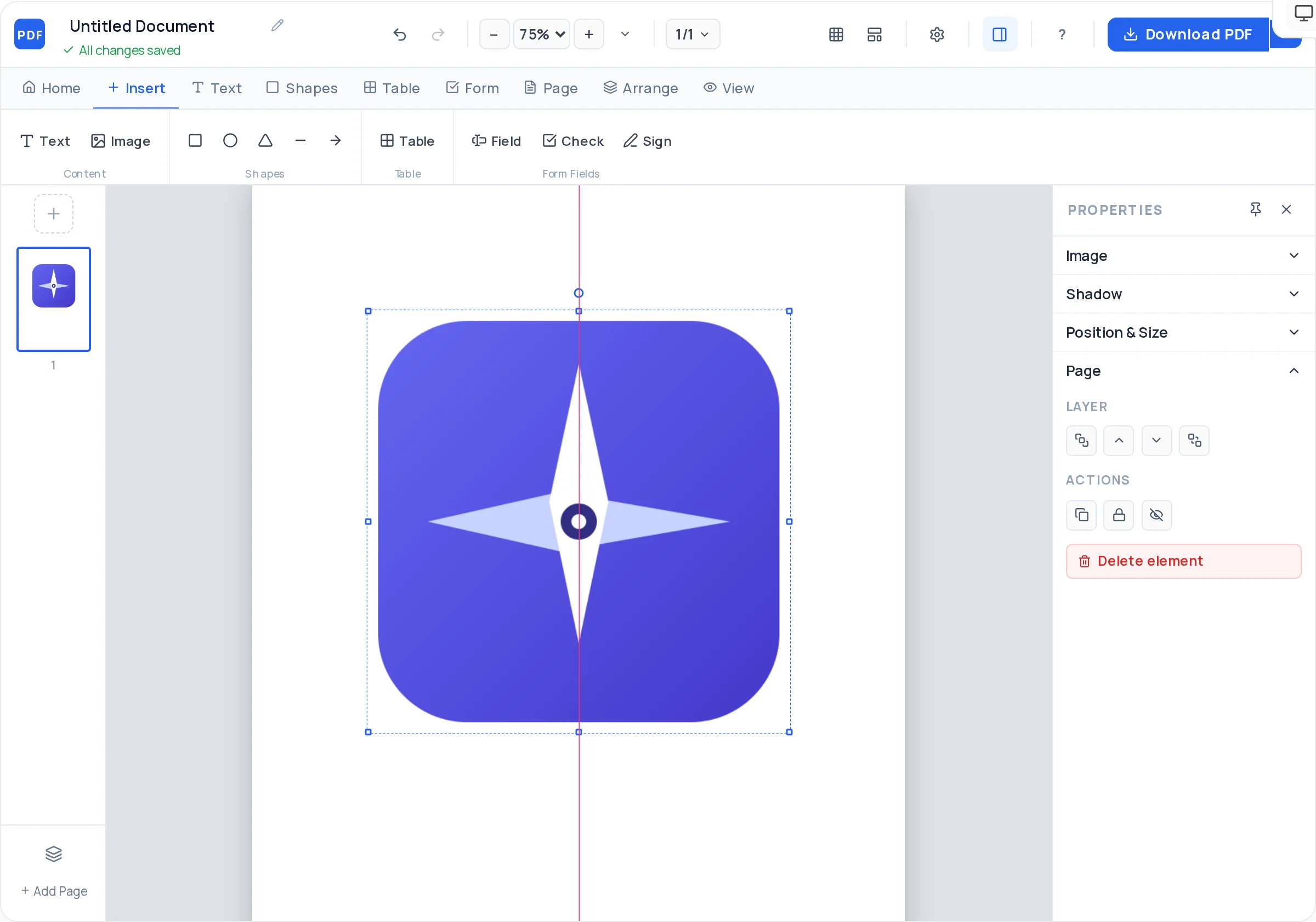
Upload JPG and PNG logos or photos. Resize, rotate, round corners, set opacity, and pick cover, contain, or fill framing.
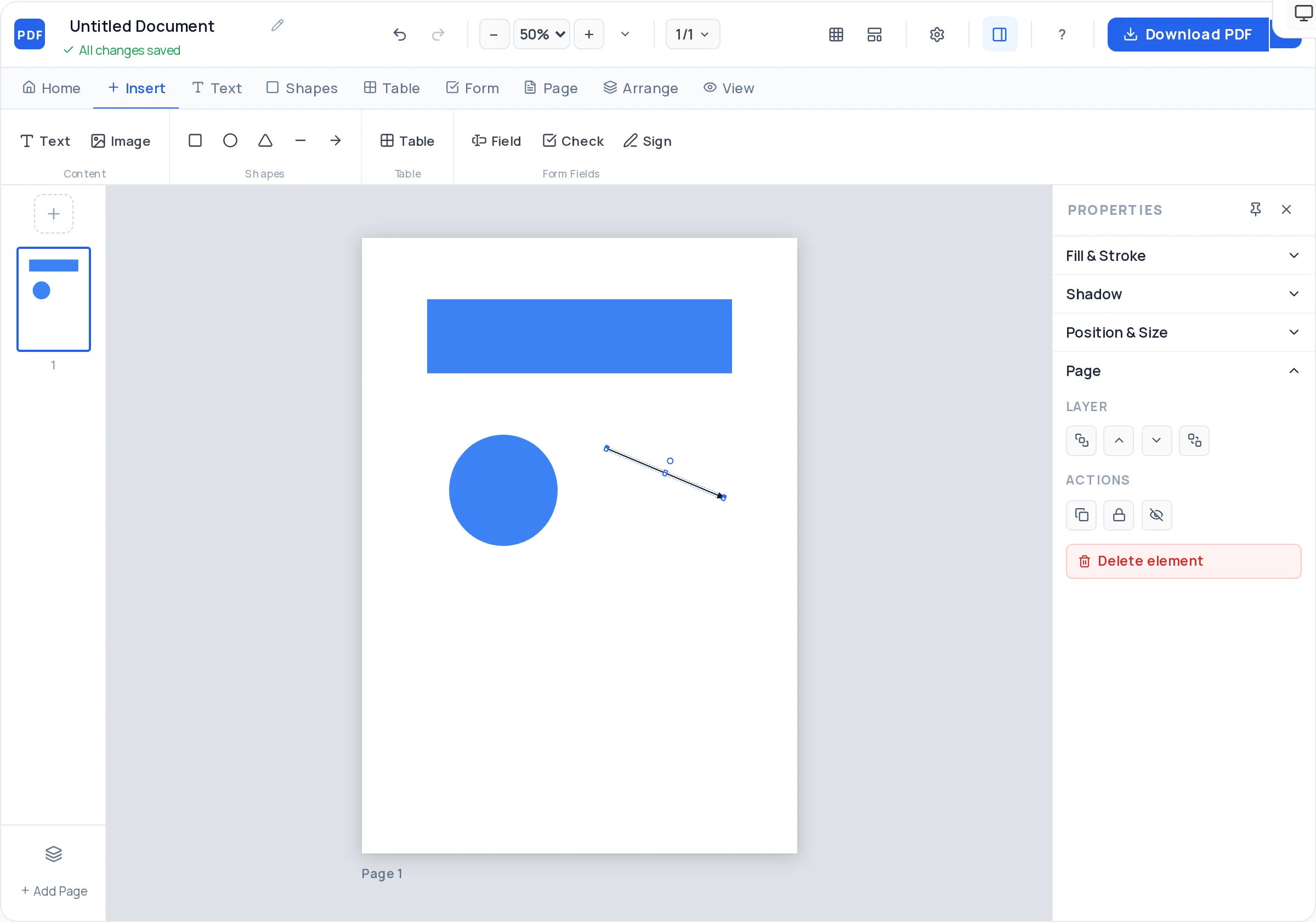
Rectangles, ellipses, triangles, lines, and arrows with fill, stroke, and dashed-border options for dividers, frames, and badges.
Any rows and columns, a styled header row, and per-cell backgrounds — built for invoice line items, price lists, and schedules.
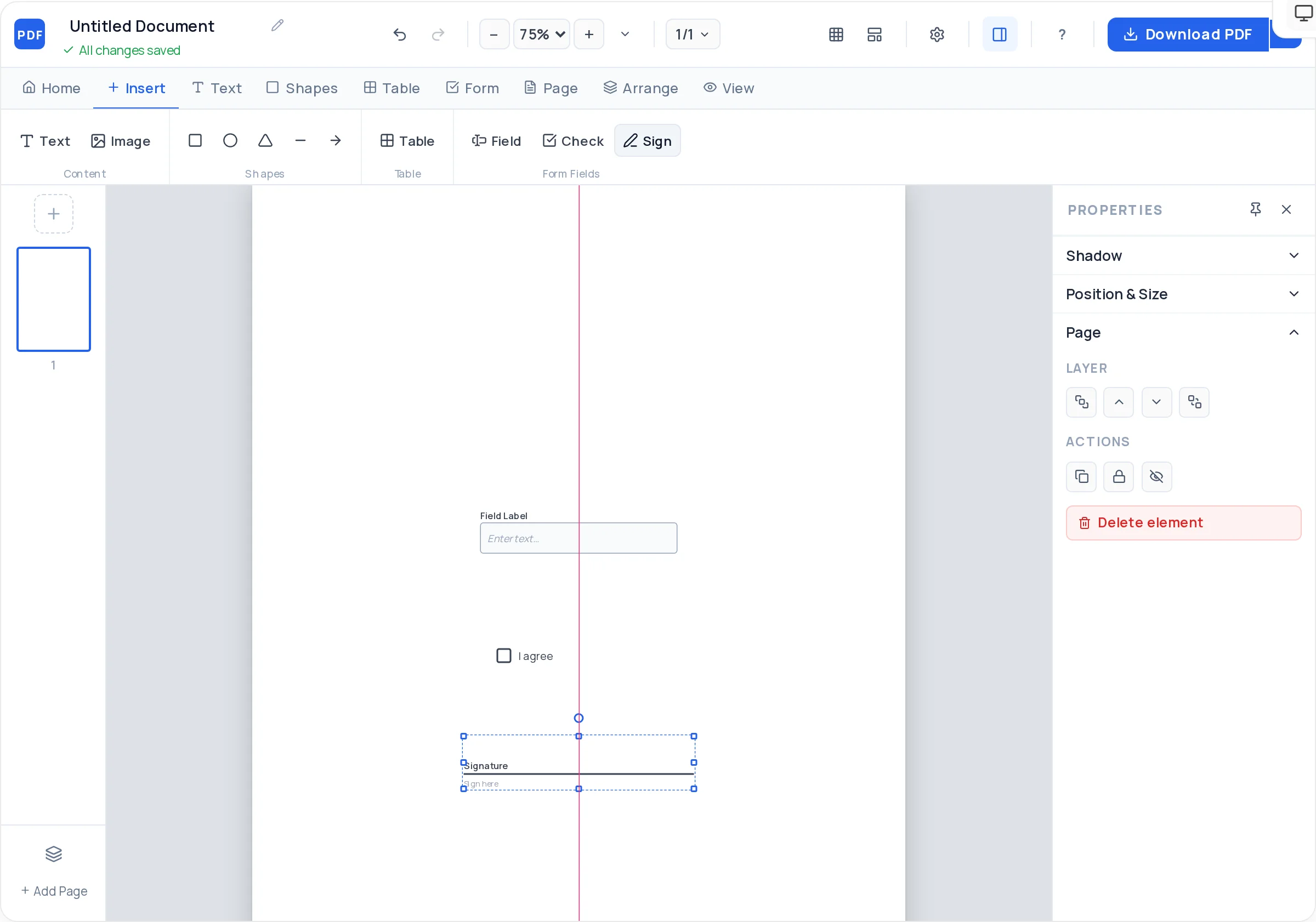
Real AcroForm text fields with placeholders and required flags. Recipients type into them in any PDF reader.
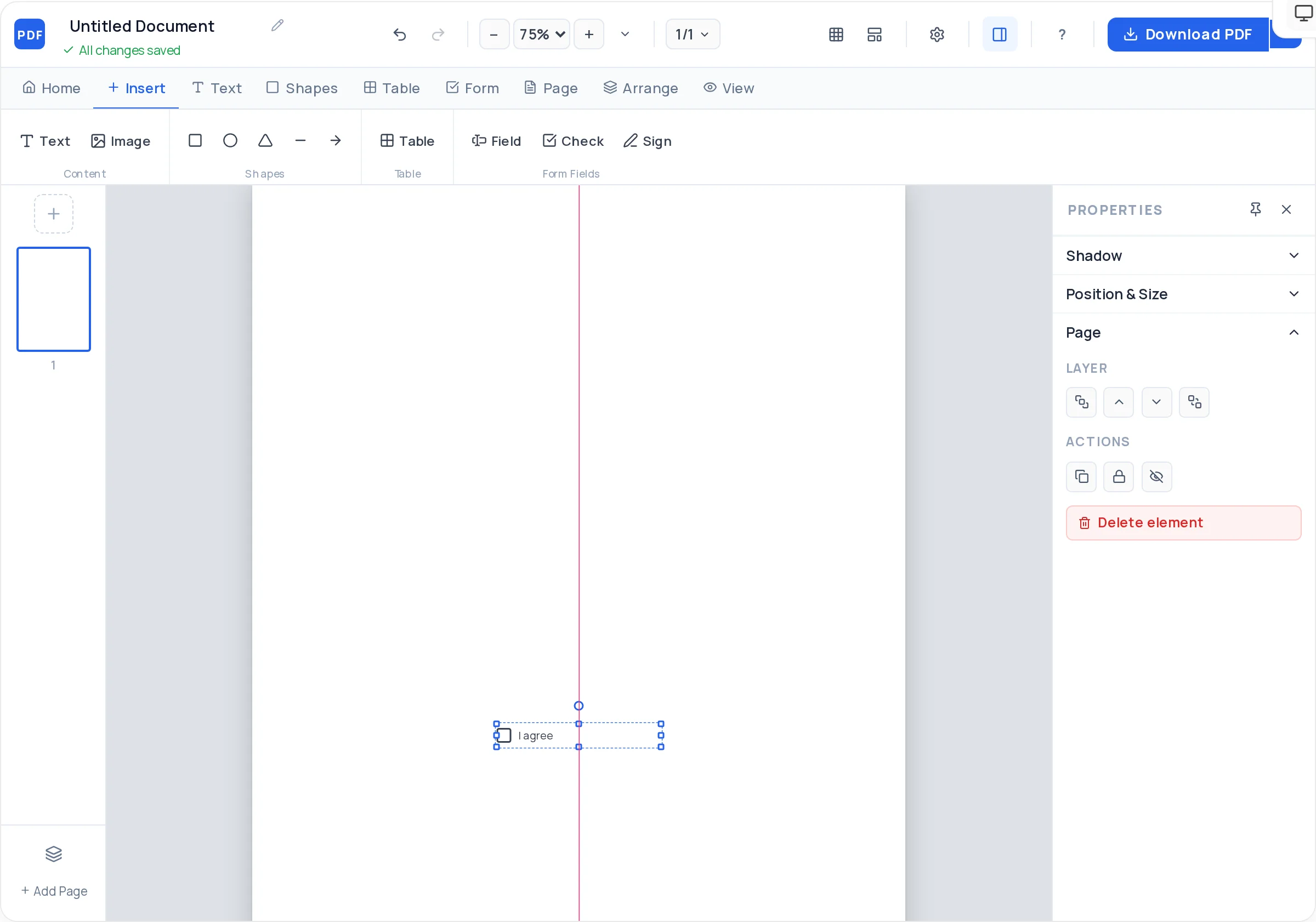
Interactive checkboxes for forms, surveys, and checklists that stay clickable in the exported PDF.
Place signature fields where contracts, offer letters, and approvals need to be signed after export.
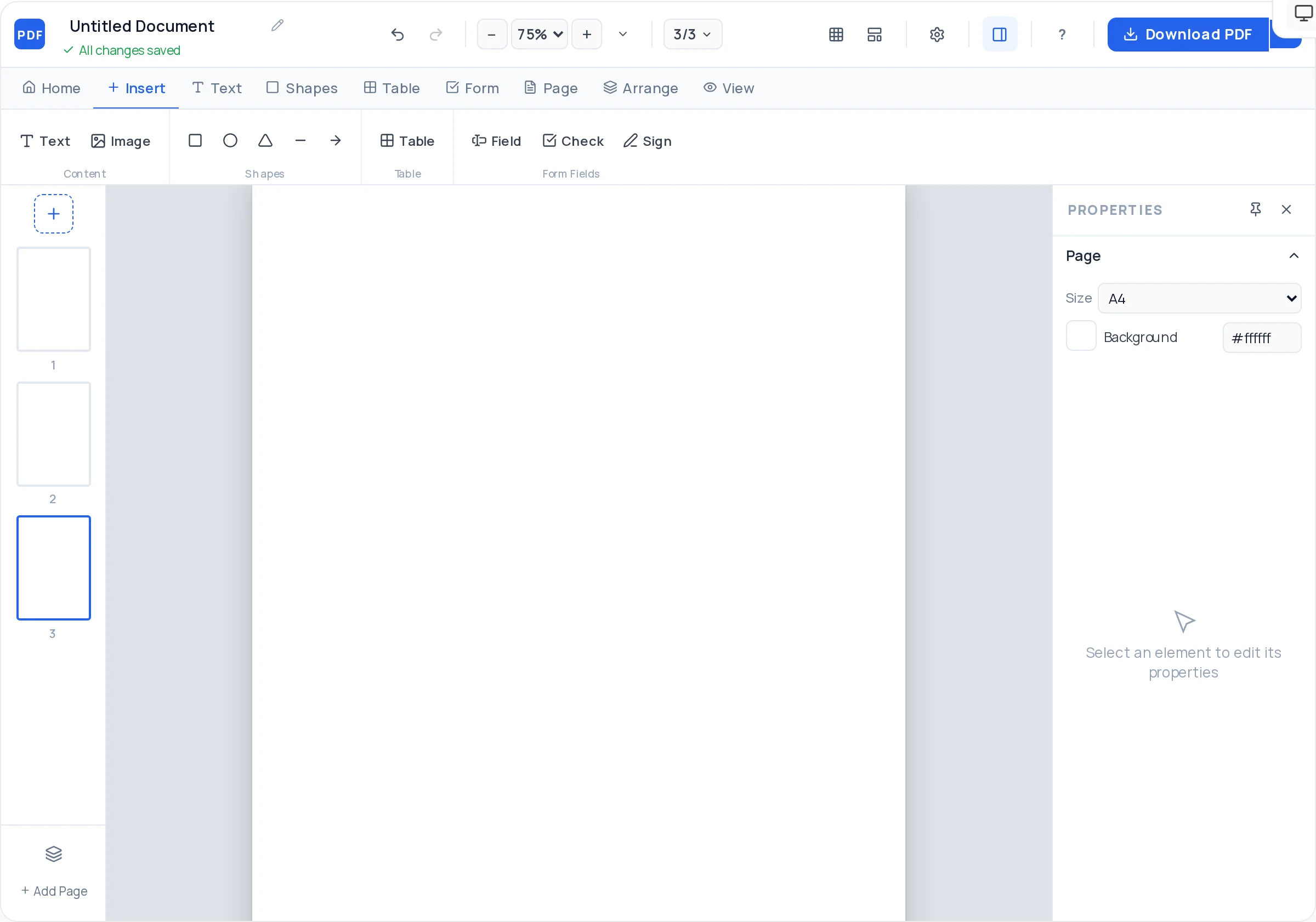
Add, duplicate, reorder, and delete pages. Duplicate a designed page to reuse its layout across a multi-page document.
Center guides appear as you drag, plus snap-to-grid, a grid overlay, and arrow-key nudging for pixel-precise placement.
Bring elements forward or send them back, lock finished elements so they cannot move, and hide anything while you work.
Resume, invoice, certificate, flyer, report, and letter starting points — every element editable and restyleable.
A4, A3, A5, US Letter, square, business card, and 16:9 presentation, each with an optional background color.
True vector PDF with real selectable text, built right in your browser — crisp on screen, sharp in print, never watermarked.
Traditional PDF software means installers, licenses, and files trapped on one machine. A professional PDF creator that lives at a URL removes all of that — and loses none of the control.
Works on Windows, macOS, Linux, and ChromeOS with nothing to download. Everything — including PDF generation — runs client-side in your browser, the same experience on every machine.
Desktop PDF software means installers, updates, and subscriptions. This creator replaces that with a URL you can use on any computer, including ones you do not own.
The canvas responds instantly to drags, edits, and undo. Most single-page documents — an invoice, a flyer, a form — go from blank page to downloaded PDF in minutes.
Exports are true vector PDFs: selectable text, sharp shapes, and print-ready quality at any size. No rasterized pages, no compression artifacts.
You place every element exactly where you want it — free positioning, not a word-processor flow. Alignment guides and grid snapping keep precision effortless.
Text blocks, images, shapes, tables, and form fields all move, resize, and rotate directly on the canvas. What you arrange is exactly what exports.
Center lines appear the moment an element approaches page center, and snap-to-grid keeps field rows and card grids perfectly even without measuring.
Unlimited pages, unlimited documents, layered designs, and full color control. Start from a template or an empty page and build any document type you need.
From blank page to downloaded document in six steps — no software, no signup, and nothing added to your file.
Open the PDF creator and begin with a blank A4 page, or load a resume, invoice, certificate, flyer, report, or letter template and adapt it.
Choose A4, A3, A5, US Letter, square, business card, or 16:9 presentation — and set a page background color if you want one.
Click Text to drop a text block anywhere on the page. Pick from 10 fonts and control size, weight, color, line height, letter spacing, and alignment.
Upload JPG or PNG logos and photos, draw rectangles, ellipses, lines, and arrows, and build tables with styled header rows for line items or grids.
Place real text fields, checkboxes, and signature fields. They export as interactive AcroForm fields that recipients can fill in any PDF reader.
Drag elements with smart alignment guides and snap-to-grid, order layers, then click Export to download a crisp vector PDF — no watermark, no signup.
A quick tour of the workspace — from an empty canvas to fillable forms and multi-page documents.
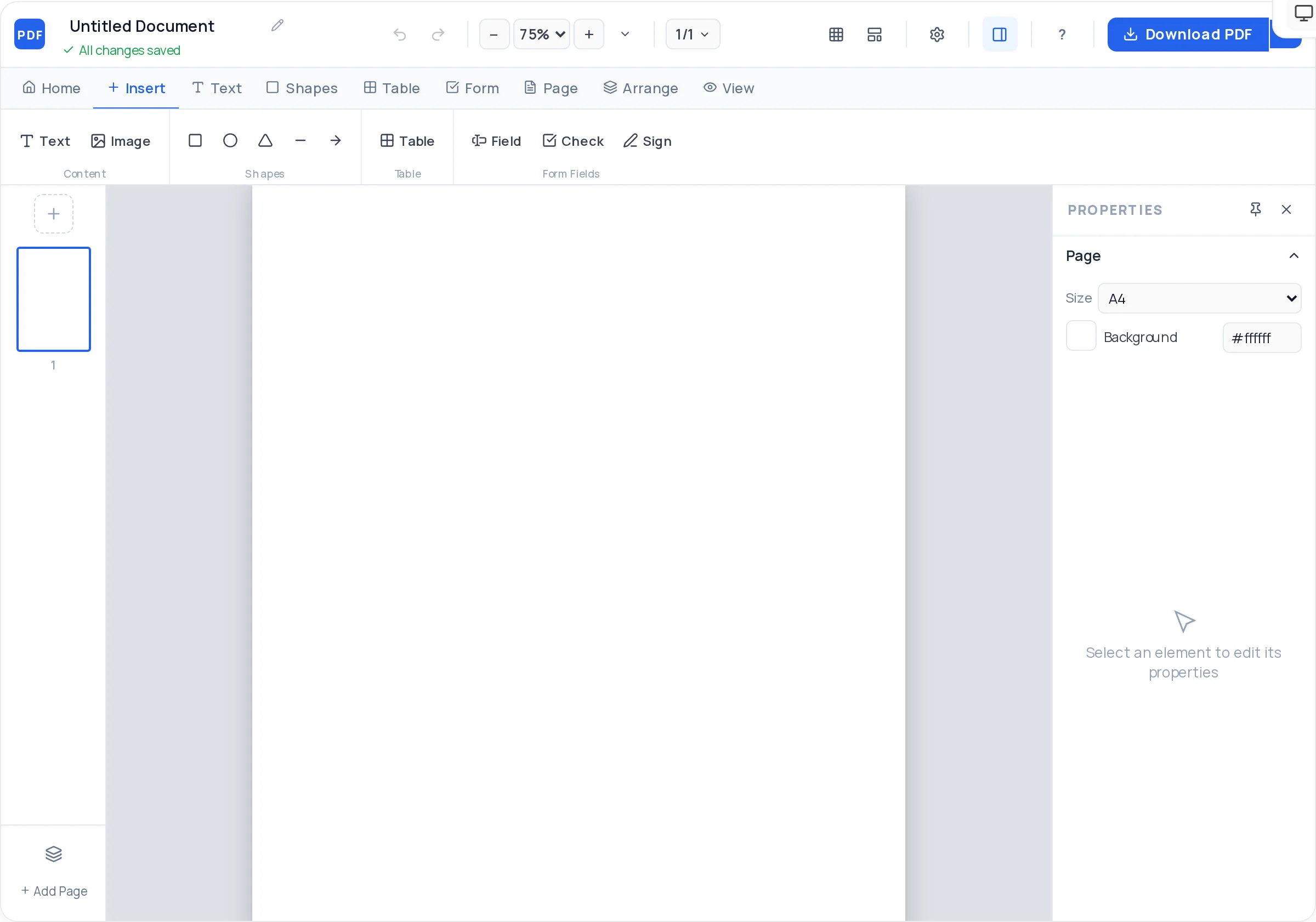
Each guide below covers one document in depth — what to include, how to lay it out, and a one-click start in the creator with the right template preloaded.
ATS-readable resume with real selectable text
Line-item table, totals, and payment terms
Decorative border and signature lines
Clause layout with signature fields
Multi-page pitch with cover and pricing
Bold single-page promotion, A4 or A5
Multi-page product or service story
True business-card page size built in
Branded header and footer for company letters
Structured pages with tables and figures
Scannable sections with aligned pricing
A3 layout readable from a distance
Plenty of tools can produce a PDF eventually. The differences are what you install, what you pay, whether forms are really fillable, and what gets stamped on your export.
| Capability | Our PDF Creator | Adobe Acrobat | Canva | Google Docs | PDFescape |
|---|---|---|---|---|---|
| Price | Free, unlimited | Paid subscription | Free tier, paid features | Free | Free tier with limits |
| Works without installing software | ✓ Yes | ◐ Partial | ✓ Yes | ✓ Yes | ✓ Yes |
| Designs directly on a PDF page | ✓ Yes | ✓ Yes | ✗ No | ✗ No | ✓ Yes |
| Free-form drag-and-drop layout | ✓ Yes | ◐ Partial | ✓ Yes | ✗ No | ◐ Partial |
| Fillable form fields (AcroForm) | ✓ Yes | ✓ Yes | ✗ No | ✗ No | ✓ Yes |
| No conversion step to get a PDF | ✓ Yes | ✓ Yes | ✗ No | ✗ No | ✓ Yes |
| Watermark-free free exports | ✓ Yes | ✗ No | ◐ Partial | ✓ Yes | ◐ Partial |
| No account required | ✓ Yes | ✗ No | ✗ No | ✗ No | ✗ No |
Based on publicly listed free-tier capabilities of each product as of mid-2026 — check each vendor for current details.
Invoices, quotations, letterheads, and company profiles without waiting on a designer. Keep a template page in a multi-page document and duplicate it whenever a new client document is needed — consistent branding with zero software cost.
Teachers build worksheets, exam papers, certificates, and report cards with tables for grading grids and clean printable layouts. Everything exports at print quality for the classroom copier or the school portal.
Offer letters, onboarding packets, and application forms with fillable fields candidates can complete digitally. Signature fields mark exactly where new hires sign, and the exported forms work in any PDF reader.
Draft NDAs, agreements, and disclosure layouts with numbered clauses, initial boxes, and party signature blocks. Design the document here, then have counsel review the wording before anyone signs.
Patient intake forms, consent documents, and appointment checklists with clearly labeled fillable fields. Forms are designed in the browser and distributed as standard PDFs your existing systems already handle.
Assignment cover pages, study notes, project reports, and club posters — free, with no watermark ruining a submission. Because text exports as real text, professors can search and annotate your work.
Flyers, brochures, menus, and one-pagers on deadline. Layered shapes and image framing give you design control, and the vector export keeps brand colors and type crisp in print.
Receipts, statements, and fee schedules built on precise tables. Duplicate last month’s page, update the figures, and export — a repeatable workflow that keeps document formatting identical across periods.
The client-facing paperwork of a one-person business: proposals, invoices, contracts, and rate cards. Professional output with no subscription — you only ever send clean, unbranded documents.
Registration forms, notices, and program certificates that must print cleanly and remain accessible. Fillable fields cut retyping, and there is no procurement hurdle because there is nothing to buy or install.
Open the PDF creator above, start from a blank page or a template, add text, images, shapes, tables, and form fields, then click Export. The finished PDF downloads straight to your device — the whole process runs in your browser with nothing to install.
Yes. Every feature on this page is free: unlimited documents, unlimited pages, all templates, fillable form fields, and clean exports. There is no trial period, no paid tier hiding the good features, and no credit card request.
No. The creator runs entirely in your web browser on Windows, macOS, Linux, and ChromeOS. There is no download, no browser extension, and no Adobe Acrobat requirement.
Yes — and they are real fillable PDFs, not pictures of forms. Text fields, checkboxes, and signature fields export as genuine AcroForm fields, so recipients can type, tick, and sign in Adobe Reader, macOS Preview, or any modern browser.
Yes. Anyone who opens your exported PDF in a standard PDF reader can type into the text fields, check the checkboxes, and sign the signature fields, then save or print the filled copy. They do not need an account here.
Yes. Upload JPG or PNG files — logos, photos, scans — then resize, rotate, round the corners, adjust opacity, and choose how the image fills its frame. Images stay where you place them in the exported PDF.
Yes. Insert a table with any number of rows and columns, style the header row, and control borders, cell padding, and cell backgrounds. Tables are ideal for invoice line items, price lists, schedules, and grade sheets.
Yes — the invoice template gives you a numbered layout with a line-item table and totals area to adapt. See the dedicated invoice PDF guide for numbering, payment terms, and layout advice.
Yes. Start from the resume template or a blank page. Because exports are true vector PDFs, the text in your resume is real selectable text that applicant tracking systems can read — not a screenshot of a resume.
Yes. The certificate template includes a decorative border, recipient name line, and signature area. Everything is editable — swap colors, add your logo, and print at full quality on A4 or Letter.
Never. The exported file contains only what you designed — no logo, no "made with" footer, no branding of any kind, on every export, free forever.
No. There is no signup, no email verification, and no login wall before you export. Open the page, design your document, download it — that is the whole flow.
Yes. Re-open any exported PDF in our PDF editor to change text, replace images, or update pages while keeping the layout intact. You can also keep the creator tab open while you work and export fresh copies as you revise.
Both. In the creator you can place signature fields for others to sign after export. To draw or type your own signature onto an existing PDF, use the sign PDF tool.
A4, A3, A5, US Letter, square, business card, and 16:9 presentation. You can also set a background color per page, and mix multiple pages in one document.
Yes. Add as many pages as you need, duplicate a finished page to reuse its layout, drag pages into a new order, and delete pages you no longer want.
Your design work happens in your browser, and the PDF itself is normally generated client-side — right in your browser, so the file never travels to a server. Only documents with characters our built-in fonts cannot render fall back to server rendering over an encrypted connection. Nothing is published anywhere, and no account means nothing is tied to your identity.
The creator works in modern mobile browsers, though a laptop or desktop gives you the most comfortable canvas for precise drag-and-drop layout work. Exported PDFs, of course, open everywhere.
Ten universally supported fonts: Arial, Helvetica, Georgia, Times New Roman, Courier New, Verdana, Trebuchet MS, Palatino, Impact, and Tahoma — with full control over size, weight, style, color, line height, and letter spacing.
Yes. Exports are true vector PDFs, so text is real text — selectable, searchable, and crisp at any zoom or print size. It is a genuine document, not an image saved with a .pdf extension.
Yes — that is exactly what this tool is for. You design directly on a PDF page canvas, so there is no Word document, no conversion step, and no "export as PDF" quality loss. What you see on the canvas is what the PDF contains.
Click Download PDF in the top bar. The document is built as a vector PDF right in your browser and downloads immediately with the title you gave it. You can also open a live preview first, and export as many times as you like while you refine the design.
No daily caps and no monthly quotas. Create and export as many documents as you need — the tool is free without usage limits.
Yes. Built-in templates cover resumes, invoices, certificates, flyers, reports, and letters. Every template element is fully editable, so you can restyle colors, fonts, and layout to match your brand.
Yes. Rectangles with rounded corners, ellipses, triangles, straight lines, and arrows — each with fill, stroke, dashed-border, opacity, and rotation controls. Shapes are how you build dividers, badges, frames, and colored section bands.
After exporting, run your file through the encrypt PDF tool to add password protection. It takes a few seconds and works on any PDF created here.
Created your document? These tools handle everything that comes after — editing, combining, protecting, and sharing. See all PDF tools.
Edit text and images in an existing PDF
Combine several PDFs into one file
Shrink a PDF for email and uploads
Draw or type a signature onto a PDF
Password-protect a finished document
Remove pages you no longer need
Pull selected pages into a new PDF
Turn JPG and PNG files into a PDF
The editable canvas at the top of this page is the whole product: a free, professional PDF creator that runs in your browser and exports clean, watermark-free documents.
Open the PDF creator