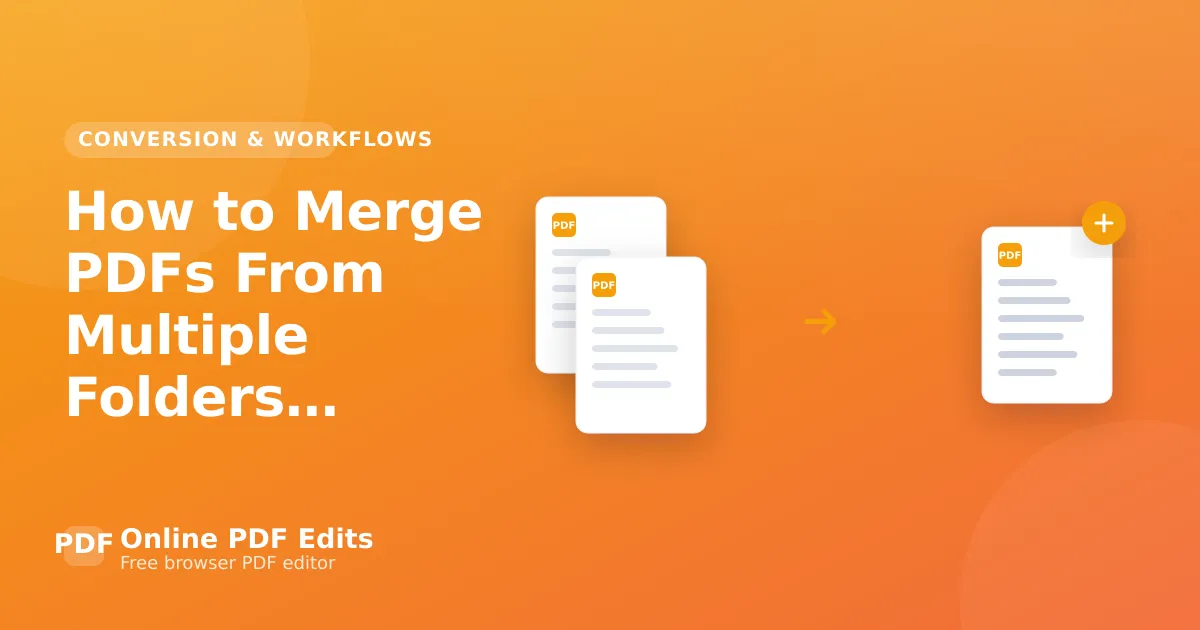
How to Merge PDFs From Multiple Folders Into One File
Merge PDFs from several folders in the right order: collect and number the files first, then merge, and check the result before you rely on it.

Merging PDFs scattered across folders has one hard part, and it is not the merging. It is getting them in the right order — because the order files appear in a picker is rarely the order you want, and a 40-file merge in the wrong sequence is worse than no merge at all.
Gather before you merge
The reliable pattern is to collect the files into one place first, named so they sort correctly, and only then merge. Name them with a zero-padded numeric prefix — 01-, 02-, … 10- — because 10 sorts before 2 otherwise, which is the single most common cause of a scrambled merge.
Windows: search *.pdf across the parent folder in File Explorer, then copy the results into one directory.
macOS: a Smart Folder, or in Finder search the parent folder and filter by Kind: PDF.
Command line: find . -name "*.pdf" -exec cp {} /target/ \; collects them, and find plus sort gives you explicit control over ordering.
Merging
For a manageable number of files inside the size limits, Merge PDF takes them in the browser and lets you drag them into the order you want before combining — which is the part worth doing carefully.
Note the limits: 10 MB and 100 pages per file. A large scanned set will exceed that.
For many files or large ones
PDFsam Basic is free, local, and built for exactly this, including batch merging from a file list.
qpdf handles it from the command line at any size:
qpdf --empty --pages *.pdf -- merged.pdf
Shell globbing expands *.pdf in sorted order, which is why the naming step above matters. For a specific order, list the files explicitly rather than relying on the glob.
Check before you rely on it
Two things go wrong quietly. Page count — add up the inputs and compare with the output; a file that failed to merge often does so silently. And order — check the first page of each source document appears where you expect, rather than trusting the tool.
If the merged file is unwieldy, compress it afterwards; merged scan sets are usually far larger than they need to be.
Frequently asked questions
Why is my merged PDF in the wrong order?
Alphabetical sorting of unpadded numbers. Rename with 01-, 02- prefixes and re-merge.
Can I merge without uploading anything? Yes — PDFsam Basic and qpdf both run locally.
Does merging reduce quality? No. Merging copies page content as-is; nothing is re-encoded.
What about bookmarks? Better tools preserve each document's bookmarks under a heading per file. Simpler ones discard them. Check if that matters to you.