Why Can't I Search for Text Inside My PDF? (And How to Fix It)
If you are dealing with **can't i search for text inside my pdf**, you are not alone — this is one of the most common PDF support questions, and it almost alwa…

Search finds nothing, even though you can plainly see the words on the page. That is the giveaway: what you are looking at is a picture of text, or text that was never given a readable character mapping.
Common Causes
- The page is a scan with no OCR layer — This is the overwhelmingly common cause. A scan is an image; there are no characters in the file to find, only pixels arranged to look like them.
- Text was converted to outlines — Designers often convert type to vector shapes before sending artwork to print. The letters render perfectly and are no longer text.
- The font has no ToUnicode mapping — A PDF can draw glyphs by index without recording which Unicode character each index means. The page looks right; search and copy have nothing to match against.
- The text sits inside an image on an otherwise text page — Screenshots, charts and infographics carry their labels as pixels even when the surrounding page is real text.
- You are searching a different form of the word — Ligatures (fi, fl), soft hyphens at line breaks, and non-breaking spaces mean the stored characters differ from what you typed.
Quick Checks to Try First
- Try to select a line with your cursor — no selection means no text layer
- Copy a visible sentence and paste it into a text editor to see what actually comes out
- Search for a short, common word like "the" to rule out an unusual search term
- Check whether only some pages fail, which suggests a mixed scanned/digital document
- Zoom to 400%: blocky letters indicate an image
Step-by-Step Solutions
Solution 1: Run OCR over the document
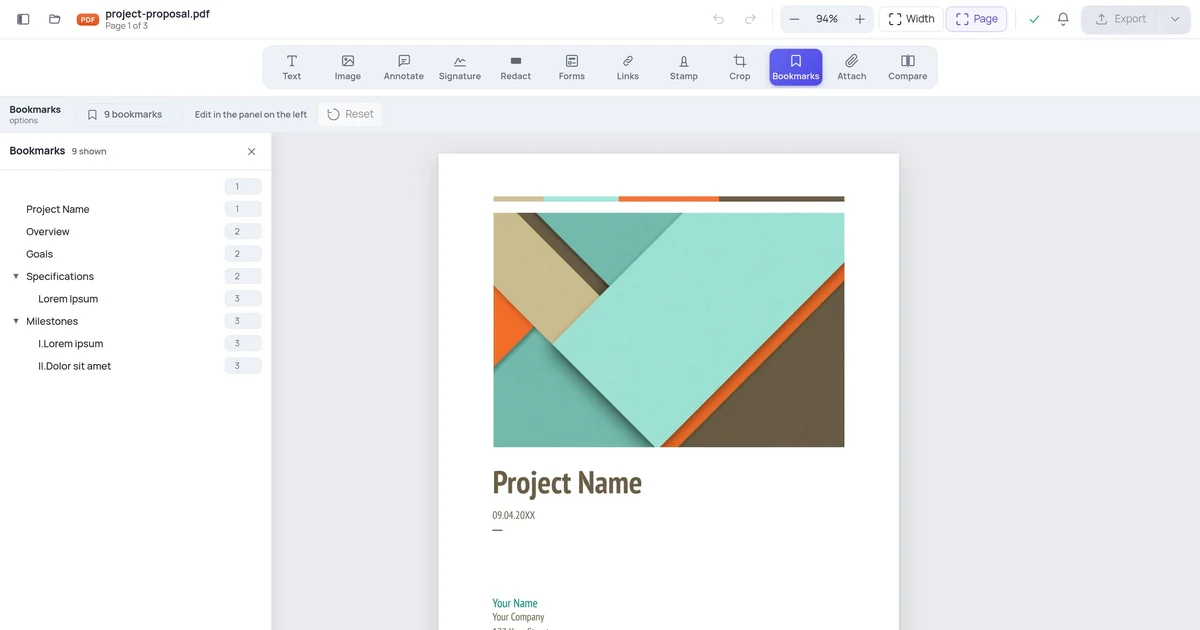
If the page is a scan, optical character recognition is the only real answer — it reads the image and adds an invisible text layer beneath the picture, leaving the page looking identical while making it searchable. Once a document has been OCR'd you can also edit it; opening it in the PDF editor gives you real text to work with rather than an image.
Solution 2: Check what copy actually produces
Select a sentence, copy it, and paste it somewhere plain. If you get gibberish, boxes, or nothing, the font lacks a proper Unicode mapping — the text is there but unreadable to any tool. The fix has to come from the source: re-export the original document with standard embedded fonts rather than trying to repair the PDF.
Solution 3: Get outlined text back from the source
If the file came from a designer and no text is selectable anywhere, the type was almost certainly converted to outlines on export. There is no way to reverse that reliably. Ask for a version exported with live text, which most design tools produce with a single setting change.
Solution 4: Search for a shorter fragment
Before concluding the file is at fault, search for three or four letters from the middle of a word. Ligatures and hyphenation break exact-phrase matches surprisingly often: a line ending in "for-" and continuing "matting" will never match a search for "formatting" even in a perfectly good text layer.
When None of the Above Works
If you have tried everything and still see the problem, the PDF may have been created with proprietary tools that produce unusual internal structures:
- Contact the document creator and ask for an unlocked or editable version
- Ask for the source file (Word, InDesign) if editing is legitimate
- For government or official forms, check if a fillable online version exists on the official website
How to Prevent This in Future
- Always work on a duplicate — keep the original locked version intact
- When creating PDFs yourself, only apply restrictions you actually need
- Test your PDFs in multiple viewers before distributing
- For editable documents, consider sending the source file (Word / Google Docs) rather than a PDF
- Related reading: How to Replace Text in a PDF Without Changing Formatting
Frequently Asked Questions
Is this a sign of a serious problem? No. It nearly always means the document is a scan. The pages are fine; they simply have no machine-readable text behind them yet.
Can I fix this on my phone? Yes. Open a mobile browser, go to an online PDF editor, upload the file, and try the operation. Many PDF problems that seem to require desktop software are actually just viewer limitations.
Will fixing this delete my document content? No. The steps above modify how the PDF is processed, not the underlying content. Always work on a copy to be safe.
How long does it take to fix? OCR on a typical document runs in well under a minute. Outlined text needs a new export from whoever made the file.