Why Does Copy-Pasting from a PDF Scramble the Text?
If you are dealing with **copy-pasting from a pdf scramble the text**, you are not alone — this is one of the most common PDF support questions, and it almost …

You copy a clean paragraph and paste out gibberish, missing spaces, or lines in the wrong order. A PDF does not store paragraphs — it stores instructions to draw glyphs at coordinates. Copying has to reconstruct the reading order, and several things can defeat that.
Common Causes
- The font has no ToUnicode map — The file records which glyph to draw but never which character it represents. You see correct letters and copy meaningless codes. This produces the classic "unreadable symbols" paste.
- The layout has columns or sidebars — Text is stored in drawing order, not reading order. A two-column page often copies as alternating lines from both columns.
- Spaces are positioning, not characters — Many generators space words by moving the cursor rather than writing a space character. Copy that and the words run together.
- Ligatures and special glyphs — "fi" and "fl" are frequently single glyphs. Without a proper mapping they paste as one odd character or vanish.
- The text is a subset font with custom encoding — Subsetting can renumber glyphs arbitrarily, which is fine for display and meaningless for extraction.
Quick Checks to Try First
- Paste into a plain text editor rather than Word, so you see the raw characters
- Copy a single short word to see whether the problem is characters or ordering
- Test a different area of the page — headers often behave differently from body text
- Try a different PDF reader; extraction quality varies between them
- Check whether the document is a scan with an OCR layer, which produces its own errors
Step-by-Step Solutions
Solution 1: Work out whether it is characters or order
Copy one word. If that single word pastes correctly but whole paragraphs come out jumbled, the characters are fine and the problem is reading order — a column or table layout. If even one word pastes as symbols, the font mapping is broken and no amount of careful selecting will help.
Solution 2: Select column by column
For multi-column pages, drag-select within a single column rather than across the full page width. Most readers support this, and it forces extraction to follow one column at a time. It is tedious for long documents but reliable, and it costs nothing to try.
Solution 3: Edit in place instead of copying out
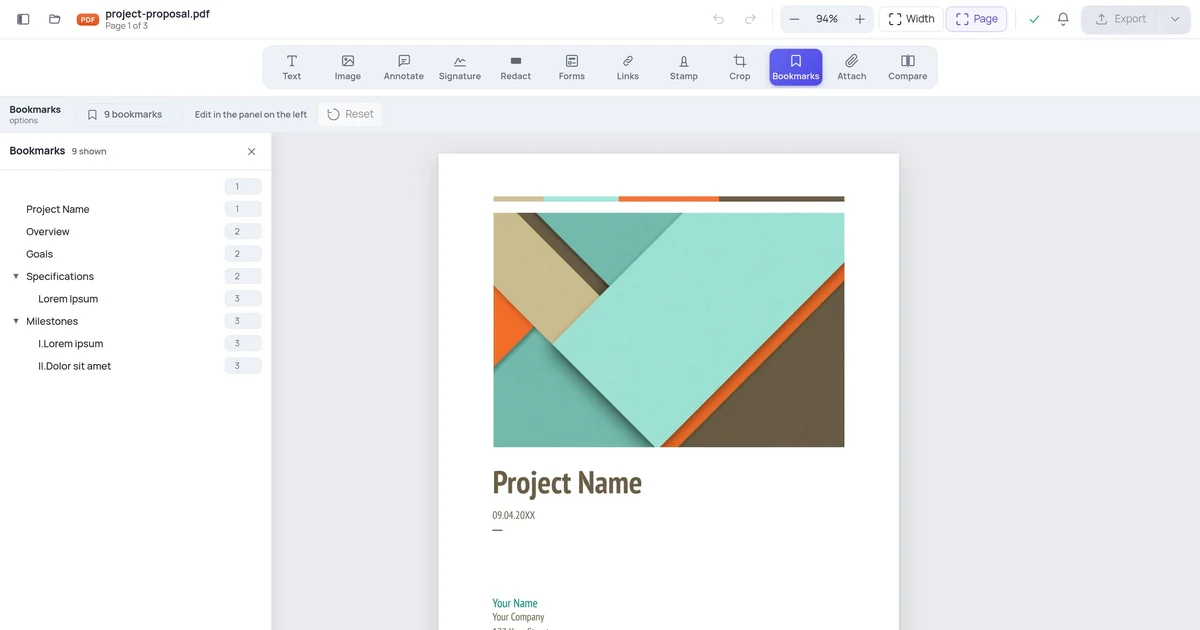
If the reason you are copying is to reuse or amend the content, you may not need to extract it at all. Opening the file in the PDF editor lets you change the text where it sits, which sidesteps extraction entirely and keeps the original layout, fonts and spacing rather than trying to rebuild them at the other end.
Solution 4: Go back to the source for broken fonts
A file whose fonts have no Unicode mapping cannot be repaired from the PDF alone — the information simply is not in it. Ask for the source document, or for a re-export with standard fonts embedded. If neither is available, running OCR over the page will read the glyphs visually and produce usable text, at the cost of the occasional recognition error.
When None of the Above Works
If you have tried everything and still see the problem, the PDF may have been created with proprietary tools that produce unusual internal structures:
- Contact the document creator and ask for an unlocked or editable version
- Ask for the source file (Word, InDesign) if editing is legitimate
- For government or official forms, check if a fillable online version exists on the official website
How to Prevent This in Future
- Always work on a duplicate — keep the original locked version intact
- When creating PDFs yourself, only apply restrictions you actually need
- Test your PDFs in multiple viewers before distributing
- For editable documents, consider sending the source file (Word / Google Docs) rather than a PDF
- Related reading: How to Edit a PDF Without Breaking Layout
Frequently Asked Questions
Is this a sign of a serious problem? No. The document displays correctly and prints correctly; the defect is confined to what happens when text is extracted.
Can I fix this on my phone? Yes. Open a mobile browser, go to an online PDF editor, upload the file, and try the operation. Many PDF problems that seem to require desktop software are actually just viewer limitations.
Will fixing this delete my document content? No. The steps above modify how the PDF is processed, not the underlying content. Always work on a copy to be safe.
How long does it take to fix? Column-by-column selection works immediately. A broken font mapping needs either a new export or an OCR pass.