Why Does My PDF Look Different After Editing?
Why Does My PDF Look Different After Editing?? Here's why it happens — font substitution and page re-rendering — and the reliable, browser-based fix that keeps your layout intact.

You made a small change, exported the file, and something looks wrong — why Does My PDF Look Different After Editing?. It's one of the most common and most frustrating PDF problems, and it almost never means your file is broken. It means the tool you used rebuilt the page instead of editing it. Here's exactly why it happens and how to fix it for good.
That is the whole reason Online PDF Edits exists. It edits the actual text, image, and table objects already in your PDF rather than rebuilding the page from scratch, so the result looks like the original with your change applied — not like a re-typed copy.
Key takeaways
- PDF looks different after editing is caused by font substitution and full-page re-rendering, not by a corrupt file.
- The fix is to edit the original PDF objects instead of converting or re-typing the page.
- Keeping embedded fonts is the single most important factor in stable spacing.
- You can re-do the edit correctly in a browser in a couple of minutes.
What's actually happening
PDFs don't store paragraphs the way a Word document does. They store each run of text at fixed coordinates, drawn in a specific font at a specific size. When an editor doesn't have that exact font — or decides to "simplify" the page — it substitutes a different font and re-lays the text. The substitute has different letter widths, so the words occupy a different width, and every element positioned after them moves. That cascade is what you're seeing.
How to diagnose it
- Open the original and the edited file side by side.
- Look at whether the font itself changed, or only the position. A changed font means substitution; a position-only shift means a re-flow.
- Check if the problem starts exactly at your edit and continues downward — that confirms a spacing cascade rather than random corruption.
The reliable fix
Re-do the edit on the real PDF with a tool that preserves embedded fonts and edits objects in place:
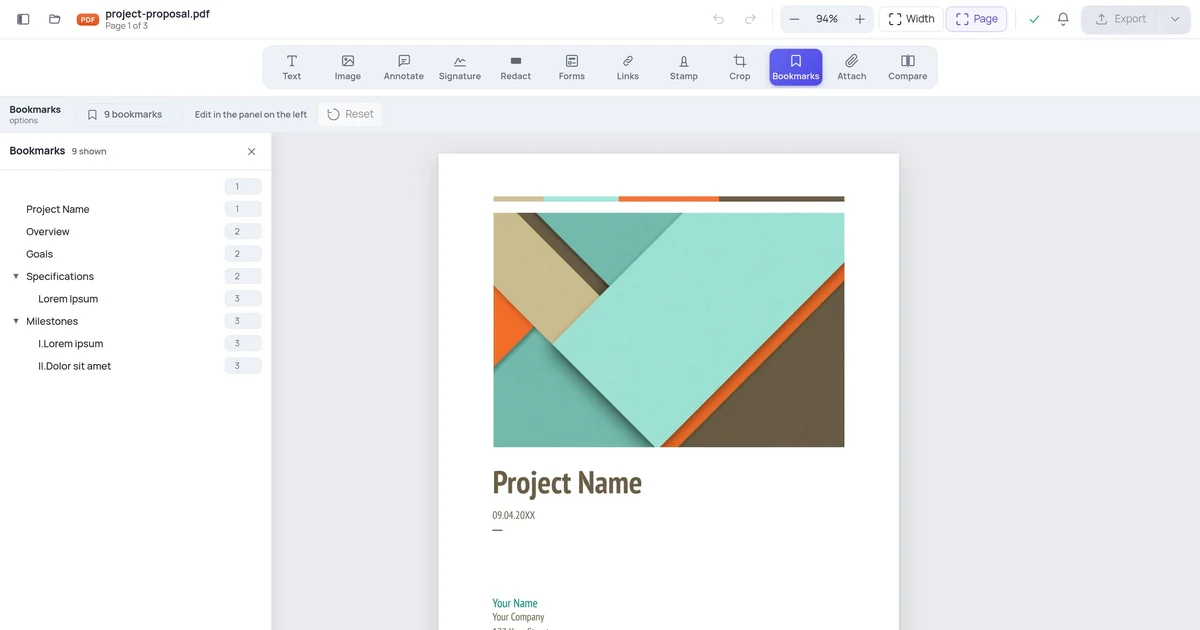
- Open the original (not the broken export) in the Online PDF Edits editor.
- Click the exact text or element you need to change.
- Make only the change you need — leave the rest of the line untouched.
- Export and compare against the original to confirm nothing else moved.
Because the embedded fonts and coordinates are kept, the spacing has nothing to cascade from, and PDF looks different after editing simply doesn't occur.
How to prevent it next time
- Always edit the original PDF, never a previously-exported copy that may already have substituted fonts baked in.
- Avoid "PDF to Word to PDF" round trips.
- Prefer an editor that shows you the page at full fidelity before and after the edit, so you catch any drift immediately.
Try it free in your browser
Open the Online PDF Edits editor and load your file. There's no signup, no watermark, and no conversion step — you edit the real PDF and download it when you're done. PDF looks different after editing takes a couple of minutes, and your formatting stays exactly where it was.
Related guides
- Why PDF Editors Break Formatting (And How to Avoid It)
- PDF Text Moves When Editing: Causes and Fixes
- PDF Fonts Changed After Editing: How to Prevent It
- PDF Spacing Broken After Editing: How to Fix It
Frequently asked questions
Can I fix this for free?
Yes. Online PDF Edits lets you fix this for free in your browser. There's no signup, no watermark on the exported file, and no trial limit on basic editing — open your PDF, make the change, and download it.
Will my formatting stay the same?
That's the whole point of a layout-safe editor. Online PDF Edits edits the real objects in your PDF and keeps the embedded fonts, so spacing, tables, and multi-page layout stay exactly as they were. Only the part you change actually changes.
Do I need to install anything or create an account?
No. Online PDF Edits runs entirely in your web browser on any device, and you can edit and export without creating an account or installing software.
Are my files kept private?
Your document is processed to make your edit and is not kept around or shared. Files are not stored long-term or used for anything other than producing your download. For highly sensitive material, redact what you can before uploading and remove the local copy when you're done.