Why PDF Editors Break Formatting (And How to Avoid It)
A plain-language explainer on PDF editor breaks formatting, and what it means for keeping your formatting intact every time you edit a PDF.

Why PDF Editors Break Formatting (And How to Avoid It) is one of those questions that sounds simple until you look under the hood. Understanding it makes you far better at editing PDFs, because it tells you which tools will preserve your layout and which will quietly wreck it. Let's break it down in plain language.
Online PDF Edits takes a different approach. Instead of converting your PDF to another format and back — the step that quietly destroys layout — it edits the real objects inside the file. Fonts, spacing, tables, and multi-page structure stay exactly where the original author put them.
Key takeaways
- Understanding PDF editor breaks formatting explains why so many PDF editors break formatting.
- PDFs position every element at fixed coordinates, which is both their strength and their weakness.
- Editing the original objects preserves layout; rebuilding the page does not.
- Online PDF Edits applies this directly so your edits stay layout-safe.
The short answer
A PDF is a description of a finished page, not an editable document model. Every character, image, and line is placed at an exact position using a specific font. There is no concept of "this paragraph flows into the next" the way there is in a word processor. That design is what makes PDFs look identical everywhere — and what makes them awkward to edit.
Why it matters when you edit
Because elements are pinned to coordinates, an editor has two choices when you change something. It can edit the single object you touched and leave everything else alone — the layout-safe approach — or it can throw the page away and re-render it from a rough reconstruction, which is faster to build but moves everything that depended on the original spacing. The second approach is why "I changed one word and the whole page shifted" is such a common complaint.
What this means in practice
- Tools that convert your PDF (to Word, HTML, or images) are rebuilding the page and will usually shift your layout.
- Tools that edit objects in place keep fonts, spacing, and tables intact.
- Embedded fonts are critical: if the font travels with the file, an editor never has to guess and substitute.
- Scanned PDFs are a special case — they're images of text, so they need OCR before the words become editable at all.
How Online PDF Edits handles it
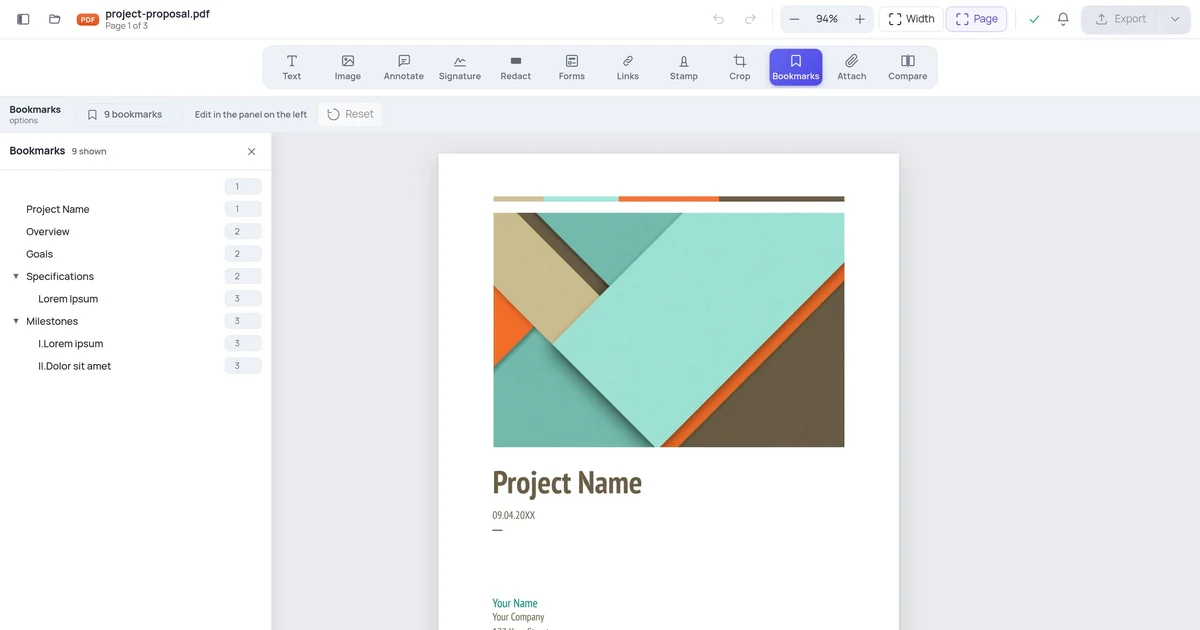
Online PDF Edits reads the real structure of your PDF, lets you change individual text runs, images, and table cells, and writes the file back with everything else preserved. You get the convenience of a word processor for the part you're changing and the fidelity of the original everywhere else.
Try it free in your browser
Open the Online PDF Edits editor and load your file. There's no signup, no watermark, and no conversion step — you edit the real PDF and download it when you're done. PDF editor breaks formatting takes a couple of minutes, and your formatting stays exactly where it was.
Related guides
- PDF Text Moves When Editing: Causes and Fixes
- PDF Fonts Changed After Editing: How to Prevent It
- PDF Spacing Broken After Editing: How to Fix It
- PDF Tables Shifted After Editing: Causes and Solutions
Frequently asked questions
Can I PDF editor breaks formatting for free?
Yes. Online PDF Edits lets you PDF editor breaks formatting for free in your browser. There's no signup, no watermark on the exported file, and no trial limit on basic editing — open your PDF, make the change, and download it.
Will my formatting stay the same?
That's the whole point of a layout-safe editor. Online PDF Edits edits the real objects in your PDF and keeps the embedded fonts, so spacing, tables, and multi-page layout stay exactly as they were. Only the part you change actually changes.
Do I need to install anything or create an account?
No. Online PDF Edits runs entirely in your web browser on any device, and you can edit and export without creating an account or installing software.
Are my files kept private?
Your document is processed to make your edit and is not kept around or shared. Files are not stored long-term or used for anything other than producing your download. For highly sensitive material, redact what you can before uploading and remove the local copy when you're done.