100% Free PDF Editor No Sign Up: No Watermark or Limits
Need to edit a document right now without handing over your email or credit card? Discover a true 100% free PDF editor with no sign up, limits, or watermarks.
You have a contract that needs a signature or a document requiring a quick text correction. You search for a 100% free PDF editor no sign up, hoping to fix the file and move on with your day. Instead, you hit an obstacle course of 14-day trials, aggressive email capture forms, hidden export fees, and obnoxious promotional watermarks.
When software hides behind paywalls and registration gates, it is a lead generation tool, not a free utility.
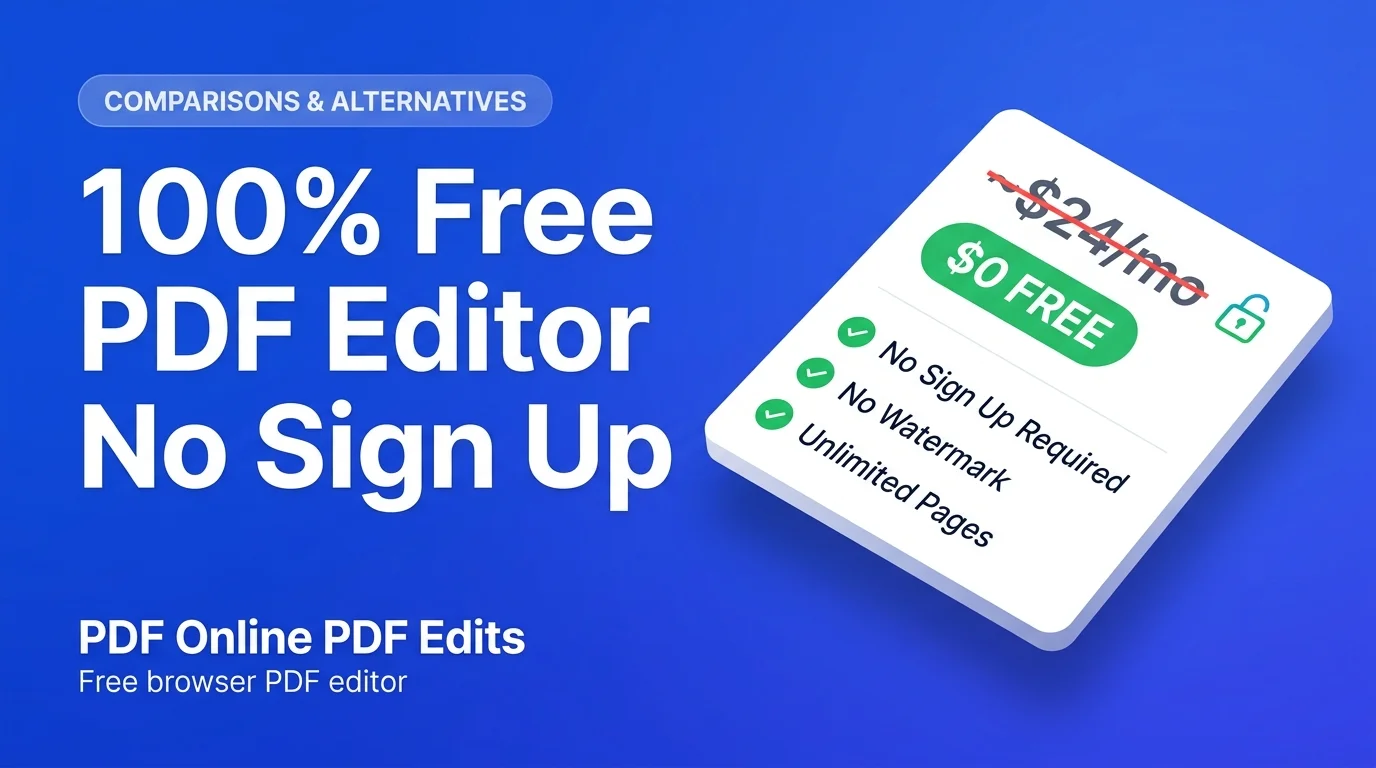
The Quick Answer: Yes, a genuine 100% free PDF editor with no sign up exists. You can use Online PDF Edits to modify original text, insert signatures, and manage pages directly in your web browser. Upload your file, make the necessary changes, and download the clean PDF immediately without creating an account or paying a fee.
The 5 Rules of a Genuine No-Signup PDF Editor
For a web application to actually function as a true utility rather than a marketing funnel, it must meet five strict criteria.
- No Registration Gates: The tool must allow complete file export without requiring a Google Auth login or password creation.
- Clean Exports: The final PDF must never carry a forced promotional watermark or banner.
- Unlimited Access: True utilities do not lock your browser after "two free tasks per day."
- Direct Text Editing: The software must alter the document's underlying vector text, rather than simply pasting white boxes over typos.
- Data Privacy: Files must be purged automatically after the editing session ends.
How to Edit a PDF Online Free Without Signing Up
Modifying a document online can be as straightforward as using a word processor. Follow these steps to bypass the paywalls.
Step 1: Open the Free Editor
Navigate directly to the free PDF editor. You do not need to install plugins or download desktop software. Drag your PDF file into the browser window. The system parses the document and displays your pages immediately.
Step 2: Modify Existing Text
Hover your cursor over the text you want to change. Click the specific word or number. A live editing boundary will appear.
Type your corrections. The system automatically matches the existing font family, weight, and kerning. If you are working with complex multi-column layouts, read our specific guide on editing PDF text for advanced formatting tips.
Step 3: Sign Documents and Fill Forms
For leases, applications, and contracts, select the Sign tool from the top menu. Draw your signature using a mouse or trackpad, or select a pre-formatted signature script. Click to place it on the document, then drag the corners to scale it appropriately. You can also type directly into unflattened form fields.
Step 4: Manage Document Pages
Remove unnecessary disclaimers or blank pages by opening the page thumbnail sidebar. Delete specific pages or drag them into a new order. For processing large files without editing text, you can also use the standalone page deletion tool.
Step 5: Export the Clean File
Click the Save & Export button. Your browser generates the new PDF and downloads it to your device instantly. You bypass all checkout screens, account creation prompts, and countdown timers.
Comparing the Major Online PDF Editors
Why do searchers actively seek alternatives to major commercial platforms? This objective breakdown highlights the differences between true no-signup utilities and freemium models.
| Capability | Online PDF Edits | EasyPDF | Smallpdf | Adobe Acrobat Online | Sejda PDF |
|---|---|---|---|---|---|
| Account Required? | ❌ No (Zero sign-up) | ❌ No | ⚠️ Yes (To export) | ⚠️ Yes (Adobe ID) | ❌ No (First 3 tasks) |
| Edit Existing Text | ✅ Yes (Vector) | ✅ Yes | ❌ Pro plan only | ⚠️ Free trial only | ✅ Yes (Limited fonts) |
| Watermark Added? | ❌ None | ❌ None | ⚠️ Free tier often marked | ❌ None | ❌ None |
| Usage Limits | ✅ Unlimited | ✅ Unlimited | ❌ 1–2 per 24 hours | ❌ 1 trial export | ❌ 3 per hour |
| File Storage | ✅ Ephemeral | ⚠️ Server cache | ⚠️ Cloud profile | ⚠️ Creative Cloud | ⚠️ Retained 2 hours |
If you are frustrated by recurring subscriptions, review our complete breakdown of iLovePDF alternative.
The Security Risk of Fake Editing Tools
Many free tools use an "annotation layer" shortcut rather than actually editing your document.
When you correct a typo, these tools paste a white rectangle over the old word to hide it, then place new text on top. They flatten the image when you download the file.
This creates significant security vulnerabilities for business and legal documents. The original text remains entirely intact within the PDF vector code. Anyone who opens the file and uses the search function (Ctrl + F) will immediately locate the "deleted" information. If a client copies and pastes the document text into an email, the hidden data transfers with it. Screen reading software will also read the covered text aloud.
A genuine free editor modifies the raw PDF content stream directly. When you delete a sentence, those specific character glyphs are permanently erased from the file structure.
Why No-Signup Workflows Are More Secure
Users often assume that skipping account creation means sacrificing security. The opposite is true.
No Identity Profiling Creating an account permanently links your IP address, verified email, and location to the documents you upload. If you process medical forms or financial statements, that sensitive data becomes tied to your profile in a corporate marketing database. A no-login workflow provides complete anonymity.
Ephemeral Data Storage Freemium platforms frequently store your files in a cloud hub for future access. Any file sitting in persistent storage is vulnerable to database breaches. Ephemeral editors function like RAM. Once your download finishes and you close the tab, the system permanently erases the file data.
Frequently Asked Questions
Is there a 100% free PDF editor with no sign up?
Yes. Open Online PDF Edits to modify text and download files directly in your browser without creating an account or paying fees.
Can I edit a PDF without paying or entering a credit card?
Yes. Upload your document to edit text, add signatures, and export the file without ever typing in payment details or starting a trial.
Will my downloaded PDF have a watermark or logo?
No. Export your finished document instantly to receive a clean file with zero promotional watermarks or hidden logos.
Can I edit a PDF on my phone without creating an account?
Yes. Load the editor in Safari or Chrome on your mobile device to adjust text and sign contracts without downloading an app.
What is the difference between editing PDF text and adding text over a white box?
Adding text over a white box hides the original words visually but leaves them searchable. Edit the underlying vector text directly to permanently remove the old characters from the file.