How to Remove Images From a PDF Without Losing Layout
Removing an image from a PDF cannot shift the layout because nothing reflows. Deleting versus covering, filling the gap, and removing images in bulk.

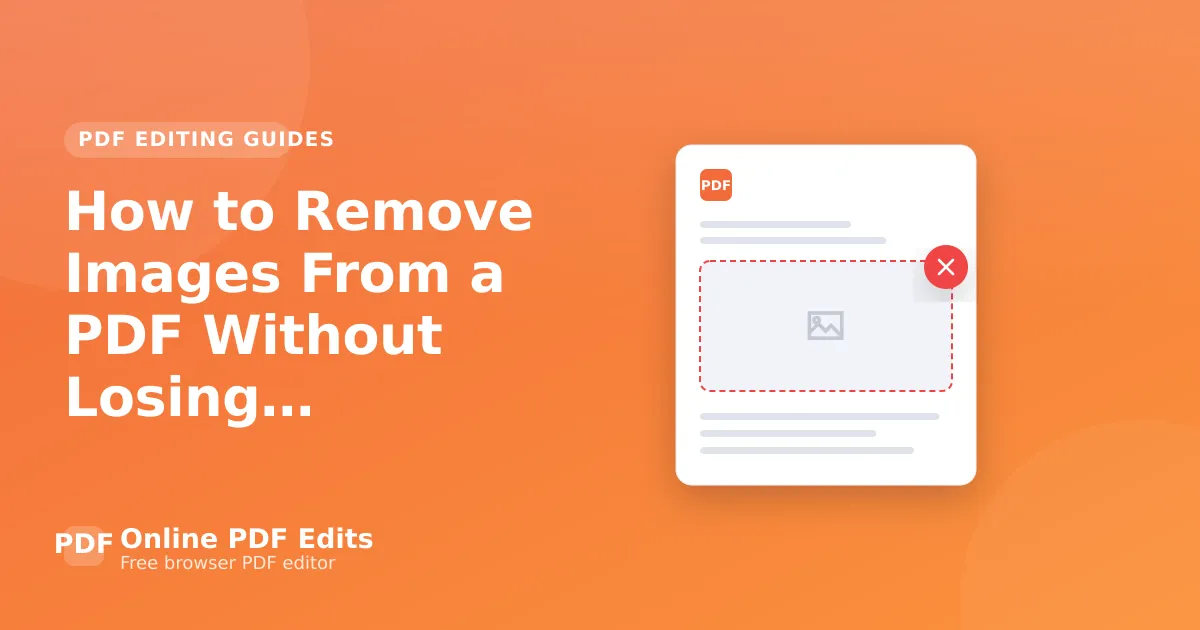
Removing an image from a PDF cannot disturb the layout, and it is worth understanding why: a PDF positions every element absolutely. There is no flow, so nothing moves to fill the gap. Delete an image and you get an empty space exactly where it was.
That makes this a safe operation — the risks are elsewhere.
Deleting versus covering
The same distinction that matters for text applies here. Deleting removes the image object from the content stream. Covering draws a white rectangle over it and leaves the image in the file, extractable by anyone who runs an extraction tool.
For a decorative image nobody cares about, either works. For anything confidential — a photograph, a signature, a screenshot containing data — cover-and-hope is a disclosure route. Delete or redact.
The editor removes the object rather than covering it. Verify afterwards by extracting images from the exported file; if the picture is still in there, it was hidden.
When you actually want the space filled
Since nothing reflows, removing an image from the middle of a document leaves a hole. If the goal is a document that reads continuously, you have to move the content yourself or go back to the source. This is the one genuine limitation, and it is inherent to the format rather than to any tool.
Removing images to reduce file size
A common motivation, and often the wrong tool for it. Images usually dominate PDF size, but compressing them typically achieves what you want without changing the document's appearance — a scan at 600 DPI downsampled to 150 DPI can drop most of the file size invisibly. Compress PDF does that.
Remove images when you do not want them present. Compress when you want them smaller.
Bulk removal
Stripping every image from a document — to produce a text-only version, say — is a scripted job. Ghostscript and qpdf can do it, and the result is worth checking: documents where "images" include logos, rules and background shading can look badly broken afterwards.
Frequently asked questions
Will the text move when I remove an image? No. PDF has no flow; every element is positioned absolutely.
Is drawing a white box over an image the same as deleting it? No. The image stays in the file and can be extracted.
How do I check the image is really gone? Run an image-extraction tool over the exported file, or open it in an object inspector.
Does removing images always shrink the file? Usually, but not if the file was saved incrementally — the old version may still be inside. Use Save As.