Best Adobe Acrobat Alternatives in 2026 (Free and Paid)
Adobe Acrobat Pro costs $240/year. These free and paid alternatives cover 90% of the same use cases — no subscription required.

Adobe Acrobat Pro costs around $240 per year — and the price keeps climbing. For most people, the subscription gets justified by a handful of tasks: editing a PDF, signing a document, compressing a file before emailing it. If that sounds familiar, you're paying for a full platform when you need a screwdriver. This post covers the best Adobe Acrobat alternatives in 2026, broken down by use case, price, and whether they can actually replace Acrobat for everyday work.
Why People Are Leaving Adobe Acrobat
The frustration is predictable. Adobe locks PDF editing behind a subscription because they can — PDF is their format. But the practical cost is steep: $19.99/month billed annually ($239.88/year) for Acrobat Pro, with no meaningful free tier for editing.
Three specific complaints come up repeatedly:
Subscription fatigue. Acrobat was a one-time purchase for most of its history. The move to Creative Cloud subscription billing pushed a large segment of users to look elsewhere, and the alternatives have matured enough that most of them never came back.
Performance and bloat. Acrobat installs background services that run at startup, consumes significant RAM, and is notorious for slow launch times on older hardware. For users who open PDFs once a week, it's overkill.
Forced ecosystem lock-in. Acrobat pushes you toward Document Cloud storage, Adobe Sign, and Creative Cloud integration. If you just want to edit a page and save it locally, the interface keeps nudging you toward features you don't need.
The demand for alternatives is real: Adobe Acrobat Pro's subscription pricing is consistently cited as the top driver of searches for free and paid PDF editors, and PDF search interest hit an all-time high in February 2024.
Free Alternatives Comparison Table
| Tool | Platform | Edit Text | Edit Images | Sign | Compress | Merge | Price |
|---|---|---|---|---|---|---|---|
| OnlinePDFEdits | Web | Yes | Yes | Yes | Yes | Yes | Free |
| LibreOffice Draw | Desktop | Yes | Yes | No | No | No | Free |
| PDF24 Tools | Web + Desktop | Limited | Limited | Yes | Yes | Yes | Free (ads) |
| Foxit PDF Editor | Desktop | Yes | Yes | Yes | Yes | Yes | $79.99/yr or one-time |
| Nitro PDF Pro | Desktop | Yes | Yes | Yes | Yes | Yes | $179.99/yr |
| Smallpdf | Web | Limited | Limited | Yes | Yes | Yes | Free (2/day) or $12/mo |
A few caveats worth reading before you pick from this table: "Edit Text" here means editing existing text in the original PDF, not just adding a text box on top. That distinction matters — several tools that claim text editing are actually layering new text over the original, which breaks when you try to print or extract content.
Best Free Online Alternative: OnlinePDFEdits
For most one-off editing tasks, a browser-based tool removes the most friction. OnlinePDFEdits is the strongest free option in 2026 for three practical reasons:
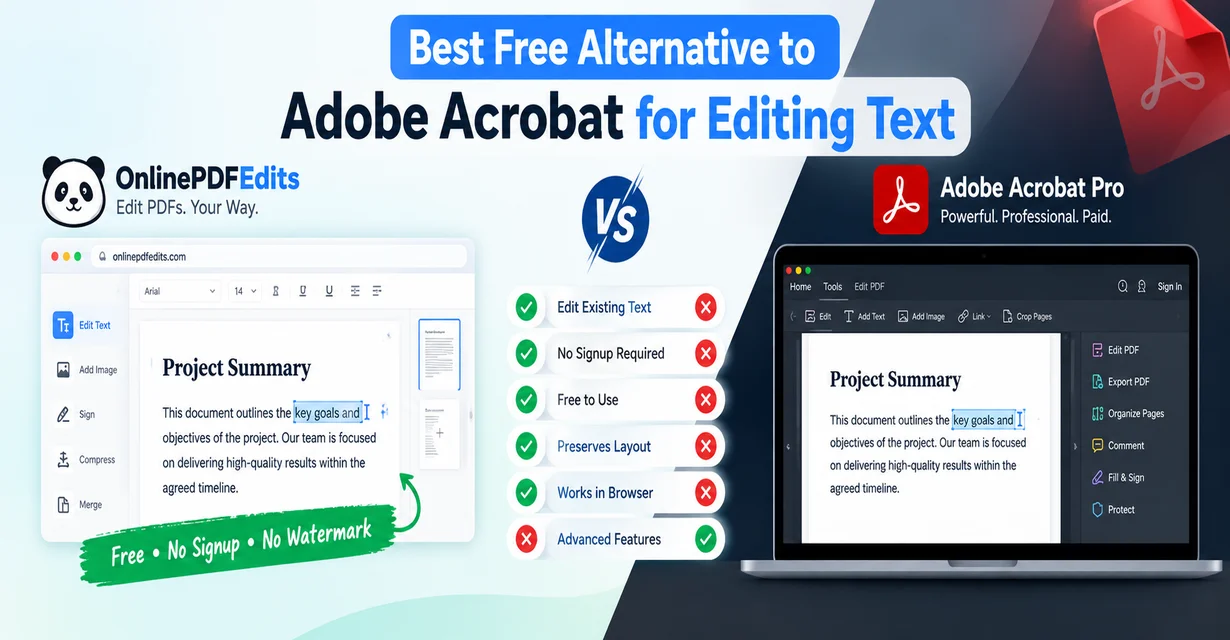
No signup, no watermark. You upload, edit, download. That's the full loop. No account creation, no email confirmation, no watermarked output on the free version. This matters more than it sounds — most people who hit a wall trying to edit a PDF without Acrobat are looking for something that just works without setup.
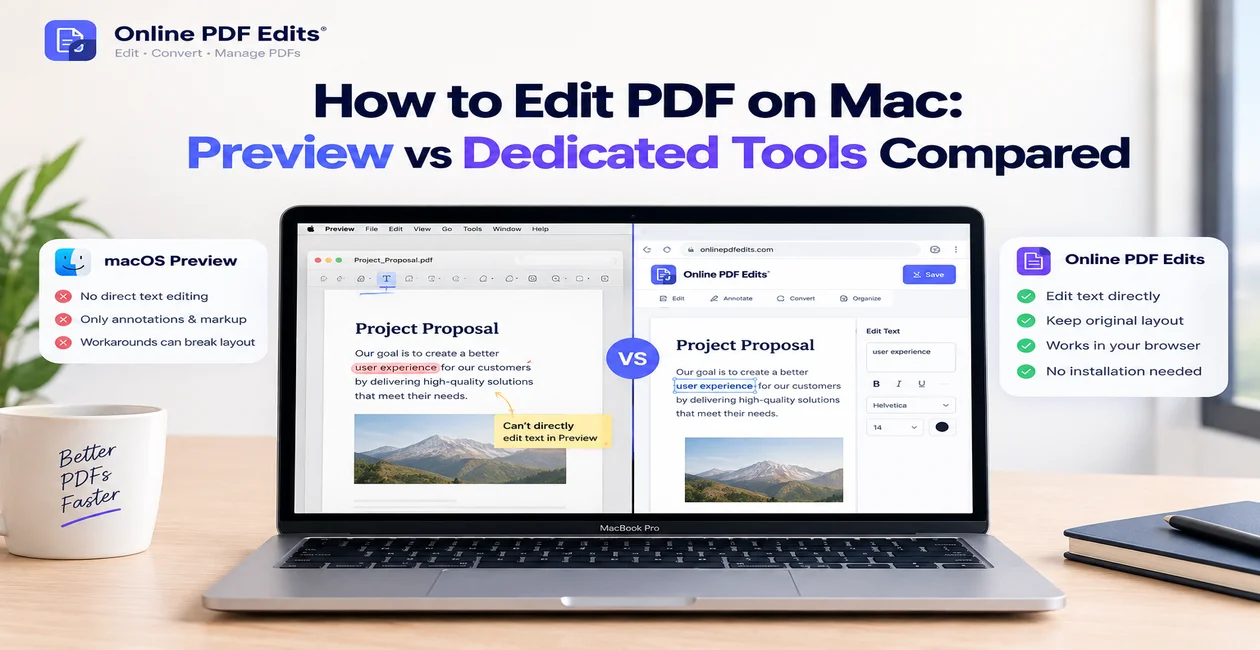
Layout preservation. The most common complaint about PDF editing tools is that they destroy the original formatting — text reflows, fonts change, columns collapse. OnlinePDFEdits renders the PDF faithfully and lets you edit within existing text blocks without restructuring the page.
Full toolset without upselling. Beyond text editing, the same account-free interface handles PDF compression, merging multiple files, digital signatures, page deletion, and password protection. For users who previously kept Acrobat around for "I might need this someday" tasks, this covers the realistic use cases without any subscription.
The limitation is that it's server-side — you're uploading your document to process it. For highly sensitive legal or financial documents, a desktop tool may be more appropriate.
Best Free Desktop Alternative: LibreOffice Draw
LibreOffice Draw is the most capable free desktop PDF editor available, and it's completely open source. It handles PDFs by importing them as editable vector drawings, which means you can reposition elements, change text, swap images, and adjust layout directly on the page.
The catch is that it's not a native PDF editor — it imports PDFs into its own format and re-exports them. This process generally preserves the visual result well, but complex PDFs with embedded fonts or layered graphics can come out slightly differently than the original. For simple documents — forms, one-page layouts, text-heavy reports — it works reliably.
What it doesn't do: digital signatures (you'd need an extension), PDF compression, or merging PDFs through the same interface. For those tasks, pair it with a browser-based tool.
LibreOffice Draw is best for users who regularly edit PDFs and want a fully offline, no-cost, no-account desktop application. It's particularly strong for editing PDFs that were originally created in word processors or presentation software.
Best Freemium Alternative: PDF24 Tools
PDF24 offers one of the widest free toolsets in the PDF space — and unusually, it includes both a browser version and a free Windows desktop app. The web version runs on an ad-supported model rather than paywalling features, which makes it practically free for most users.
Its strongest features are the utility tools: compress, merge, split, convert, rotate, and organize pages. These work reliably without requiring an account. The text editing is less impressive — PDF24 doesn't offer true in-place text editing the way Acrobat or OnlinePDFEdits does. It's better characterized as a PDF manipulation tool than a full editor.
The desktop app (PDF24 Creator) is worth noting for offline use. It installs as a virtual printer and document manager, letting you create PDFs from any application and handle basic editing without a browser. It's a practical option for users in environments where uploading documents to external servers is restricted.
PDF24 is the right pick for users who need a wide range of PDF utilities without paying anything, and are willing to accept a slower, ad-supported interface in exchange.
Best Paid Alternative: Foxit PDF Editor
If you want a true Acrobat replacement with a desktop application and full editing capabilities, Foxit PDF Editor is the strongest option at a lower price point than Adobe.
Foxit offers a one-time perpetual license option — a major differentiator in a market that has largely moved to subscriptions. The $79.99/year subscription is competitive with Acrobat, but the one-time purchase route (available through their business licensing) appeals to users who burned out on recurring fees.
Feature parity with Acrobat is close: full text and image editing, digital signatures with certificate support, OCR for scanned PDFs, form creation and filling, PDF/A conversion, redaction, and batch processing. The interface is lighter than Acrobat and noticeably faster to launch and navigate.
The one consistent edge Acrobat retains is ecosystem integration — if your workflow depends on Adobe Sign, Creative Cloud handoffs, or government-standard signature compliance in specific jurisdictions, Acrobat is still the safer enterprise choice. For most business users, Foxit covers those bases at lower cost.
Best for Professionals: Nitro PDF Pro
Nitro PDF Pro targets the same enterprise market as Acrobat, with pricing to match ($179.99/year), but with a stronger focus on document workflow rather than creative suite integration.
Its differentiating features are collaborative review tools, bulk document processing, and tight Microsoft 365 integration. Nitro is particularly strong for legal, finance, and operations teams that move large volumes of contracts and reports. The batch OCR, Bates numbering, and redaction tools are enterprise-grade.
Nitro also offers volume licensing with centralized admin controls — the kind of deployment model that IT teams need for rolling out PDF tools across a company. If you're evaluating Acrobat for a business of more than a handful of users, Nitro's licensing structure is worth comparing directly.
For individual users, the price-to-value ratio is harder to justify compared to Foxit. But for teams, Nitro's admin tooling and integrations pull ahead.
Verdict: What Most People Actually Need
For the majority of users, the honest answer is that OnlinePDFEdits and LibreOffice Draw together cover the everyday jobs most people open Acrobat for — for free. The use cases where Acrobat is genuinely hard to replace are narrow: high-volume batch processing, specific compliance requirements, or deeply integrated enterprise Adobe workflows.
If you edit PDFs a few times a month — fix a typo, sign a form, compress a file before emailing it (a perennial complaint), or pull pages out of a large document — you don't need a $240/year subscription. A browser-based tool handles it without setup.
If you edit PDFs daily and want a proper desktop application, Foxit gives you 95% of Acrobat at a fraction of the price, with a perpetual license option.
For teams who've been questioning whether the Adobe subscription is still earning its cost, it probably isn't. The alternatives are no longer compromises — they're practical replacements.
For more on editing PDFs without Adobe, see our guide on editing PDFs without Acrobat or how to fix common PDF-won't-open issues.
FAQ
Is there a completely free Adobe Acrobat alternative with no watermark?
Yes. OnlinePDFEdits is fully free with no watermark and no signup required — you can edit text, images, and layout, then download the result directly. LibreOffice Draw is another fully free option for desktop use. Both handle the most common editing tasks without adding watermarks or paywalling the download.
Can I edit a PDF without Adobe Acrobat?
Yes. Browser-based tools like OnlinePDFEdits let you edit text, replace images, sign documents, compress files, and merge PDFs without installing anything or creating an account. For offline editing, LibreOffice Draw imports PDFs as editable documents. Neither requires Adobe software.
What is the best one-time-purchase alternative to Adobe Acrobat?
Foxit PDF Editor offers a perpetual (one-time) license option through its business sales channel, making it the strongest alternative for users who want to avoid subscriptions. It covers all core Acrobat features — text editing, OCR, digital signatures, forms, redaction — at a competitive price without recurring fees.
Is Foxit PDF Editor as good as Adobe Acrobat?
For most users, yes. Foxit matches Acrobat's core editing, annotation, signature, and OCR features. It's faster to launch, lighter on system resources, and costs less. The areas where Acrobat still leads are deep Adobe ecosystem integration (Creative Cloud, Adobe Sign enterprise compliance) and some niche government-standard signature workflows. For everyday business use, Foxit is a direct replacement.