eSign vs Digital Signature: What's the Legal Difference? (2026)
Electronic signature and digital signature are not synonyms. Using the wrong one on a legal document can cost you. Here's the practical difference.

Electronic signature and digital signature are used interchangeably in everyday conversation, but they're legally and technically distinct. Understanding the difference matters when you're signing a contract, a medical release, a real estate document, or anything else with legal weight.
Electronic Signature (eSign): The Broad Category
An electronic signature is any electronic indication of intent to agree to or authenticate a document. It's a legal concept, not a technical one.
Under the US Electronic Signatures in Global and National Commerce Act (ESIGN), 15 U.S.C. § 7001, and the Uniform Electronic Transactions Act (UETA), an electronic signature cannot be denied legal effect, validity, or enforceability solely because it is electronic — which is what makes it usable for most transactions. The EU equivalent is eIDAS, Regulation (EU) No 910/2014; note that eIDAS grants outright equivalence to a handwritten signature only to a qualified electronic signature (Article 25(2)).
An electronic signature can be:
- A typed name ("John Smith") at the end of an email
- A drawn signature on a touchscreen
- A scanned image of a handwritten signature pasted into a document
- A checkbox indicating agreement to terms
- Clicking "I Agree" on a software license
- A PIN code entered to authorize a transaction
The legal threshold is intent — did the person intend to sign? The form of the signature matters less than the evidence of intent and the authenticity of the signer.
What electronic signatures generally lack:
- Cryptographic proof of who signed
- Tamper-evidence (no way to detect if the document was altered after signing)
- Non-repudiation (signer can more easily claim they didn't sign)
Digital Signature: The Technical Subset
A digital signature is a cryptographic mechanism that uses public-key infrastructure (PKI) to bind a signer's identity to a document. It's a specific type of electronic signature with strong technical guarantees.
How it works:
- The signer has a digital certificate issued by a Certificate Authority (CA) — a trusted third party that verified the signer's identity
- The signer's software creates a hash (mathematical fingerprint) of the document content
- The hash is encrypted with the signer's private key (known only to them)
- This encrypted hash is the digital signature, embedded in the document
- Anyone can verify the signature by: decrypting it with the signer's public key, re-hashing the current document content, and comparing — if they match, the document hasn't changed and the signature is genuine
What digital signatures provide that simple electronic signatures don't:
- Non-repudiation: The private key is known only to the signer — they can't credibly deny signing
- Tamper evidence: Any change to the document after signing invalidates the signature
- Identity verification: The certificate was issued by a CA that verified the signer's real identity
- Timestamping: Some implementations include a trusted timestamp proving when the document was signed
The Three Tiers (EU eIDAS Classification)
The EU's eIDAS regulation created a three-tier classification that's become a useful reference framework:
Simple Electronic Signature (SES): Any electronic data used to sign — typed name, checkbox, scanned image. Low assurance, minimal identity verification. Sufficient for most commercial transactions.
Advanced Electronic Signature (AdES): Uniquely linked to the signer, capable of identifying them, created using data under their sole control, and linked to the signed document such that any subsequent change is detectable. Requires some identity verification. Covers most "e-signature" services like DocuSign, Adobe Sign, and HelloSign.
Qualified Electronic Signature (QES): An AdES created with a Qualified Electronic Signature Creation Device (like a hardware security token) and based on a Qualified Certificate from a supervised CA. Has the same legal effect as a handwritten signature across all EU member states. Required for specific high-stakes transactions (some real estate, financial contracts, court filings).
What Services Like DocuSign Actually Provide
Services like DocuSign, Adobe Sign, HelloSign, and PandaDoc create Advanced Electronic Signatures — they're more than a simple typed name but less than a full cryptographic digital signature.
What they actually do:
- Verify the signer's email address (they received the signing invitation)
- Record a timestamped audit trail (when the document was accessed, from which IP, what was signed)
- Create a certificate of completion that summarizes the signing session
- Some services offer "identity verification" add-ons (government ID scan, phone authentication)
This is sufficient for the vast majority of commercial contracts, employment agreements, non-disclosure agreements, and business transactions. The audit trail provides strong evidence of intent and identity.
What they typically don't provide:
- PKI-based cryptographic proof (unless you specifically use their "digital signature" tier, which requires a certificate)
- Legal standing equivalent to QES in EU high-stakes contexts
When Simple eSign Is Sufficient
For most transactions, a basic electronic signature is legally sufficient in the US, UK, EU, and most other countries:
- Employment contracts
- Non-disclosure agreements
- Sales contracts
- Lease agreements (check local law — some jurisdictions require notarization)
- Consent forms
- Business-to-business agreements
The legal test is whether the parties intended to enter a binding agreement and the signature is attributable to them. A DocuSign audit trail typically satisfies this.
When You Actually Need a Digital Signature (PKI-Based)
Specific contexts require or benefit from a cryptographic digital signature:
Government and regulatory filings: Many tax authorities, patent offices, and regulatory bodies require digitally signed submissions with certificates from accredited CAs.
Healthcare and pharmaceutical: HIPAA-compliant workflows, FDA Part 11 regulated documents, and clinical trial documentation often mandate PKI digital signatures.
Legal proceedings: Documents submitted to courts in some jurisdictions require certified digital signatures rather than e-signatures.
Cross-border transactions: When parties in different countries need signatures that are legally valid in all jurisdictions, a qualified digital signature provides the strongest guarantee.
High-value contracts: Some financial transactions and M&A documents use digital signatures to provide non-repudiation at a level that's harder to dispute in litigation.
How to Apply Each in Practice
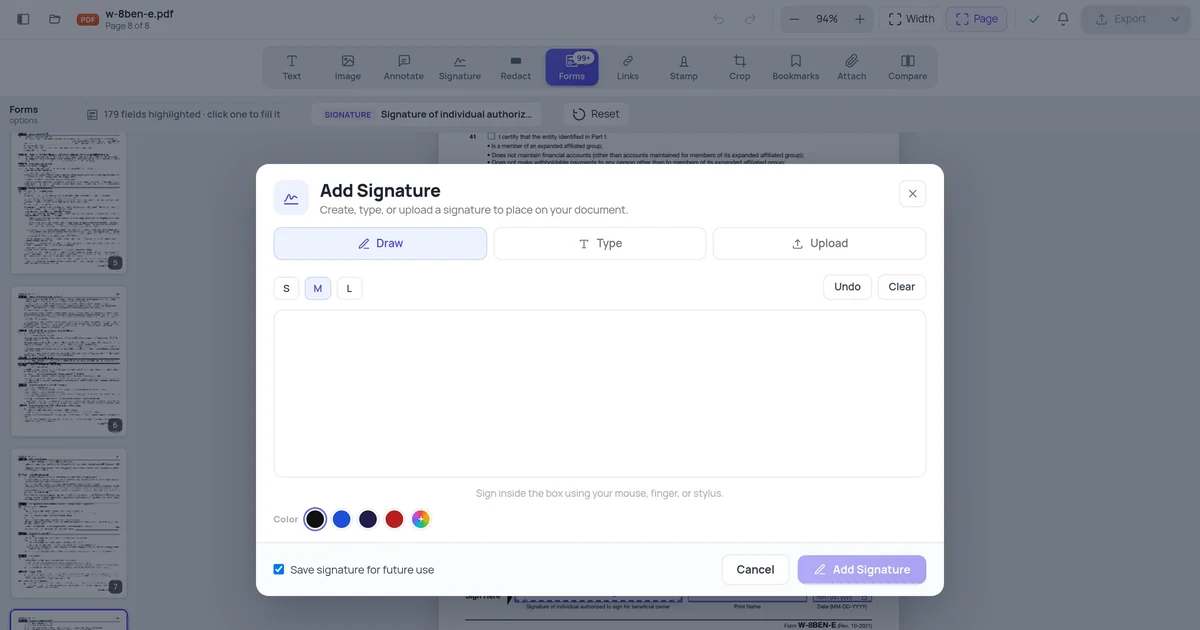
For a basic e-signature: Use DocuSign, Adobe Sign, HelloSign, or iOS Markup / Android Acrobat Reader for drawing a signature on a PDF. OnlinePDFEdits supports signature placement on PDFs directly in the browser.
For a PKI-based digital signature in Acrobat:
- Create or obtain a digital certificate (from a CA like DigiCert, Sectigo, or your organization's PKI)
- Open the PDF in Acrobat Pro
- Click the signature field (or Tools → Certificates → Digitally Sign)
- Select your certificate from the list
- Acrobat signs with your private key and embeds the signature plus your public certificate
For a Qualified Electronic Signature (EU): Use a Qualified Trust Service Provider (QTSP) from the EU's Trust List — services like DocuSign EU, Qualified (by Namirial), or similar. These require identity proofing and use hardware-backed certificates.
Quick Reference
| Type | Identity verification | Tamper-evident | Legal weight (typical) | Use when |
|---|---|---|---|---|
| Simple eSign (typed name) | None | No | Low — intent only | Internal documents, low-stakes agreements |
| E-sign platform (DocuSign etc.) | Email verification + audit trail | Via platform records | Strong — commercial standard | Most business contracts |
| PKI digital signature | CA-verified certificate | Yes | Very strong | Regulatory filings, high-value contracts |
| Qualified Electronic Signature | Government-level verification | Yes | = Handwritten (EU) | EU legal requirements, cross-border |
FAQ
Are DocuSign signatures legally binding?
Yes, for the vast majority of commercial transactions in the US, EU, and most other countries. DocuSign creates audit trails that have been accepted as evidence in courts. The legal question is usually about whether both parties intended to enter a contract, not about the technical format of the signature — and DocuSign's audit trail establishes intent and attribution clearly.
Can I be forced to accept a digital signature I didn't agree to?
In most jurisdictions, parties can agree in advance on what form of signature they'll accept. A contract can specify "signatures must be made via [platform]" or "wet ink signatures required." Absent such specification, electronic signatures are generally valid under ESIGN/UETA in the US and eIDAS in the EU.
Does a PDF signature field create a digital signature?
It depends on how it's used. An Acrobat PDF signature field can hold: (a) a drawn image of a signature — not cryptographic, (b) an Acrobat document timestamp — no signer identity, or (c) a PKI digital signature using a certificate — cryptographic and identity-verified. The same PDF field supports all three, and the difference is in whether a certificate is applied. Check "Signature Properties" in Acrobat to see which type was used on any given signed PDF.
My company requires "digital signatures" — do they mean e-sign or PKI?
Ask. The term is used loosely internally. If they're satisfied with DocuSign or similar platforms, they mean e-signatures with audit trails. If they require Acrobat's certificate-based signature or a specific government standard, they mean PKI. When in doubt, ask for an example of an accepted signed document — checking the signature properties in Acrobat tells you exactly what type of signature was used.