PDF Fundamentals
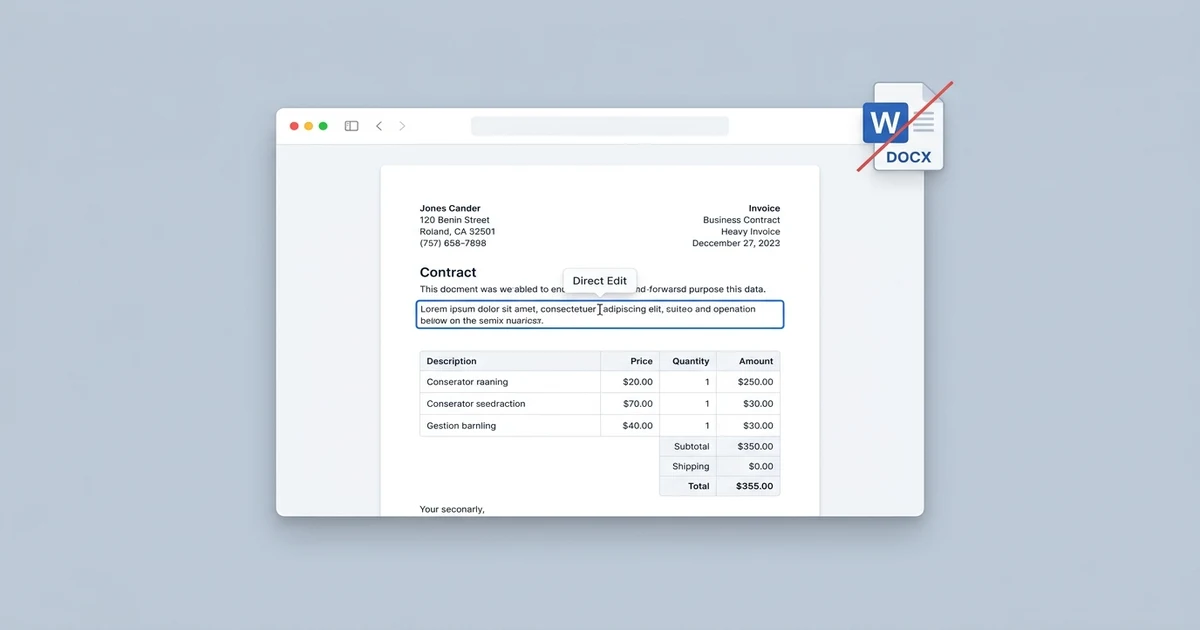
How to Edit PDF Text Directly Without Converting to Word
Don't let Word conversions ruin your PDF layout. Discover how to edit existing PDF text directly in your browser with matching fonts and zero formatting shifts.
Read article →
Focused posts and playbooks in pdf fundamentals to help you run PDF workflows with fewer retries.
Don't let Word conversions ruin your PDF layout. Discover how to edit existing PDF text directly in your browser with matching fonts and zero formatting shifts.
Read article →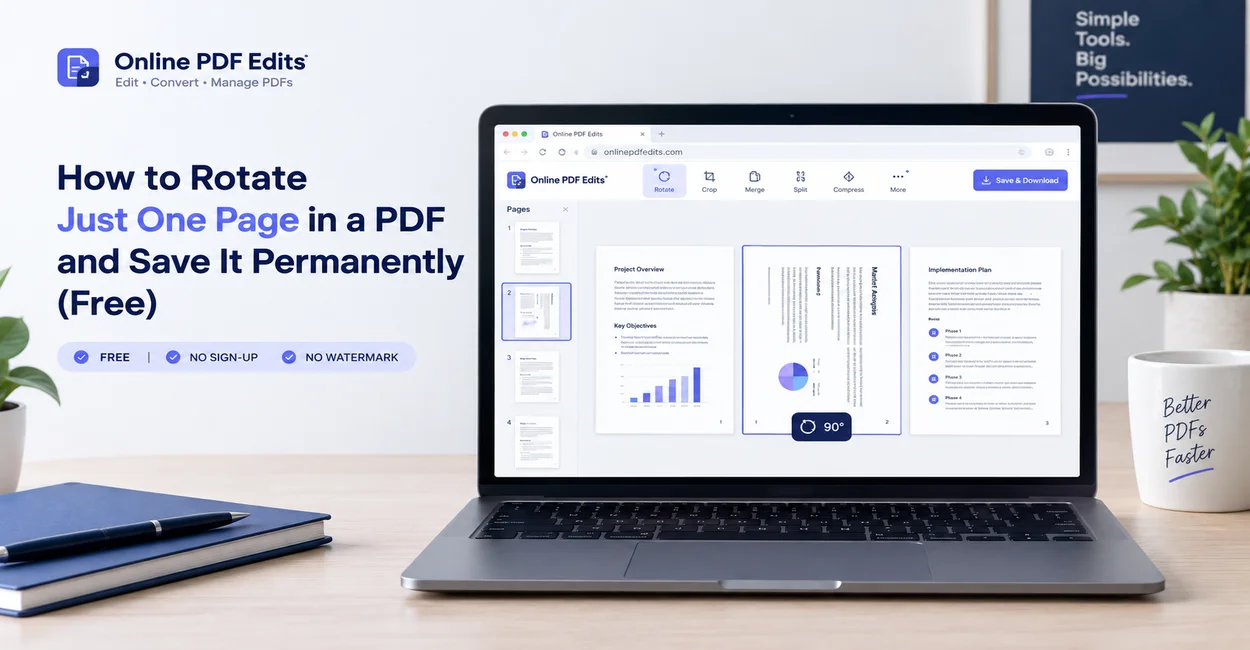
Fix sideways scans and mixed-orientation contracts by rotating just one single page in your PDF and saving it permanently without buying Adobe Acrobat.
Read article →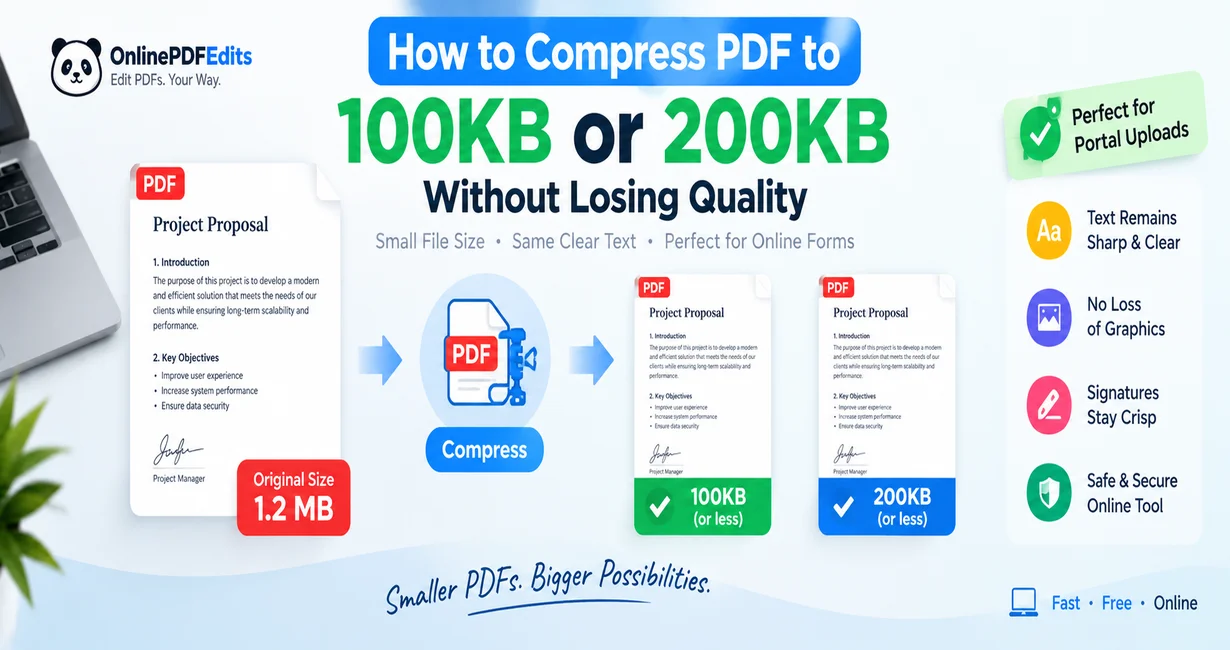
Hit strict 100KB and 200KB upload limits on government, job, and visa portals without making your PDF text blurry or unreadable. Step-by-step optimization guide.
Read article →
PDFs and Word documents look similar on screen but are built completely differently. That gap explains why editing one feels so much harder than the other.
Read article →
Why does a PDF look perfect on one device and broken on another? The answer is almost always fonts — specifically, whether they're embedded.
Read article →
PDFs can do a lot more than display text and pictures. Here are 5 capabilities buried inside the format that most people never find.
Read article →
A plain-English look at why PDFs remain the default for contracts, invoices, and resumes in 2026, and when another format might serve you better.
Read article →
What does PDF stand for and how does it work? Learn why PDF is the global standard for contracts, invoices, and forms, and how to edit files for free.
Read article →
PDF stands for Portable Document Format. Here is the full form, the history behind the acronym, and why this file type still runs the document world.
Read article →