PDF Forms
How to Fill Out a PDF Form That Won't Let You Type
You open a form, click a blank line, and nothing happens. Here are the four reasons a PDF refuses to let you type, and how to fill each kind in without printing anything.
Read article →
Focused posts and playbooks in pdf forms to help you run PDF workflows with fewer retries.
You open a form, click a blank line, and nothing happens. Here are the four reasons a PDF refuses to let you type, and how to fill each kind in without printing anything.
Read article →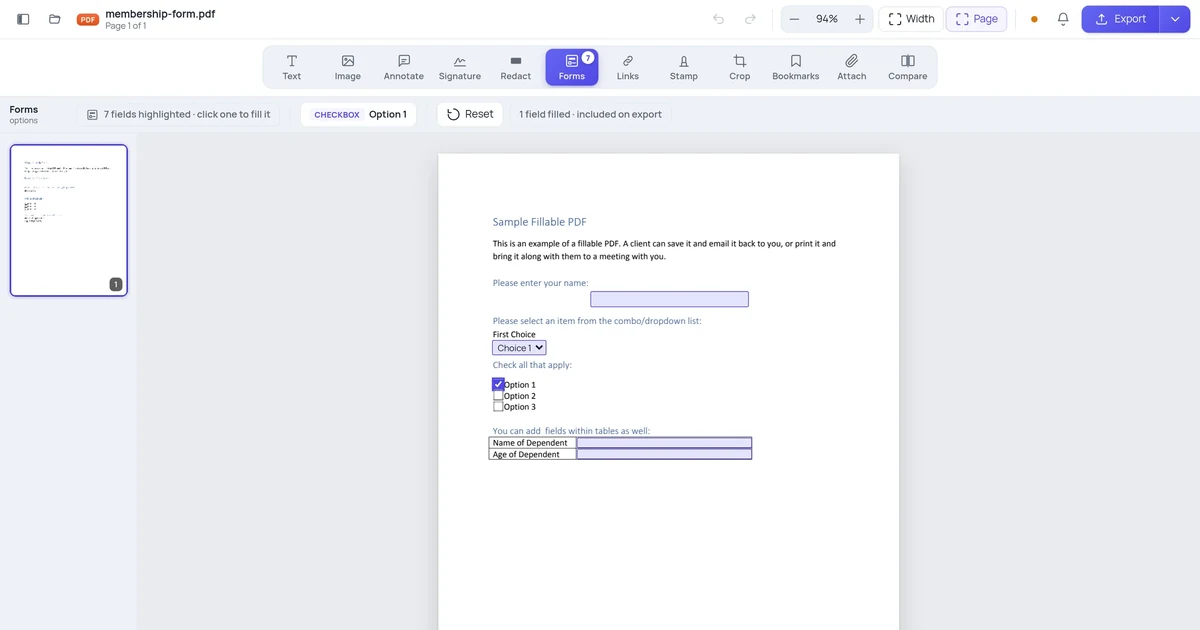
You fill in a form, save it, send it — and the recipient opens a blank form. It's one of the most common PDF complaints, and it has a specific cause and a one-checkbox fix.
Read article →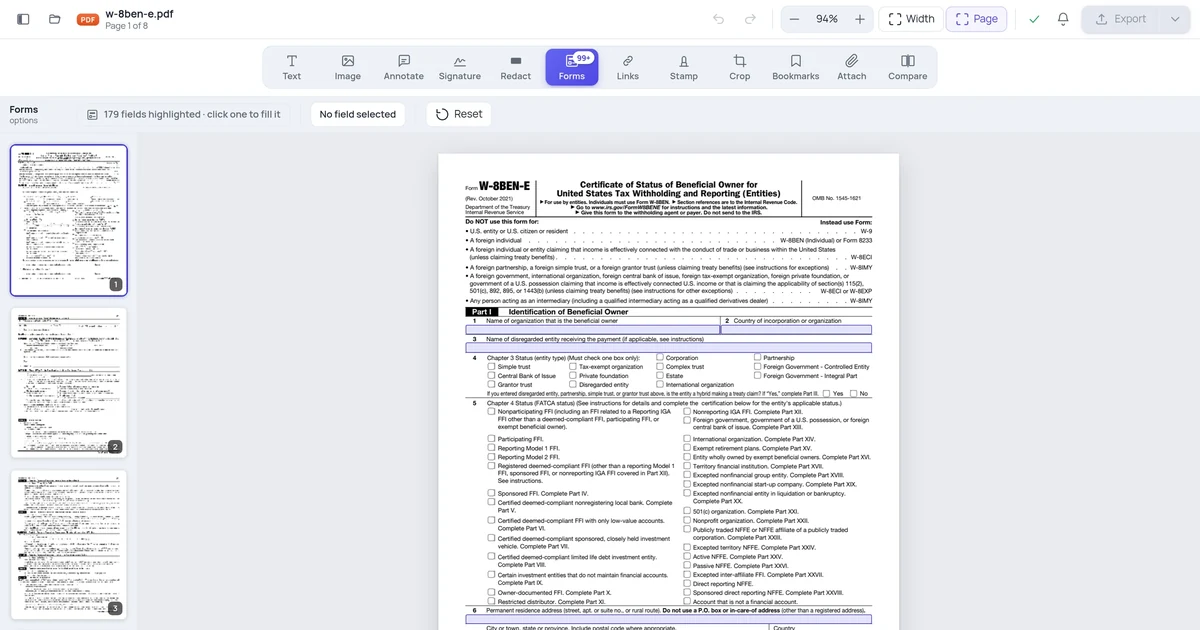
Two documents can look identical and behave completely differently: one has real fillable fields, the other just has lines drawn on it. Here's the five-second test, using a document that contains both.
Read article →
Some job application PDFs have clickable form fields. Others are flat images. Here's how to fill in both types — and how to submit them properly.
Read article →
Flattening a PDF form merges the filled-in answers into the page permanently. Here's why you'd do it and the fastest method on each platform.
Read article →
Fillable and editable get used interchangeably but they're technically different things. Understanding the distinction saves you from downloading the wrong tool.
Read article →
Creating a fillable PDF form is straightforward in Acrobat Pro — and doable for free with LibreOffice or Word if you know the steps.
Read article →
Creating fillable PDF forms is free if you know which tools genuinely support it. Here's an honest comparison of what works in 2026.
Read article →
Some PDF forms let you click and type; others just sit there. Here's why that happens, and what to do about it.
Read article →