Headline-grade typography
Ten fonts including Impact and Verdana, with size, color, letter spacing, and highlight — everything a 3-second headline needs.

Flyer PDF Maker
To create a flyer PDF, open the free PDF Creator, choose the flyer template, and swap in your own headline, offer, and image. Everything happens in the browser — no download, no signup — and the export is a clean vector PDF with no watermark.
A flyer has one job: stop someone for three seconds and land one message. That means one dominant headline (36–60pt), one supporting image, and one clear call to action like a date, price, or phone number. The canvas gives you exactly the tools that job needs: bold display type, uploaded photos or logos, and rounded rectangles or arrows to frame the offer.
Because the export is server-rendered vector, the text stays razor sharp whether you print a stack at the office or send the PDF over WhatsApp. Start from A5 for handouts, US Letter for notice boards, or the Square page for a social-style promo.
Ten fonts including Impact and Verdana, with size, color, letter spacing, and highlight — everything a 3-second headline needs.
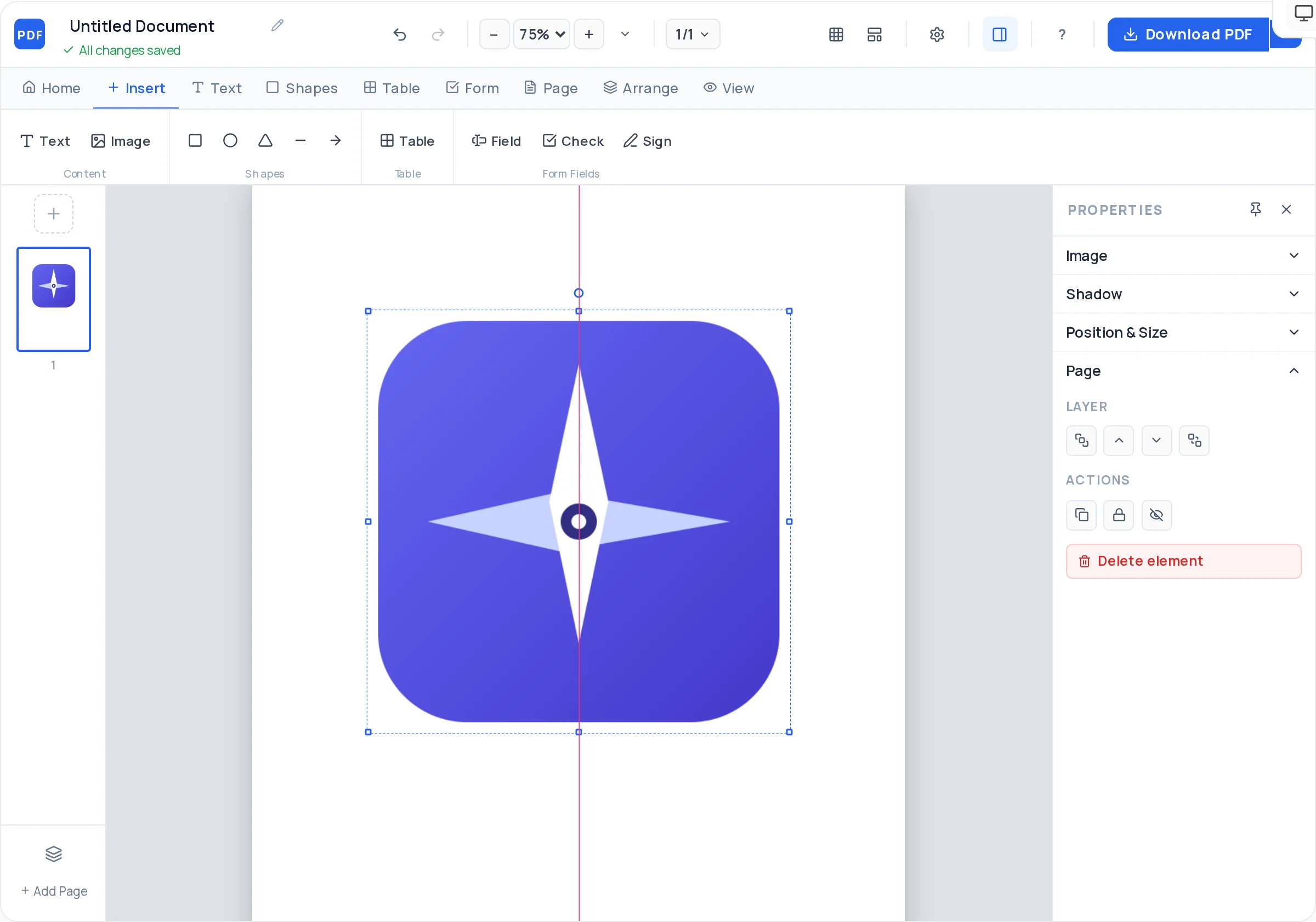
Upload a JPG or PNG and set cover, contain, or fill so the photo fills its frame cleanly. Rounded corners and opacity included.
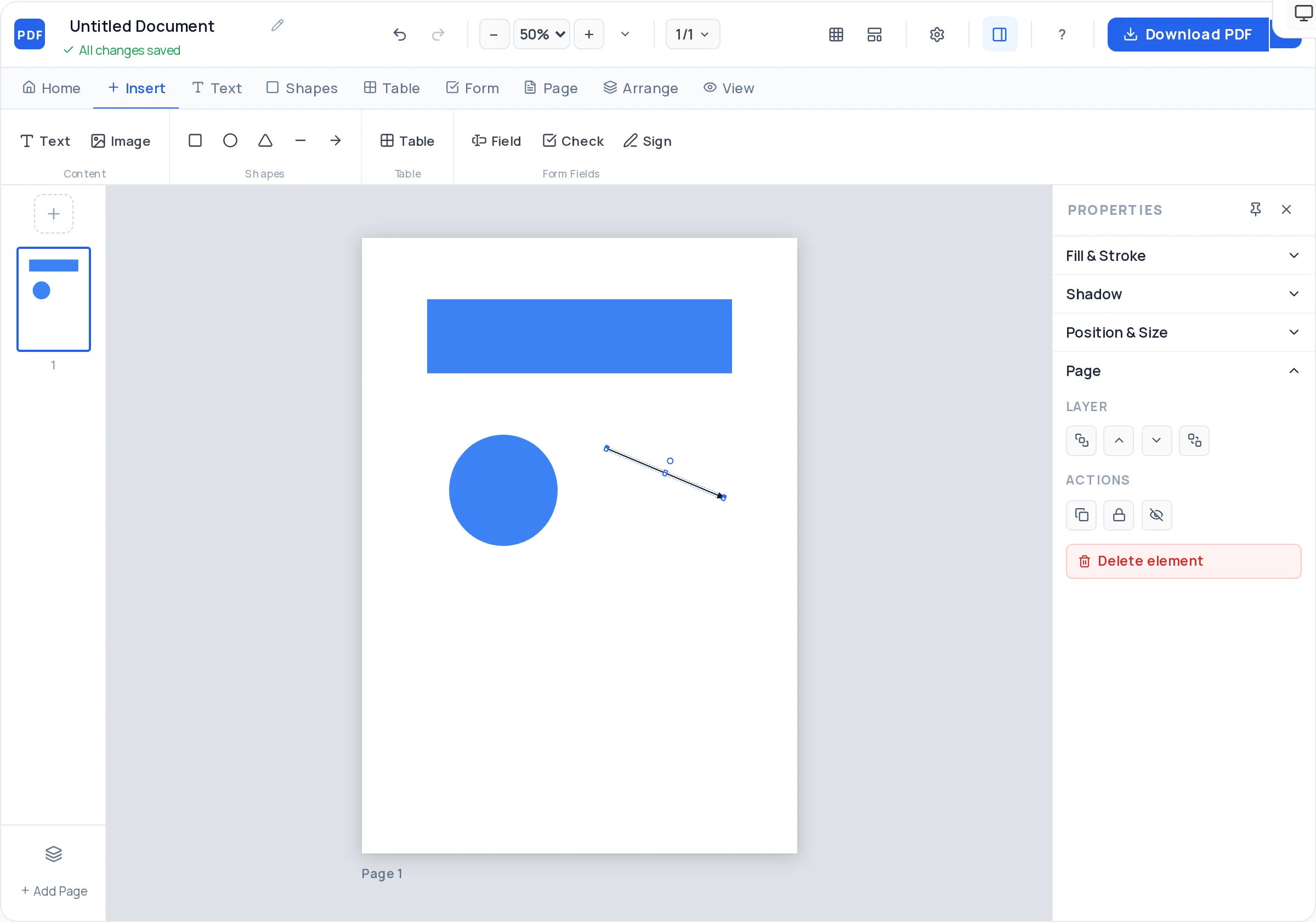
Rounded rectangles for offer banners, ellipses for price badges, arrows pointing at the call to action — with fill, stroke, and rotation.
A5 for handouts, A4 or US Letter for notice boards, Square for a social-style promo. Set a page background color in one click.
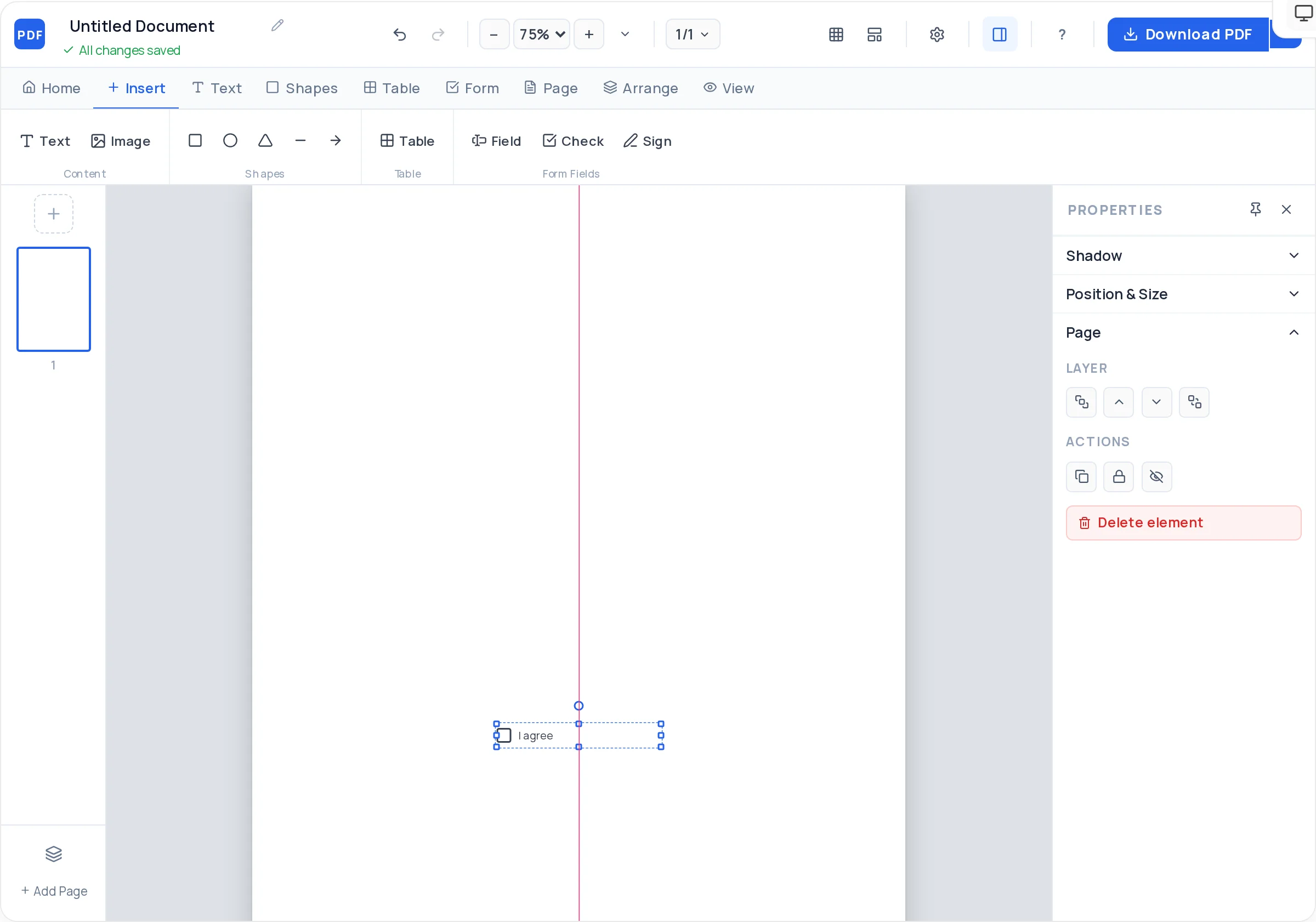
Center lines appear as you drag, plus snap-to-grid and arrow-key nudging, so headline, image, and CTA line up perfectly.
The flyer exports as a server-rendered vector PDF — selectable text that prints sharp on any office or home printer.
Go to the free PDF Creator and load the flyer template — a pre-arranged headline, image, and detail layout you overwrite with your own content.
Choose A5 for handouts, A4 or US Letter for posting on boards, or Square for a flyer you will mostly share on phones.
Replace the placeholder with a single message at 36–60pt — the offer, the event name, or the discount. Bold it and give it room.
Upload a photo or logo (JPG/PNG), set the fit mode to cover so it fills the frame, and round the corners if the design is soft rather than loud.
Put the date, price, or phone number inside a filled rounded rectangle near the bottom third so it reads as a button.
Download the finished flyer as a watermark-free vector PDF, ready to print or send.
If the flyer promotes two things, it promotes nothing. Cut everything that does not support the single offer — you can always make a second flyer.
Eyes enter at the headline and exit at the bottom. Put the date, address, price, or phone number in the bottom third, larger than the body text.
A dark rectangle behind light text is more legible than any effect. If text sits on a photo, drop a semi-transparent rectangle between them.
Keep text and logos at least 10mm from every edge. Home and office printers cannot print to the edge, and cramped margins read as amateur.
A5 (148 × 210 mm) is the classic handout size — cheap to print and easy to pocket. Use A4 or US Letter for flyers going on notice boards, and the Square page size if the flyer will mostly be viewed on phones.
No. Exports are completely clean — no watermark, no footer branding, no trial stamp — regardless of how many flyers you make.
Yes. The PDF Creator is a drag-and-drop canvas in your browser: place text, upload images, draw shapes, and align them with smart guides. Nothing to install and no design experience required.
On A5, aim for 36–60pt for the headline, 14–20pt for the subhead, and 10–12pt for body details. If the headline is not the first thing you see from arm’s length, make it bigger.
Yes — the export is a vector PDF, so text and shapes print sharp on home and office printers at any size. Just upload reasonably high-resolution photos, since images print at the resolution you provide.
Upload it as a PNG (transparent background works best) or JPG, then resize and position it — usually top corner or bottom next to contact details. Fit modes and opacity let you tuck it in without it fighting the headline.
Yes. Design on the Square page size for a social-style flyer, export the PDF, and if the attachment is heavy, run it through the free compress tool at /compress-pdf before emailing.
Yes — open the exported PDF in the free editor at /edit-pdf to tweak text like a changed date or price without rebuilding the design from scratch.
All of these open the same free online PDF creator — each guide covers what makes that document work.
No signup, no watermark, nothing to install — design your document and download a clean, print-ready PDF in minutes.
Design your flyer — free