Full typographic control
Ten fonts with size, weight, color, highlight, line height, letter spacing, and both horizontal and vertical alignment per text block.

Online PDF Designer
If you want to design a PDF online from scratch — any layout, not a fill-in-the-blanks template — the free PDF Creator gives you a true design canvas in the browser: place text, shapes, images, tables, and even fillable form fields anywhere on the page, then export a real vector PDF. No installation, no account, no watermark.
It works like a lightweight pdf designer rather than a word processor. Every element is free-positioned and layered: bring forward, send back, lock, hide, rotate, and set opacity. Smart alignment guides appear as you drag, snap-to-grid and arrow-key nudging give pixel-level control, and undo/redo plus keyboard shortcuts keep the flow fast. Seven page sizes — A4, A3, A5, US Letter, Square, Business Card, and 16:9 — cover print and screen layouts alike.
Because the export is server-rendered vector, whatever pdf layout you design ships with crisp, selectable text that prints sharp at any size. Start truly blank, or open one of the built-in templates (resume, invoice, certificate, flyer, report, letter) as raw material and redesign it.
Ten fonts with size, weight, color, highlight, line height, letter spacing, and both horizontal and vertical alignment per text block.
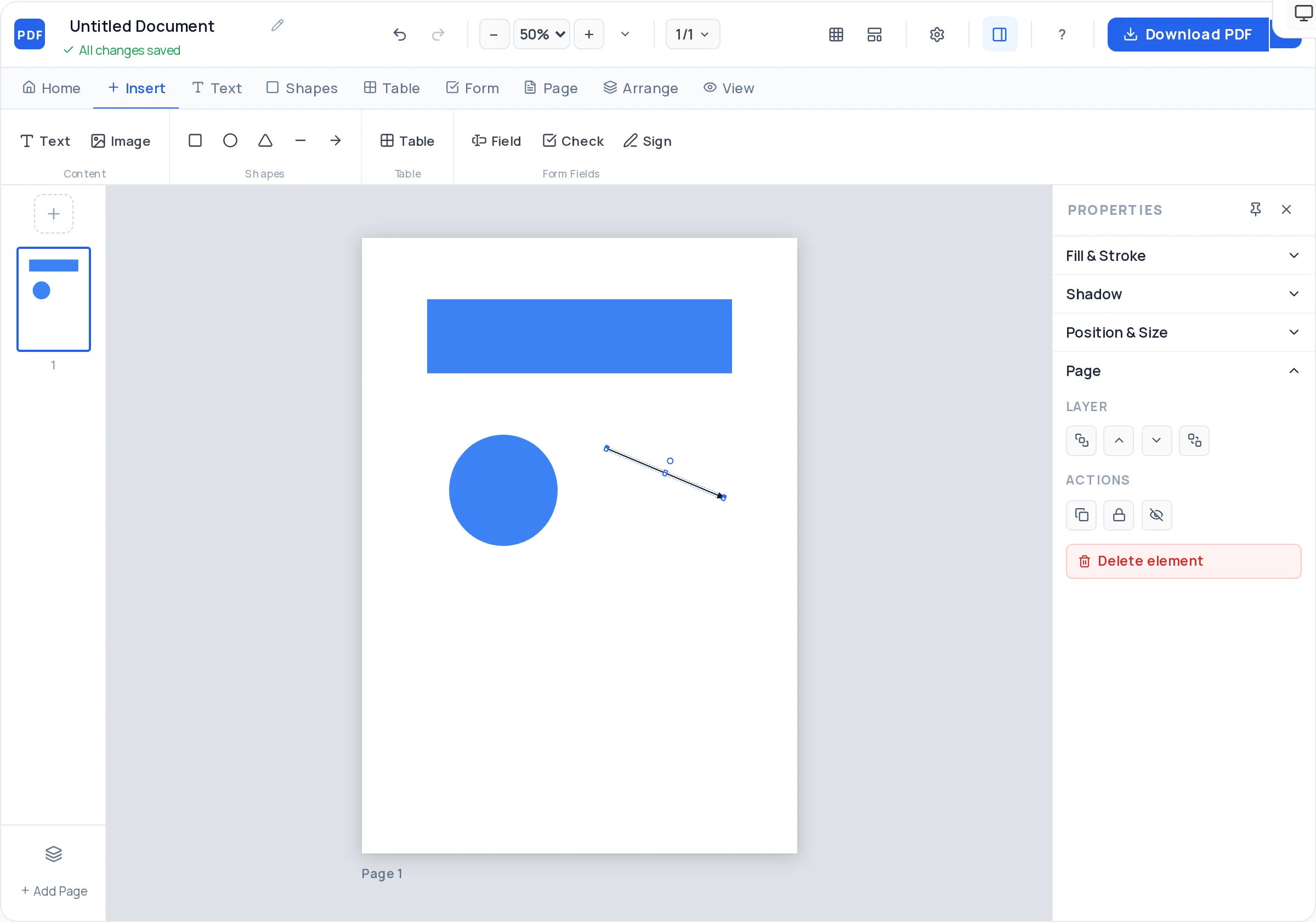
Rectangles with rounded corners, ellipses, triangles, lines, and arrows — each with fill, stroke, dashed borders, opacity, and rotation.
Z-order controls, lock, and hide let you build layered compositions — backgrounds, overlays, and foreground type that stay where you put them.
Figma-style alignment guides appear while dragging, plus a grid overlay, snap-to-grid, and arrow-key nudging for exact placement.
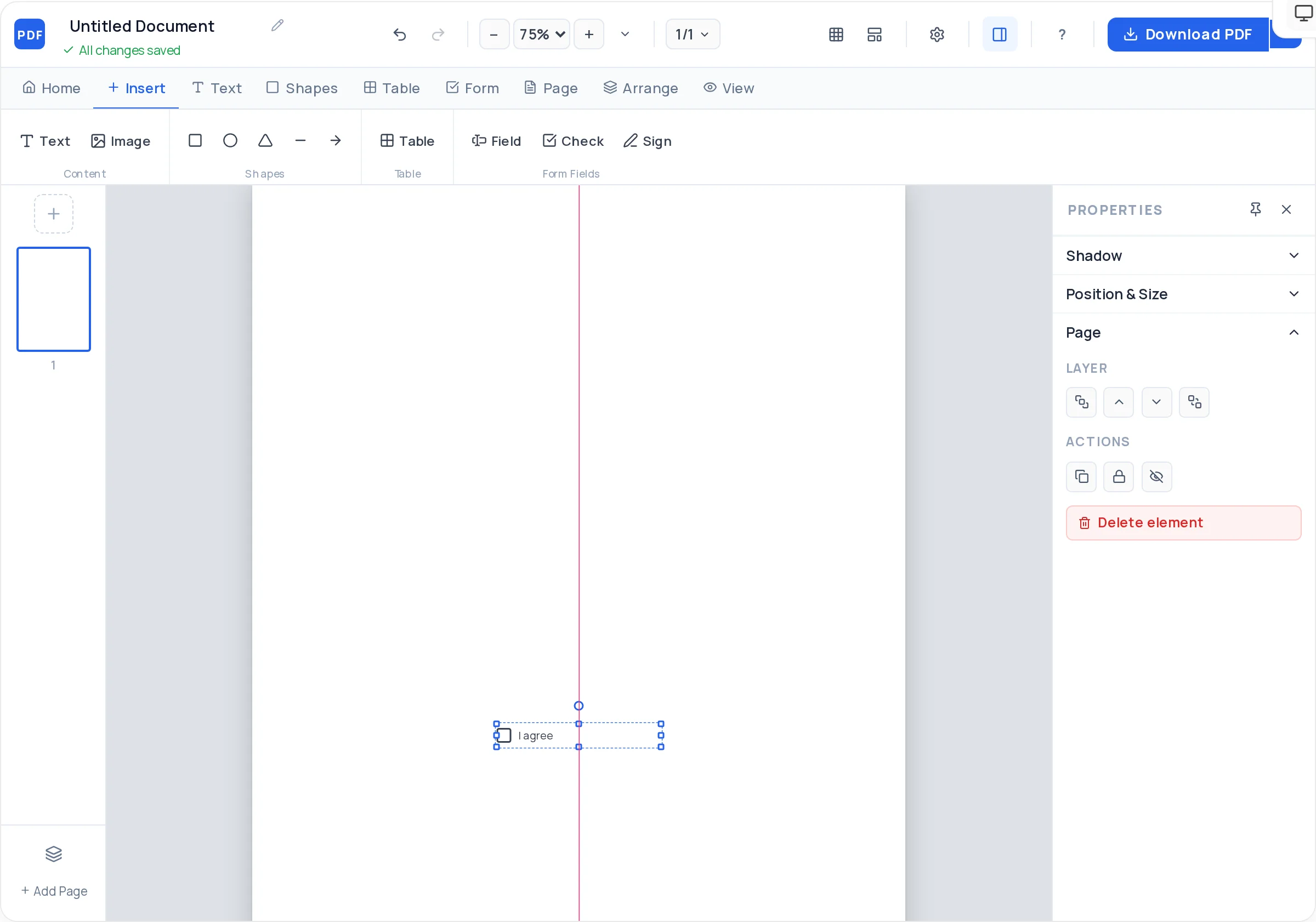
Drop in real AcroForm text fields, checkboxes, and signature fields — your design can be a working fillable document, not just artwork.
A4, A3, A5, US Letter, Square, Business Card, and Presentation 16:9, each with a settable background color and full multi-page support.
Launch the PDF Creator with the blank template and pick the page size that matches your layout — print sizes, Square, Business Card, or 16:9.
Rough in the structure first: rectangles for content zones, a background panel, divider lines. Turn on the grid overlay to keep proportions honest.
Add your heading, subheading, and body text blocks, then fix their sizes and fonts before writing final copy — hierarchy first, words second.
Upload JPG/PNG images with fit modes and rounded corners, and insert tables where the content is genuinely tabular.
Order elements with bring-forward/send-back, lock finished parts, and let the smart guides and nudge keys tighten every alignment.
Download your design as a server-rendered vector PDF — selectable text, sharp at any size, no watermark, unlimited exports.
Pick a column rhythm before placing anything — even a simple two-column split — and snap everything to it. Grids are why professional layouts feel calm.
The moment a background or header is final, lock it. Most layout accidents are nudging a finished element while adjusting its neighbour.
Decide your three type sizes (heading, subhead, body) up front and never improvise a fourth. Consistent scale does more for polish than any decoration.
One brand color at 100%, 60%, and 20% opacity produces a richer palette than three unrelated colors — and always harmonises.
Before exporting, drag-select nothing and just look: every edge should share a line with something else. Smart guides will confirm each one as you nudge.
Yes — the PDF Creator is a free-positioning design canvas in the browser: layered elements, alignment guides, snap-to-grid, and vector output. For flyers, cards, one-pagers, menus, and layout-driven documents, it replaces desktop design software entirely.
Yes — no signup, no watermark, no export cap, and every feature is available from the first click. It is a free browser tool, not a trial.
Text blocks, five shape types (rectangles, ellipses, triangles, lines, arrows), uploaded JPG/PNG images, styled tables, and real fillable form fields including signature fields. Everything supports precise positioning and layering.
No — the designer ships ten standard fonts: Arial, Helvetica, Georgia, Times New Roman, Courier New, Verdana, Trebuchet MS, Palatino, Impact, and Tahoma. They cover clean sans, classic serif, monospace, and display use cases and render identically everywhere.
A real vector PDF, rendered server-side: text is selectable and searchable, shapes and tables are true vectors, and everything prints sharp at any size. Only photos you upload are raster.
Yes — form fields are genuine AcroForm objects, not drawn boxes. Recipients can type into text fields, tick checkboxes, and sign signature fields in any standard PDF viewer.
Very — smart alignment guides appear as you drag (matching centers and edges of nearby elements), snap-to-grid keeps rhythm, and arrow keys nudge elements one step at a time. Z-order, lock, and hide keep complex layouts manageable.
Yes — resume, invoice, certificate, flyer, report, and letter templates are one click away in the same Creator, and every template element is fully editable, so a template is just a head start on your own pdf layout.
All of these open the same free online PDF creator — each guide covers what makes that document work.
No signup, no watermark, nothing to install — design your document and download a clean, print-ready PDF in minutes.
Open the design canvas — free