Convert Read-Only PDF to Editable Online Free
Unlock restricted and read-only PDFs online for free. Learn how to bypass permission locks, digital signature freezes, and edit text directly without Adobe Acrobat.

You open a PDF agreement, business proposal, tax form, or invoice to make a small correction, only to discover that every editing tool is greyed out. A yellow banner across your viewer announces "This document is read-only," or your cursor remains stuck as an inert hand icon. When you try to type, delete a misspelled name, or update a date, nothing happens.
Why does this happen, and why do desktop viewers refuse to let you touch the text?
In standard PDF software like Adobe Acrobat Reader, Apple Preview, and Google Chrome, documents enter a "Read-Only" state for very specific architectural reasons. Under the ISO 32000-1 document standard, a PDF is not simply a locked image. Read-only behavior is usually caused by permission security flags, digital signature restrictions, file system attributes, or rasterized scanned pages.
Understanding which lock is active allows you to convert the document into an editable file immediately without losing typography, layout alignment, or graphic fidelity.
The Quick Answer:
Yes, you can convert a read-only PDF into an editable file online for free without installing Adobe Acrobat or entering credit card details.
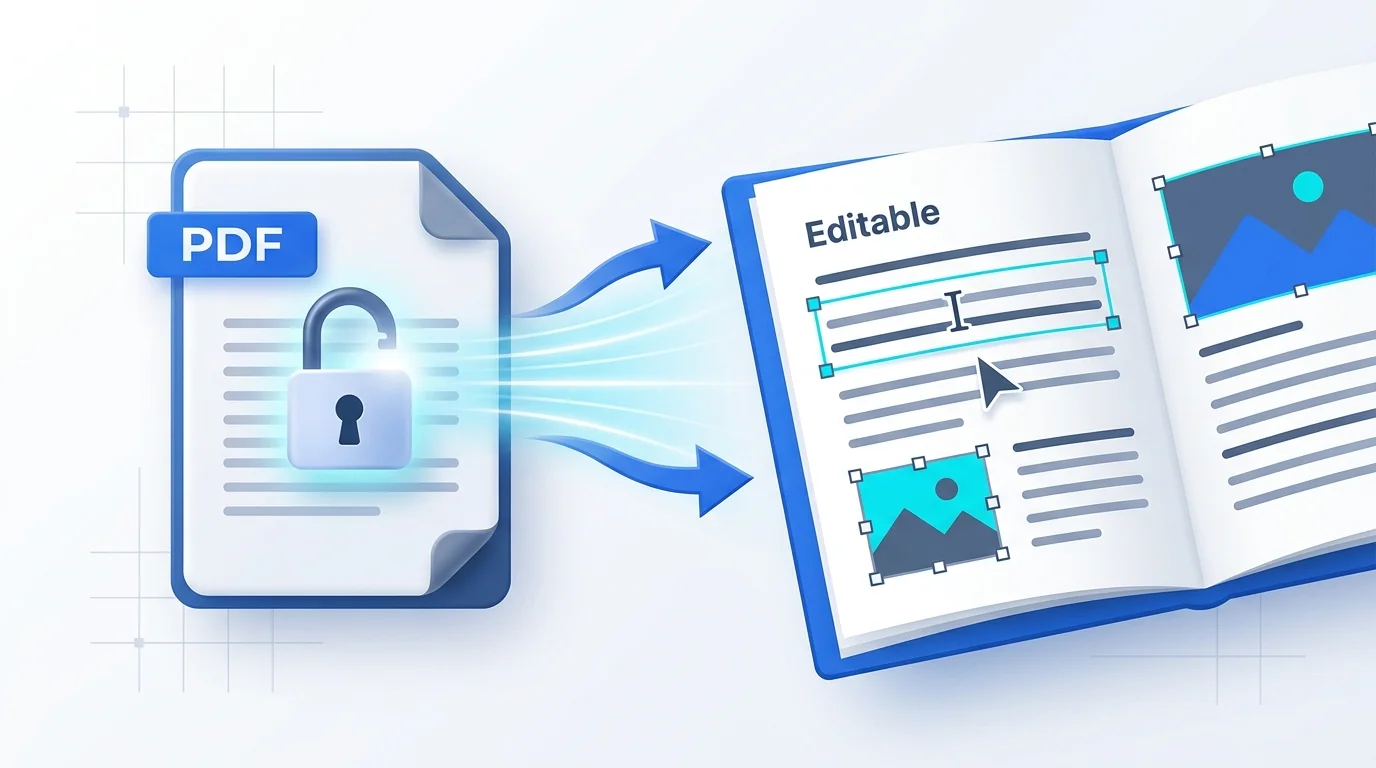
Open the Online PDF Editor, upload your document, and let the parser inspect its internal security dictionary. If the file has a permissions lock or read-only form state, the editor unbinds the restriction flags, detects the exact embedded font family, and enables direct inline vector text editing. Make your changes and export your pristine, editable PDF in seconds.
⚡ Unlock and Edit Your Read-Only PDF in Seconds
Bypass permission restrictions and edit existing text with zero formatting loss:
👉 Open Online PDF Editor (Free & No Sign-Up) →
Permission Bypass · Preserves Original Fonts · No Watermark · 100% Free
Why Is Your PDF Read-Only? The 4 Core Causes
To unlock a read-only document effectively, you must identify which of the four distinct mechanisms is preventing editing:
┌─────────────────────────────────────────────────────────────────────────────┐
│                       WHY IS A PDF MARKED "READ-ONLY"?                      │
├──────────────────────────┬──────────────────────────┬───────────────────────┤
│ 1. Permissions Security  │ 2. Cryptographic Lock    │ 3. Flat Scanned Image │
│    (/Encrypt Dictionary) │    (/DocMDP & /Sig Flags)│    (No Text Layer)    │
│ • Owner password active  │ • Digitally signed file  │ • Pure bitmap image   │
│ • Printing allowed, but  │ • Changes break hash     │ • Letters are pixels, │
│   editing disabled (/P)  │ • Viewer disables tools  │   not vector fonts    │
└──────────────────────────┴──────────────────────────┴───────────────────────┘
1. Permissions Security (Owner Passwords)
The most common cause of a read-only PDF is an Owner Password (also known as a permissions password). Under ISO 32000-1, a PDF can have two different passwords:
- User (Open) Password: Prompts for a password as soon as you open the file. Without it, you cannot view the contents.
- Owner (Permissions) Password: Allows anyone to open and read the file without a password, but restricts specific capabilities via an integer bitmask stored in the
/Pentry of the document's/Encryptdictionary.
When an author restricts editing, the viewer sets the bitmask to disallow /ModifyContents or /AddOrModifyAnnotations. Because Adobe Reader respects this bitmask voluntarily, it disables its editing toolbar. However, the underlying text and vectors remain fully unencrypted inside the document stream. A dedicated browser editor can strip this restriction flag without needing the owner password.
2. Cryptographic Digital Signatures (/DocMDP Transforms)
If a PDF contains a formal cryptographic digital signature or digital certificate, the document undergoes a cryptographic hash calculation across its entire byte sequence.
- Many signers apply DocMDP (Document Modification Detection and Prevention) permissions, setting the restriction level to
P = 1(no changes permitted). - When a PDF viewer detects a certified signature with
P = 1, it deliberately disables all text editing, page reordering, and annotation tools to prevent invalidating the cryptographic certificate. - To edit such a document, the cryptographic signature dictionary must be detached or flattened, resetting the document back into a standard editable vector file.
3. Scanned Bitmaps Without a Live Text Layer
Often, a document appears "read-only" simply because there are no text objects inside the file. If a document was scanned on a multifunction office printer or exported as a series of flat JPEG/TIFF page images, the letters on the screen are not character codes mapped to font glyphs (Tj or TJ operators)—they are millions of colored pixels on a static bitmap canvas.
Standard text cursors cannot select or backspace over pixels. You can verify this by trying to drag your mouse cursor over a single word; if a giant blue rectangle covers the whole page, your document is a flat scan.
4. Operating System and File-System Attributes
Sometimes the restriction has nothing to do with the PDF structure itself, but rather your operating system:
- Windows Read-Only Attribute: If you downloaded the file from an email client or corporate network share, Windows may mark the file properties as
Read-onlyor flag it withMark of the Web(Zone.Identifier). - Email Attachment Preview Mode: Viewing a PDF directly inside Microsoft Outlook or Apple Mail opens the file in a sandboxed temporary directory where disk writes are blocked.
- Cloud Storage Locks: Files opened directly from Microsoft OneDrive, SharePoint, or Google Drive while another user has an exclusive checkout lock will be served in view-only mode.
Step-by-Step: How to Convert a Read-Only PDF to Editable Free
Follow this workflow to remove restriction locks and modify your document in your browser:
Step 1: Open the Online PDF Editor
Navigate to the Online PDF Editor. There is no software installation, no browser extension, and no requirement to register an account or provide payment information.
Step 2: Upload Your Read-Only PDF
Drag and drop your file into the secure workspace. The client engine reads the document catalog and inspects the encryption dictionary:
- If the file is protected only by a permissions password, the engine automatically unbinds the
/Ppermission restrictions, unlocking the text stream. - If the file requires an open password (user password), enter it once to decrypt the session.
Step 3: Select and Edit the Vector Text
Click directly on any line of text you need to modify:
- Our editor identifies the exact embedded font family, font size, weight, and tracking from the document's font dictionary (
/Fontresource). - Type your corrections, update numbers, or delete outdated clauses directly inline.
- Unlike crude whiteout tools, your new text renders in the matching vector font without creating awkward white boxes or layout misalignments.
Step 4: Export and Download Your Updated File
Once your edits are complete, click Export PDF. The engine compiles a clean, unlocked PDF with full editing capabilities restored. Download the document to your local drive.
(Need to apply a new password to protect your final document from unauthorized viewing? Use our PDF Encryptor to apply military-grade AES-256 encryption).
Comparison: Methods to Convert Read-Only PDFs to Editable
| Feature / Method | Online PDF Edits | Adobe Acrobat Pro | Print to PDF Workaround | Google Docs Import |
|---|---|---|---|---|
| Cost | 100% Free | $239.88 / year | Free (Built-in) | Free |
| Account Required? | ❌ No sign-up or email | Mandatory Adobe ID | No account | Google Account required |
| Bypasses Owner Password? | ✅ Instant automated unlock | ❌ Prompts for owner pass | ⚠️ Sometimes works | ⚠️ Partial |
| Preserves Original Fonts? | ✅ Yes (Inline font clone) | ✅ Yes | ❌ Strips interactive forms | ❌ Replaces fonts with Arial |
| Vector Layout Retention | ✅ 100% Pixel-Perfect | ✅ 100% | ⚠️ Often flattens text | ❌ Completely scrambles layout |
| Signature Lock Reset | ✅ Flattens & enables edits | ❌ Blocks all editing | ⚠️ Flattens to bitmap | ❌ Corrupts layout |
| Preserves Interactive Links | ✅ Intact | ✅ Intact | ❌ Destroys all hyperlinks | ❌ Breaks complex links |
How to Fix Common Read-Only PDF Scenarios
Scenario A: "This document is certified by a digital signature and cannot be edited"
When Acrobat or Preview freezes a document due to an existing signature, do not attempt to delete the signature field inside Acrobat—the software will lock the delete key. Instead, upload the file to the Online PDF Editor. The engine parses the visual appearance streams of the signature while resetting the modification restrictions, letting you update the text and apply a fresh signature using the Sign PDF Tool.
Scenario B: "The file is locked for editing by another user" (Cloud Storage)
If SharePoint or OneDrive locks a file in read-only mode, download a local copy to your computer. Right-click the downloaded .pdf file on Windows, select Properties, uncheck the Read-only checkbox at the bottom of the General tab, click Unblock if present, and hit Apply.
Scenario C: Government or Court Forms With Read-Only Fields
Certain government forms lock fields once a date or barcode is generated. If you made a typo before generating the barcode, open the file in our editor. You can click directly into the frozen field, correct the typographical error, and save your updated submission.
Frequently Asked Questions
Is there a way to convert a read-only PDF to editable?
Yes. Upload your document to the Online PDF Editor. The engine inspects the document structure, bypasses permissions restriction flags in the encryption dictionary, detects the embedded font attributes, and allows you to select, delete, and type text directly on the page without registration.
How do you convert a read-only PDF to editable for free?
Drag your file into the Online PDF Editor. The tool unlocks restricted permissions automatically and provides full vector text editing tools at zero cost. You can make all necessary corrections and export your file without subscription paywalls or watermarks.
How can I edit a read-only PDF without Adobe Acrobat?
Open the Online PDF Editor in any modern web browser on Mac, Windows, or Linux. Upload your read-only PDF, click on any text block to edit existing copy in its original typeface, and download the finished file immediately without installing Acrobat.
Why is my PDF read-only even though I didn't lock it?
A PDF becomes read-only when the creator sets permission restrictions with an owner password, when a digital signature locks the document to prevent tampering, or when an operating system applies read-only attributes to downloaded attachments.
What is the difference between an open password and a permissions password?
An open password blocks anyone from opening and viewing the document without entering a passphrase. A permissions password allows everyone to view the PDF but disables printing, copying, and editing tools inside compliant viewers.
Can I edit a read-only PDF in Google Docs?
Yes, but Google Docs will severely damage your layout. When you open a PDF in Google Docs, Google converts the document into an unformatted text document, replacing specialized fonts, stripping vector graphics, and scrambling tables into plain paragraphs.
Does "Print to PDF" remove read-only restrictions?
Yes, using Print to PDF can strip basic permission locks, but it creates serious side effects. Printing a PDF flattens interactive form fields, deletes hyperlinks, strips document bookmarks, and can degrade font crispness into low-resolution outlines.
Can you edit a digitally signed read-only PDF?
Yes, you can edit the text by uploading the file to an online editor that detaches the cryptographic lock. However, doing so will invalidate the original cryptographic certificate, which is intentional under digital signature standards to indicate the file was modified.
How do I remove the read-only attribute on a Windows PC?
Right-click the PDF file in Windows File Explorer, select Properties, uncheck the Read-only checkbox under the Attributes section, and click OK. If the file came from the internet, also check the Unblock box before saving.
How do I edit a read-only PDF on Mac Preview?
macOS Preview cannot bypass PDF permission passwords or unlock digitally signed documents. To edit locked text on a Mac without buying software, open the document in the Online PDF Editor in Safari or Chrome to modify vector text directly.
Can AI convert a read-only PDF into an editable document?
No, AI is not required to unlock read-only PDFs. Standard read-only locks are simple programmatic permission flags inside the document catalog. Algorithmic object parsers remove these security flags directly, keeping 100% of the original vector text and formatting intact.
Will converting a read-only PDF change my font?
No. High-quality vector editors read the font descriptors embedded in the PDF and replicate the exact typeface, character spacing, and size so your new text matches the surrounding paragraphs seamlessly.
How do I make a read-only PDF fillable?
Upload your document to the Online PDF Editor, click on the Form Fields tool, place text boxes or checkboxes over the desired areas, and export the file. The document will save as an interactive fillable PDF that any viewer can type into.
Is it legal to remove read-only restrictions from a PDF?
Yes, provided you own the document, have legal authorization to modify it, or are updating your own records. However, removing security restrictions from copyrighted materials or modifying legally binding contracts without authorization is prohibited.