Duplicate-page workflow
Perfect one product-grid page, then duplicate it per category. Add, reorder, and delete pages freely — catalogs of any length.

Catalog PDF Builder
To create a catalog PDF, design one product-grid page in the free browser Creator, then duplicate it for every category and swap in products — photo, name, code, price. The page tools were built for repetition at scale: add, duplicate, and reorder as many pages as the catalog needs, with a watermark-free vector export at the end.
Catalogs live or die on consistency. Buyers flip fast, and every page must put the photo, name, and price in the same place so their eye never has to search. Snap-to-grid and the grid overlay make a clean 2×3 or 3×3 product grid trivial, image fit modes keep mixed-shape product photos uniform, and locking your header and footer elements stops them drifting while you fill in products.
When the catalog is done, one vector PDF serves every channel: email it to buyers, link it from your site, or print sections for a trade counter — text stays selectable and sharp throughout.
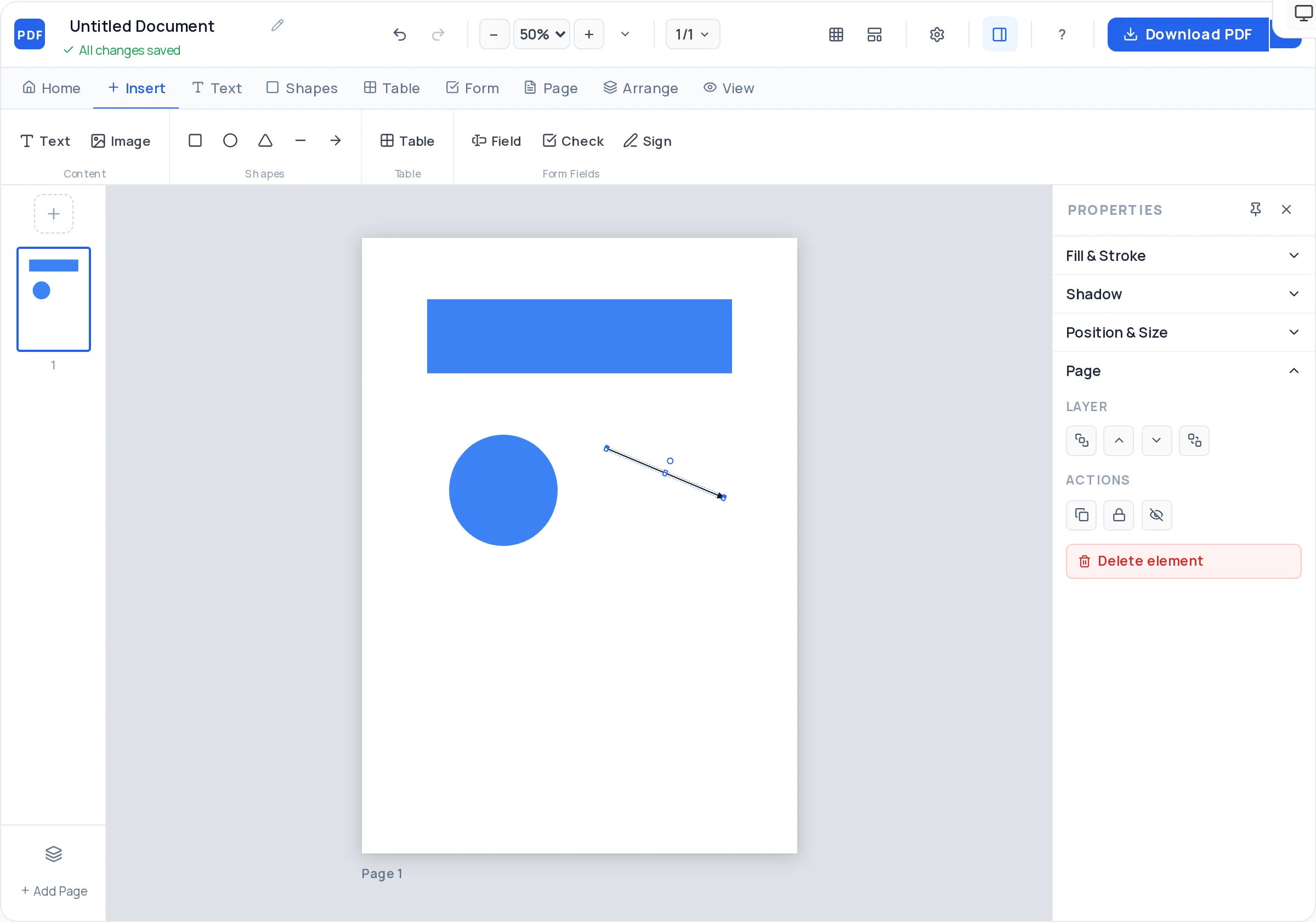
Perfect one product-grid page, then duplicate it per category. Add, reorder, and delete pages freely — catalogs of any length.
Snap-to-grid, a visible grid overlay, and smart alignment guides keep a 2×3 or 3×3 product grid pixel-tight on every page.
Cover fit crops mixed-shape photos to identical frames; contain fit shows the whole product on a clean background. Rounded corners optional.
Styled tables with header rows handle SKU lists, size charts, and wholesale price breaks — cell backgrounds highlight bestsellers.
Lock the header, footer, and page background so category names and branding stay put while you drop products in.
Export a single watermark-free vector PDF — searchable product names and codes, sharp print, ready to email or link.
Open the PDF Creator on A4 or US Letter and lay out one page: category heading at top, a product grid using snap-to-grid, brand footer at bottom.
One photo frame with cover fit, product name below, code and price under that. Get spacing right once — every product inherits it.
Lock the header, footer, and any background shapes so they cannot shift while you place dozens of products.
Duplicate the master page for each category, update the heading, and swap in that category’s product photos and details.
Where buyers need detail — size charts, wholesale tiers, technical specs — insert a styled table with a header row instead of cramming text.
Drag pages into category order, add a cover page, and export the whole catalog as one crisp vector PDF.
A 2×3 grid (six products per page) suits photo-led catalogs; 3×3 suits parts and SKU-heavy lines. Changing the grid mid-catalog is the most expensive mistake — pick once.
Cover fit crops photos to identical frames, so photograph products with margin around them. Tight crops lose edges; consistent white-background shots look best in contain fit.
Photo, name, then price — top to bottom in each cell. Buyers confirm interest before cost; reversing the order makes the catalog feel like a price list.
A simple divider page — category name large, one hero photo — lets buyers thumb to their section fast in a long catalog.
Export as catalog-2026-q3.pdf and keep prices dated inside. Buyers hold onto old catalogs; a visible validity date protects you at order time.
Build one master page, lock its header and footer elements, and duplicate the page for each category. Combined with snap-to-grid, every product frame lands in exactly the same spot page after page.
On A4, a 2×3 grid gives six generous photo-led cells; 3×3 gives nine compact ones for SKU-heavy lines. Fewer, larger cells sell premium products; denser grids suit parts and wholesale.
Set every image frame to the same size and use cover fit, which crops each photo to fill its frame identically. If showing the entire product matters more than uniform crops, use contain fit with white-background photos.
No — exports are always clean, whether the catalog is four pages or forty. There is no page limit or paid tier gating the download.
Yes — insert a table with any rows and columns, style the header row, and use cell background colors to flag price breaks or bestsellers. Tables export as real vector text, so buyers can copy codes and prices.
Photo-heavy catalogs get big. Run the export through the free compressor at /compress-pdf to shrink it to email size, or split it into per-category files with /extract-pages and send only what the buyer asked for.
Page order is easiest to fix before export — pages drag-reorder in the Creator. On an already-exported file, use the free /delete-pdf-pages and /merge-pdf tools to drop discontinued categories or combine seasonal sections.
All of these open the same free online PDF creator — each guide covers what makes that document work.
No signup, no watermark, nothing to install — design your document and download a clean, print-ready PDF in minutes.
Start your catalog — free