Branded cover page
Full-page brand color, logo, and a single positioning line — the profile starts working from the first glance.

Company Profile Creator
A company profile answers "who are you and why should we work with you" before any meeting happens. Build yours in the browser: a branded cover, a page for your story and mission, a services page, proof of work, and a contact page — all as freely designed PDF pages.
The report template supplies the structure; your logo, photos, and brand colors supply the identity. Everything exports as a sharp vector PDF you can email to prospects, attach to tenders, or print for a front desk — with no watermark, signup, or cost.
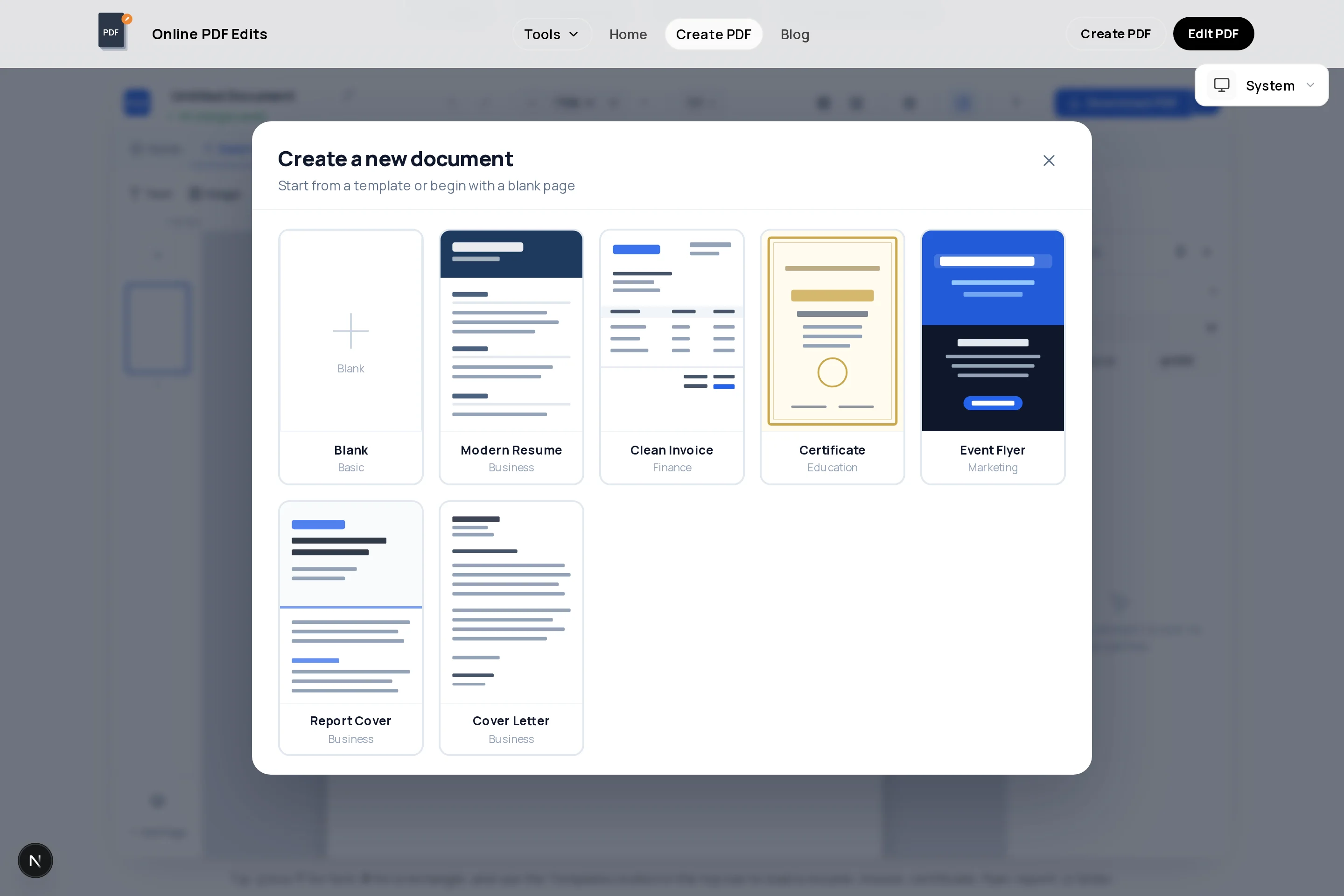
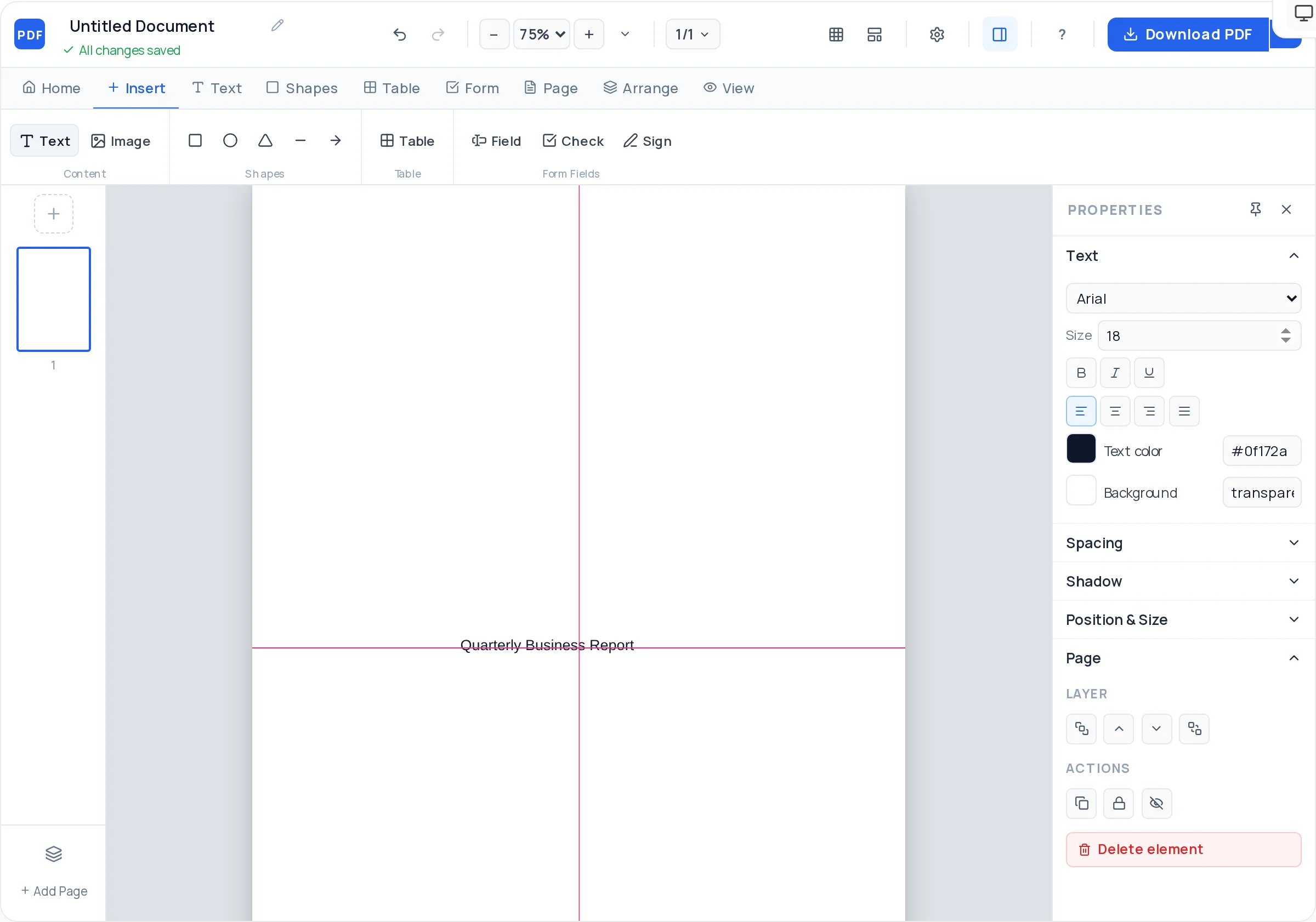
Full-page brand color, logo, and a single positioning line — the profile starts working from the first glance.
Team, premises, and product photos with fit modes and rounded framing keep pages human, not corporate-generic.
Tables organize service lines, industries served, or key numbers (founded, staff, clients) into scannable blocks.
Story, services, work, team, contact — each on its own page, reorderable as your pitch sharpens.
Alignment guides keep headings and columns identical across pages, which is what "professionally designed" mostly means.
A clean vector PDF with selectable text — ready for procurement portals, email, and print.
Open the creator with structured pages ready to become your profile sections.
Company name, logo, one-line description of what you do, and the year — on brand color.
One page: founding, mission, and the three things you want remembered. Short paragraphs, generous spacing.
A services page with a clear table or cards, then a page of past work, clients, or numbers.
Photos, names, and roles of key people — buyers work with humans, not logos.
Full contact details and a call to action on the final page, then export the PDF.
Every section should answer a prospect’s question — what you do, for whom, with what proof. History and awards matter only as evidence.
"120 projects across 14 countries since 2015" earns more trust than "extensive international experience". Put three such numbers on their own visual row.
A profile is an introduction, not an annual report. If a section cannot justify a full page, merge it.
Stale client lists and old numbers undermine the document’s job. Re-export takes minutes — put a reminder in the calendar.
Typically: cover, about/mission, services or products, track record and clients, team, and contact details. Regulated industries may add certifications and compliance pages.
Six to eight pages for most SMEs. Long enough to feel substantial, short enough that a prospect actually reaches the contact page.
Yes — this creator runs in the browser with drag-and-drop text, images, shapes, and tables. The template plus alignment guides do the layout discipline for you.
Upload JPG or PNG photos and frame them with cover/contain fit and rounded corners. Consistent photo treatment across pages is what makes the document feel designed.
Yes — full multi-page export with no watermark and no signup. The file you send contains only your company’s branding.
Open the exported PDF in the PDF editor to revise text and swap images, or rebuild the changed page in the creator and re-export. Keep the filename versioned by date.
All of these open the same free online PDF creator — each guide covers what makes that document work.
No signup, no watermark, nothing to install — design your document and download a clean, print-ready PDF in minutes.
Build your company profile — free