True card-size page
A dedicated business-card page size means what you design is exactly what prints — no scaling surprises.

Business Card Designer
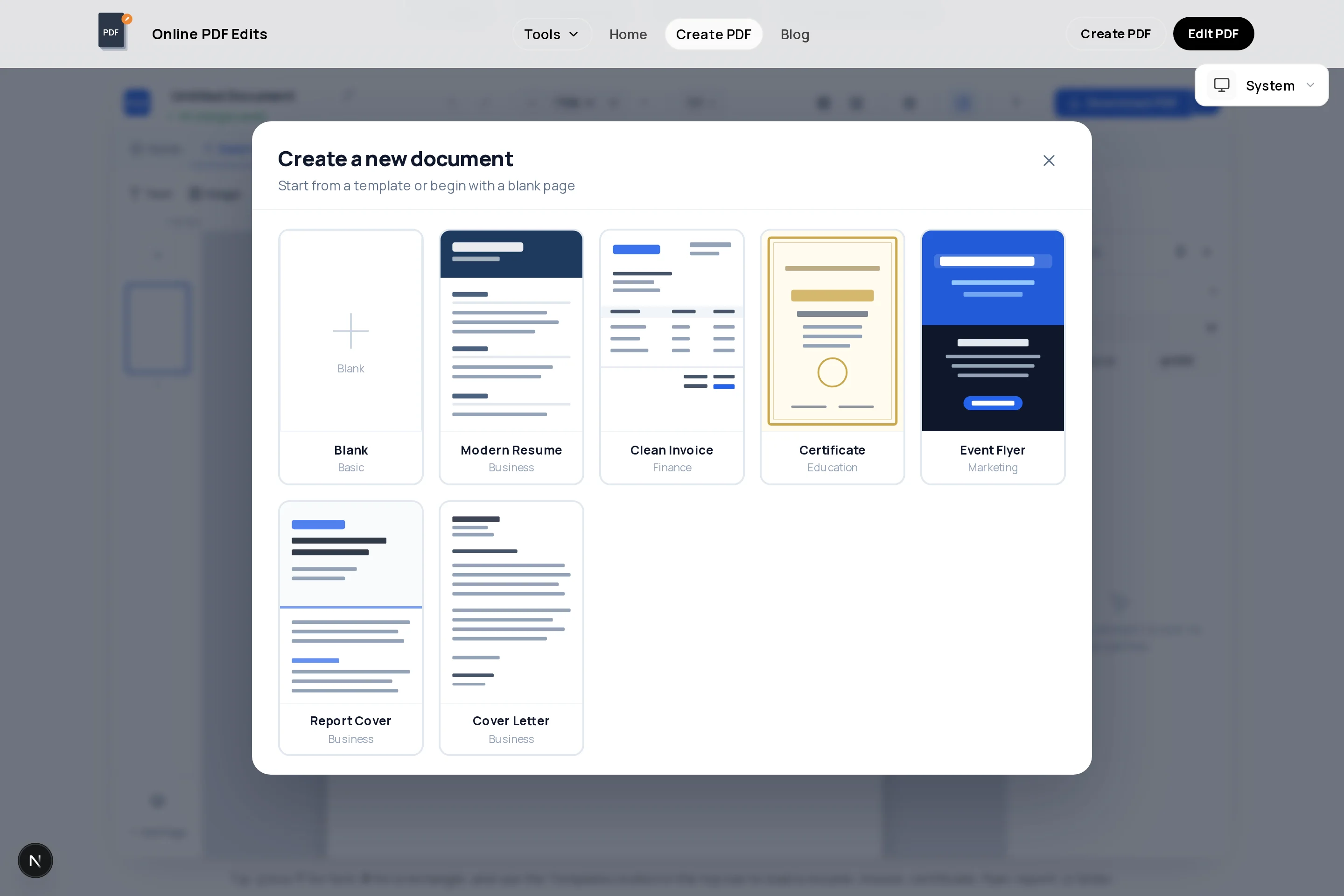
This creator has an actual business-card page size built in, so you design at the real dimensions instead of cropping a letter-size page. Add your logo, name, role, and contact lines, set the background to your brand color, and export a vector PDF that prints sharp.
Front and back are just two pages of the same document: duplicate the first card, strip it back to logo-and-color for the reverse, and both sides travel to the printer in one file. Free, no account, and nothing stamped on your design.
A dedicated business-card page size means what you design is exactly what prints — no scaling surprises.
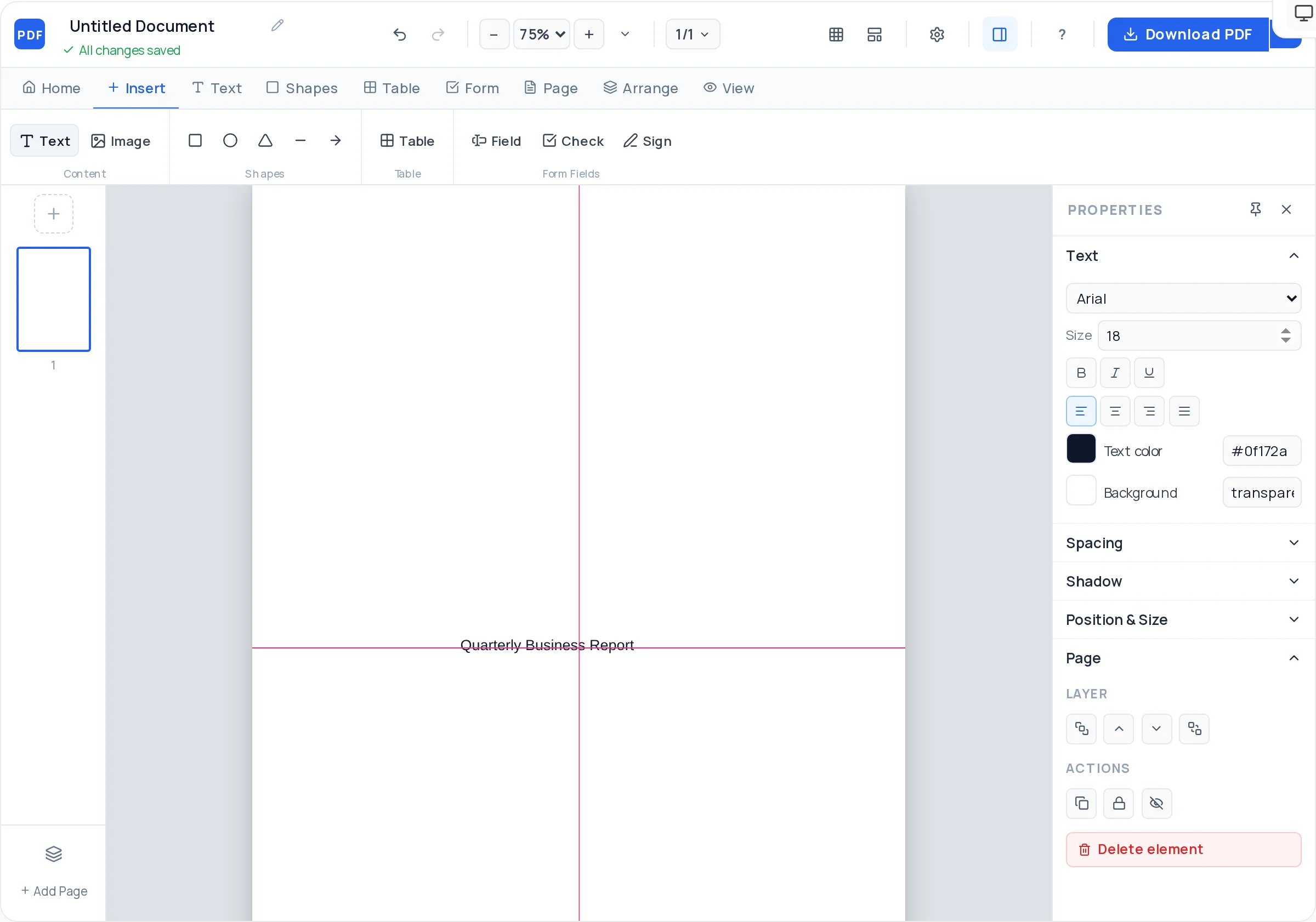
Name large, role smaller, contacts smallest — with letter-spacing and weight controls that make small type readable.
Upload a high-resolution PNG or JPG logo; it embeds untouched, so edges stay crisp on the printed card.
Set the page background to your exact brand hex for a solid-color reverse side that ties the card together.
Smart guides flag the true center lines while you drag — critical on a canvas this small.
Page 1 front, page 2 back. One PDF to the printer, nothing to explain.
Open the creator, then set the page size to Business Card in the page settings.
Position your logo top-left or centered, sized so it reads without dominating the card.
Your name at the largest size, role beneath it, then phone, email, and website in small aligned lines.
A colored edge band or background sets the card apart from every white rectangle in the stack.
Duplicate the page and simplify — logo on solid brand color is the classic, confident reverse.
Download the PDF and send it to your print service; text and shapes are vector, so they print clean.
Name, role, one phone number, email, website. Every extra line shrinks everything else — cut social handles you do not actually check.
Trimming is never pixel-perfect. Keep text and logos away from the edges so nothing important sits on the cut line.
Print one page at 100% scale and hold it. Type that looks fine on screen is often a size too small in the hand.
This tool exports standard RGB PDFs without bleed or crop marks. Most digital print services accept that; commercial offset shops usually want CMYK with bleed — ask before ordering large runs.
The creator’s business-card page corresponds to the standard card footprint (roughly 3.5 × 2 inches / 85 × 49–55 mm depending on region). Designing at true size avoids any scaling at the print shop.
Yes — add a second page for the back. Duplicating the front and stripping it down keeps both sides visually consistent, and one exported PDF carries both.
Text and shapes export as vectors, so they are sharp at any print resolution. For logos, upload the highest-resolution PNG you have — the file embeds it without recompression.
Digital print services generally accept standard RGB PDFs like these. For offset printing with full-bleed color, ask the shop — they may request CMYK and bleed margins, which this tool does not produce.
Completely — design, both sides, and export are free, and nothing is ever printed on your card design except what you put there.
Name around 10–12pt, role 7–8pt, contact lines 6.5–8pt. Below 6.5pt, print legibility drops fast — test-print before committing.
All of these open the same free online PDF creator — each guide covers what makes that document work.
No signup, no watermark, nothing to install — design your document and download a clean, print-ready PDF in minutes.
Design your card — free