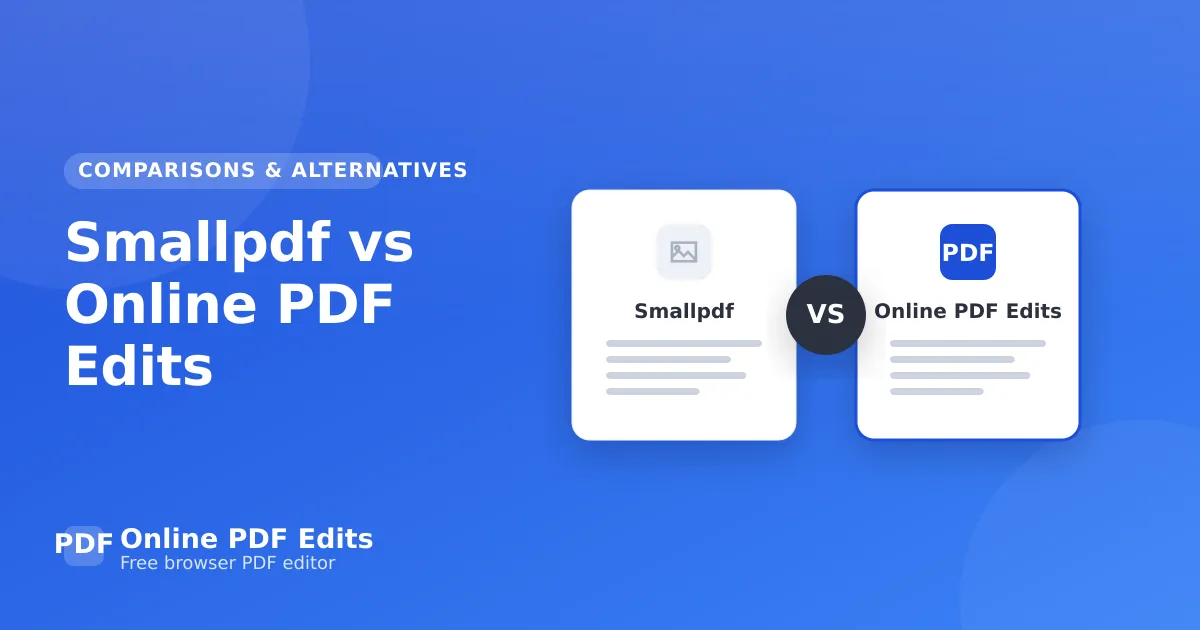
Smallpdf vs Online PDF Edits
Smallpdf vs Online PDF Edits: an honest comparison on layout fidelity, price, privacy, and friction so you can pick the right PDF editor for your work.

Choosing between Smallpdf and Online PDF Edits? Both can edit PDFs, but they're built around different priorities. This honest comparison looks at layout fidelity, price, privacy, and friction so you can pick the right one for your work — not just the one with the loudest marketing.
Short version: Online PDF Edits is purpose-built for editing existing PDFs without breaking their formatting, in the browser, free, and with no watermark. Smallpdf has its own strengths, covered below.
Key takeaways
- Online PDF Edits focuses on layout-safe editing of existing PDFs; Smallpdf covers a broader or different set of tasks.
- Check watermark and signup policies before committing to a workflow.
- For changing text, images, or tables in place, fidelity matters more than feature count.
- You can try Online PDF Edits free with no account.
At a glance
| Online PDF Edits | Smallpdf | |
|---|---|---|
| Edits existing PDF layout-safe | Yes | Varies |
| Works in the browser | Yes | Varies |
| Free export without watermark | Yes | Often limited |
| Requires signup | No | Often |
| Best for | Changing real PDFs in place | See below |
Where Online PDF Edits wins
Online PDF Edits edits the actual objects in your PDF, so a change to text, an image, or a table cell doesn't disturb the surrounding layout. There's no conversion to another format, no watermark on the export, and no account required. If your day involves fixing and updating PDFs people send you, that's exactly the workflow you want.
Where Smallpdf fits
Smallpdf is a capable tool with its own audience. It's worth choosing when its particular feature set, ecosystem, or pricing model matches your needs better than a focused in-place editor. The honest answer is that many teams use both — a focused editor for everyday changes and a broader suite for occasional heavy tasks.
How to decide
- If you mostly edit existing PDFs and care about formatting, start with Online PDF Edits.
- If you need a specific feature only Smallpdf offers, use it for that task.
- Try both on the same real file and compare the exported result — fidelity differences show up immediately.
Try it free in your browser
Open the Online PDF Edits editor and load your file. There's no signup, no watermark, and no conversion step — you edit the real PDF and download it when you're done. Smallpdf alternative takes a couple of minutes, and your formatting stays exactly where it was.
Related guides
- Best Adobe Acrobat Alternatives in 2026
- Best Free PDF Editors in 2026
- Best Browser-Based PDF Editors in 2026
- Best PDF Editors for Large Business Documents
Frequently asked questions
Can I edit PDFs for free?
Yes. Online PDF Edits lets you edit PDFs for free in your browser. There's no signup, no watermark on the exported file, and no trial limit on basic editing — open your PDF, make the change, and download it.
Will my formatting stay the same?
That's the whole point of a layout-safe editor. Online PDF Edits edits the real objects in your PDF and keeps the embedded fonts, so spacing, tables, and multi-page layout stay exactly as they were. Only the part you change actually changes.
Do I need to install anything or create an account?
No. Online PDF Edits runs entirely in your web browser on any device, and you can edit and export without creating an account or installing software.
Are my files kept private?
Your document is processed to make your edit and is not kept around or shared. Files are not stored long-term or used for anything other than producing your download. For highly sensitive material, redact what you can before uploading and remove the local copy when you're done.