Xodo PDF Editor Review 2026: Is It Still Worth Using?
An honest look at Xodo's free PDF annotation tools in 2026 — what works, what's missing, and when to use something else.

Short answer: Xodo is a solid free choice for PDF annotation, form-filling, and reading on mobile — but it falls short for full text editing and advanced conversion, where a browser-based editor works better. Here's a full breakdown of what it does well, where it struggles, and what to use instead if you hit its limits.
What Is Xodo?
Xodo is a free PDF reader and light editor available on Windows, Mac, iOS, Android, and as a browser extension. It's popular for annotating and marking up PDFs, especially on tablets, and has built a strong reputation among students and professionals who need quick markup tools without paying for Adobe Acrobat.
Xodo Features
- PDF annotation: highlight, underline, strikethrough, freehand drawing
- Form filling and e-signatures
- Merge and split PDF files
- Cloud sync with Google Drive, Dropbox, and OneDrive
- Collaborative real-time annotation (multiple users on one document)
- Available across desktop, mobile, and browser
Xodo Pros
- Genuinely free for core annotation features, no paywall tricks
- Fast, lightweight app — doesn't lag on large files
- Strong tablet/stylus support, popular for note-taking on iPad and Windows tablets
- Real-time collaboration is rare at this price point (free)
Xodo Cons
- No real text editing — like most annotators, it overlays text rather than editing existing content
- No file compression tools
- Format conversion (PDF to Word/Excel) requires a separate paid tool or workaround
- Mobile app can be inconsistent with very large or complex PDFs
- Desktop version feels less polished than the mobile app
Xodo Pricing
Xodo's core features are free. Xodo requires no subscription for basic use, which is a meaningful advantage over Adobe Acrobat's paid tiers, though power users needing OCR or advanced editing will eventually need to look elsewhere.
Xodo vs. a Browser-Based PDF Editor
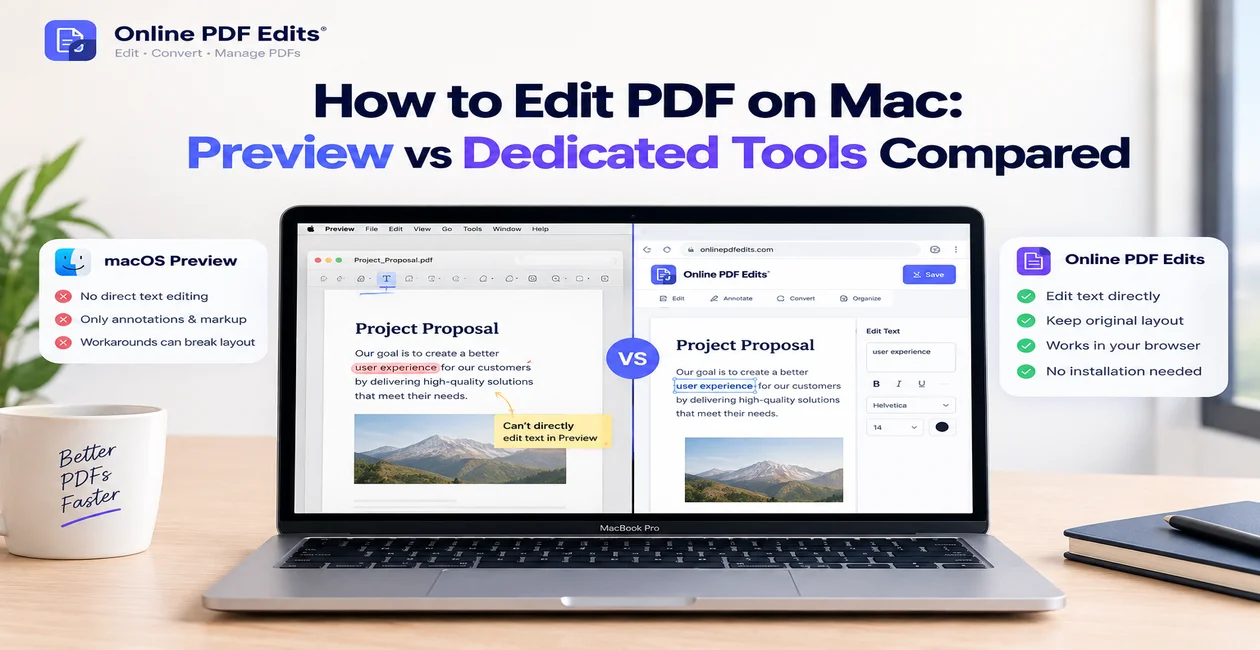
If your workflow is mostly annotating, signing, and marking up PDFs — especially on a tablet — Xodo is hard to beat for free. But if you need to actually edit existing text, convert files, or compress large PDFs, Xodo isn't built for that, and neither are most annotation-first apps.
That's the gap OnlinePDFEdits fills: a free, browser-based editor for editing real text, converting formats, and compressing files — no install, no account, works the same on any device including tablets.
Verdict
Use Xodo if: you primarily annotate, sign, and review PDFs, especially on a tablet. Use an online PDF editor instead if: you need to edit actual text content, convert file formats, or compress files for sharing.
FAQ
Is Xodo actually free? Yes, the core reading and annotation features are free with no forced trial or subscription.
Can Xodo edit PDF text? No — like most annotation tools, Xodo lets you add text boxes on top of a PDF but can't edit the original text.
Is Xodo safe to use? Yes, Xodo is a legitimate, widely used app with millions of downloads across app stores.
Does Xodo work offline? Yes, the desktop and mobile apps work offline once installed; only cloud sync requires an internet connection.