Logo placement
Upload your logo and position it precisely in the header — left-aligned classic or centered formal.

Letterhead PDF Designer
A letterhead is the frame around everything official your business sends. In this free online designer you build it once — logo and company name in the header, a brand-colored rule, registered details and contacts in the footer — and export a PDF you reuse for every letter after.
The letter template gives you correct margins to start from. Because elements can be locked, you can freeze the header and footer and type each new letter into the body without ever nudging the branding out of place.
Upload your logo and position it precisely in the header — left-aligned classic or centered formal.
Thin rules, header bands, or a footer bar in your exact brand hex color, drawn with simple shapes.
A small-type footer with address, phone, email, website, and registration numbers, aligned to the grid.
Lock header and footer elements so writing the letter body never disturbs the branding.
Snap-to-grid and alignment guides keep the header, body area, and footer on consistent margins.
Duplicate the page and strip the footer for a matching, lighter second-page design.
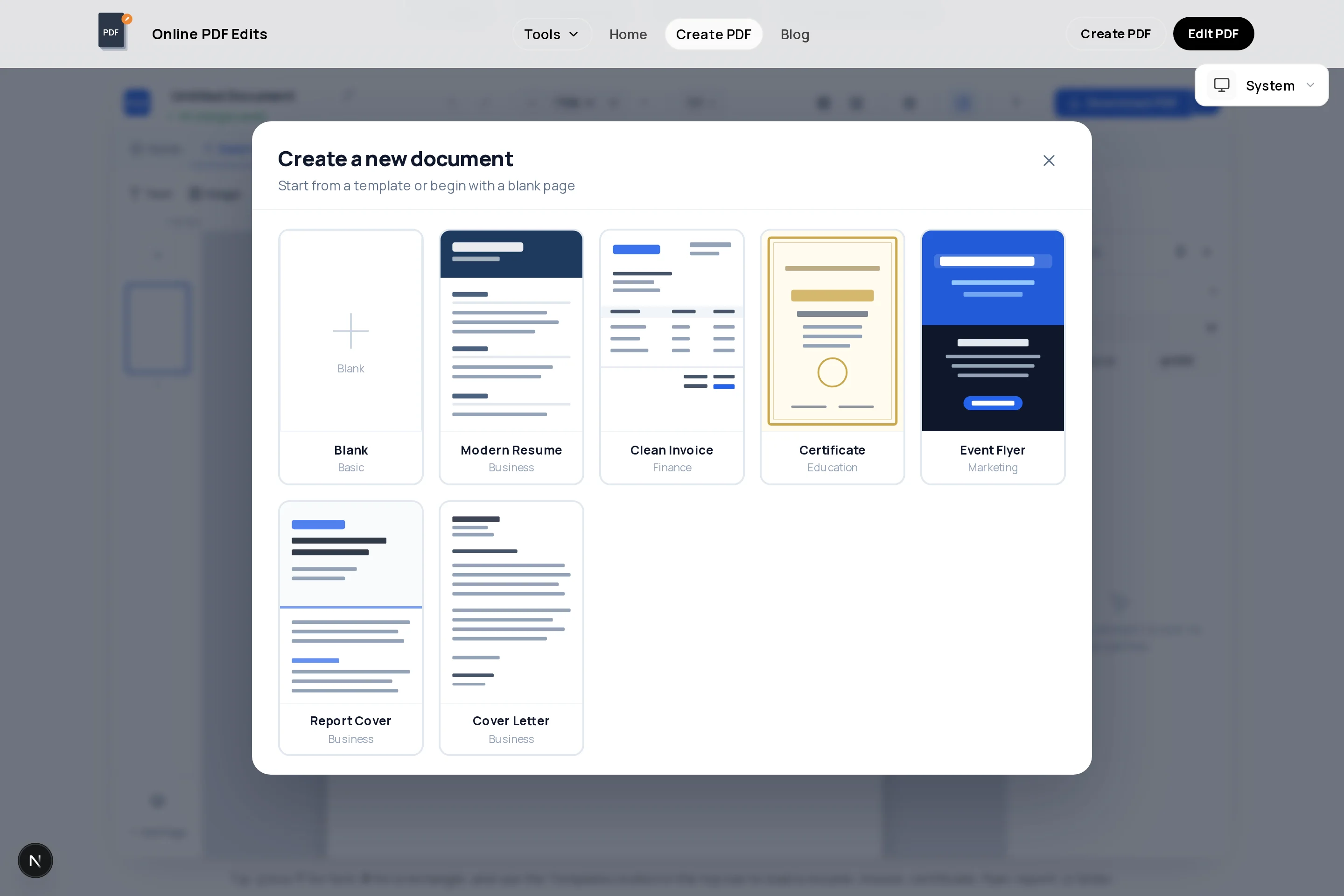
Start with a correctly proportioned A4 or Letter page in the creator.
Place your logo and company name, then add a thin brand-colored rule beneath to separate it from the body.
Set contact details, website, and any registration numbers in 8–9pt type across the bottom.
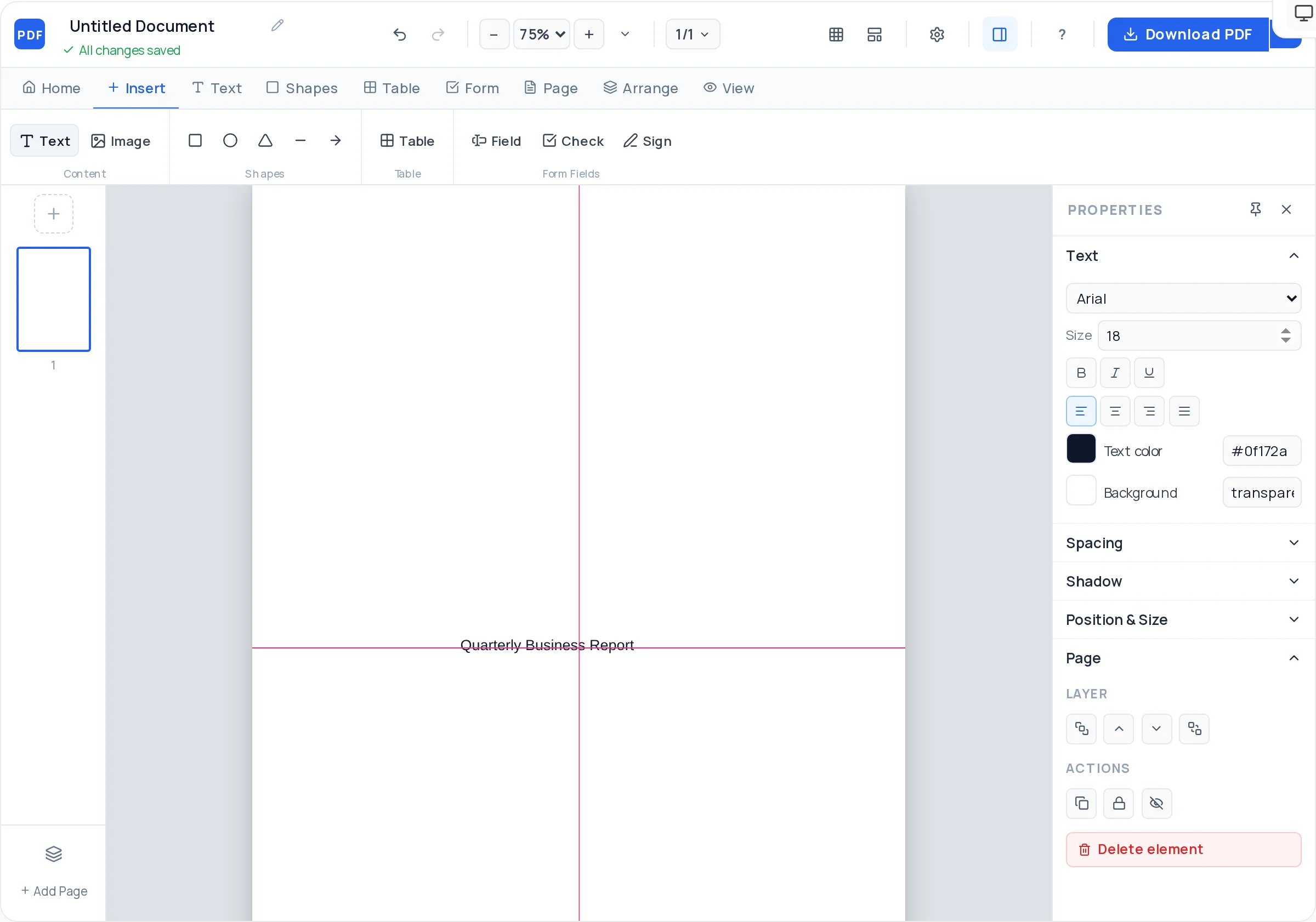
Add a placeholder text block for date, recipient, salutation, and body so future letters start pre-structured.
Lock the header and footer elements — the reusable frame is now tamper-proof.
Download the PDF as your letterhead master; write individual letters by editing the body and re-exporting.
The letterhead frames the message; it is not the message. Oversized headers push real content to page two.
Contact and registration details belong in small, quiet type. If the footer competes with the body text, shrink it.
Some jurisdictions require registered company details (number, registered office, VAT) on business letters — confirm what your entity must display.
Long letters continue. A stripped-down continuation page — logo only, no footer — keeps multi-page letters looking designed.
Design the header, footer, and body placeholder on the letter template in the creator above, then export. The PDF becomes your master — edit the body for each new letter and export again.
Logo, legal company name, address, phone, email, and website — plus registration or tax numbers where law requires them on correspondence.
Yes. Lock the header and footer in the creator and only edit the body text, or open the exported master in the PDF editor each time you write.
Match your audience: A4 nearly everywhere, US Letter for the United States and Canada. The creator offers both — design once, then duplicate the document at the second size if you correspond internationally.
No — the letterhead is exactly and only your design. No watermark or footer credit is ever added, which is non-negotiable for official stationery.
The PDF itself is best used directly: write letters in the creator or PDF editor and send the finished file. That keeps typography and spacing identical everywhere, which is the point of letterhead.
All of these open the same free online PDF creator — each guide covers what makes that document work.
No signup, no watermark, nothing to install — design your document and download a clean, print-ready PDF in minutes.
Design your letterhead — free