True multi-page structure
Add, duplicate, and reorder pages — cover, scope, pricing, and terms each get their own well-paced page.

Proposal PDF Creator
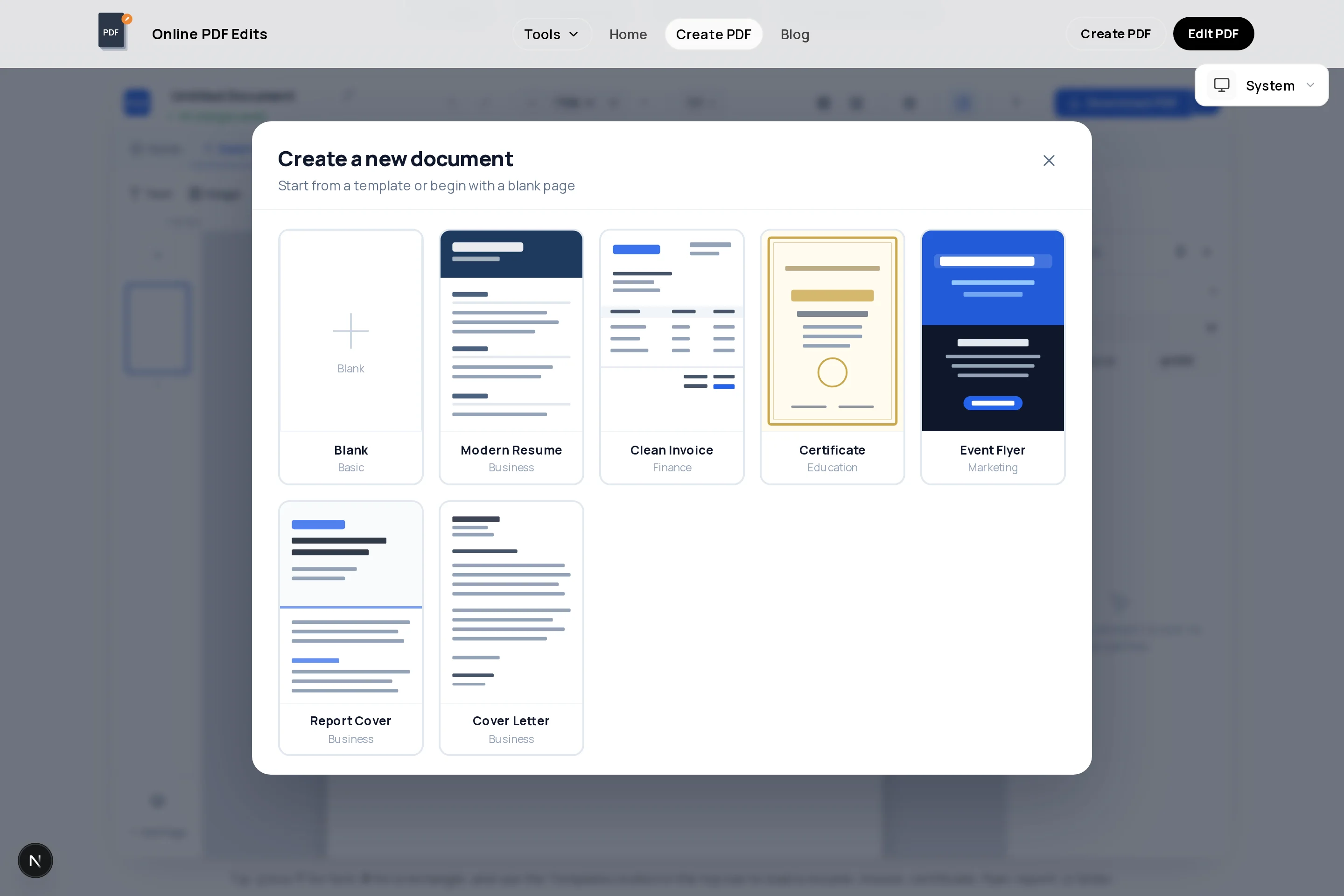
A proposal is a sales document, and structure sells: cover, problem, approach, pricing, proof, next step. Our free proposal creator gives you a multi-page canvas in the browser — start from the report template, rename the sections, and build each page with text blocks, images, and pricing tables.
Because pages are managed individually, you can duplicate your best-designed page to keep every section visually consistent, reorder sections as the story improves, and delete what a specific client does not need. The export is a watermark-free vector PDF that looks deliberate on a decision-maker’s screen.
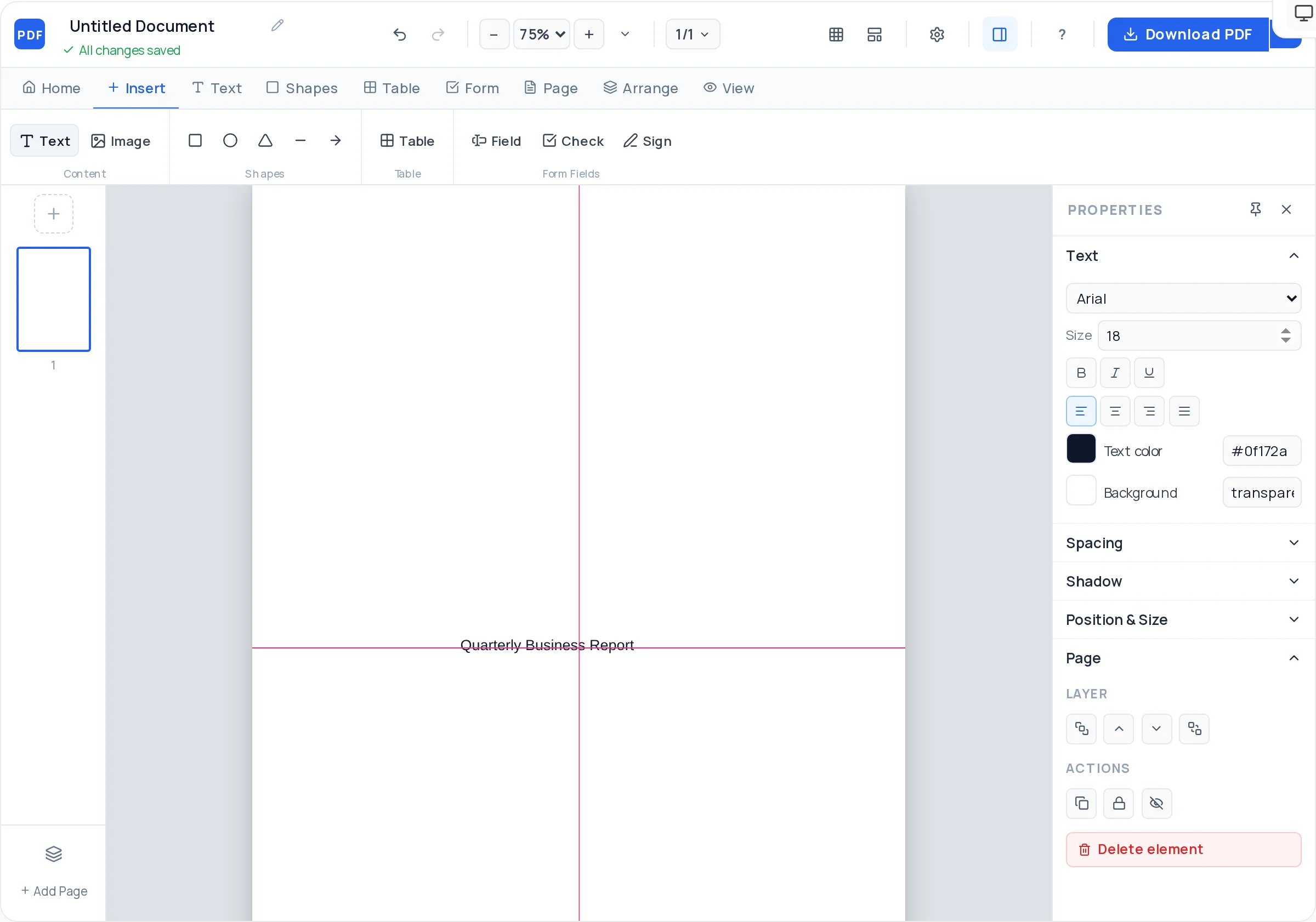
Add, duplicate, and reorder pages — cover, scope, pricing, and terms each get their own well-paced page.
Full-bleed background color, your logo, the client’s name, and a one-line promise. First impressions are set before page two.
Present pricing as a clear table with phases or tiers, so the budget conversation starts from your framing.
Drop in screenshots, portfolio shots, or team photos and frame them with fit modes and rounded corners.
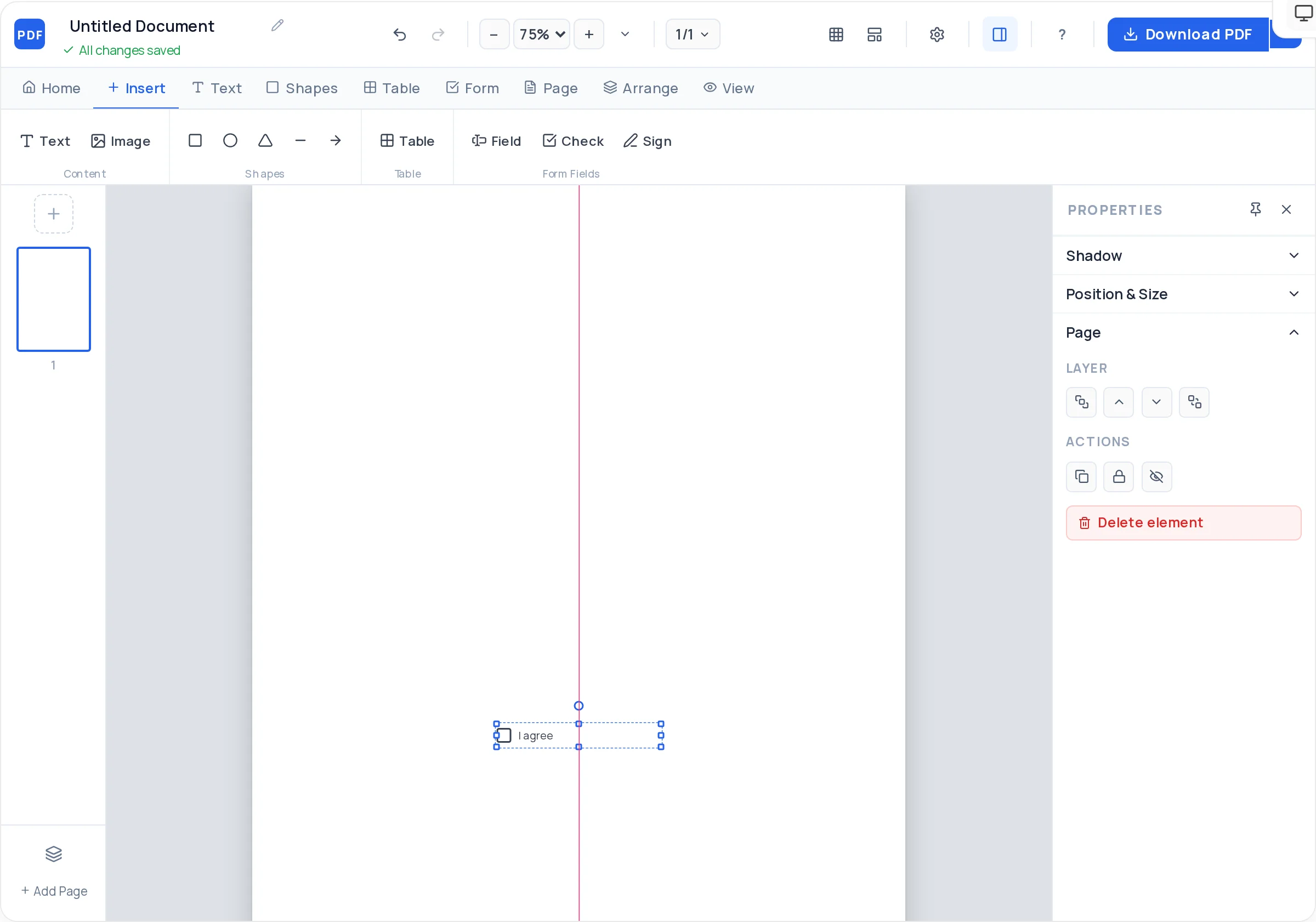
Close with a fillable signature and date field, so accepting the proposal is one PDF-reader action away.
Alignment guides and snap-to-grid keep margins and headings identical across the whole document.
Launch the creator and use the structured template as your base, retitling it for the client and project.
Client name, project title, your logo, and a date on a clean branded page — nothing else.
One page on what the client needs in their words, one page on how you will deliver it, phase by phase.
A pricing table with options, plus what each includes. Anchor with your recommended option.
Relevant results, testimonials, or portfolio images, followed by timeline and terms.
A final page with a signature field, date, and exactly what happens after signing. Export and send.
The first content page should describe the client’s situation so accurately they nod. Your credentials belong after the approach, as evidence.
Proposals are skimmed. A page with a single headline, three short paragraphs, and one visual outperforms a dense page every time.
Three tiers change the question from "yes or no" to "which one". Mark the middle option as recommended.
End with "Sign on this page and we start on [date]" — a concrete action and a concrete date. Vague endings stall deals.
A cover, an executive summary of the client’s problem, your proposed approach, pricing with options, proof (results or portfolio), timeline, and an acceptance page with a signature line.
Five to eight pages covers most services work. Shorter reads as unserious for large budgets; longer gets skimmed. Spend the saved length on a sharper pricing page.
Yes — pages are first-class: add as many as you need, duplicate a styled page to keep the design consistent, and drag pages into a new order as the narrative evolves.
Add a signature field on the final page. It exports as a real fillable field, so the client can sign in Adobe Reader or a browser and return the file — no extra e-sign service required for simple acceptances.
Yes — every feature on the page, including multi-page documents and fillable signature fields, is free, and the exported proposal carries no watermark.
Keep the exported PDF and open it later in the PDF editor to swap client names, numbers, and images — or rebuild quickly in the creator by duplicating your standard pages.
All of these open the same free online PDF creator — each guide covers what makes that document work.
No signup, no watermark, nothing to install — design your document and download a clean, print-ready PDF in minutes.
Build your proposal — free