Numbered clause blocks
Separate text blocks per clause keep numbering tidy and let you reorder terms without retyping the document.

Contract PDF Creator
To create a contract PDF, you need two things: a clean, numbered clause layout and signature blocks that actually work. This free browser creator handles both — structure the agreement with text blocks on the letter template, then place fillable signature, name, and date fields for each party.
The exported file is a standard PDF with selectable text and live AcroForm fields, so both sides can sign in any PDF reader. No account is created and no watermark is added — the document looks like it came from a law office, not a free tool.
One honest note: this is a document design tool. It makes your agreement look right; a lawyer makes it enforceable. Have anything with real stakes reviewed.
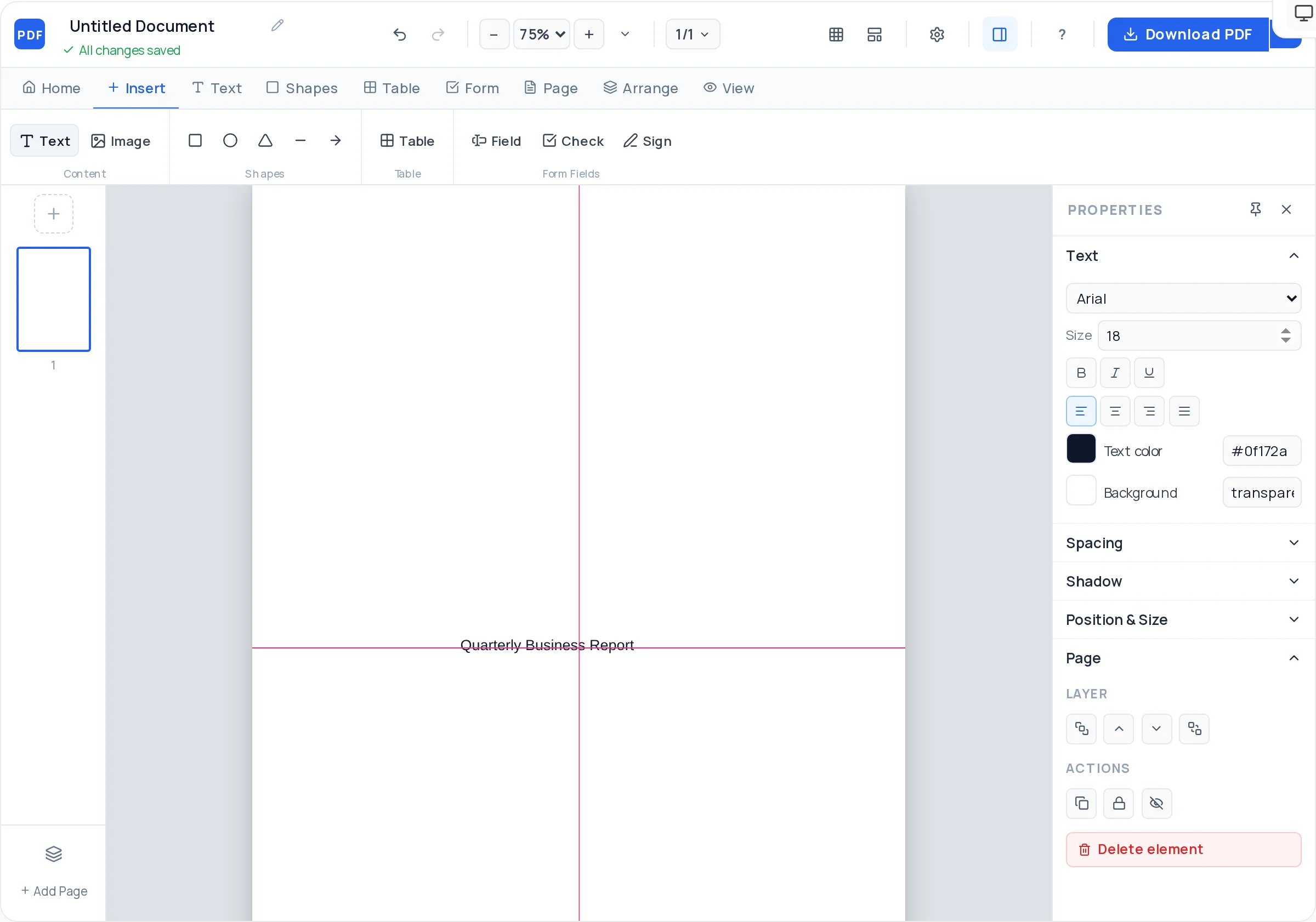
Separate text blocks per clause keep numbering tidy and let you reorder terms without retyping the document.
Fillable signature, printed-name, and date fields for both parties, placed side by side at the end.
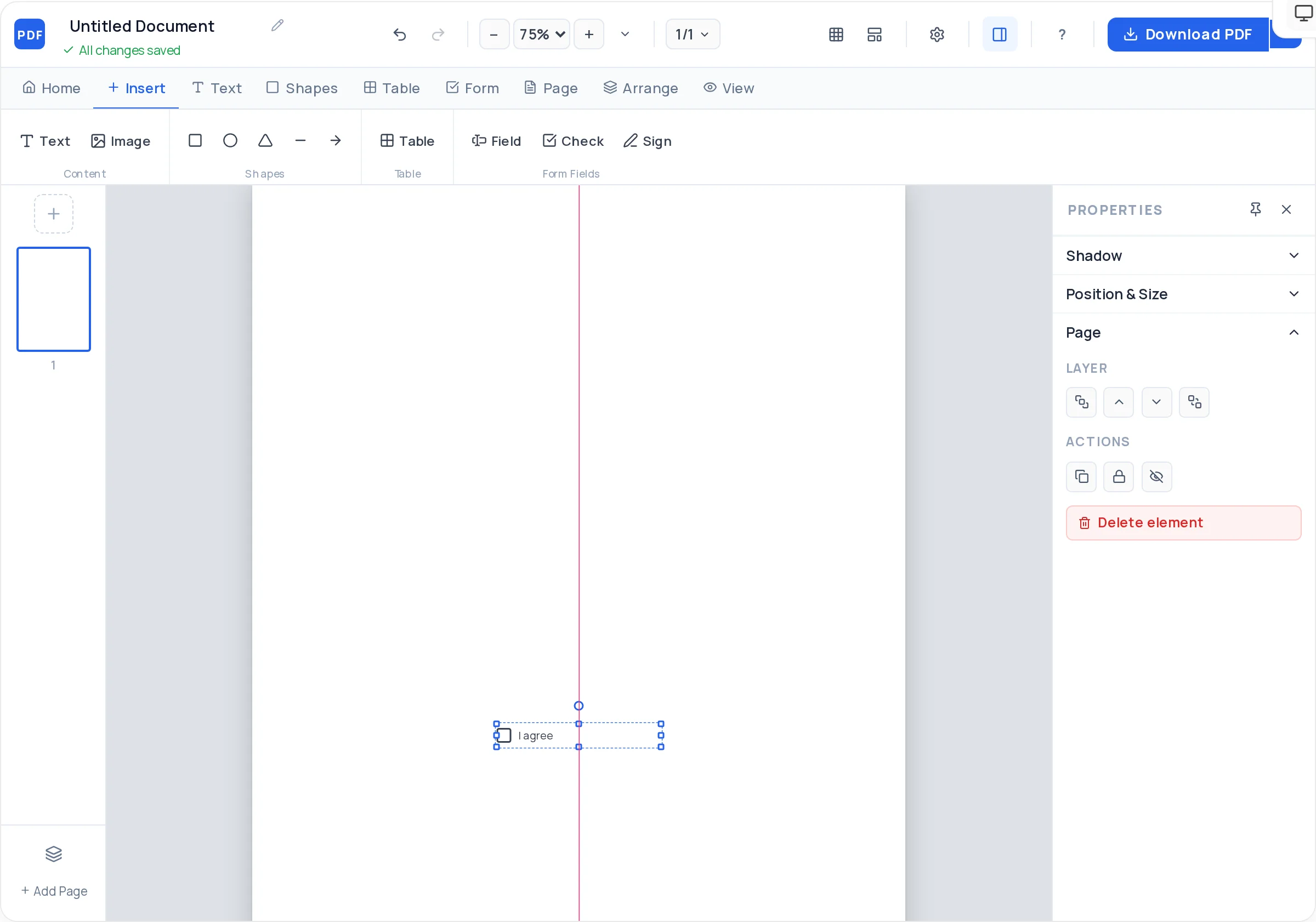
Checkboxes for optional clauses or per-page initials, interactive in the exported file.
Longer contracts flow across added pages, with headers duplicated for a consistent, professional frame.
Lock clause blocks you have finalized so late layout tweaks cannot accidentally move agreed language.
Download a watermark-free PDF whose fields work in Adobe Reader, Preview, and browsers.
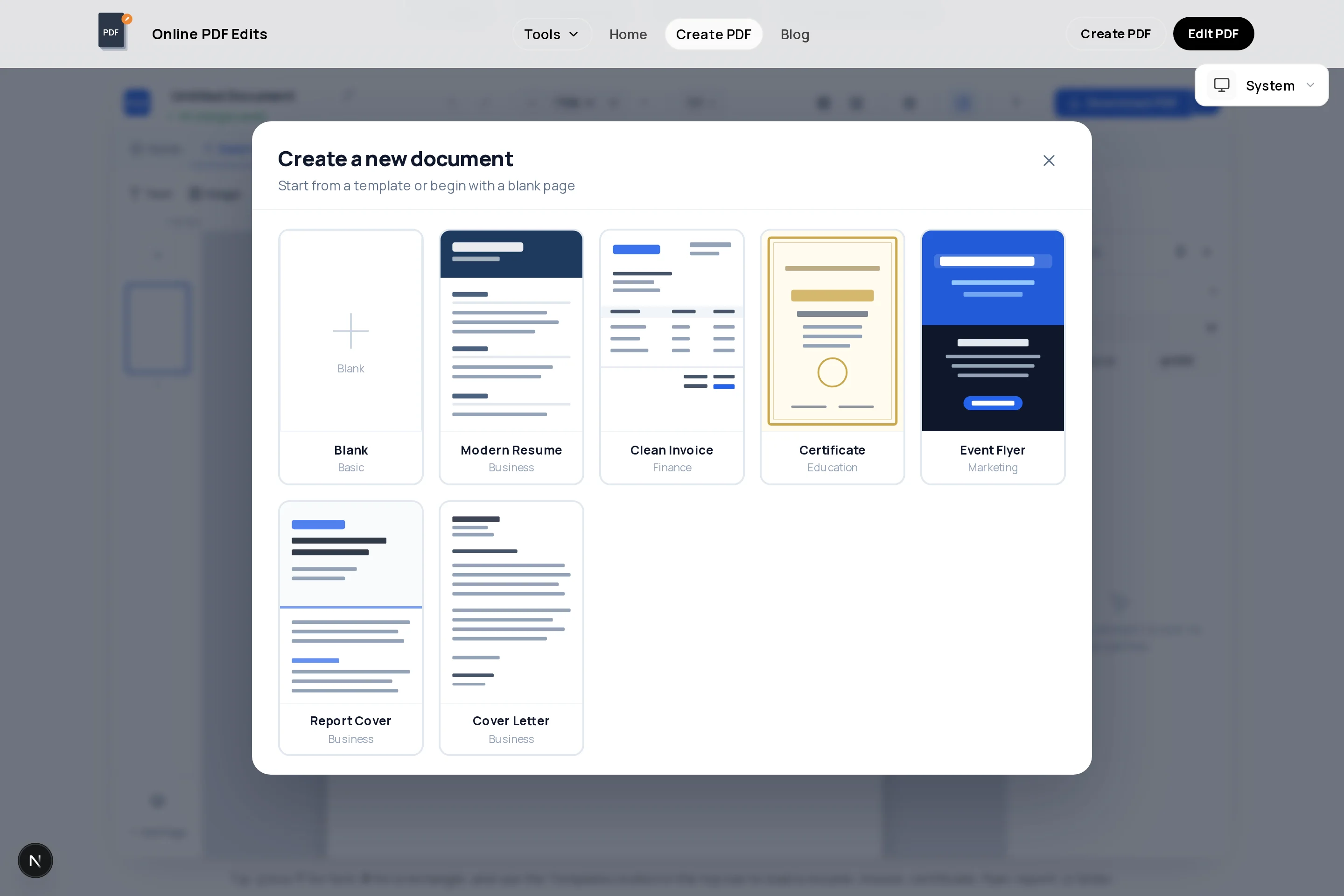
Open the creator with a formal page layout ready for a heading, parties, and body text.
Name the agreement precisely and identify both parties with full legal names and addresses.
One numbered text block per term: scope, payment, timeline, termination, liability, and governing law.
Place signature, name, and date fields for each party, side by side, with role labels underneath.
Proofread, lock the finished blocks, and check page breaks so no clause splits awkwardly.
Download the PDF and send it for signing; consider password-protecting sensitive drafts with the encrypt tool.
Introduce "Client", "Provider", and "Services" at the top and use them consistently. Mixed naming is the most common source of contract ambiguity.
Amounts, currency, due dates, invoice schedule, late-payment consequences — numbers and dates, not adjectives like "promptly".
Keep at least one substantive line on the signature page, or add page numbers plus "Page X of Y", so a detached signature page cannot be misused.
Templates and tools structure the document; they do not validate the terms. Anything involving significant money or risk deserves a lawyer’s review before signing.
Yes — plain-language agreements written by the parties are common for freelance and small-business work. Structure it with numbered clauses and clear signatures here, and get legal review when the stakes justify it.
Place two signature fields in the creator. After export, each party opens the PDF in their reader, signs their field, saves, and forwards — the fields are real AcroForm fields, not drawn lines.
The format does not decide validity — offer, acceptance, and the required elements of your jurisdiction do. Electronically signed PDFs are widely recognized, but rules differ by country and document type, so confirm for anything significant.
Parties, scope of services, payment terms, timeline, revision or change process, termination conditions, liability limits, confidentiality if relevant, and governing law — each as its own numbered block.
After exporting, run the file through the encrypt PDF tool on this site to add an open password before emailing sensitive drafts.
Yes — open the exported file in the PDF editor to fix wording, or keep the creator open during negotiation and export fresh versions. Version the filename (v1, v2) so everyone signs the same draft.
All of these open the same free online PDF creator — each guide covers what makes that document work.
No signup, no watermark, nothing to install — design your document and download a clean, print-ready PDF in minutes.
Draft your contract layout — free