Itemized pricing table
Break the offer into deliverables with quantity and unit price so clients see exactly what each line buys.

Quotation PDF Maker
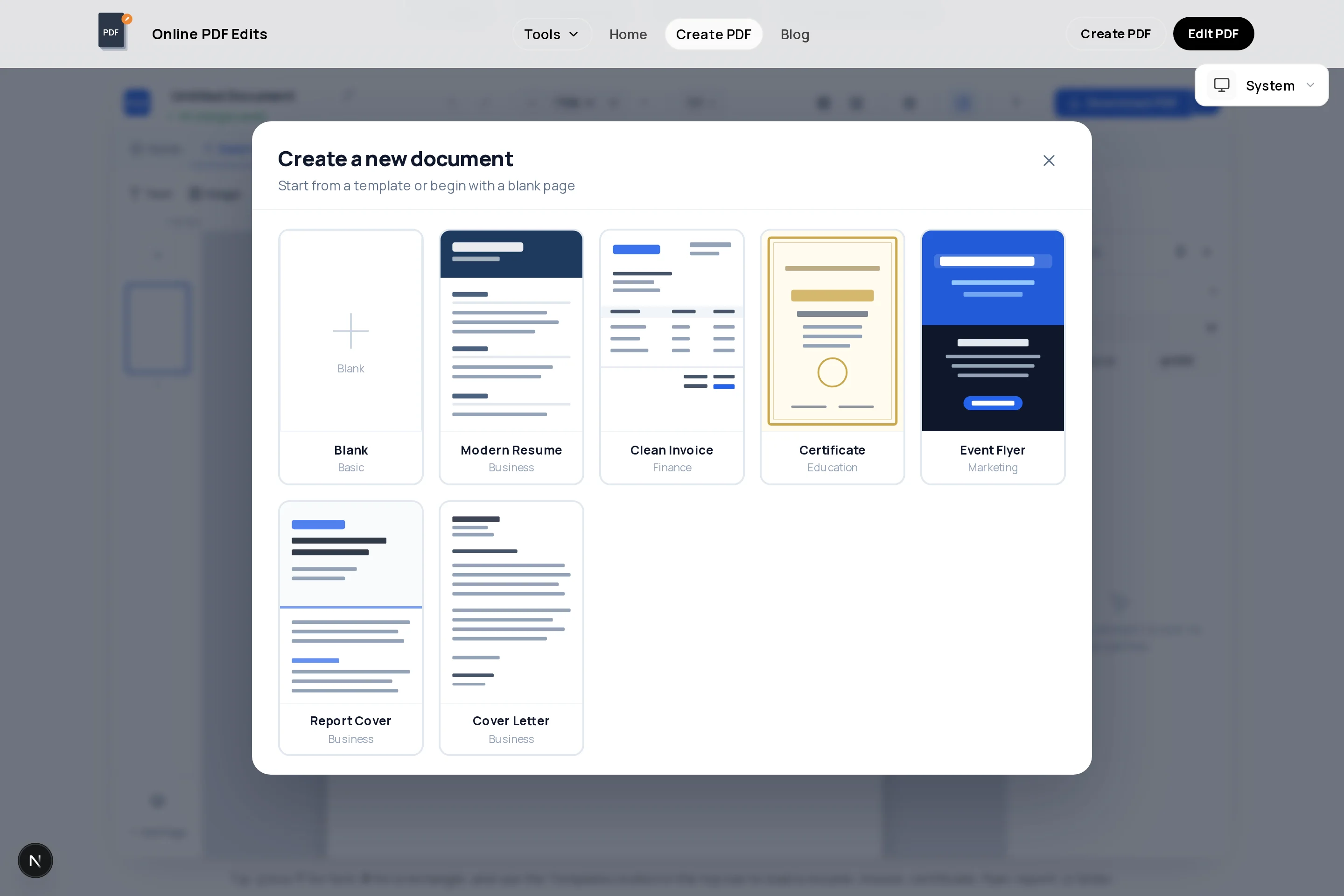
A quotation is a formal price offer, and it should look like one. This free quotation maker runs in your browser: start from the invoice-style template, retitle it "Quotation", itemize your pricing in the table, and export a clean PDF with nothing added to it.
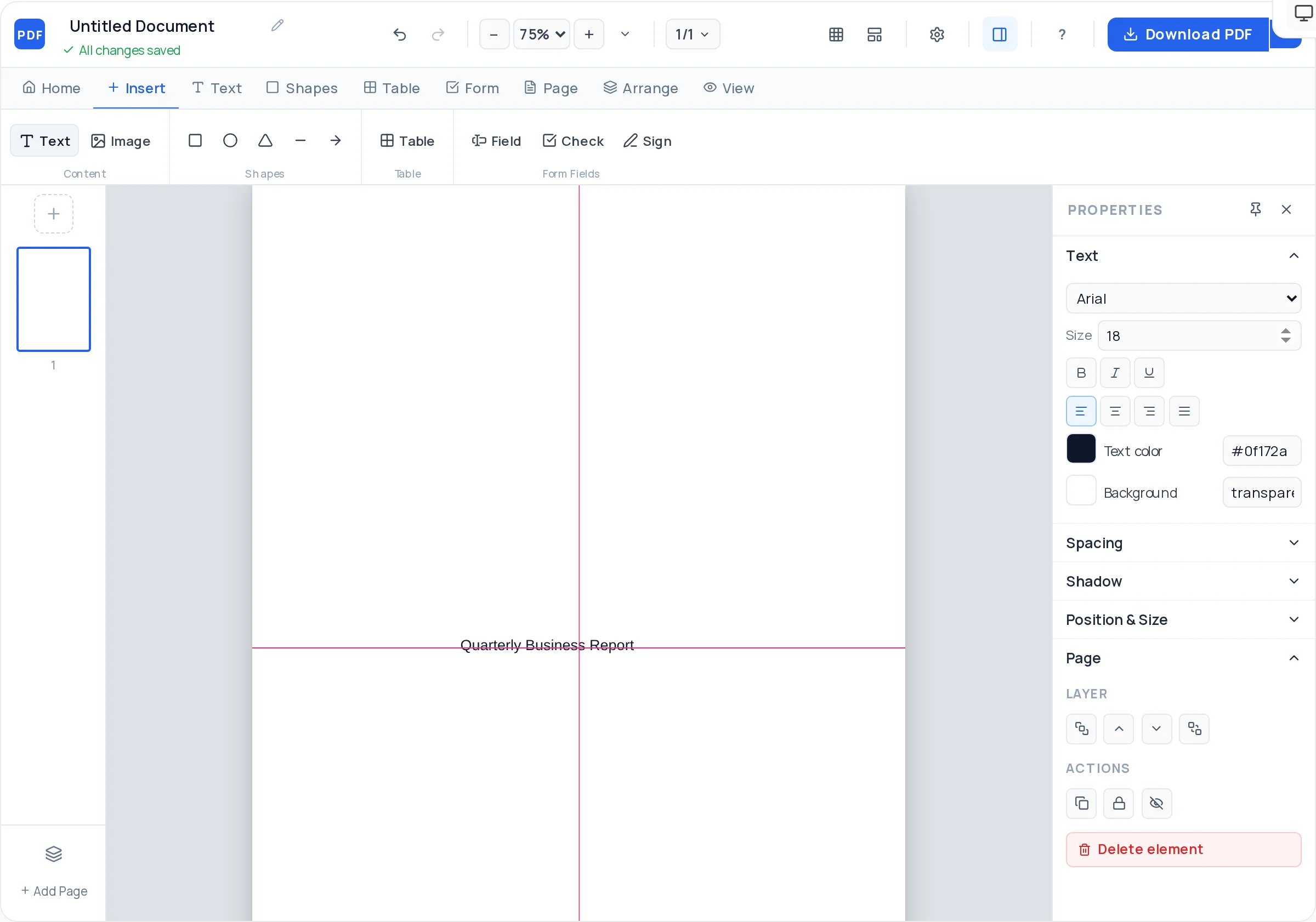
Unlike a word processor, every block on the page is freely positionable — scope description at the top, pricing table in the middle, validity and acceptance terms at the bottom. If the client wants a revision, change two numbers and export again.
Break the offer into deliverables with quantity and unit price so clients see exactly what each line buys.
A text section for what is included — and what is not — which prevents most pricing disputes later.
Add a fillable signature line so the client can accept the quote directly on the PDF and return it.
A colored rectangle plus your logo turns a plain estimate into a document that looks like your company.
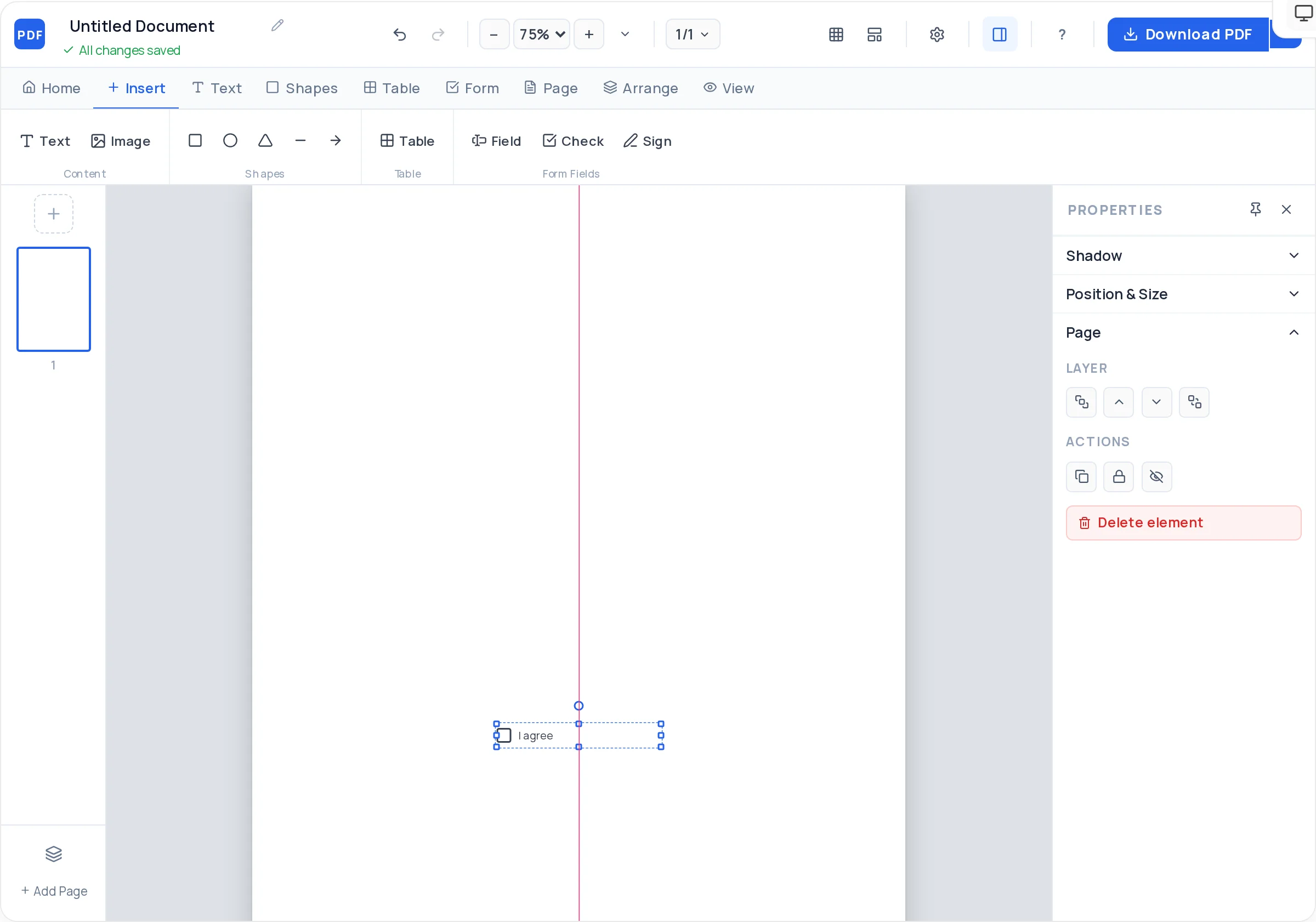
Offer package tiers with real checkboxes the client can tick to choose an option before signing.
One click produces a compact, watermark-free PDF that reads identically on every device the client opens it on.
Launch the creator with the billing-style layout preloaded and change the document title to "Quotation".
Add your business details and logo, the client’s name and company, plus a quote number and issue date.
Summarize the scope in two or three sentences above the pricing so the numbers have context.
Fill the table with deliverables, quantities, and unit prices; show subtotal, tax if applicable, and the total offer.
State how long the quote holds ("valid 30 days"), payment schedule, and delivery timeline.
Place a signature field and date line for acceptance, then export the PDF and send it.
Costs change. A validity line like "Prices valid until 31 July 2026" protects you from being held to stale pricing months later.
Two or three tiers (basic / standard / premium) convert better than a single take-it-or-leave-it price, and checkboxes make choosing effortless.
The most expensive disputes come from work the client assumed was included. One short "Not included" list saves that conversation.
Reuse the same header, fonts, and table style on the eventual invoice. Familiar-looking paperwork gets approved and paid faster.
A quotation proposes a price before work begins; an invoice requests payment after (or during) the work. The layouts are similar, which is why this page uses the same table-based template with different wording.
Your business details, the client’s details, a unique quote number and date, itemized pricing, tax treatment, a validity period, and acceptance terms. A signature line turns it into an actionable document.
Yes — add a signature field and a date field in the creator. They export as real fillable fields, so the client can sign in their PDF reader and email the file back.
A signed quote can create binding obligations in many places, but the rules vary. For significant work, pair the quote with a proper contract — and have anything high-stakes reviewed by a lawyer.
Yes. The quote maker is free and accountless: open it, build the document, download the PDF. Nothing is stored against an identity because there is no login.
Keep the creator tab open while negotiating and export a new version with a revision suffix like Q-118-R2, or reopen the exported PDF later in the PDF editor to adjust numbers.
All of these open the same free online PDF creator — each guide covers what makes that document work.
No signup, no watermark, nothing to install — design your document and download a clean, print-ready PDF in minutes.
Create your quotation — free