Line-item table
A styled table with a header row for description, quantity, rate, and amount — add rows as the job grows and shade the totals row.

Invoice PDF Creator
To create an invoice PDF, load the invoice template in our free browser-based creator, replace the sample details with your business name, client, and line items, and click Export. You get a crisp vector PDF with real selectable text — no watermark, no account, nothing to install.
The layout is a true design canvas, so nothing is locked. Move the totals block, restyle the header band in your brand color, drop in your logo, and adjust the line-item table to as many rows as the job needs.
When the invoice is sent and paid, the same document is easy to revisit: duplicate the page for next month, update the invoice number and amounts, and export again in seconds.
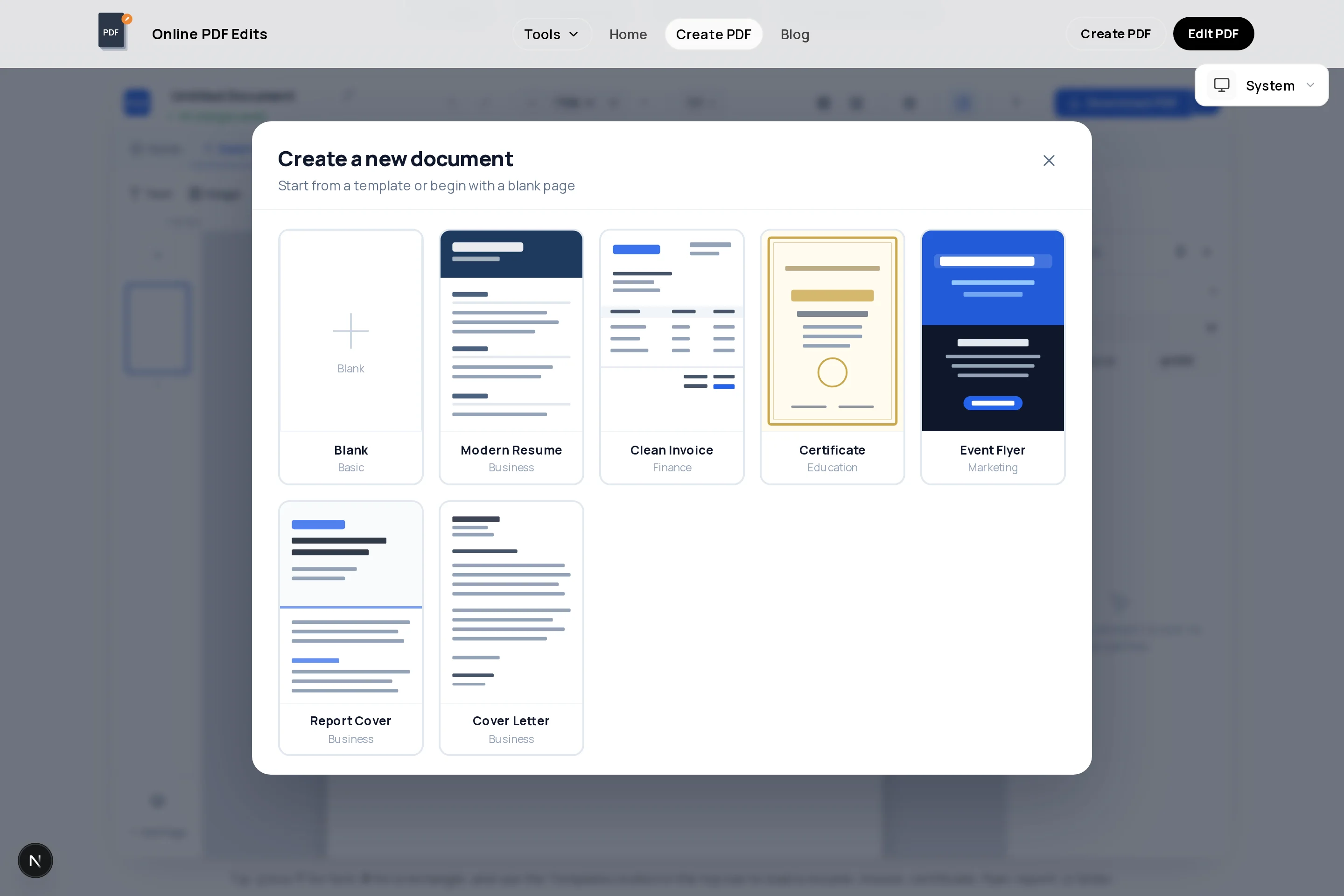
A styled table with a header row for description, quantity, rate, and amount — add rows as the job grows and shade the totals row.
Upload a JPG or PNG logo and place it in the header. Fit modes and corner rounding keep it clean at any size.
A dedicated text block for terms, due date, and bank or payment details, with full font and color control.
Add a real signature field if your clients sign off invoices — it stays fillable in any PDF reader after export.
Duplicate the finished page, bump the invoice number, and swap the line items — consistent formatting every billing cycle.
The downloaded invoice has selectable text and sharp print output, with no watermark or branding added.
Click the button above — the creator opens with a clean invoice layout already on the page.
Replace the company name, address, and contact block, and upload your logo into the header.
Set a unique sequential invoice number, the issue date, and the payment due date.
Enter each product or service in the table with quantity, rate, and amount, then state subtotal, tax, and total clearly.
Spell out how and when to pay: bank details or payment link, terms like "Net 14", and any late-fee policy.
Click Export to download the PDF, then email it or print it. The file is watermark-free and ready for records.
Use an unbroken sequence like INV-2026-041. Gaps and duplicates cause bookkeeping questions and can be a problem in tax audits.
Put the amount due in the largest type on the page after your business name, with the due date next to it. Buried totals get paid late.
Many jurisdictions require specific fields — tax/VAT numbers, registered address, tax breakdown per rate. Confirm what applies to you before sending.
Export as something like AcmeStudio-INV-2026-041.pdf. Clients find it faster, and your own records stay sortable.
Open the invoice template in the creator above, replace the sample content with your details and line items, and export. The full flow — template, editing, and download — is free with no signup.
In most countries yes — what matters is the content: seller and buyer identification, a unique number, date, itemized amounts, and any required tax details. PDF is the standard format precisely because it cannot be casually edited after sending.
Pick one sequential scheme and never reuse or skip numbers. A year prefix such as 2026-001 keeps sequences readable and makes year-end reconciliation easier.
Yes — upload a JPG or PNG and place it anywhere, typically the top-left header. It exports at full quality inside the PDF.
Add tax as its own row between subtotal and total, and state the rate ("VAT 15%"). The creator does not auto-calculate, so double-check the arithmetic before exporting.
Yes — duplicate the finished page inside the document and edit the copy, or keep the exported PDF and update it later in the PDF editor. Either way the formatting stays identical across invoices.
No. Exports contain only your design — no branding, no footer stamp — which matters when the document is going to a paying client.
All of these open the same free online PDF creator — each guide covers what makes that document work.
No signup, no watermark, nothing to install — design your document and download a clean, print-ready PDF in minutes.
Create your invoice — free