Signature fields for both parties
Place AcroForm signature, name, and date fields for the disclosing and receiving party side by side. Each signer completes the PDF in their own reader — no printing or scanning.

NDA PDF Creator
Create an NDA PDF by structuring your confidentiality clauses in the free PDF Creator: a definitions section, the obligations, exclusions, term, and remedies, finished with signature fields for both the disclosing and receiving party. It runs entirely in your browser and the exported agreement carries no watermark.
A typical NDA fits on two pages, which makes it a fast document to lay out well. The letter template gives you the formal opening; numbered text blocks handle the clauses; a thin divider line above the signature blocks separates the legal text from the execution section.
Decide up front whether the agreement is one-way (only you disclose) or mutual (both sides exchange secrets) — it changes the wording of nearly every clause, so it is the first thing to settle before you start placing text.
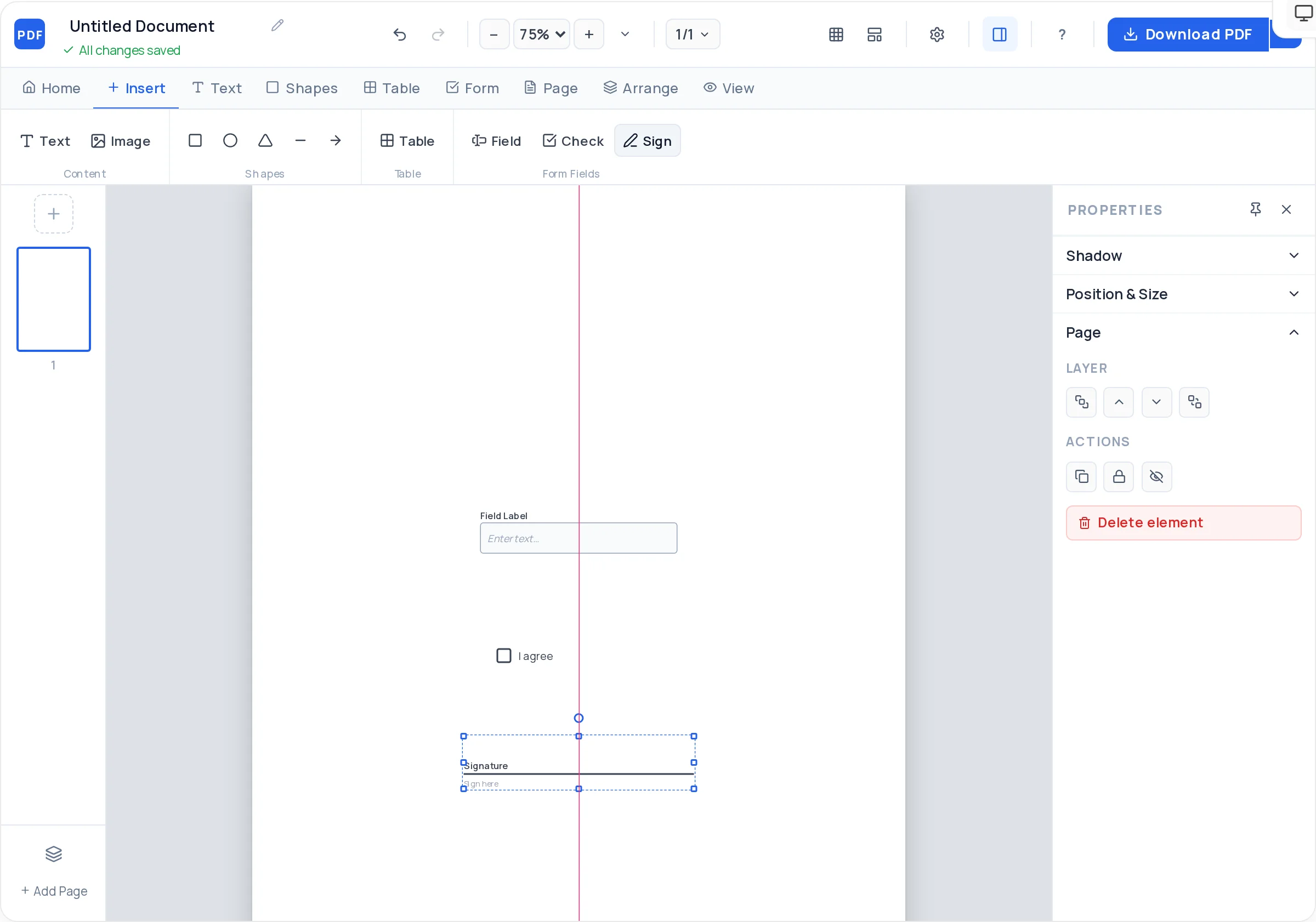
Place AcroForm signature, name, and date fields for the disclosing and receiving party side by side. Each signer completes the PDF in their own reader — no printing or scanning.
Build the standard NDA skeleton — 1. Definition of Confidential Information, 2. Obligations, 3. Exclusions, 4. Term, 5. Remedies — as separate text blocks with uniform spacing.
Drop your logo and company details at the top of page 1. An NDA that arrives on branded paper signals the request is routine, not adversarial.
A thin rule above the execution block and a subtle bordered box around the effective date keep the two-page document easy to navigate at a glance.
Smart guides make it easy to mirror the two signature columns exactly — same widths, same baselines — so neither party’s block looks like an afterthought.
The exported PDF is vector text, not a scan — the other side can copy clauses into their redline, and the file prints sharp at any size.
Decide whether both parties will disclose confidential information or only one. This determines whether obligations are written symmetrically, so settle it before laying out clauses.
Start the free Creator with the letter template, place your logo, and title the document — “Mutual Non-Disclosure Agreement” or “Non-Disclosure Agreement” — in a bold heading.
The opening paragraph gives each party’s full legal name and address and states the effective date. Bold the shorthand labels (“Discloser”, “Recipient”) you will use in the clauses.
Add numbered text blocks for the definition of confidential information, the recipient’s obligations, the standard exclusions, the term of confidentiality, and remedies for breach.
Draw a thin divider line, then add two mirrored columns — each with signature, printed name, title, and date fields — one per party.
Download the watermark-free PDF and send it for signing. Keep an unsigned copy as your master so you can regenerate the agreement for the next counterparty.
A definition that covers “all information disclosed” is often too broad to enforce; one that lists categories — technical data, customer lists, pricing, roadmaps — is stronger. This clause does most of the NDA’s work.
Information that is already public, already known to the recipient, independently developed, or lawfully obtained from a third party should be carved out. NDAs without exclusions read as overreaching.
Two to five years of confidentiality is common for business information; trade secrets can be protected indefinitely. An unlimited term on ordinary business data is a red flag for the other side’s counsel.
Use a mutual NDA when both sides share secrets (partnership talks) and a one-way NDA when only you disclose (hiring a contractor). Sending a one-way NDA into a two-way conversation slows the deal.
This page helps you design a clean NDA document — it is not legal advice, and clause wording that works in one jurisdiction can fail in another. Get the text adapted by counsel before relying on it.
The essentials are: identification of the parties, a precise definition of confidential information, the recipient’s obligations, standard exclusions, the term of confidentiality, remedies for breach, and governing law. Most NDAs cover all of this in two pages.
A one-way (unilateral) NDA protects only one party’s information — typical when you brief a contractor. A mutual NDA binds both sides symmetrically and is standard for partnership or acquisition discussions where both parties disclose.
Confidentiality periods of two to five years are typical for ordinary business information, while trade secrets may be protected without a time limit. State the term explicitly in its own clause — silence on duration invites disputes.
Yes. The signature fields you place in the Creator export as genuine AcroForm fields, so each party can open the PDF in Adobe Reader or a browser, sign, and email it back — no printer or scanner involved.
Enforceability comes from the wording and your jurisdiction’s law, not from the software used to lay it out — and this tool doesn’t provide legal advice. Have a lawyer review the clause text; the design tool guarantees only that the document looks professional.
No account and no watermark. The Creator is free to use without limits, and the exported agreement is a clean vector PDF with nothing added to it.
Keep your exported PDF as the master and open it in /edit-pdf to swap the counterparty’s name and date for each new signer — faster than rebuilding, and the clause layout stays identical.
Two pages is the sweet spot: page 1 for parties, definition, and obligations; page 2 for exclusions, term, remedies, and signatures. Cramming it onto one page usually means shrinking the type below comfortable reading size.
All of these open the same free online PDF creator — each guide covers what makes that document work.
No signup, no watermark, nothing to install — design your document and download a clean, print-ready PDF in minutes.
Draft your NDA layout — free