Business-letter layout preloaded
Sender block, date, recipient address, salutation, and sign-off are positioned to standard business-letter conventions — replace the placeholders and go.

Cover Letter Builder
The hard part of a cover letter is the writing; the formatting should take five minutes. Open the letter template, and the business-letter skeleton is already in place — your details, the date, the recipient block, salutation, body, and sign-off — so you only have to fill in words. It is free, browser-based, and the download never carries a watermark.
A cover letter is one page, three to four paragraphs, addressed to a person. Its job is not to repeat your resume but to connect it to this specific role: why this company, which one or two achievements prove you can do the work, and what you want to happen next. The structure below walks through exactly that.
Because the same ten fonts power both this letter template and the resume template, you can match typefaces exactly — a letter in Georgia paired with a resume in Georgia reads as one deliberate application package rather than two random documents.
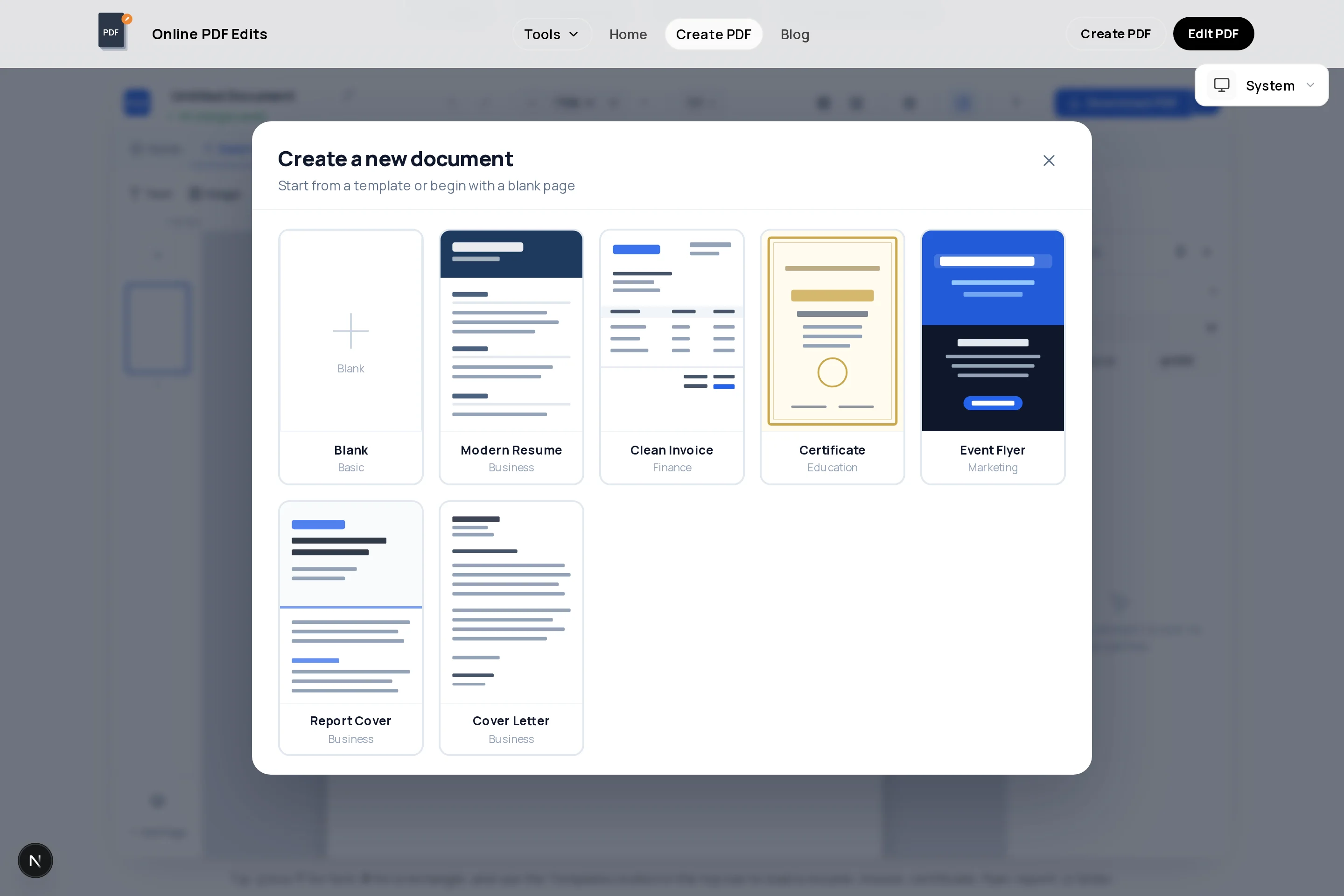
Sender block, date, recipient address, salutation, and sign-off are positioned to standard business-letter conventions — replace the placeholders and go.
The same ten fonts as the resume builder, with identical size and spacing controls, so your letter and resume read as one coordinated application.
A fixed A4 or US Letter canvas makes overflow obvious immediately — if your text will not fit the page, you see it while writing, not after export.
Add a thin colored rule under your name or a subtle background tint to the header — enough personality to be memorable without turning a letter into a flyer.
Alignment guides snap the date, recipient block, and body paragraphs to the same margins, so the letter looks typeset rather than typed.
The export is real text in a vector PDF — hiring software and humans can both read it, and printing it for an interview folder stays razor sharp.
Launch the Creator with the letter layout preloaded and set the page size to match your resume — US Letter or A4.
Your name and contact details at top, the date, then the recipient’s name, title, and company. Find a real name — "Dear Hiring Manager" is the fallback, not the goal.
First paragraph: name the exact position, where you saw it, and one sentence on why you specifically fit — your strongest relevant credential up front.
One or two paragraphs connecting a concrete achievement to their needs. Pull language from the job ad and back it with a number or named outcome.
Restate your interest in one line, thank them, and sign off with "Sincerely" plus your typed name. Confidence, not pleading.
Set the font to the same family as your resume, proofread the company name twice, then download the watermark-free PDF.
The reader knows. Spend your first sentence on the strongest reason you fit: "I led the migration your posting describes — twice." Specifics earn the second paragraph.
Three to four paragraphs on one page with breathing room. A cramped full-page letter signals you could not prioritize; a tight half-page one signals you can.
If they say "stakeholder management", say "stakeholder management" — not "liaising with partners". It helps keyword screening and shows you actually read the posting.
A recycled letter with the wrong company name is the fastest rejection there is. Duplicate your project per application and change the details deliberately.
Firstname-Lastname-Cover-Letter.pdf, sitting next to Firstname-Lastname-Resume.pdf. Recruiters handle both files together; make that easy.
Yes, unless the application form has a plain-text box instead. A PDF preserves your business-letter formatting on every screen, and pairing a PDF letter with a PDF resume keeps the application consistent.
One page, 250–400 words, three to four paragraphs. Hiring managers skim; a letter that fills the page edge-to-edge usually gets skipped rather than read.
Ideally yes — it makes the two documents read as one package. This builder offers the same ten fonts as the resume template, so you can match family, size, and even the accent color exactly.
Check the posting, the company’s team page, and LinkedIn for the hiring manager or team lead. If you genuinely cannot find one, "Dear Hiring Manager" or "Dear [Team name] Team" beats the dated "To Whom It May Concern".
When it is optional, roughly half of hiring managers still read them — and for career changers, relocations, or employment gaps, the letter is the only place to explain context a resume cannot. If the posting asks for one, it is not optional.
Some portals only accept a single upload. Export both documents here, then join them with the free merge tool at /merge-pdf — cover letter first, resume after, one file.
No. Exports are watermark-free vector PDFs with no signup required, however many drafts and versions you download.
All of these open the same free online PDF creator — each guide covers what makes that document work.
No signup, no watermark, nothing to install — design your document and download a clean, print-ready PDF in minutes.
Write your cover letter — free