Letterhead with your logo
Upload a PNG or JPG logo and pin it to the header. Candidates take a branded letter more seriously than a plain-text email.

Offer Letter Maker
To create an offer letter PDF, open the free PDF Creator, start from the letter template, and replace the placeholder text with the candidate’s name, role, start date, and compensation. Add your logo at the top and a signature field at the bottom, then export a vector PDF — no signup and no watermark.
An offer letter is the pre-hire summary of terms: it tells the candidate what job they are being offered and on what conditions, before any detailed contract is drafted. That means it should be short — one page in most cases — and scannable, so the candidate can say yes quickly.
Everything runs in the browser on a design canvas: drag the letterhead into place, drop in a small table for the compensation breakdown, and use alignment guides to keep margins consistent. The exported file has real selectable text, so it reads cleanly in email previews and ATS systems.
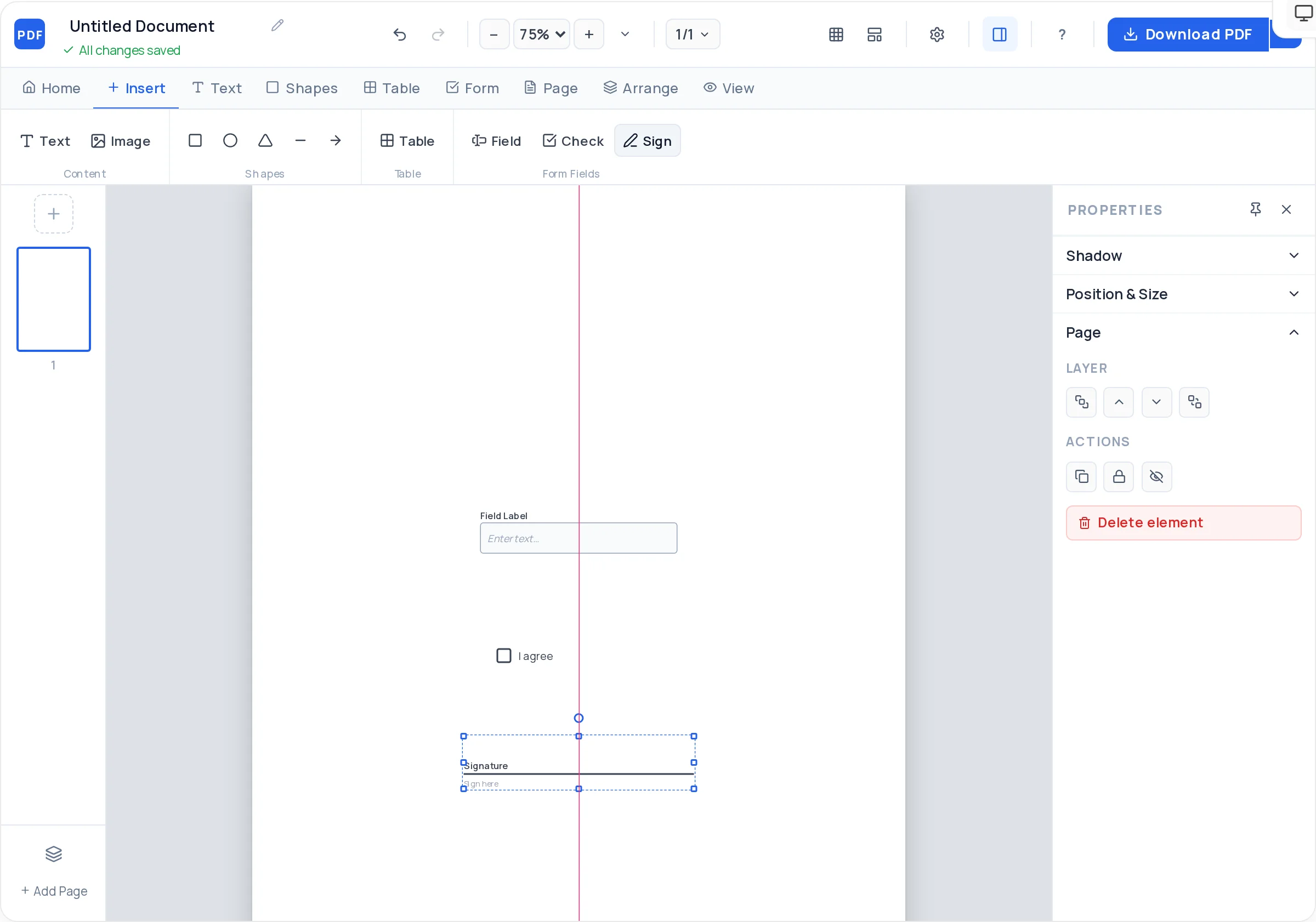
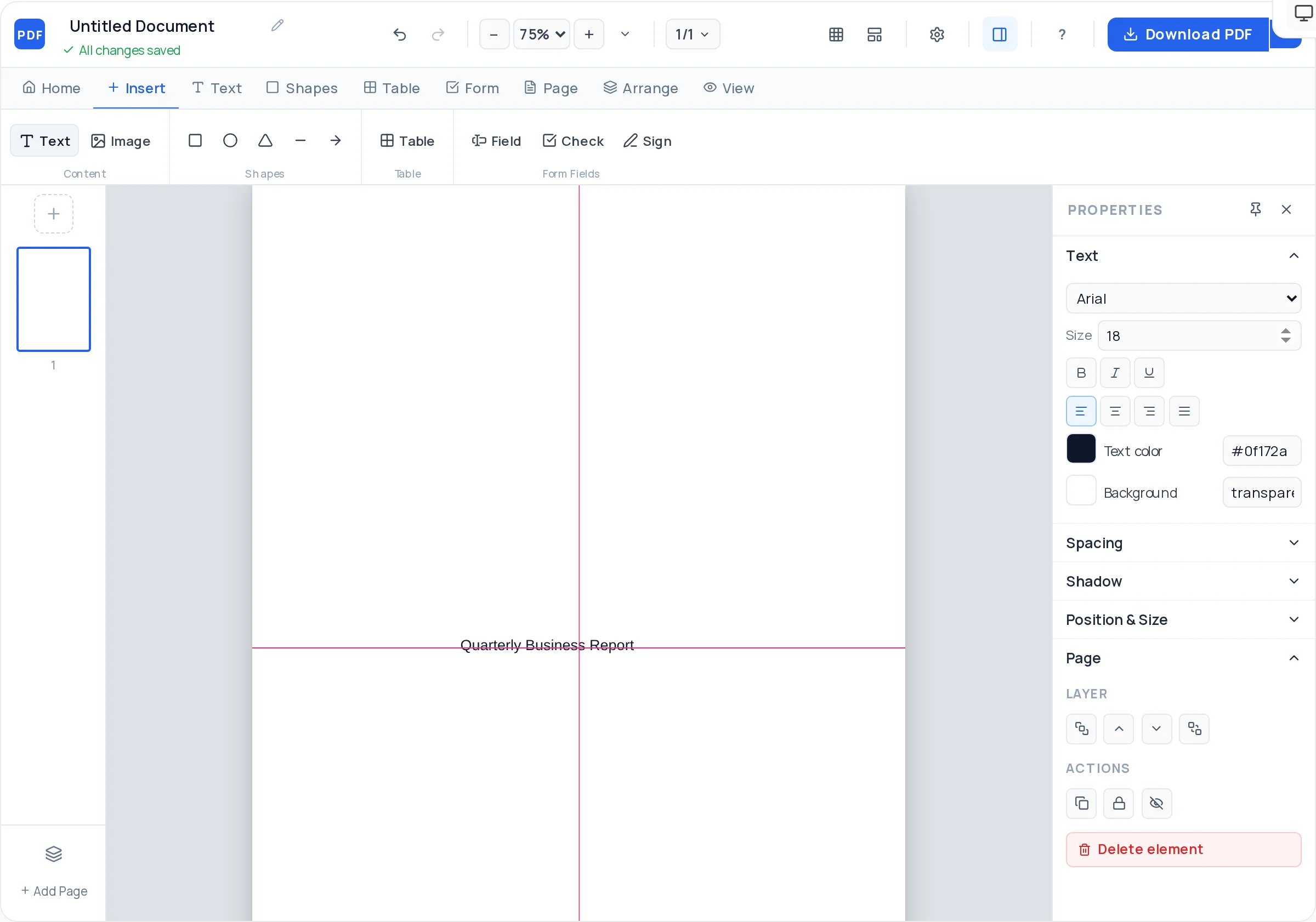
Upload a PNG or JPG logo and pin it to the header. Candidates take a branded letter more seriously than a plain-text email.
Lay out base salary, bonus target, and equity in a small styled table instead of a dense paragraph — the numbers candidates care about stay easy to find.
Add a real AcroForm signature field plus a date line. The candidate can sign the exported PDF in Adobe Reader or any browser — no printing required.
Set the body in Georgia or Times New Roman, bold the role and start date, and control line height so a one-page letter never feels cramped.
The letter template opens with sender block, date, salutation, and body already positioned — you only swap in the offer details.
The PDF is server-rendered as vector text, so it prints sharp, stays selectable, and never carries a watermark.
Go to the free PDF Creator and start from the letter template — the sender block, date line, and body area are already laid out on a US Letter or A4 page.
Upload your logo and type the company name and address at the top. Use the alignment guides to center or left-align the block consistently.
Write the role title, employment type, start date, reporting line, and work location in the opening paragraphs. Bold the job title and start date so they stand out.
Insert a two-column table for base salary, bonus, equity, and benefits summary. Style the header row with your brand color.
Close with an acceptance sentence and an offer expiry date, then place a signature field and a date text field for the candidate.
Download the watermark-free PDF and email it. If it contains sensitive salary data, you can password-protect it first with the encrypt tool.
Say whether the role is at-will or fixed-term, full-time or part-time, and exempt or non-exempt where that applies. Ambiguity here is the most common source of later disputes.
A line like “This offer remains open until [date]” keeps your hiring pipeline moving and prevents a stale offer being accepted weeks later.
If the offer depends on background checks, reference checks, or proof of work authorization, state that plainly so acceptance is clearly conditional.
Base salary, bonus target, equity, and benefits belong on separate rows, each with its payment schedule. A single lump sentence invites misreading.
This tool designs the document; it does not give legal advice. Employment rules differ by state and country, so have your standard offer wording checked by counsel before you reuse it.
Yes — if you add a signature field in the Creator, it exports as a real AcroForm field. The candidate can open the PDF in Adobe Reader, Preview, or most browsers and sign or type directly into it, then send it back.
An offer letter is a short pre-hire summary of the proposed terms — role, pay, start date — usually one page. An employment contract is the detailed binding agreement with clauses on termination, confidentiality, and obligations. Many companies send the letter first and the contract after acceptance.
At minimum: job title, employment type, start date, work location, compensation breakdown, reporting manager, any contingencies, an expiry date for the offer, and a signature line for acceptance. Keep it to one page where you can.
Yes. The PDF Creator is free with no signup, no export limit, and no watermark on the downloaded file — the letter looks like it came from your company, not from a tool.
The Creator is a design canvas rather than a saved-document system, so keep your exported PDF as a reference and rebuild from the letter template, or edit the exported PDF later with the /edit-pdf tool to swap in a new candidate’s details.
Export the PDF, then run it through the free /encrypt-pdf tool to add a password. Share the password with the candidate through a separate channel, such as a phone call or text.
It can create obligations, but that depends on its wording and your jurisdiction — this is a document design tool, not legal advice. Have your offer template reviewed by an employment lawyer so the letter says exactly what you intend.
US Letter for North America and A4 almost everywhere else. The Creator supports both — pick the size in the page settings before you lay out the header so margins stay correct.
All of these open the same free online PDF creator — each guide covers what makes that document work.
Build an Employment Contract PDF, Clause by Clause
Create a Non-Disclosure Agreement PDF
Design a Company Letterhead PDF You Can Reuse Forever
Write and Format a Cover Letter PDF in Your Browser
Create a Contract PDF With Real Signature Fields
No signup, no watermark, nothing to install — design your document and download a clean, print-ready PDF in minutes.
Write your offer letter — free