ATS-readable vector export
Server-rendered PDF with crisp, selectable text. ATS software reads your job titles and skills as real text — not a flattened image.

Resume PDF Builder
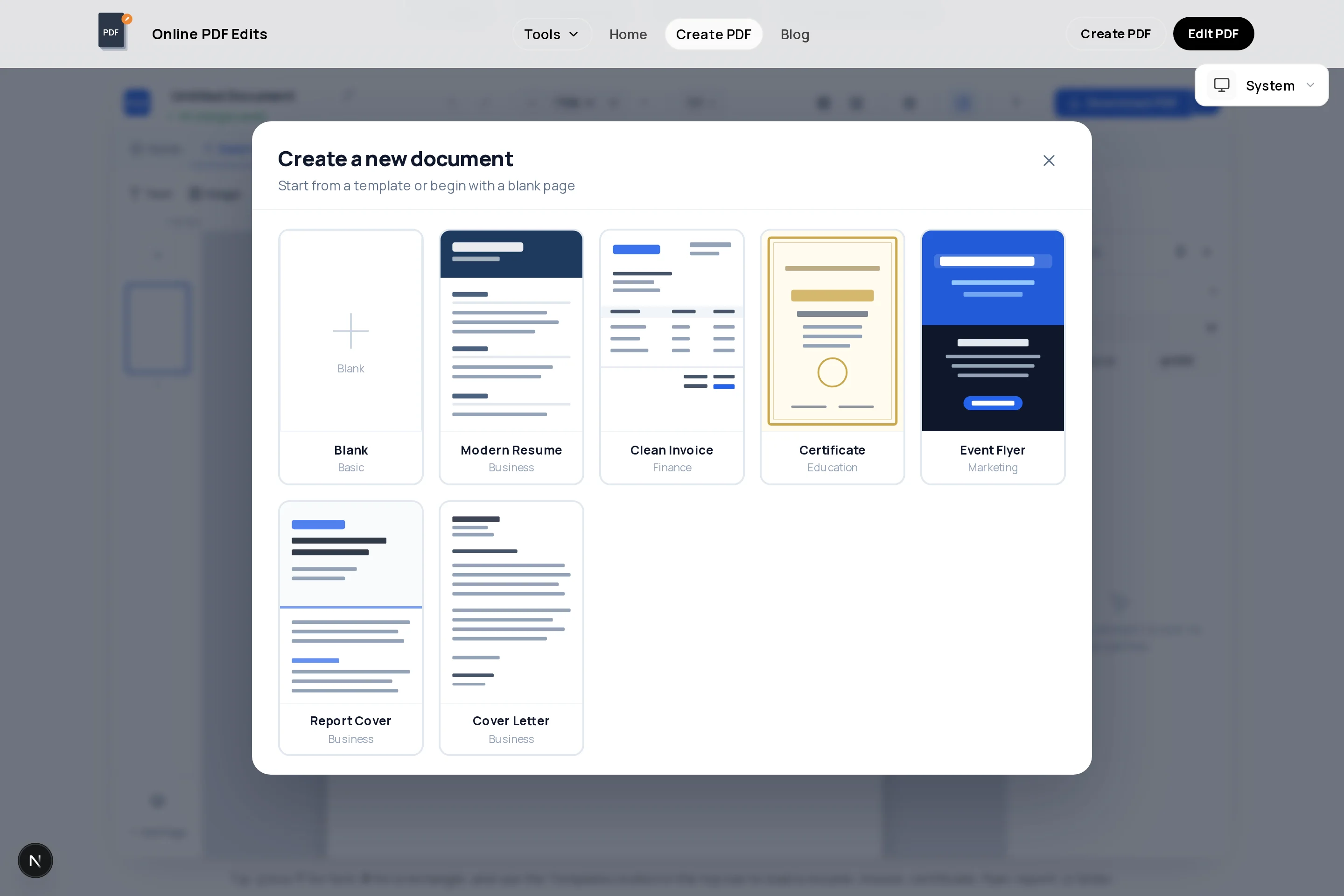
Open the resume template, replace the placeholder text with your own experience, and download a print-ready PDF — no account, no watermark, no trial countdown. Everything runs in your browser on a design canvas, so what you see is exactly what the recruiter gets.
The exported file is a real vector PDF: the text is selectable text, not a picture of text, which means applicant tracking systems (ATS) can parse your name, job titles, and skills. One honest caveat — some ATS parsers struggle with multi-column decorative layouts, so if you are applying through big job portals, keep a clean single-column structure.
A resume is a tailored 1–2 page summary of your most relevant work, not your full history. The template ships with the sections recruiters expect — contact header, summary, experience, skills, education — and you can add a second page, duplicate sections, or strip it back to one page in a couple of clicks.
Server-rendered PDF with crisp, selectable text. ATS software reads your job titles and skills as real text — not a flattened image.
Start from a structured resume layout with contact header, summary, experience, and skills sections already positioned — just replace the text.
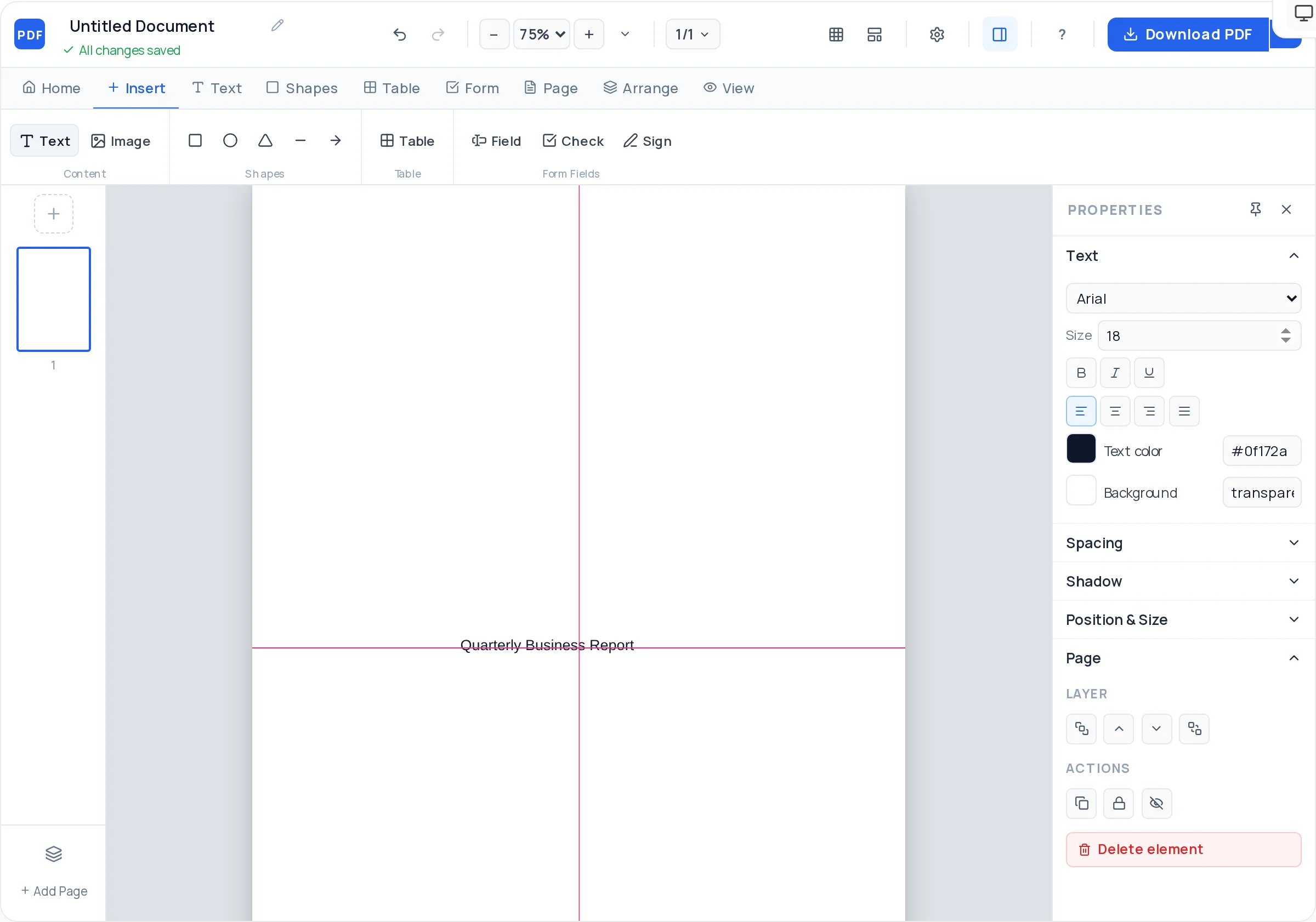
Ten standard fonts including Arial, Georgia, and Helvetica, with size, weight, line height, and letter spacing controls for a tight, scannable page.
Draw thin rectangles as section dividers or proficiency bars, with fill, opacity, and rounded corners — restrained accents that survive black-and-white printing.
Upload a JPG or PNG and round the corners for a circular-look avatar. Easy to add for European-style applications, easy to leave off for US ones.
Add, duplicate, or delete pages freely. Trim to a single page for early-career roles or run to two pages once you pass ten years of experience.
Click the button to launch the free PDF Creator with the resume template preloaded on a US Letter or A4 page.
Replace the placeholder name, phone, email, city, and LinkedIn URL. Keep it on one or two lines at the top — this is the first thing ATS parsers look for.
List your most recent role first. For each job add title, company, dates, and 3–5 bullet points that start with an action verb and include a number where possible.
Mirror the exact skill keywords from the job posting you are targeting. Education goes last unless you graduated within the past two years.
Use the alignment guides and arrow-key nudging to line up section headings, and adjust line height so the page breathes without spilling onto a third page.
Download the finished resume as a watermark-free vector PDF and save it as Firstname-Lastname-Resume.pdf before you upload it anywhere.
"Cut onboarding time 40%" beats "responsible for onboarding". Numbers give recruiters something concrete in the 7 seconds they spend on a first scan.
ATS software often ranks resumes by keyword match. Reuse the exact phrasing from the job ad — "project management", not "managing projects" — in your skills and bullets.
The exported text is fully parseable, but multi-column decorative layouts can confuse some ATS parsers. Save the two-column design for resumes you hand to a human.
Recruiters download dozens of files called "resume.pdf". Use Firstname-Lastname-Resume.pdf so yours stays identifiable in their downloads folder.
Under ten years of experience, one page. Over that, two pages are fine — but cut anything older than 15 years unless it is directly relevant.
PDF, unless the job posting explicitly asks for .docx. A PDF locks your layout so it looks identical on every device, while Word files reflow and can break formatting. Modern ATS systems parse PDFs with real text just fine.
Yes — the export is a vector PDF with real selectable text, so parsers can extract your details. That said, some ATS parsers still trip over multi-column layouts, so use a single-column structure for applications that go through job portals.
Yes. There is no signup, no watermark on the exported PDF, and no limit on how many resumes you create or download. It runs entirely in your browser.
One page for most people with under ten years of experience; two pages once your relevant history genuinely fills them. A resume is a tailored highlight reel, not a complete work history — that is what a CV is for.
For US and Canadian applications, no — many companies discard photo resumes to avoid bias claims. For parts of Europe, Asia, and the Gulf a headshot is customary; the builder lets you add a rounded photo in seconds if you need one.
A clean, widely available font at 10–12 pt for body text: Arial, Helvetica, or Georgia are safe picks from the ten fonts included. Avoid Impact for body copy and never go below 10 pt to squeeze content in.
Yes — upload the exported file to the free PDF editor at /edit-pdf to tweak dates or bullets, or reopen the Creator and rebuild the section that changed. Keeping a master version you re-export per application works well.
Match the country you are applying in: US Letter for the United States and Canada, A4 almost everywhere else. The Creator supports both sizes, so you can export one of each from the same design.
All of these open the same free online PDF creator — each guide covers what makes that document work.
No signup, no watermark, nothing to install — design your document and download a clean, print-ready PDF in minutes.
Build your resume — free