Receipt number and date
A numbered header block keeps your paper trail sequential and auditable, like invoices.

Receipt PDF Maker
A receipt confirms money received — who paid, how much, for what, when, and by what method. This free receipt maker starts you from a billing-style template: retitle it "Receipt", record the payment details in the table, and export a clean PDF for the payer and your records.
It suits the everyday cases desktop software is overkill for: rent receipts, deposits, cash sales, service payments, and partial payments where an amount-remaining line matters. No account, no watermark, no cost.
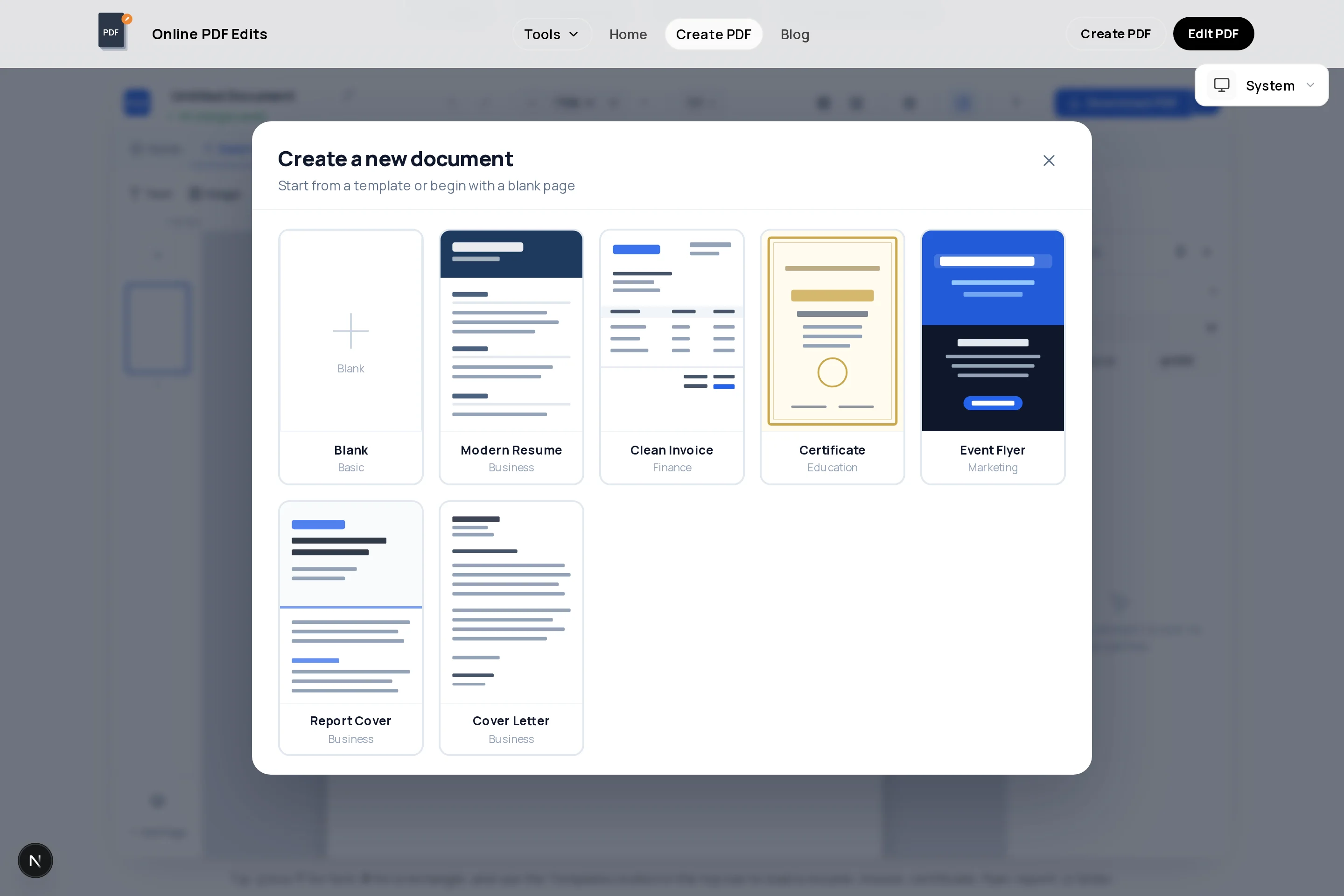
A numbered header block keeps your paper trail sequential and auditable, like invoices.
Rows for description, amount paid, payment method, and — for partial payments — balance remaining.
Logo and business details up top make the receipt recognizable and harder to dispute.
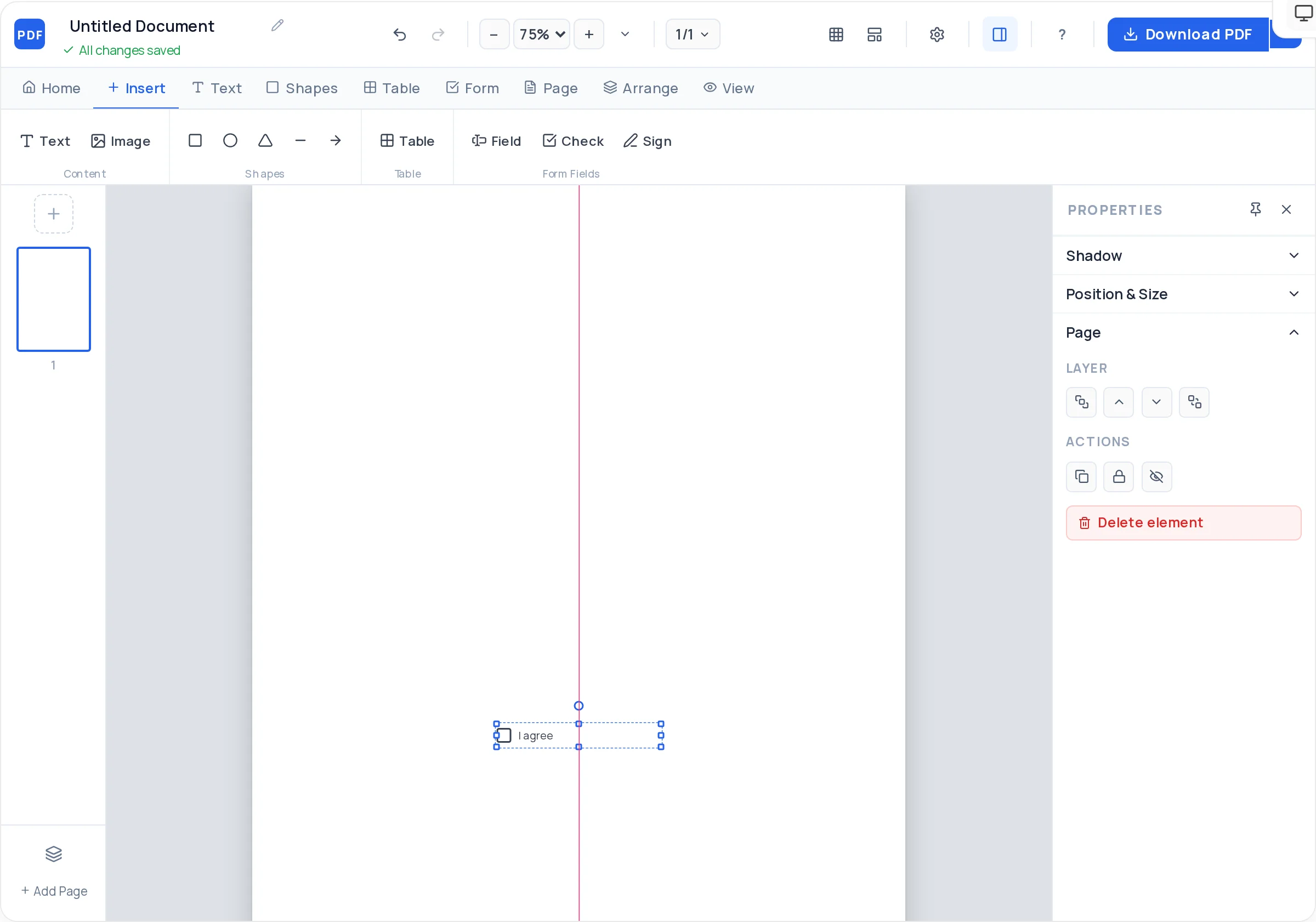
An optional fillable signature field for the person acknowledging the payment.
For recurring payments like rent, duplicate last month’s page, change the date and number, export.
A compact, watermark-free PDF the payer can store and you can file.
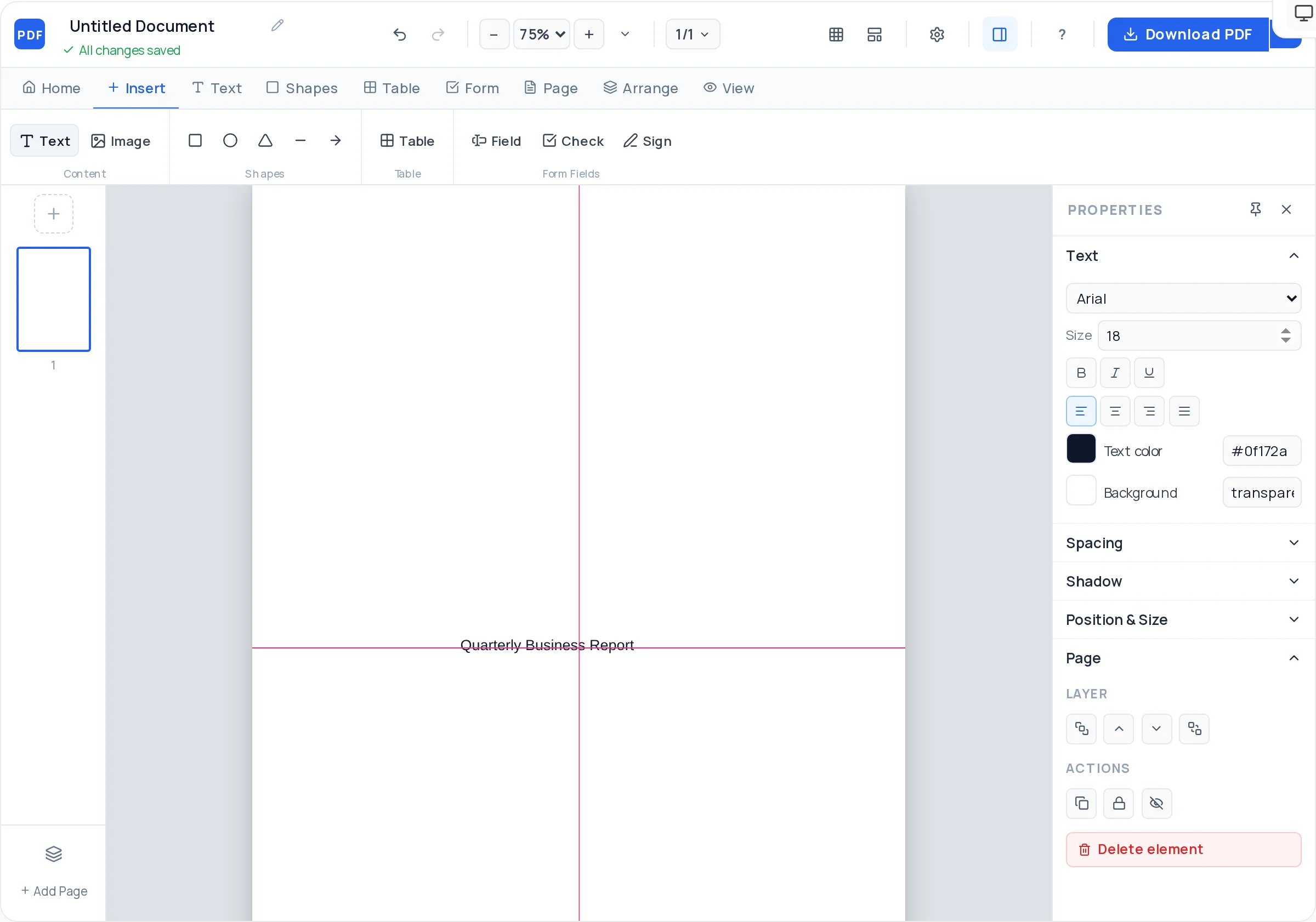
Launch the creator with the billing layout preloaded and change the heading to "Receipt".
Assign a sequential receipt number and the date payment was received.
Who paid, and who received — names and, for businesses, address and registration details.
What the payment was for, the amount, the method (cash, transfer, card), and any balance still due.
Add a signature field or signed name for the receiver — expected for cash transactions especially.
Download the PDF, send it to the payer, and keep a copy in your records.
"Paid by bank transfer, ref 8842" or "cash" changes what the receipt proves. Method plus reference makes the document reconcilable.
For deposits and instalments, include "amount paid", "total due", and "balance remaining" — three lines that prevent most payment disputes.
If the payment settles an invoice, reference its number ("Payment for INV-2026-041"). Your bookkeeping and the client’s will match.
Export once, store twice — receipts are records for both sides. A dated filename convention makes year-end retrieval painless.
Record the payer, receiver, date, amount, payment method, and what the payment covers, plus a sequential receipt number — then export as PDF. The template above is pre-structured for exactly this.
An invoice requests payment; a receipt confirms it happened. The invoice precedes the money, the receipt follows it — and referencing the invoice number on the receipt ties the two together.
It is strongly advisable and in many places required for business transactions. Cash leaves no bank trail, so the signed receipt becomes the only proof of payment for both sides.
Yes — set the description to the rental period ("Rent, July 2026, Unit 4B"), record amount and method, and duplicate the page each month with updated details.
Fully — create and export unlimited receipts with no signup and no watermark on the document.
Do not silently alter an issued receipt. Issue a corrected receipt with a new number that references the original ("replaces R-2026-017") — the exported PDF is easy to redo in the editor.
All of these open the same free online PDF creator — each guide covers what makes that document work.
No signup, no watermark, nothing to install — design your document and download a clean, print-ready PDF in minutes.
Make your receipt — free