Tick-able on any device
Every checkbox is a real form field: check items off in Adobe Reader, Preview, or a browser and save the completed list.

Checklist Maker
A checklist PDF pairs each task with a real interactive checkbox, so the same document works clipped to a clipboard or opened on a tablet — tick items off in any PDF reader, save the completed copy, and you have a record of what was done and when. That saved copy is what separates a proper checklist from a note: inspections, onboarding, and handovers all need the evidence.
This free browser-based maker builds checklists as a simple repeating row — checkbox, task text, sometimes an initials or date field on the right. Group rows under bold section headings (Before arrival / Day one / Week one for onboarding; Kitchen / Bathrooms / Floors for cleaning), and snap-to-grid keeps every checkbox in a perfect left rail down the page.
For inspection and compliance lists, add a signature field at the bottom and the completed, saved PDF becomes a signed record. Everything exports as crisp vector output with no watermark — duplicate the page for daily or per-room copies before you download.
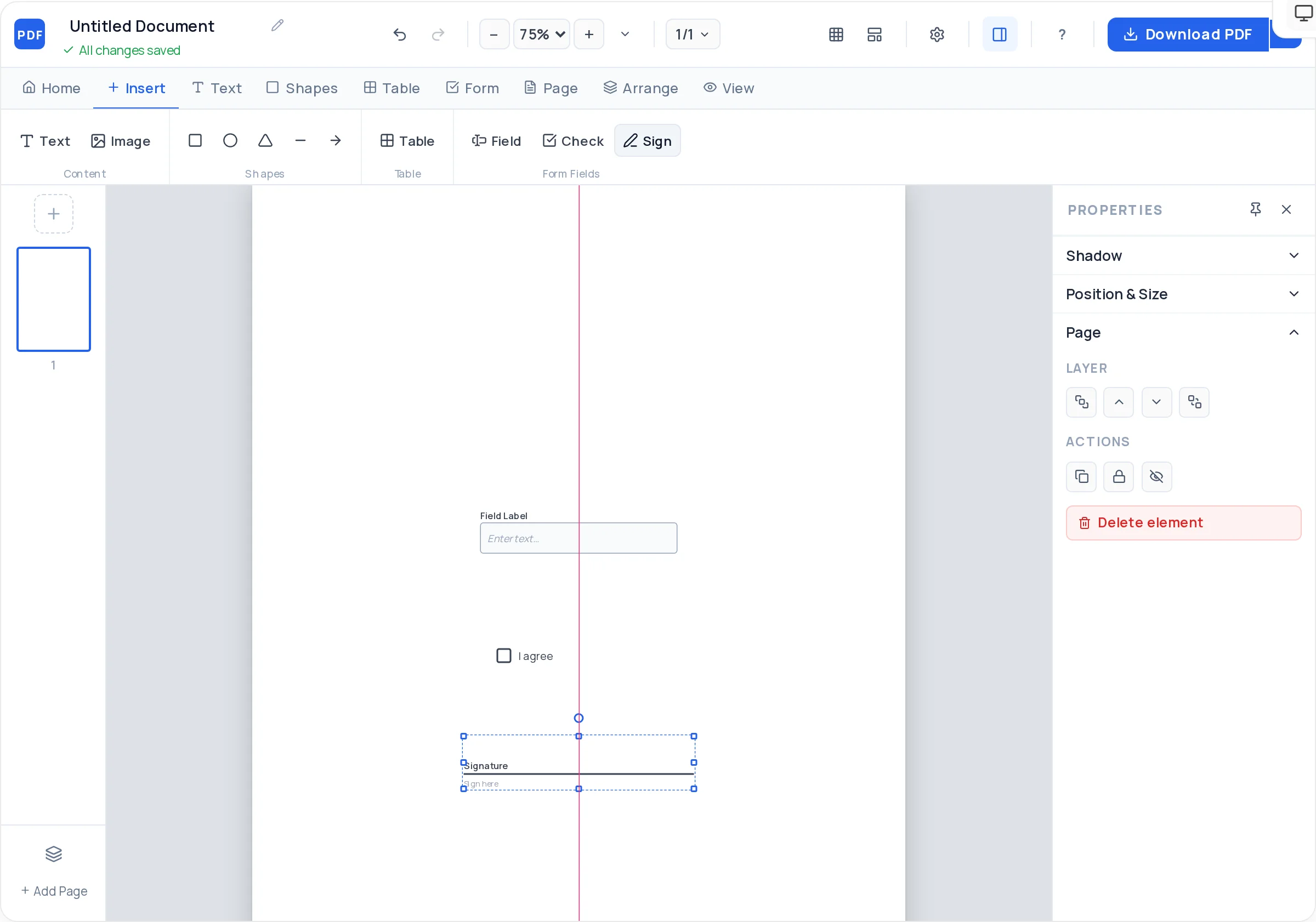
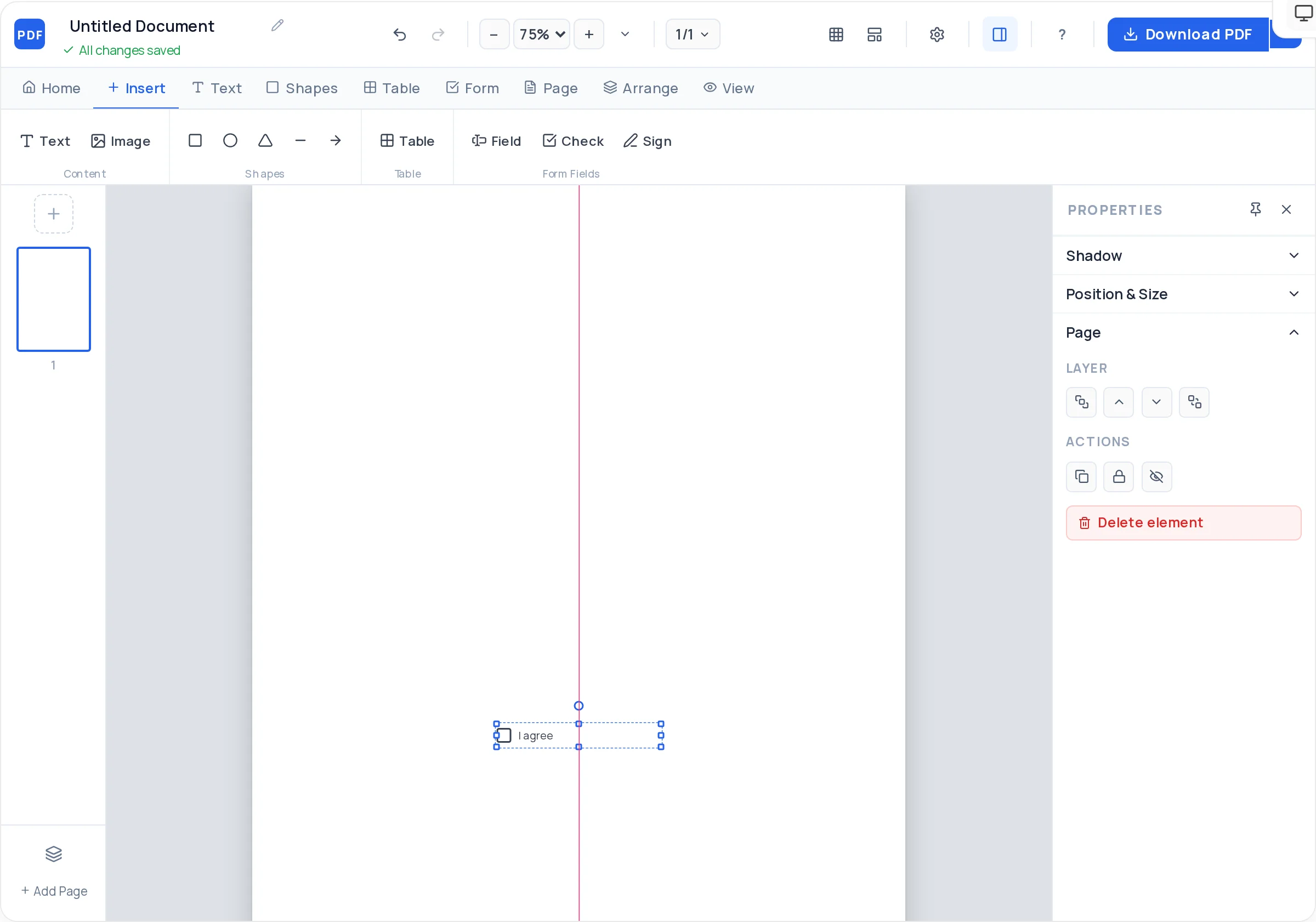
Every checkbox is a real form field: check items off in Adobe Reader, Preview, or a browser and save the completed list.
Snap-to-grid and alignment guides keep all checkboxes on one vertical line — the visual rhythm that makes lists fast to scan.
Bold headings split long lists into phases or rooms, with line-height control to keep row spacing consistent throughout.
Add a "Completed by" signature field and date for inspection, safety, and handover checklists that need an accountable record.
Duplicate the page per day, per room, or per new hire before exporting — one layout, a whole packet of ready copies.
Lock finished rows and headings so adding one more item never nudges the forty above it out of line.
Name it specifically — "Move-out cleaning: 2-bed apartment" beats "Cleaning checklist" — and add a date/name field up top.
Write one verb-first task per row: "Test smoke alarm", not "Safety". If an item needs two ticks, it is two items.
Place an interactive checkbox at the left of each task, snapped to the grid so the column is dead straight.
Break lists longer than ten items into bold-headed sections — phases for onboarding, rooms for cleaning, zones for inspections.
For accountability lists, finish with "Completed by" and "Date" — a signature field and a text field.
Duplicate the page for however many copies the week needs, then download one watermark-free PDF.
List tasks in the order they are actually done — walking route for inspections, chronology for onboarding. A checklist that makes you backtrack gets abandoned.
If a task wraps to two lines, shorten it and move detail to a note under the heading. Uniform row height is what makes ticking feel effortless.
When several people work one list, add a small text field per row for initials — "done" becomes "done by whom".
Beyond ten, split into two sections. Progress through small sections is visible, and visible progress is why checklists work.
On inspection lists, an unticked box must mean something. Add a "Notes / defects" text field at the bottom so problems have somewhere to go.
Yes — they export as real AcroForm checkboxes, so anyone can tick them in Adobe Acrobat Reader, macOS Preview, or a browser and save the completed checklist. On paper they print as clean empty boxes.
Two ways: duplicate the page inside the Creator for each day before exporting, or export once and have users open a fresh copy of the file each day — a filled copy saves as its own file, leaving the master blank.
Group by phase: before arrival (accounts, equipment, desk), day one (badge, tour, introductions, payroll forms), week one (training, first task, check-in). Add an initials field per row so HR and the manager can split responsibility.
Yes — add a signature field and date at the bottom. The inspector ticks items in a PDF reader, notes defects in the comments field, signs, and saves; the saved file is the inspection record.
No — the maker is free and unlimited, with no signup, so a property manager exporting thirty room lists a week pays exactly nothing.
Yes — upload a JPG or PNG into the header, size it, and optionally round the corners or lower opacity for a subtle watermark-style background mark of your own.
Leave the box unticked and add an "N/A" column of checkboxes for inspection lists — or a notes field where the reason is written. An empty box should never be ambiguous between "not done" and "not applicable".
All of these open the same free online PDF creator — each guide covers what makes that document work.
Create a survey PDF with rating rows and comment boxes
Create a fillable PDF anyone can type into
Create a New-Hire Onboarding Form PDF
Design a PDF form from a blank page
Turn Your Revision Into a Study Notes PDF
No signup, no watermark, nothing to install — design your document and download a clean, print-ready PDF in minutes.
Make your checklist PDF — free