The Epstein Files Redaction Failure Explained
When the DOJ released nearly 30,000 Epstein-related documents in December 2025, some "redacted" text turned out to be recoverable with a simple copy and paste. Here's what actually happened — and how to make sure it never happens to your PDFs.

On December 19, 2025, the US Department of Justice released roughly 3.5 million pages — nearly 30,000 documents — under the Epstein Files Transparency Act. Within hours, people online reported that some "redacted" text in the release could be recovered with nothing more than a highlight, a copy, and a paste.
It's a striking demonstration of a mistake that keeps happening to organizations that should know better. Here's what actually went wrong, what didn't, and how to make sure your own documents don't end up as the next example.
Key takeaways
- Some blacked-out text in the December 2025 Epstein files release was recoverable by copy-pasting the "redacted" area — a known, common PDF error.
- This wasn't a system-wide failure of the release: forensic analysis by the PDF Association found the core Epstein Files Transparency Act datasets were correctly redacted (rendered into non-recoverable image pixels). The recoverable text traced to specific older court filings that had been incorporated into the release, redacted incorrectly years earlier.
- The underlying mistake is always the same one: a black rectangle was drawn on top of text instead of removing the text from the file.
- This is not a one-off. The same error surfaced in a 2019 Manafort court filing and a 2018 Facebook/Six4Three case document.
- True redaction deletes the covered text from the PDF's actual content — not just from what's visible — so there is nothing left for copy-paste, search, or extraction tools to find.
What actually happened
A PDF page isn't a photograph; it's a set of drawing instructions — draw this text here, this image there. A quick, common way to "redact" a page is to draw a black rectangle on top of the sensitive text. Visually, it looks redacted. But the original text instruction is still sitting underneath, completely intact. Select the area with your cursor, hit copy, paste it anywhere — the black box did nothing to stop that.
That is the mechanism behind every version of this story, including the pieces of the Epstein files release that were recoverable. It's worth being precise here: the PDF Association's own analysis found that the primary datasets released under the Epstein Files Transparency Act (the batches numbered 01 through 07) were rendered as image pixels — a technique that, done correctly, is genuinely non-recoverable. The documents where text was recovered were older court filings folded into the broader release, redacted with the black-rectangle method at some earlier point, long before the December 2025 release.
So this wasn't evidence that the DOJ's release process is broken across the board. It's evidence of something arguably more concerning: that the "draw a box over it" mistake is common enough, and old enough, that it quietly persists inside document archives for years before anyone notices.
This has happened before — twice, publicly
- The Manafort filing, January 8, 2019. Paul Manafort's attorneys submitted a court brief with black bars over passages meant to stay confidential. A journalist selected the bars, copied the text, and pasted it — revealing that Manafort had shared 2016 campaign polling data with a Russian-linked associate. The filing had to be withdrawn and resubmitted.
- Facebook / Six4Three, November 2018. A court document released with "redacted" sections turned out to be copy-pasteable, exposing internal discussion of monetizing user data access — first spotted by a Wall Street Journal reporter.
Three separate incidents, three different institutions, one identical root cause. If the DOJ, a major law firm, and Facebook's legal team can all make this mistake, it's not a matter of carelessness by any one party — it's a structural weakness in how "redaction" is commonly (and wrongly) done.
Why the black box keeps fooling people
The failure is invisible to the person doing the redacting. The document looks redacted. There's a solid black rectangle exactly where the sensitive text used to be visible. Nothing about the page's appearance gives away that the text is still there — you'd have to actively try to select it to find out, and most people never do before hitting send or publish.
That's the entire problem in one sentence: redaction that only changes what a document looks like, and not what it contains, isn't redaction.
What true redaction looks like instead
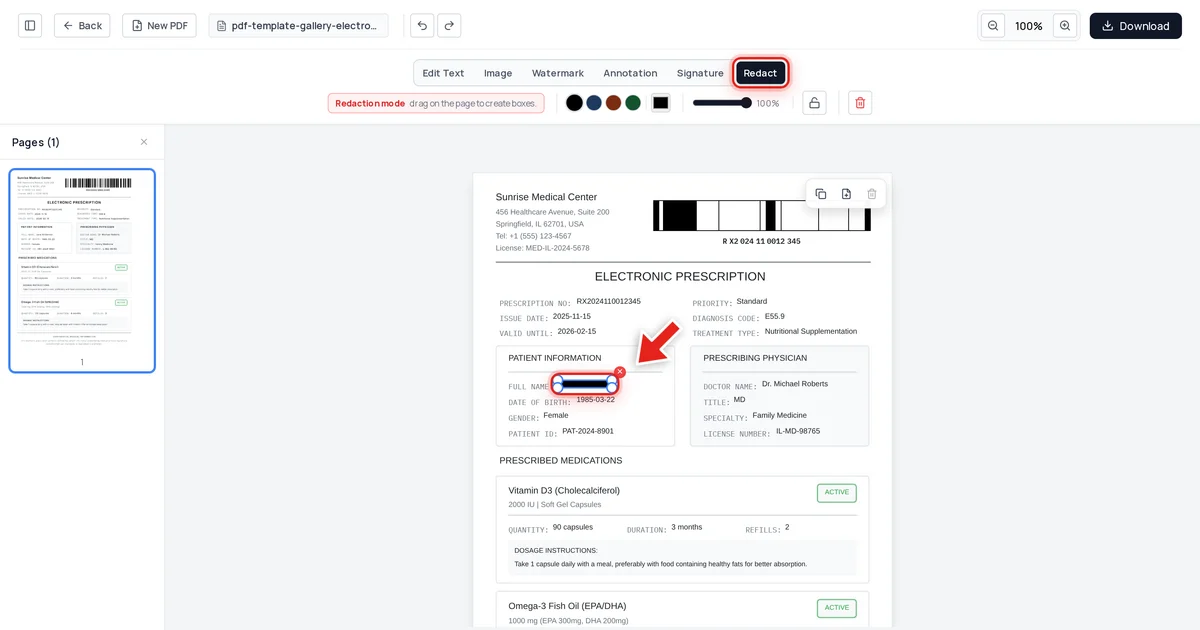
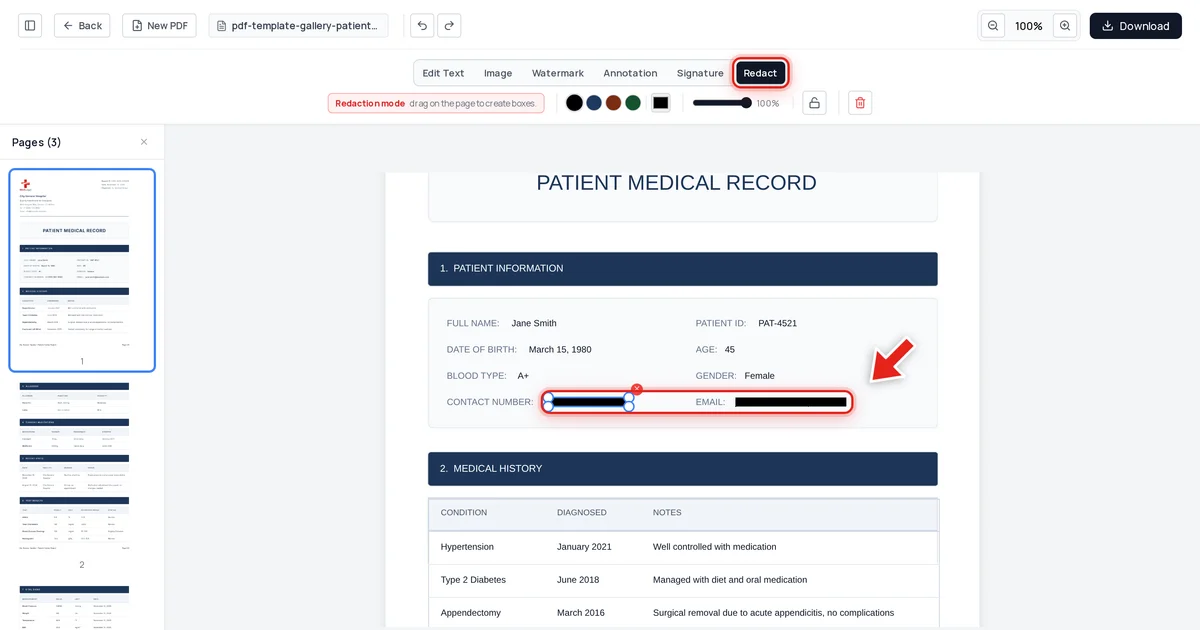
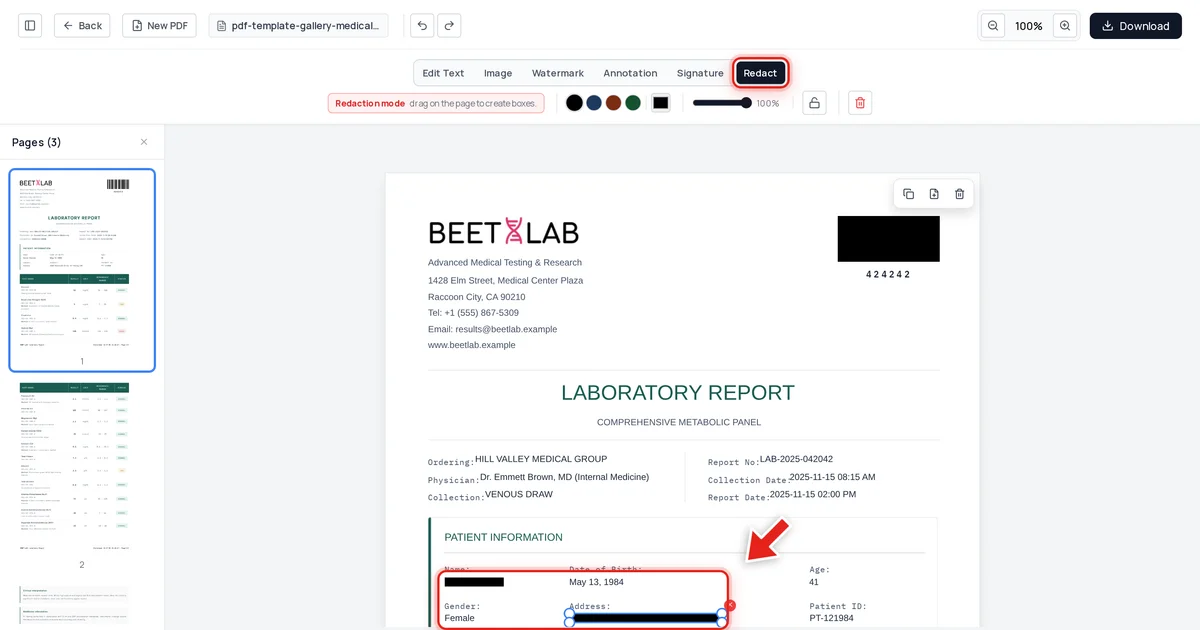
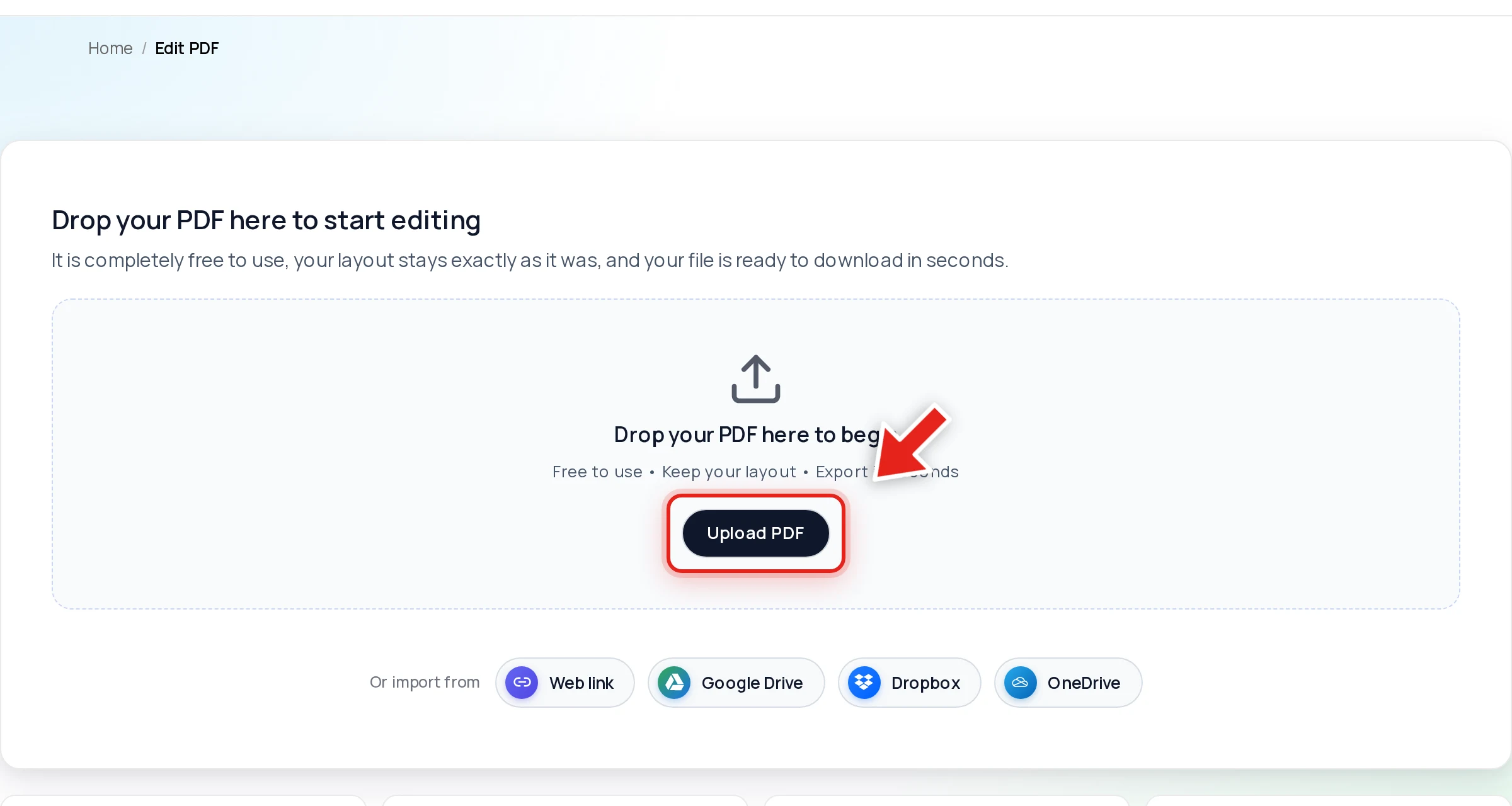
Open your PDF in the Online PDF Edits editor — drop the file onto the upload area, or click Upload PDF.
The Redact tab is a dedicated tool, separate from drawing or highlighting — because "cover it up" and "remove it" have to be different operations. Click it in the toolbar:

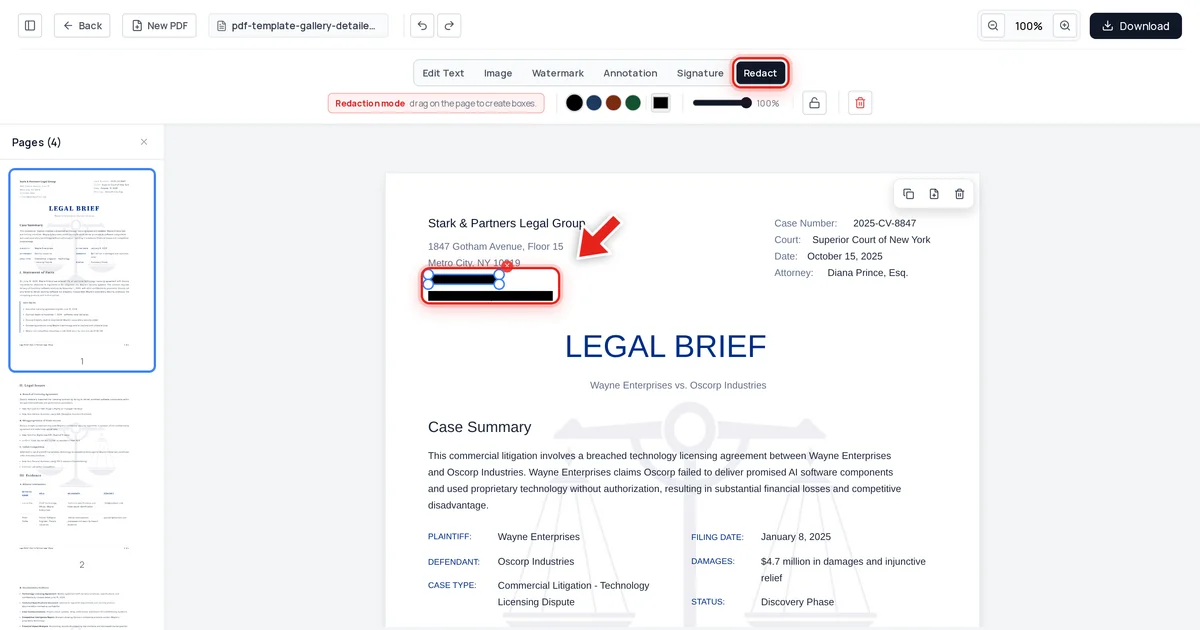
Then click and drag over the sensitive text; a live preview shows the box growing as you drag:
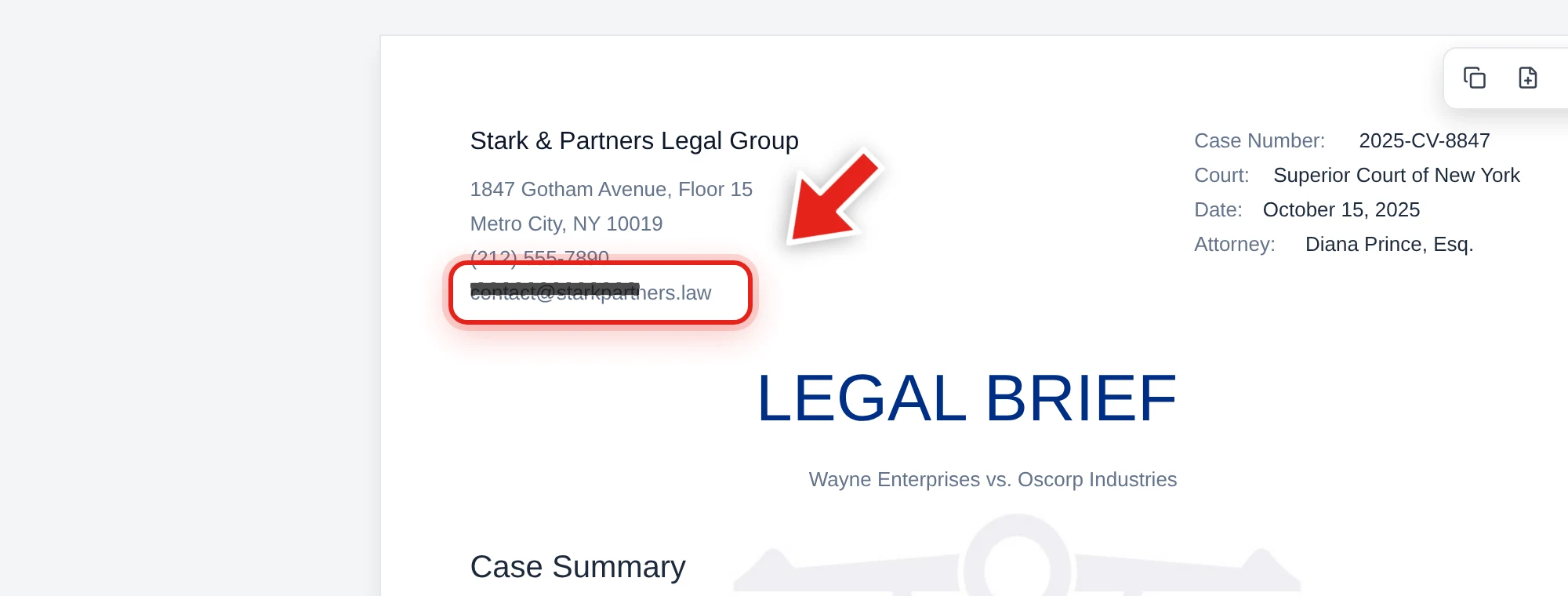
Release the mouse and a solid black bar takes its place.
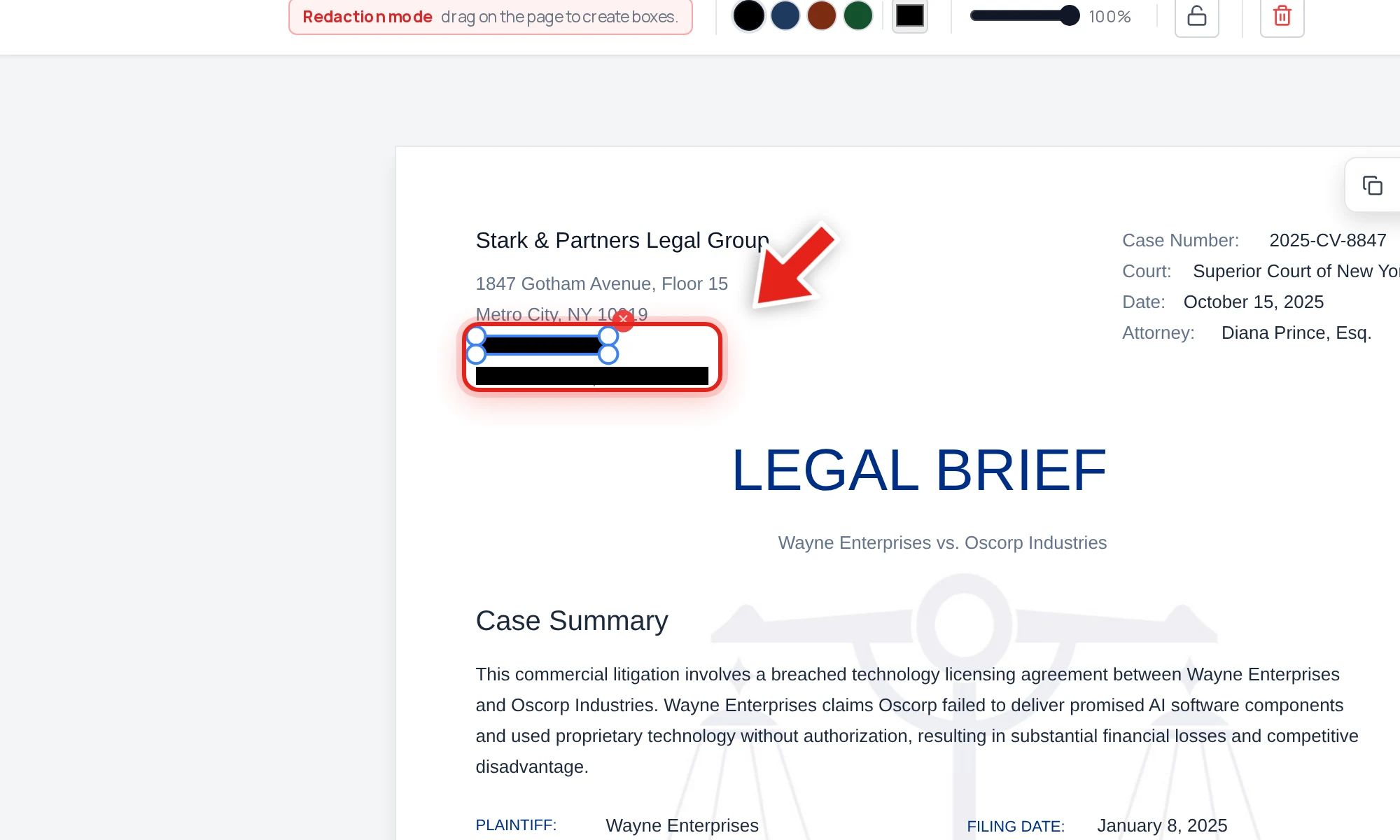
When you export, the text under that bar is stripped out of the PDF's actual content — not just covered by the black rectangle you see. We tested this directly on the file above (a legal brief with a law firm's phone number and email redacted): after export, we extracted all text from every page, searched the raw decompressed file data, and checked the embedded document metadata. The redacted phone number and email address were gone from all three. Every other word in the document — case number, court, attorney name — was untouched.
That's the difference between what happened in the older Epstein-adjacent filings and what should happen with any document containing information you actually need to protect.
Test any PDF yourself in 30 seconds
Before you trust that a document — yours or someone else's — is safely redacted, run this check:
- Open the PDF and try to click-drag a selection across the black bar.
- Press Ctrl+C (or Cmd+C), then paste into a plain text editor.
- If anything readable comes out, the redaction failed. If nothing pastes, it passed the first test — also try Ctrl+F to search for a word you expect to be hidden.
This single test would have caught the Manafort filing, the Facebook document, and the older filings recovered from the Epstein files release, before any of them were ever shared.
What to do with your own sensitive documents
If you're preparing any document — legal, financial, medical, or personal — for release or sharing, don't rely on a drawing tool. Use a control built specifically to remove content, then verify the result before it goes anywhere. Our guide on how to redact a PDF permanently walks through the full workflow and the same verification test in more depth, and how to check a PDF for hidden metadata covers the other place information quietly leaks from shared files.
FAQ
Were all the Epstein files release documents affected?
No. Forensic analysis by the PDF Association found the core datasets released under the Epstein Files Transparency Act were correctly redacted into non-recoverable image pixels. The recoverable text traced back to specific older court filings incorporated into the release, which had been redacted with the unsafe black-box method well before December 2025.
How was the text recovered?
By the simplest method possible: selecting the area covering the black bar, copying it, and pasting it into a text editor. This works whenever the underlying text was never actually deleted — only visually covered.
Is this the same mistake as the 2019 Manafort case?
Yes, mechanically identical. A black rectangle was drawn over text in a PDF without removing the text itself, so anyone could copy-paste the "hidden" content.
How do I make sure my own PDFs don't have this problem?
Use a redaction tool that removes the underlying text from the file rather than just drawing over it, then test the result yourself: try to select, copy, and search the redacted area in the exported file. If nothing comes back, it's genuinely gone. See our full permanent redaction guide for the step-by-step process.
Does Online PDF Edits' Redact tool have this vulnerability?
No — we tested it directly. Text covered by a redaction box in our editor is removed from the exported PDF's content, verified by text extraction, raw file inspection, and metadata checks, all coming back clean of the redacted content.