How to Redact Legal Documents Correctly (Lessons From Famous Failures)
A single incorrectly redacted court filing can expose privileged information, trigger sanctions, and make headlines. Here's how to redact legal documents so the underlying text truly can't be recovered.

On January 8, 2019, Paul Manafort's attorneys filed a court brief with black bars over sections meant to stay confidential. A Guardian reporter selected the bars, copied the text, and pasted it — revealing that Manafort had shared 2016 campaign polling data with a Russian-linked associate. The brief had to be withdrawn and refiled. It's one of the most-cited redaction failures in legal history, and the mechanism behind it is one every firm handling sensitive filings should understand before it happens to them.
Key takeaways
- The Manafort filing failed because the redaction was a black rectangle drawn on top of text — the underlying text was never deleted, so it remained fully copyable.
- Legal documents carry privileged communications, client PII, case strategy, and settlement terms — the cost of a redaction failure here is measured in sanctions, malpractice exposure, and reputational damage, not just embarrassment.
- True redaction removes the covered content from the file when you export, not just from what's visible.
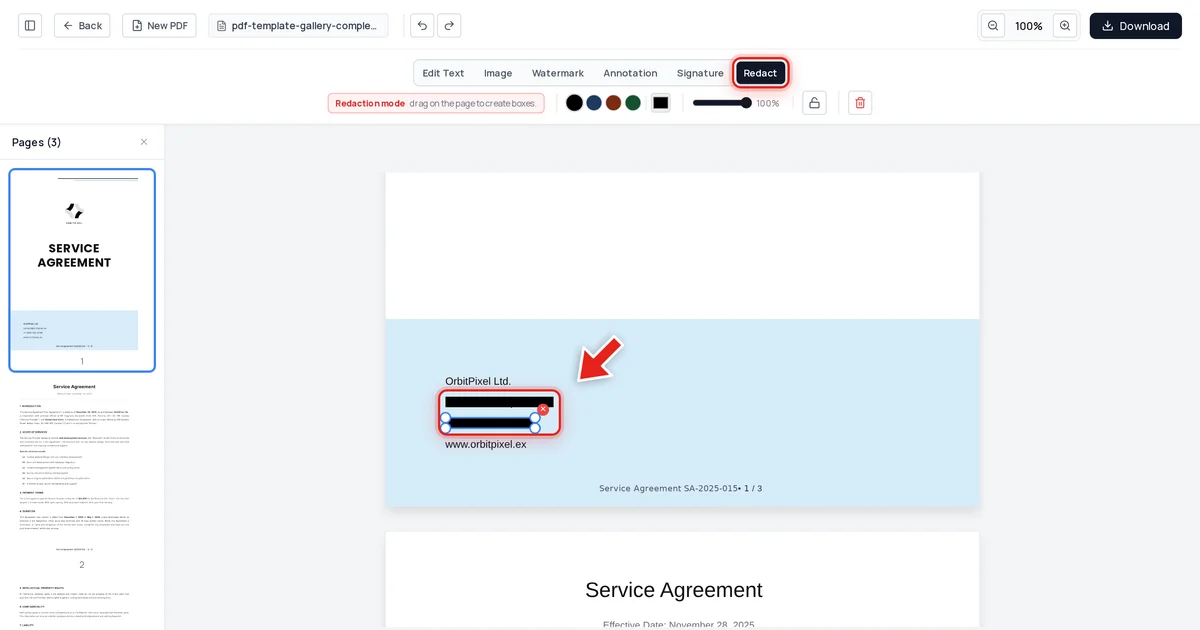
- We tested this directly: redacted a firm's contact details in a service agreement, exported it, and confirmed the values were gone from the extracted text, the raw file data, and the embedded metadata.
- Verify every redacted legal document before filing or sharing — the copy-paste test takes seconds and would have caught the Manafort mistake before it became public.
Why legal documents carry the highest redaction stakes
A failed redaction in a personal document is embarrassing. A failed redaction in a legal filing can expose privileged attorney-client communications, reveal case strategy to opposing counsel, breach a client's confidentiality expectations, or violate a protective order — any of which can result in court sanctions, bar complaints, or a malpractice claim. The Manafort filing became a media story specifically because the recovered text revealed something newsworthy; the underlying failure — a black box instead of true deletion — is exactly as common in filings that never make headlines.
What went wrong in the Manafort case
A PDF page is a set of drawing instructions, not a picture. Drawing a black rectangle over text adds a new instruction — draw a black box here — without touching the original instruction to draw the text underneath. The page looks redacted. The text is still there, completely intact, one click-drag-copy-paste away from being read by anyone who tries.
This is precisely what happened: reporters selected the black bars in the filed PDF, copied the "hidden" text, and pasted it into a plain document. Nothing sophisticated was required — just the same copy-paste anyone uses daily.
How to redact a legal document correctly
Step 1 — Upload the document
Go to the free PDF editor and drop your file onto the upload area, or click Upload PDF.

Step 2 — Redact privileged or confidential content
Click Redact in the toolbar:

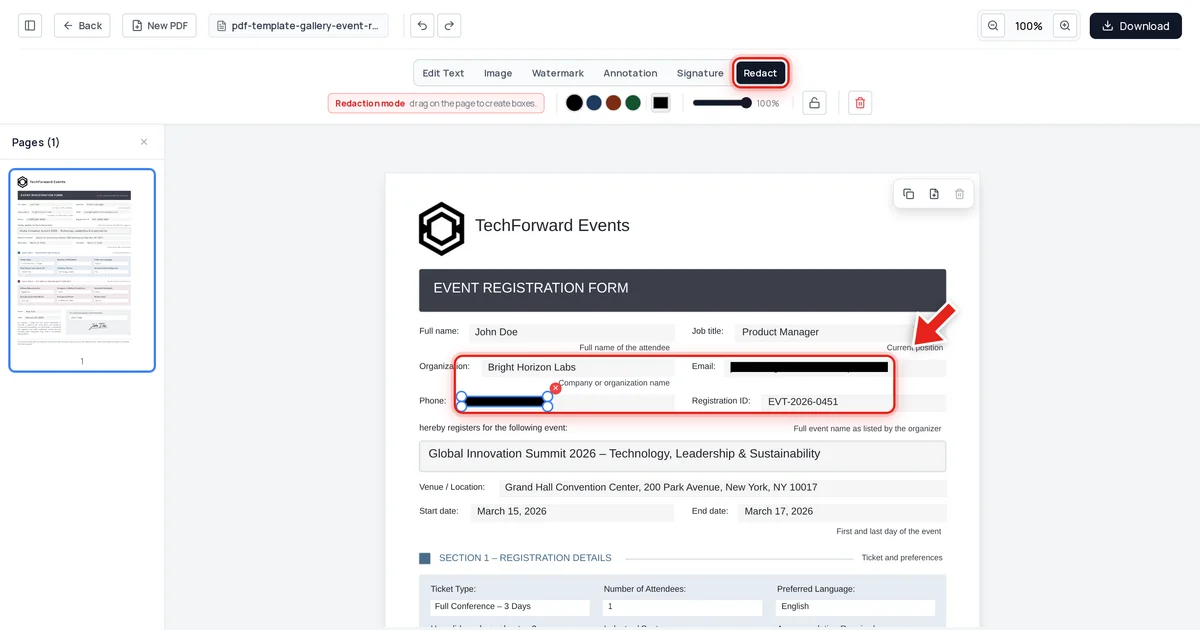
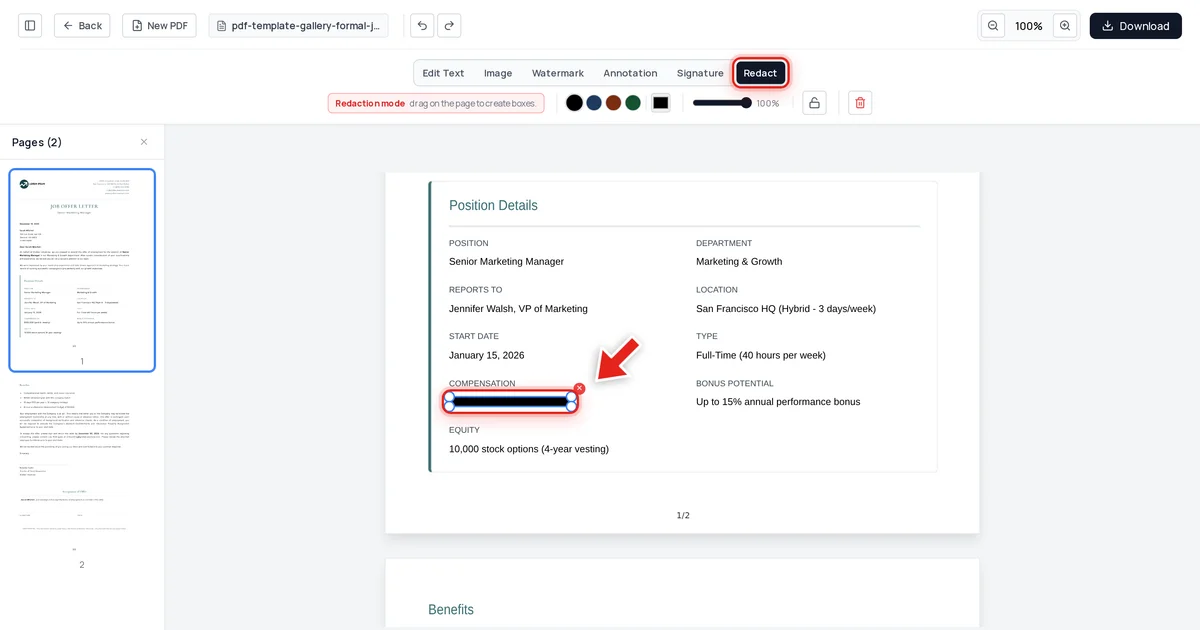
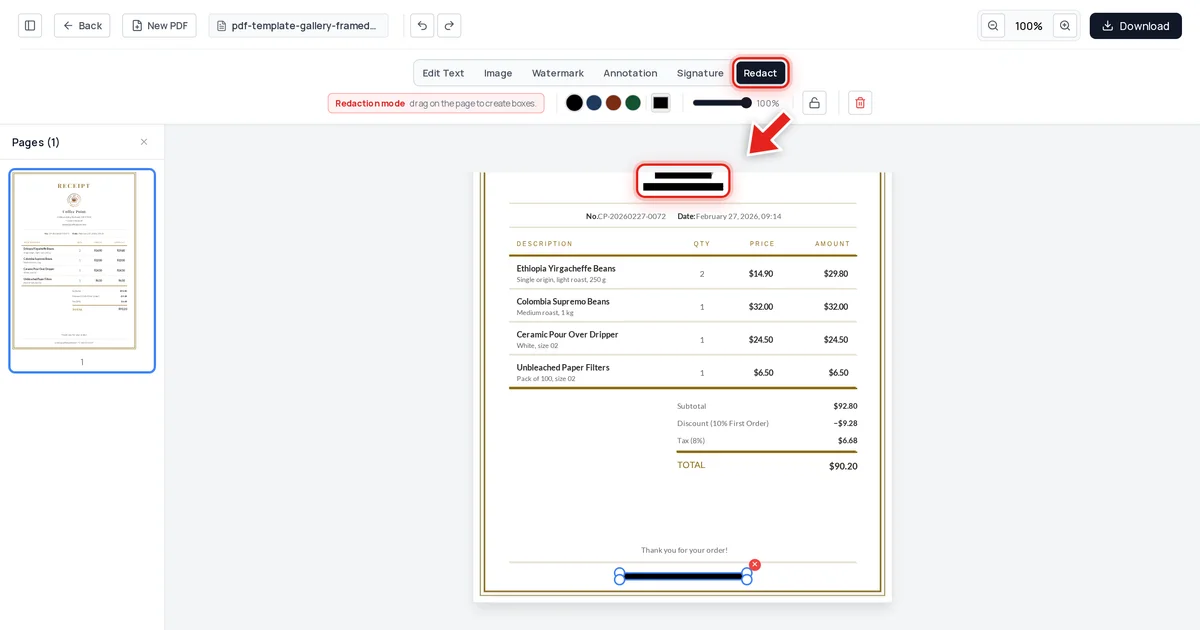
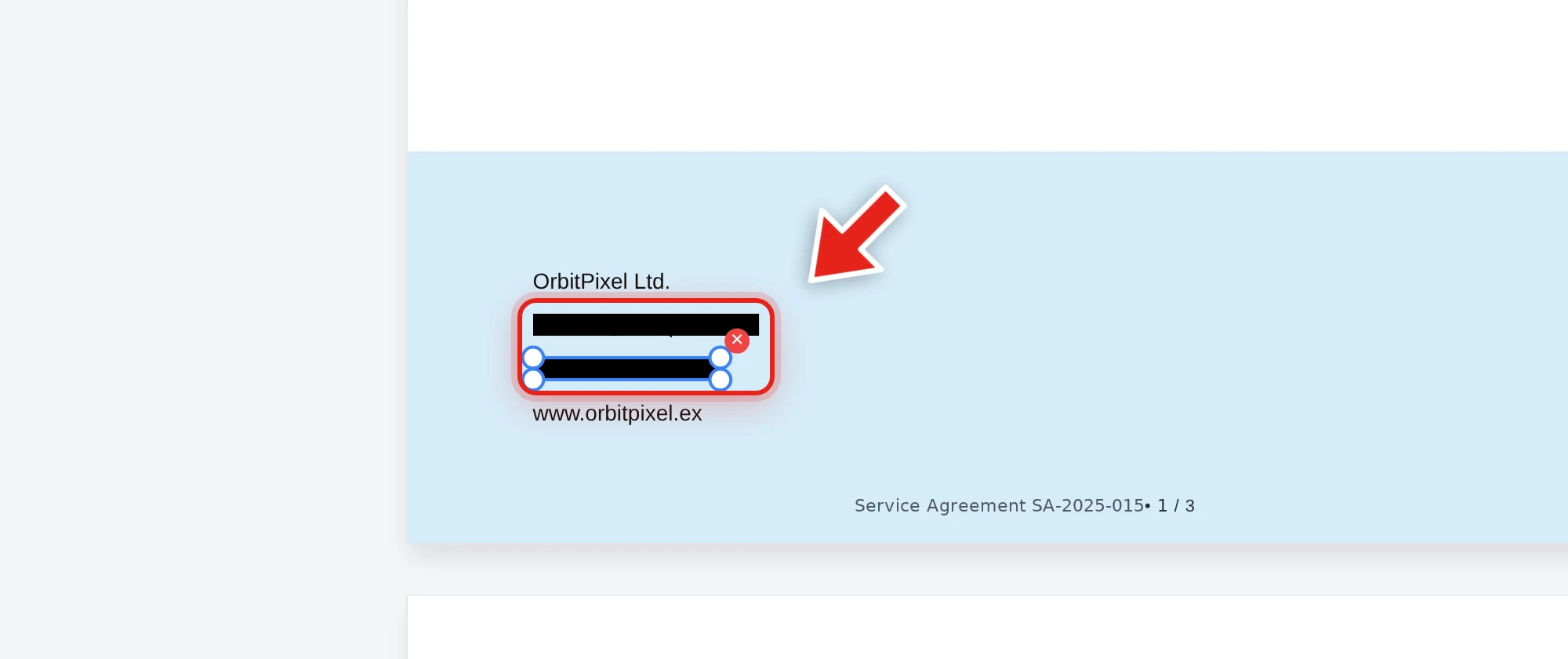
Then click and drag over each piece of information that needs to disappear — names, contact details, account numbers, privileged passages. A live preview shows the box growing as you drag:

Release the mouse and a solid black bar takes its place.
Step 3 — Export and verify before filing or sending
Click Download, keep PDF selected, and export. Then — before this goes anywhere — try to select, copy, and search the redacted areas in the exported file yourself.
We tested it the same way a reporter would
On the service agreement above, we redacted the firm's contact email and phone number, exported the file, and then tried to defeat our own redaction three ways: extracting all text from the document, searching the raw decompressed file data, and inspecting the embedded metadata. Both values were completely absent from all three checks. Every other detail — company names, the agreement reference number, the effective date — remained exactly as it was.
That's the standard a legal filing needs to clear, and it's directly testable: the same copy-paste attempt that exposed the Manafort filing, run against your own document before you file it.
A pre-filing checklist
- Identify everything privileged or confidential before you start — names, case strategy, settlement figures, client PII, third-party information.
- Redact with a tool that removes content on export, not one that only draws over it.
- Run the copy-paste test on the exported file: select the redacted area, copy, paste into a plain text editor. Nothing should come out.
- Search the file (Ctrl+F) for a phrase you redacted. Zero results confirms it.
- Check metadata separately — author names and revision history live in a different part of the file than visible content; see how to check a PDF for hidden metadata.
For the full permanent-redaction workflow and a deeper look at the verification test, see how to redact a PDF permanently. For court-specific filing requirements, see how to redact a PDF for court filing and our overview of PDF tools for lawyers.
FAQ
What made the Manafort redaction fail?
The redaction was a black rectangle drawn over the text in the PDF, rather than a removal of the text itself. Anyone who selected the black bar and copied it received the full original text, because the underlying content was never deleted.
What's at stake if a law firm's redaction fails?
Beyond the immediate exposure of the specific privileged content, a failed redaction in a filing can trigger court sanctions, breach client confidentiality obligations, damage the firm's reputation, and in serious cases expose the firm to malpractice claims.
How do I know if my redaction tool does this correctly?
Test the exported file, not the tool's marketing. Try to select, copy, and search the redacted area after export. If the content comes back, the tool only covered it; if nothing comes back, it was actually removed.
Does redacting content also remove metadata like author name?
No — these are separate operations. Redaction removes visible content from the page; metadata (author, edit history, hidden properties) needs to be cleaned separately.
Is this a rare mistake, or does it happen often?
It's common enough to have caused multiple public incidents beyond Manafort, including a 2018 Facebook/Six4Three court filing and portions of a 2025 government records release. The mechanism (black box over text) is the same every time.