How to Redact a Resume or CV for Blind Hiring
Blind hiring works by removing the details that trigger unconscious bias before a resume reaches a hiring manager — name, photo, contact info. Here's how to do that permanently, not just visually.

Blind hiring removes identifying details from a resume — name, photo, sometimes contact information — before it reaches whoever's screening candidates, specifically to reduce the effect of unconscious bias tied to a name, gender, or background. It only works if those details are actually gone, not just covered up where a reviewer could still glimpse or recover them.
Key takeaways
- Blind hiring typically redacts the candidate's name, photo, and contact details, keeping skills, experience, and education visible.
- A black box over a name isn't enough if the text is still selectable — reviewers using accessibility tools, copy-paste, or search could still see it.
- We tested this directly: a resume with the candidate's name and email redacted came back completely clean from text extraction, raw file data, and metadata.
- Keep the rest of the resume fully intact — over-redacting undermines the evaluation blind hiring is supposed to improve.
What to redact for blind hiring
- Full name — the primary bias trigger.
- Photo — if included, remove or redact it the same way.
- Contact details — email, phone, sometimes home address, especially if they reveal information like neighborhood or country of origin.
- University or employer names, in some blind-hiring processes that also want to reduce prestige bias — this is optional and depends on your process.
What to keep untouched: skills, job titles, responsibilities, dates, and education level. These are the qualifications actually being evaluated.
How to redact a resume
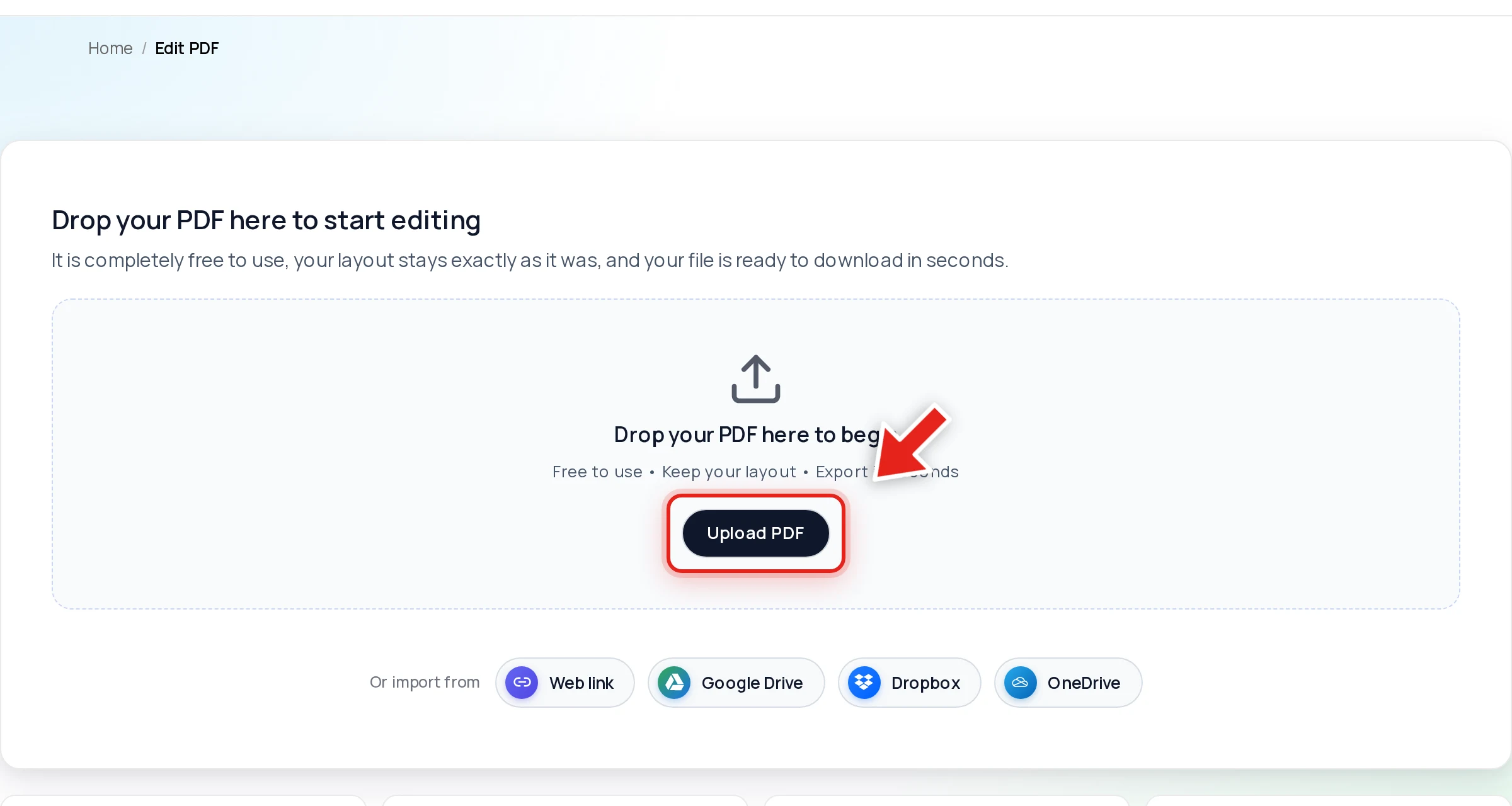
Open the file in Online PDF Edits — drop it onto the upload area, or click Upload PDF.
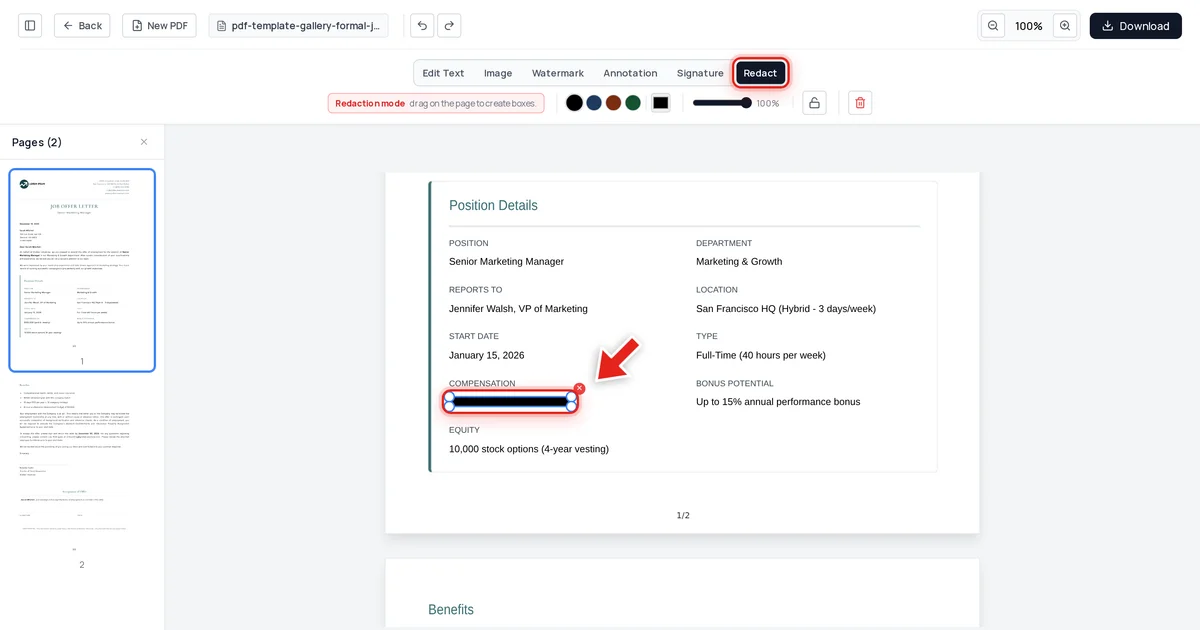
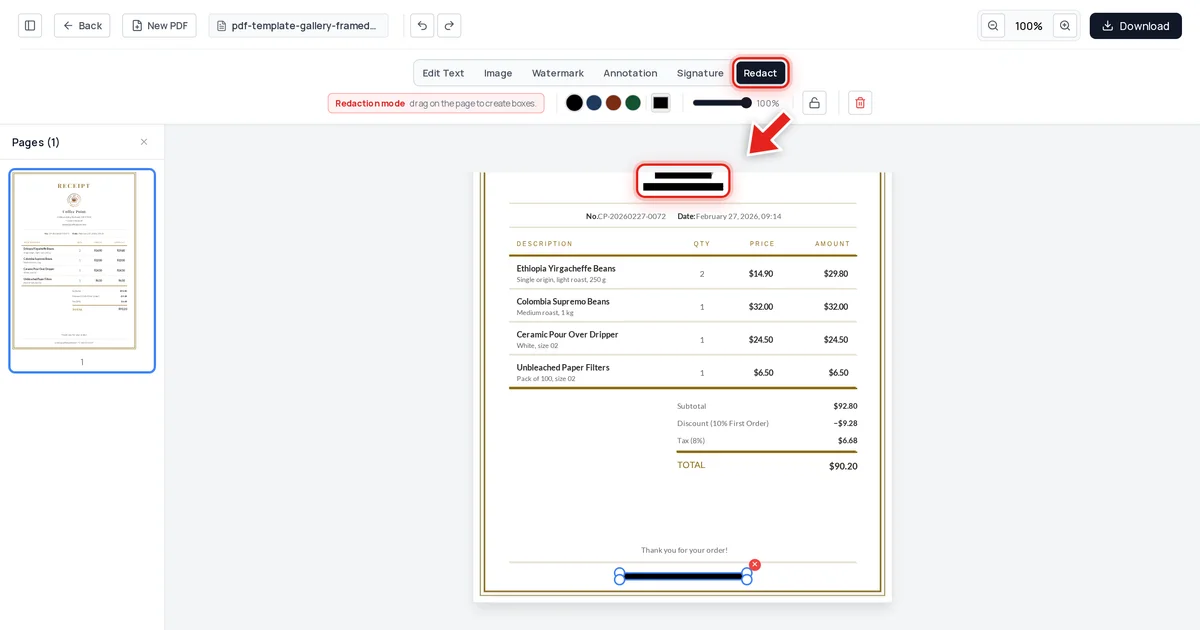
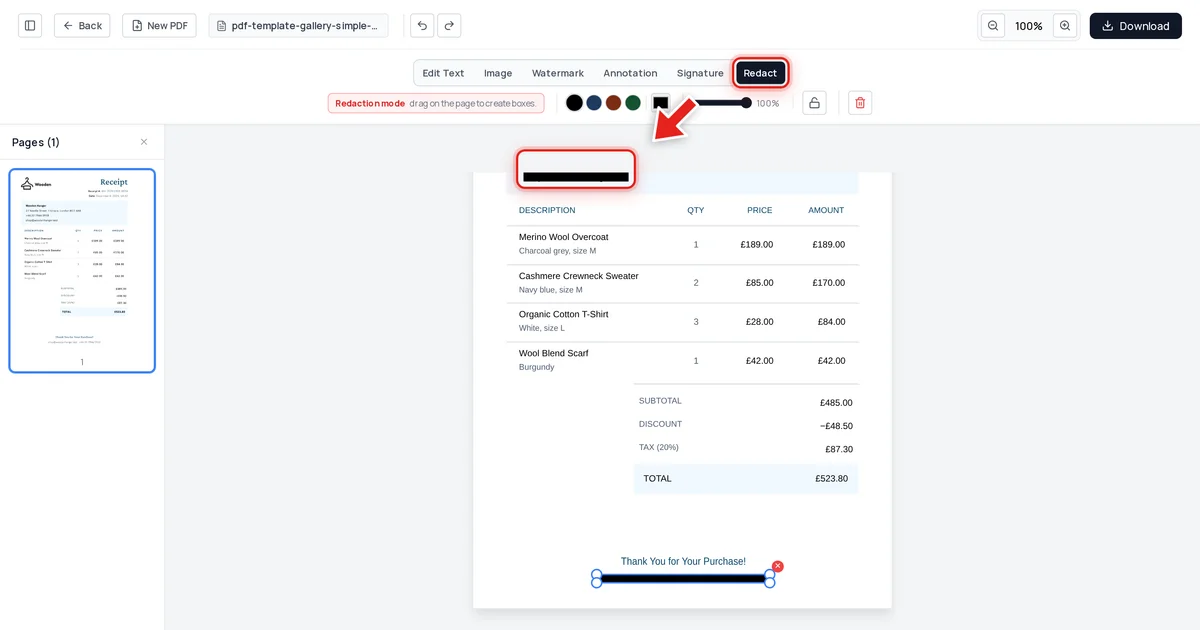
Click Redact in the toolbar:

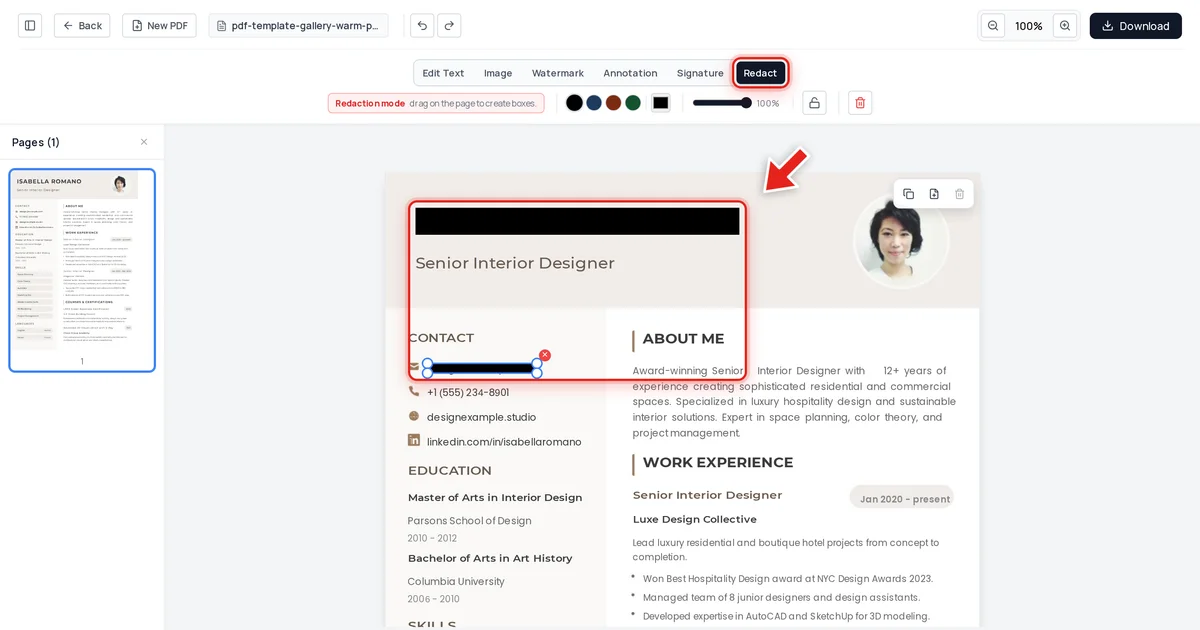
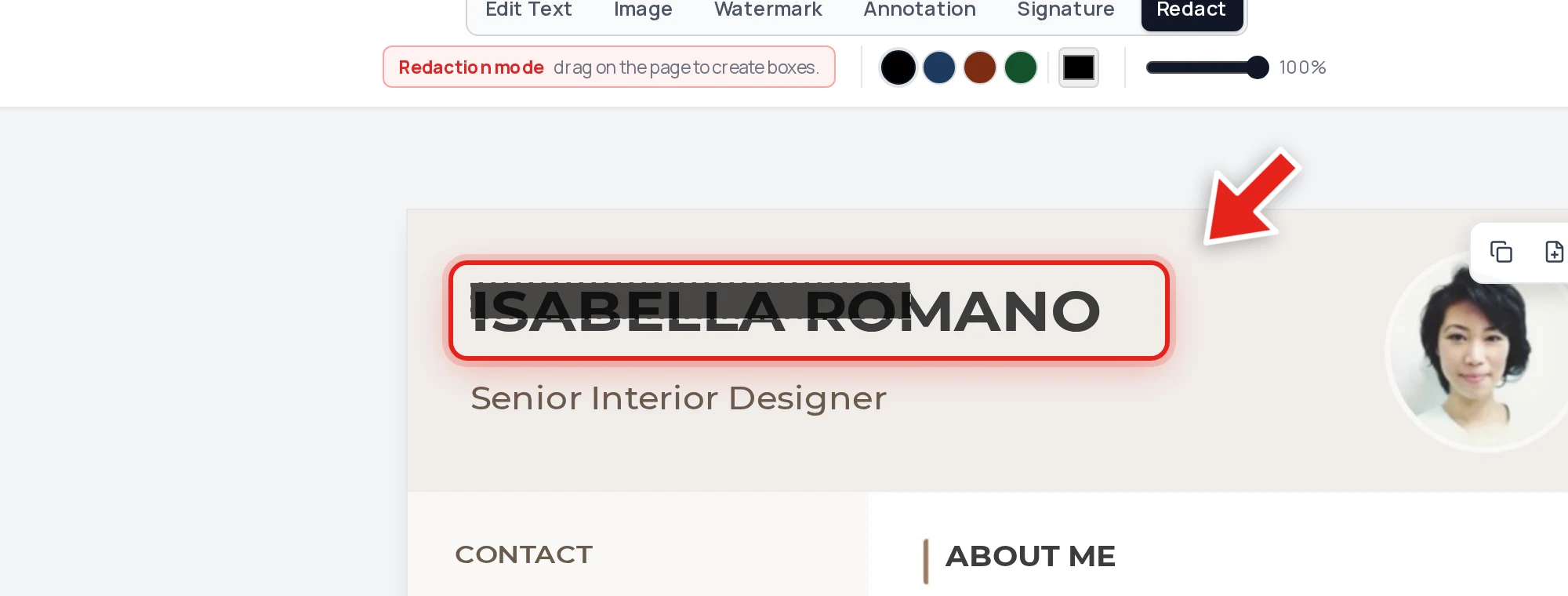
Then click and drag over the candidate's name. A live preview shows the box growing as you drag:
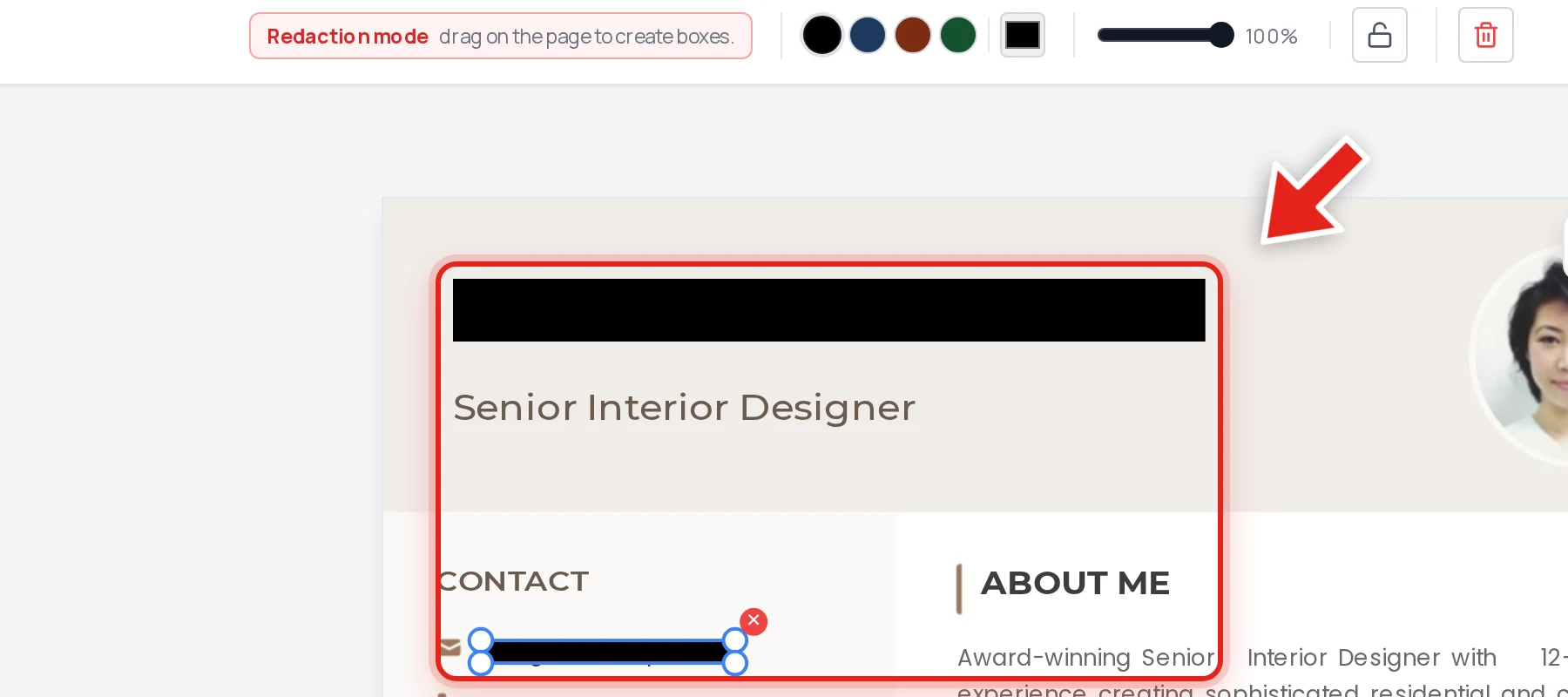
Release the mouse and a solid black bar takes its place. Repeat for the contact details.
Export, and the covered text is removed from the file's content — not just hidden behind the black bar.
We tested it
On the resume above, we redacted the candidate's full name and email address, then exported and checked the result three ways: extracted every line of text from the document, searched the raw decompressed file data, and inspected the embedded metadata. Both values were completely absent from all three, while the job title, skills, education, and experience sections stayed exactly as they were — fully intact for evaluation.
Why "covered" isn't the same as "removed"
A name that's merely drawn over in a PDF is still in the file — selectable, searchable, and recoverable by anyone who tries. If the point of blind hiring is to prevent a reviewer from learning the candidate's identity, a redaction that can be defeated with a simple copy-paste doesn't accomplish that. See why black box redaction isn't safe for the mechanics, and verify your own redacted resumes with the same test: try to select, copy, and search the redacted area before it goes to a hiring manager.
FAQ
What should I redact from a resume for blind hiring?
Full name, photo, and contact details are the most common. Some processes also redact university or employer names to reduce prestige bias — that's an optional extension, not a universal requirement.
Does this work if the resume has a photo?
Yes — a redaction box covers an image the same way it covers text. Draw the box over the photo and it's removed the same way as text on export.
Will redacting the name make the resume unusable for scheduling interviews?
Keep an un-redacted master copy for your own records (scheduling, reference checks) and only distribute the redacted version to the reviewers making the initial screening decision.
Is a black box sufficient, or do I need true redaction?
You need true redaction — a black box alone leaves the underlying text recoverable by anyone who selects and copies it, defeating the purpose of blind review.
Can I redact multiple resumes at once?
Yes, though each needs its own redaction pass since names and contact details sit in different positions on every resume. See our guide to batch redacting multiple PDFs if you're processing a large volume.