Black Box Redaction Isn't Safe (Why "Blacked-Out" PDFs Still Leak Text)
A solid black rectangle over text looks like redaction, but the words underneath are usually still there — selectable, searchable, and copyable. Here's why the black box fails, and what a real redaction control looks like instead.

If a document you've seen has a solid black rectangle sitting over a name, an address, or an account number, there's a real chance the text underneath is still there — fully selectable, fully searchable, one Ctrl+C away from being read. That's not a hypothetical. It's how a US court filing, a Facebook legal document, and pieces of a major government records release all leaked information they were supposed to hide.
Here's exactly why the black box fails, and what has to happen instead.
Key takeaways
- Drawing a black rectangle over text in a PDF only changes what the page looks like — it does not remove the text itself.
- The text is still part of the document's underlying content, so it can be selected, copied, searched, and extracted, no matter what's drawn on top of it.
- This single mistake has caused real, public leaks: a 2019 Manafort court filing, a 2018 Facebook/Six4Three case document, and parts of the December 2025 Epstein files release.
- True redaction removes the covered text from the file itself during export — there's no "underneath" left to find.
- You can test any "redacted" PDF yourself in under a minute: try to select, copy, and search the blacked-out area.
Why a black box isn't redaction
A PDF page isn't a picture — it's a list of drawing instructions. "Draw this text here." "Draw this rectangle there." When a black box is placed over sensitive text, all that's happened is a new instruction got added: draw a black rectangle at this position. The original instruction — draw this text — is still in the file, completely unaffected, sitting exactly where it always was.
Visually, the page looks redacted. Structurally, nothing was removed. Anyone who selects the area with their cursor, copies it, and pastes it elsewhere gets the "hidden" text back, because copy-paste reads the underlying text instructions, not the pixels your eyes see.
Three real leaks caused by exactly this mistake
- Manafort court filing, January 8, 2019. Paul Manafort's attorneys filed a brief with black bars over privileged sections. A journalist selected the bars, copied, and pasted — revealing that Manafort had shared 2016 campaign polling data with a Russian-linked contact. The filing was withdrawn and refiled.
- Facebook / Six4Three, November 2018. A "redacted" legal filing let anyone copy-paste the blacked-out sections, exposing internal talk of monetizing access to user data — spotted first by a Wall Street Journal reporter.
- Epstein files release, December 19, 2025. When the DOJ released roughly 3.5 million pages, some blacked-out text in the release was recoverable with copy-paste. Forensic review by the PDF Association found the core release datasets were properly redacted into non-recoverable image pixels — the recoverable text traced to older court filings folded into the release that had been redacted the unsafe way years earlier. Read the full breakdown of what happened.
Three unrelated organizations, three separate years, the identical root cause. This isn't rare carelessness — it's what happens by default when redaction is treated as a drawing task instead of a deletion task.
What true redaction has to do differently
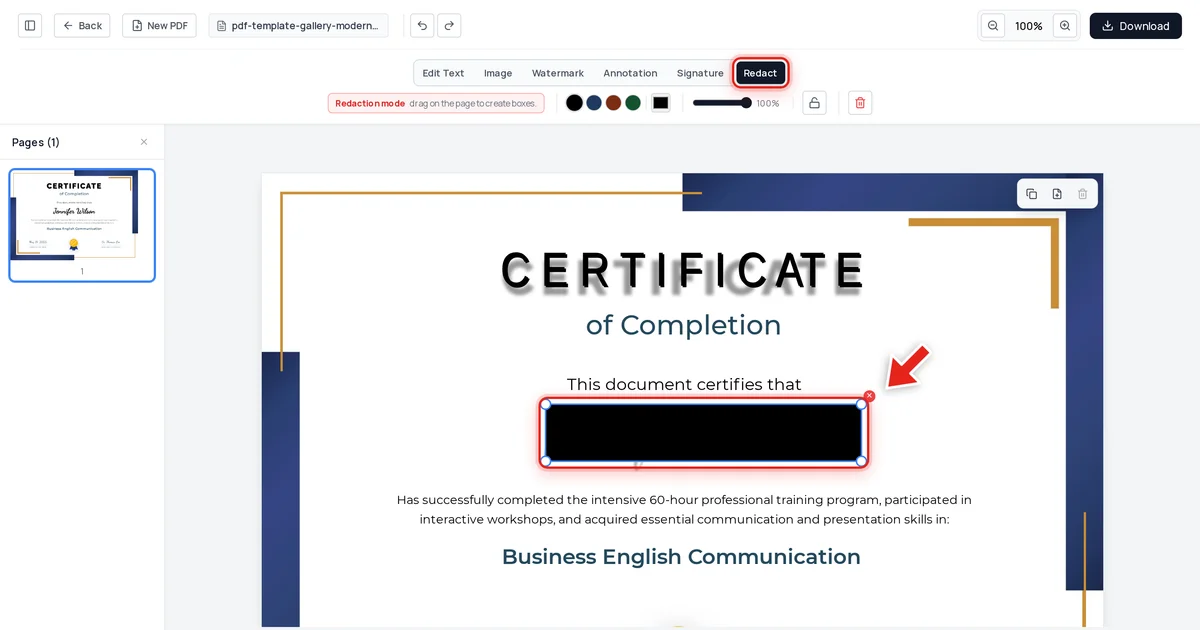
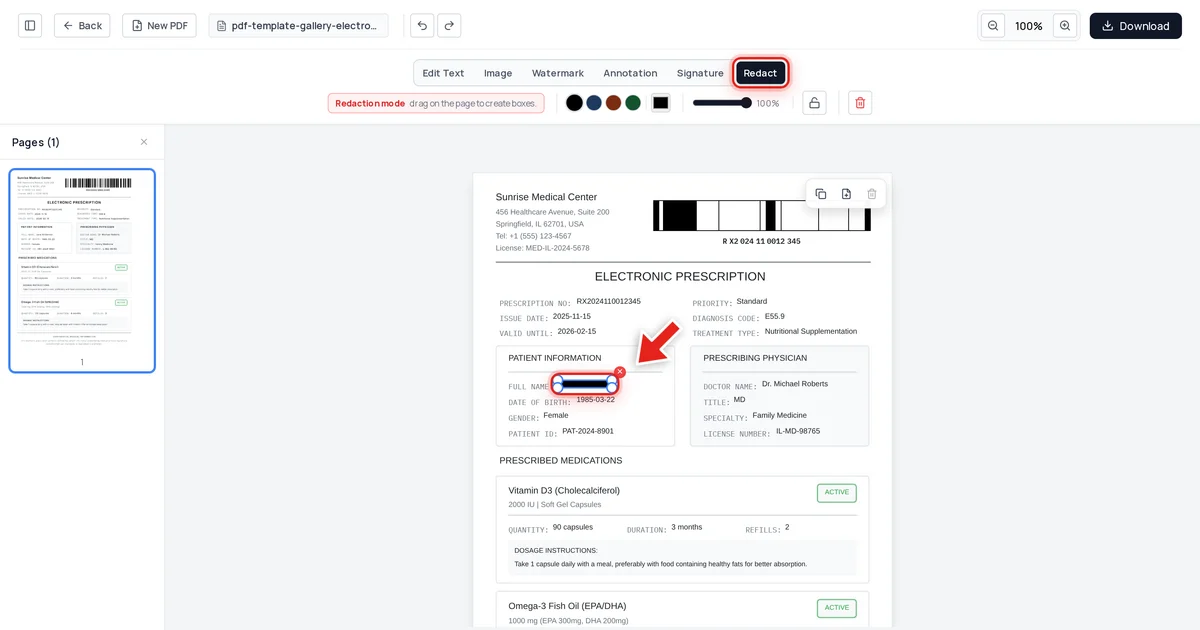
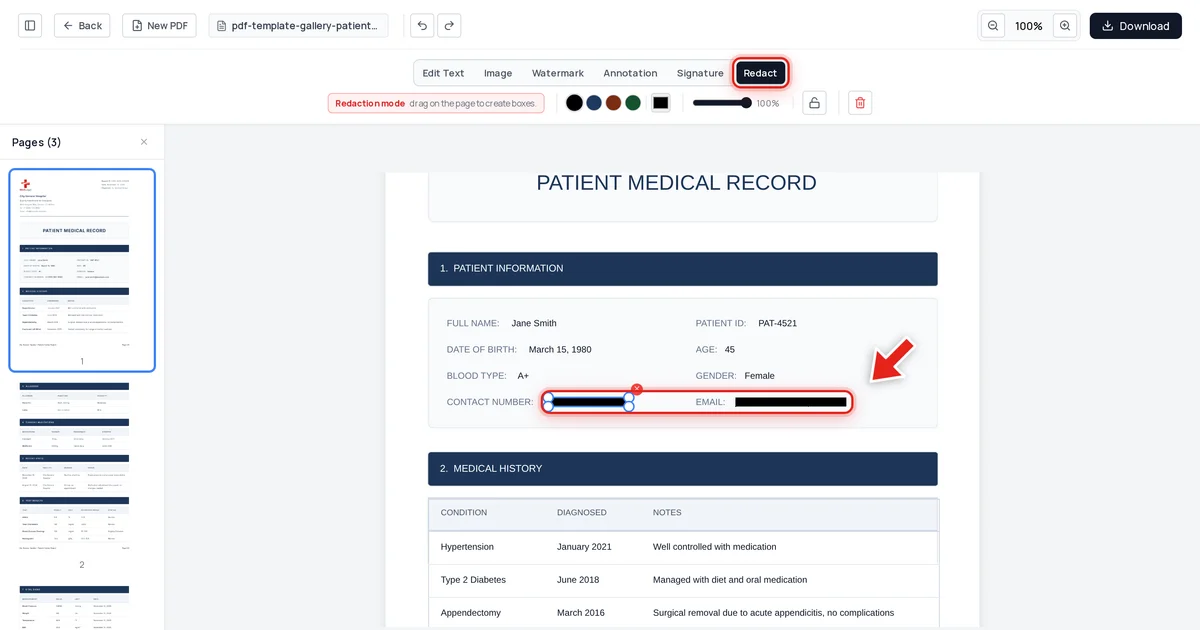
Real redaction removes the covered text from the file's actual content when you export — not just from what's visible on screen. Open your PDF in the Online PDF Edits editor — drop the file onto the upload area, or click Upload PDF.
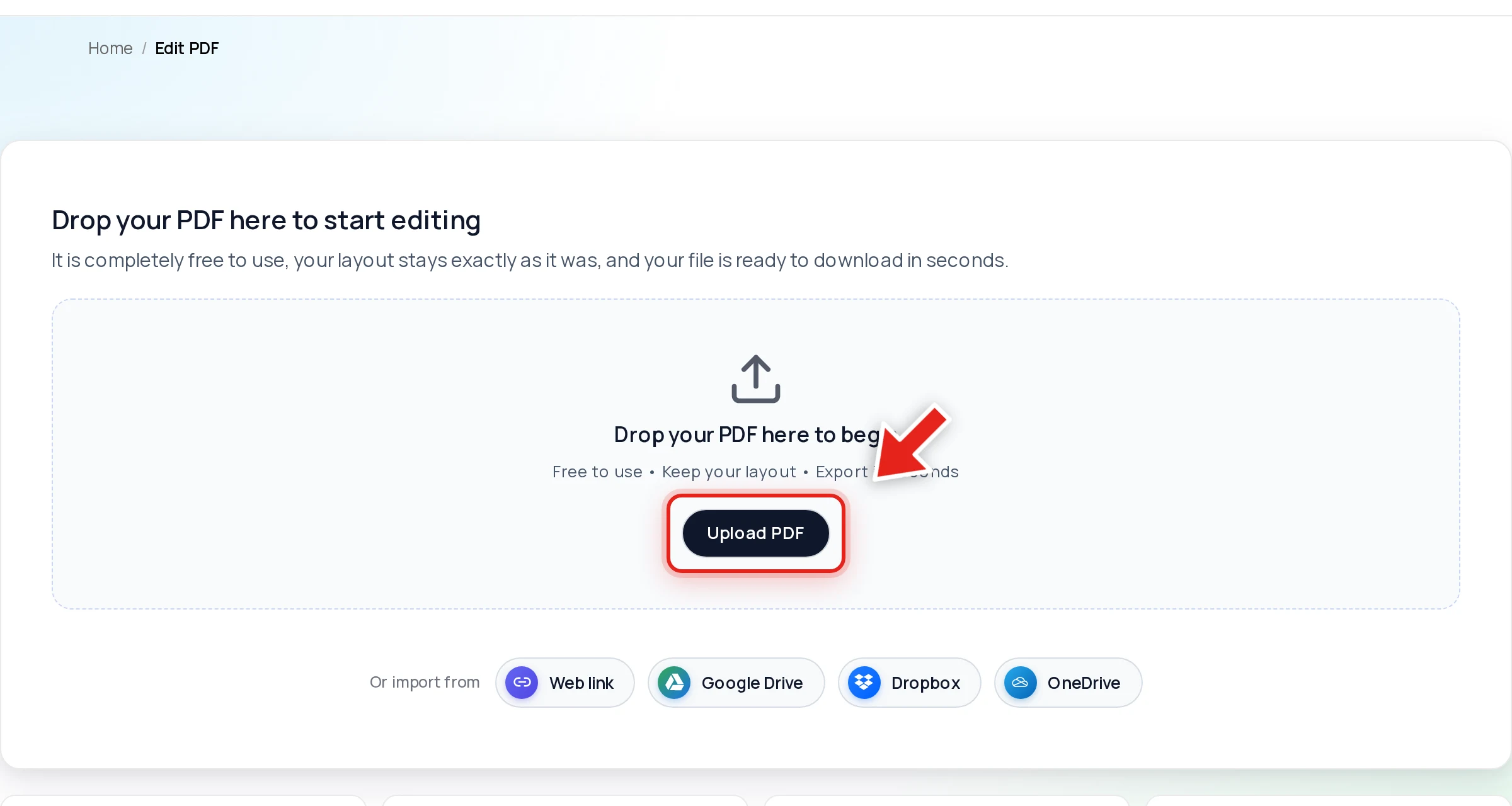
The Redact tab is a dedicated tool, deliberately separate from any drawing or annotation feature, because "cover it" and "delete it" can't be the same button. Click it in the toolbar:

Then click and drag over the text you need gone; a live preview shows the box growing as you drag:
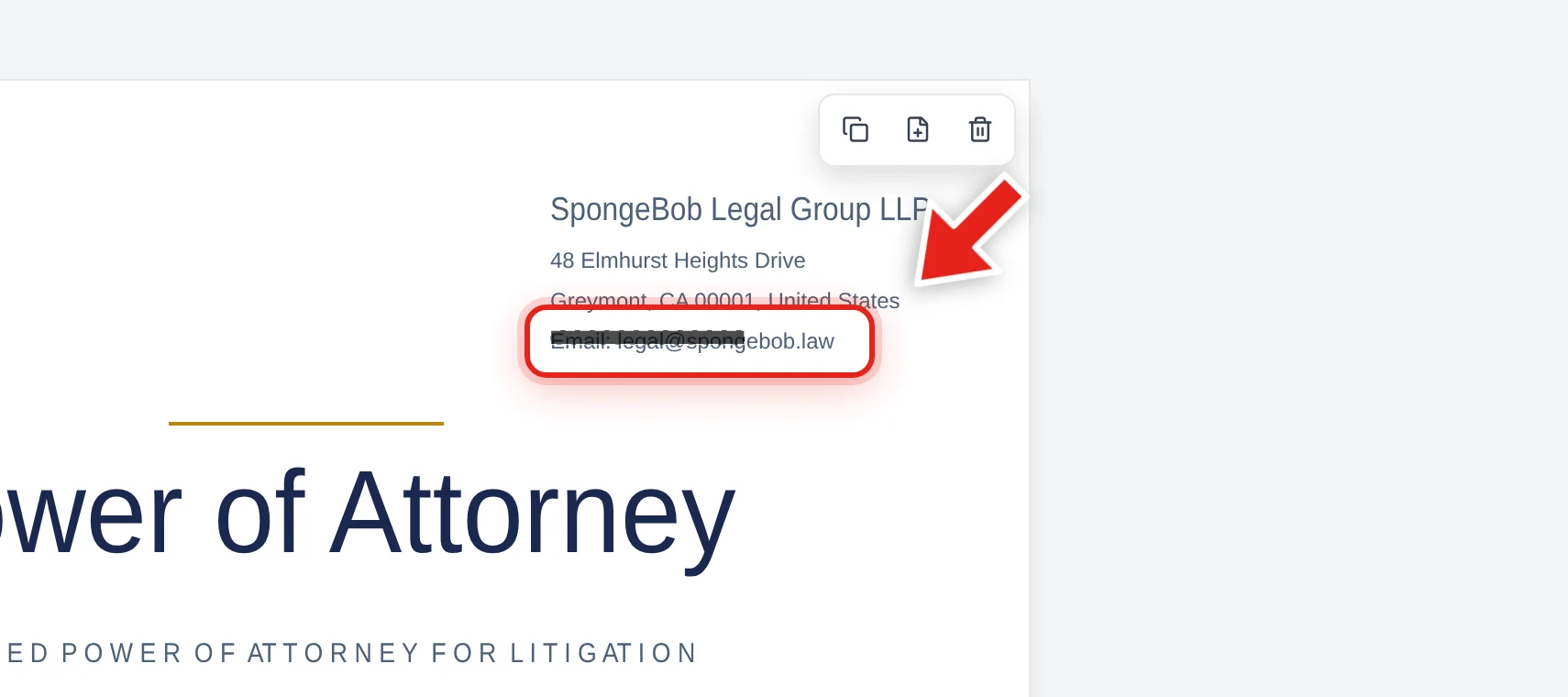
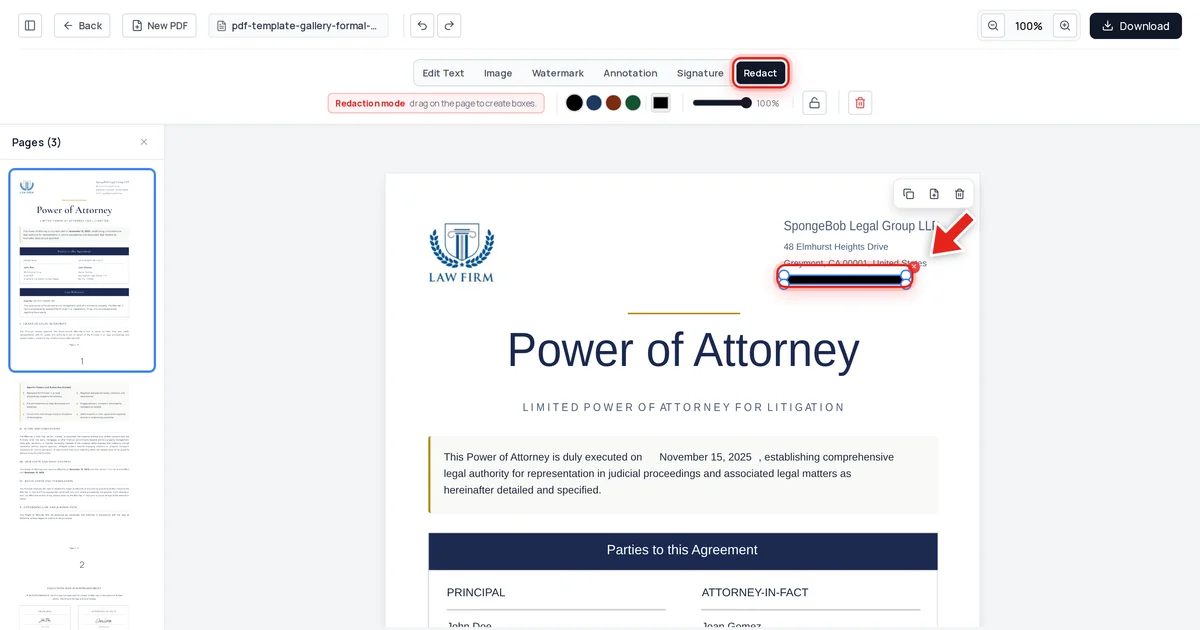
Release the mouse and a solid black bar takes its place:
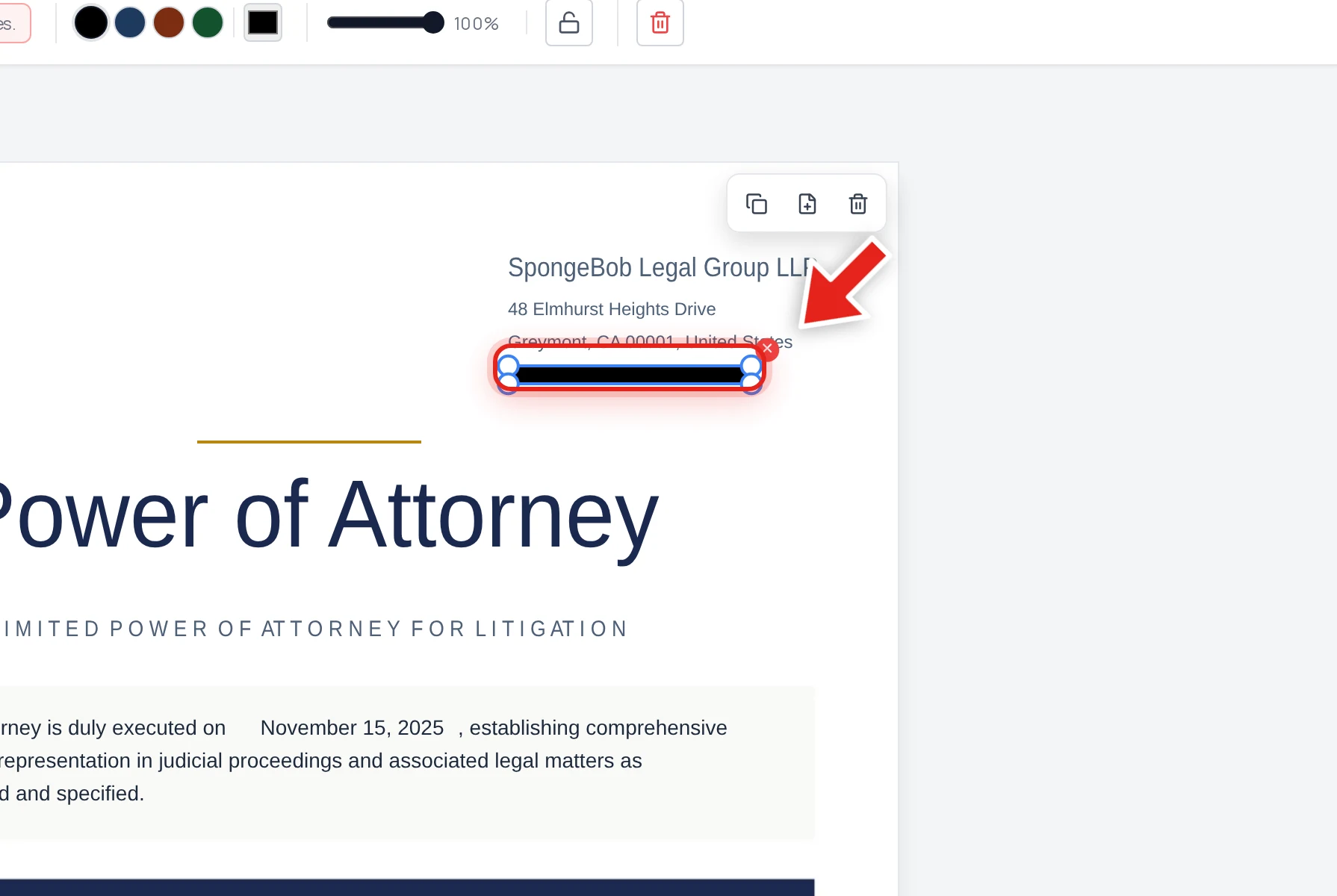
We tested this directly rather than taking it on faith: redacted the firm's email address on the document above, exported it, then checked the result three ways — extracted every line of text from the file, searched the raw decompressed file data, and inspected the embedded metadata. The email was absent from all three. Every other line on the page was untouched.
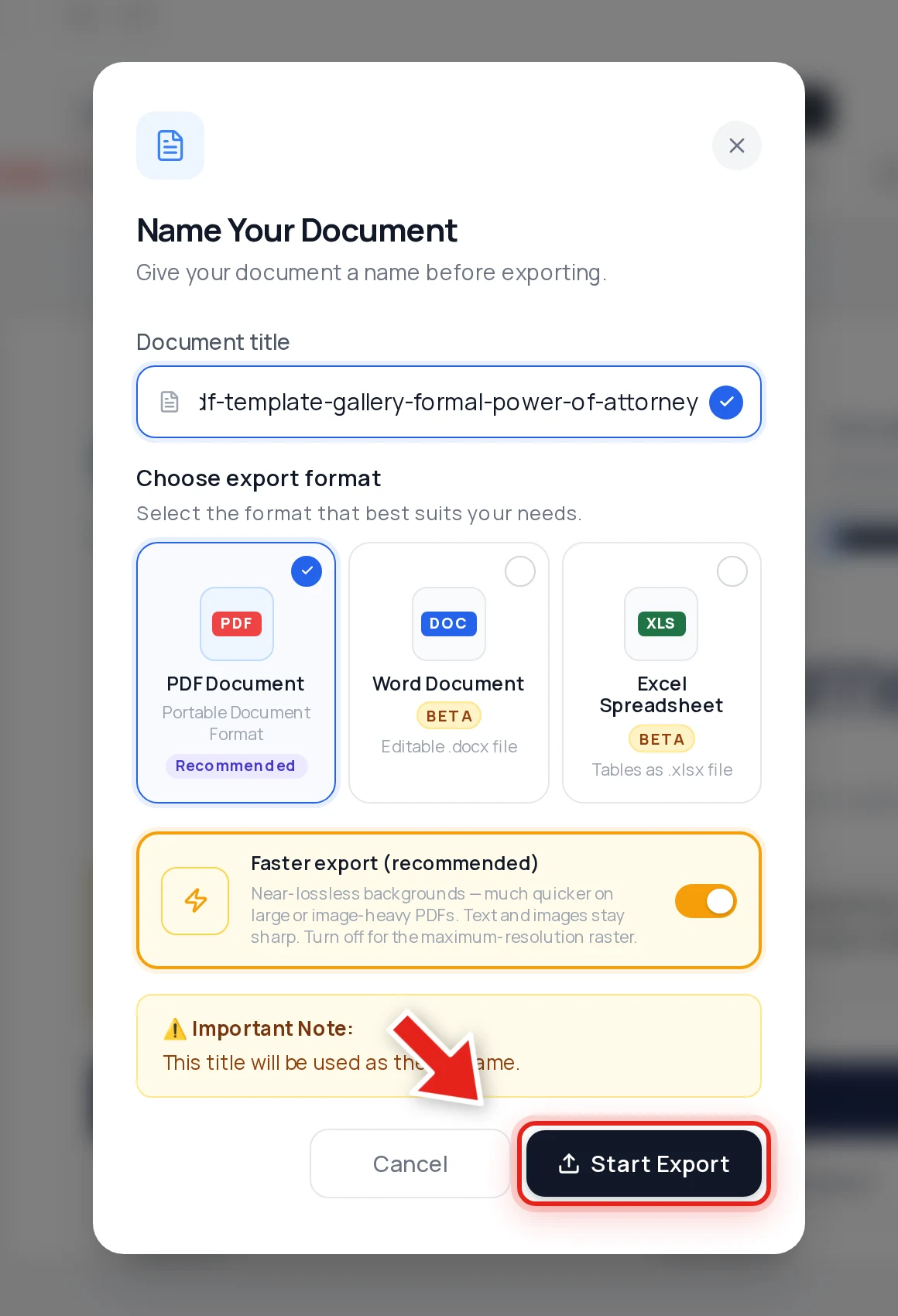
That's the entire difference: a control that deletes content, verified to actually have deleted it — versus a drawing that only ever changed how the page looks.
Test any PDF for this yourself
Before you trust a "redacted" document — one you made or one someone sent you — run this 30-second check:
- Click-drag a selection across the black bar.
- Copy it (Ctrl+C / Cmd+C) and paste into a plain text editor.
- Also try Ctrl+F and search for a word you expect to be hidden.
Nothing pasting and nothing found means it passed. Anything readable means the data is still there, full stop — regardless of how confident the box looks.
For the full walkthrough of doing this correctly from the start, see how to redact a PDF permanently. And because a black box is only half the leak surface, check your file's hidden metadata before sharing too — author names and edit history travel with a document independently of whatever's drawn on its pages.
FAQ
Isn't a black box enough if no one thinks to check?
No — and that's exactly the danger. All three of the incidents above happened because everyone involved assumed the black box was sufficient. It only takes one person trying to select the text to expose everything it was supposed to hide.
How is true redaction different from what I've been doing?
If your current method involves any kind of drawing, highlighting, or shape tool placed over text, the text is still in the file. True redaction is a distinct operation that removes the underlying content when the file is exported — check whether your tool actually advertises this, rather than assuming.
Can I check a PDF I didn't create myself?
Yes — the copy-paste and search test works on any PDF, from any tool. It takes under a minute and requires nothing beyond a PDF viewer.
Does Online PDF Edits' Redact tool avoid this problem?
Yes. We verified it directly: text covered by a redaction box is stripped from the exported file's content, confirmed by text extraction, raw file inspection, and metadata checks all coming back clean.
What if I've already shared a PDF with a black box redaction?
Assume the covered content may be readable and treat it as exposed. Re-redact the original using a tool that removes the text on export, verify with the copy-paste test, and share the newly exported file instead.