How to Redact a PDF for Free Online (No Sign-Up, No Watermark)
Redacting a PDF shouldn't require an account, a subscription, or a watermark on your finished document. Here's the free way — permanent removal, verified, in under a minute.

Redacting a PDF is a five-minute task. It shouldn't require creating an account, entering a card number for a "free trial," or getting a watermark stamped across your finished document. Here's how to do it free, with none of that — and how to confirm the redaction actually worked before you share the file.
Key takeaways
- No sign-up, no account, no watermark — upload, redact, download.
- The result has to be a true redaction: text removed from the file, not covered by a box. A tool that just draws over text isn't free redaction, it's a free false sense of security.
- Watch for repeated sensitive data — the same email, phone number, or account number often appears more than once in a document (header and footer is common), and every occurrence needs its own redaction box.
- We tested this directly on a real document with a repeated contact line in both the header and the footer — after export, the value was gone from every occurrence, not just the first.
How to redact a PDF free
Step 1 — Upload your PDF
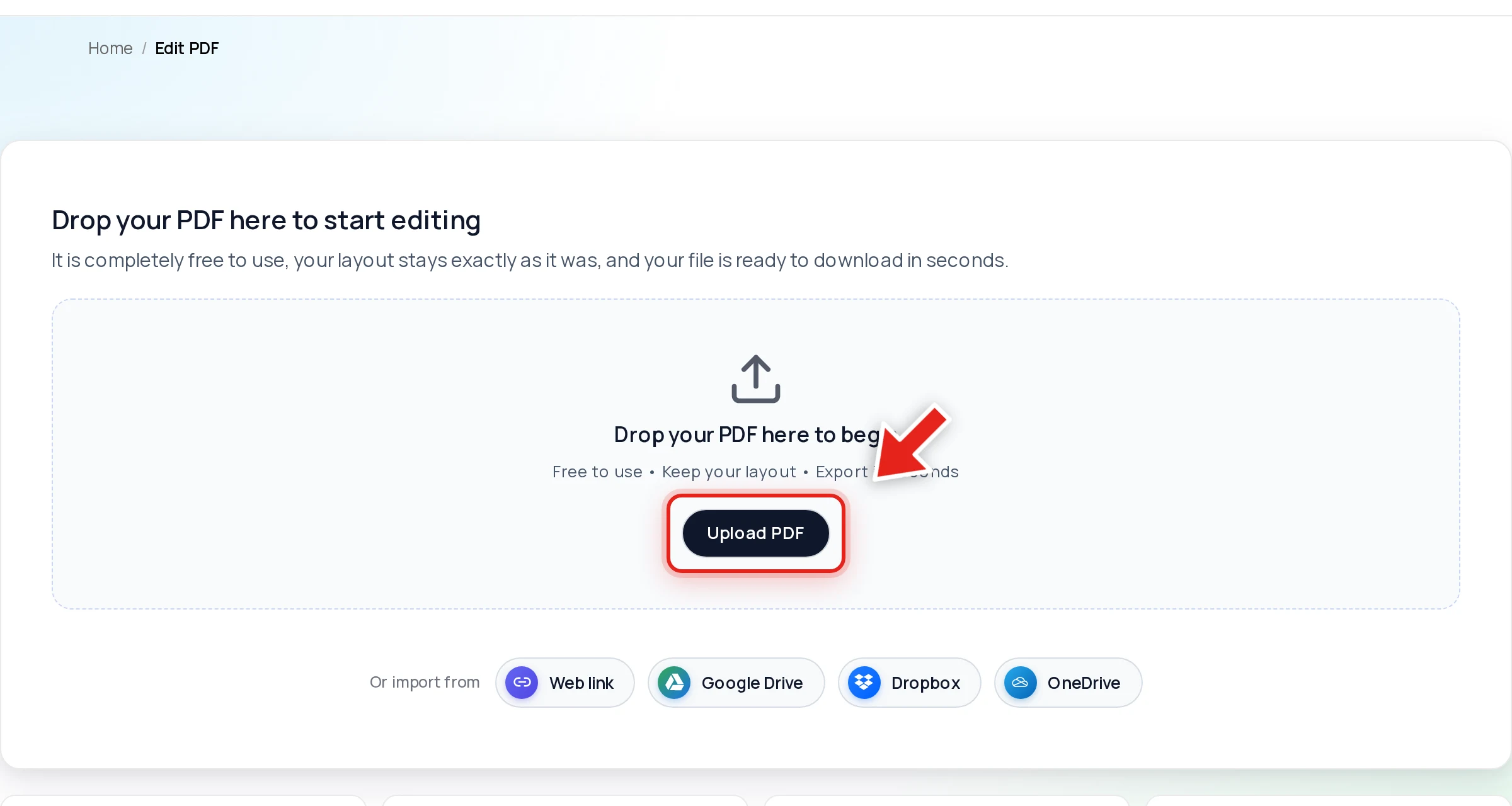
Go to the free PDF editor and drop your file onto the upload area, or click Upload PDF. No account required.
Step 2 — Drag a box over anything sensitive
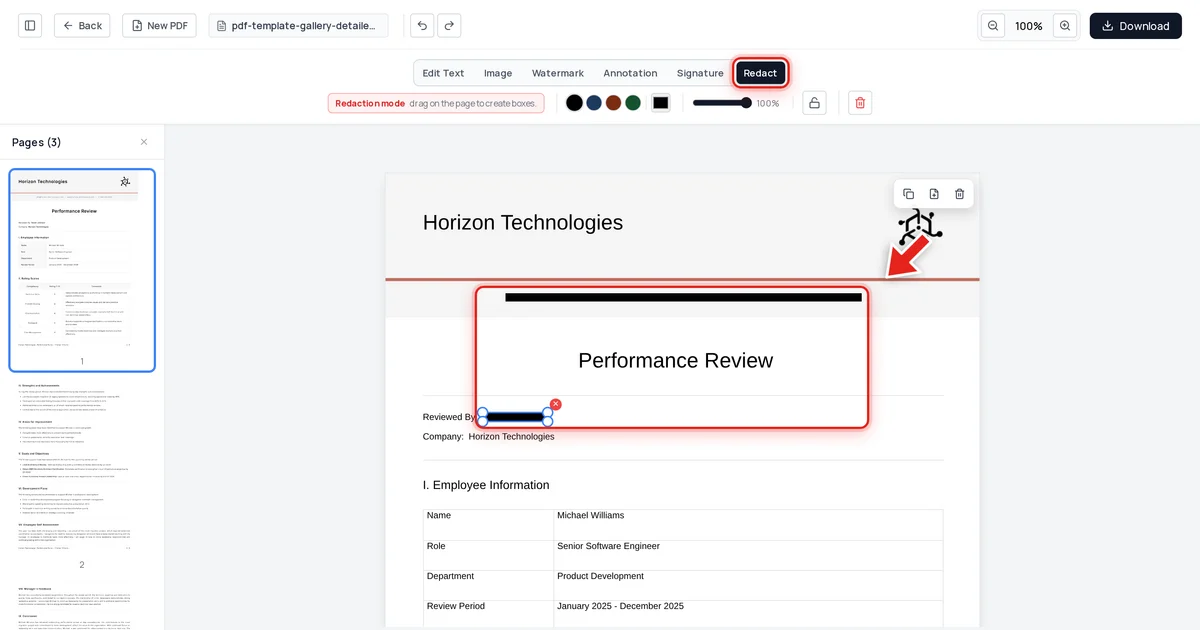
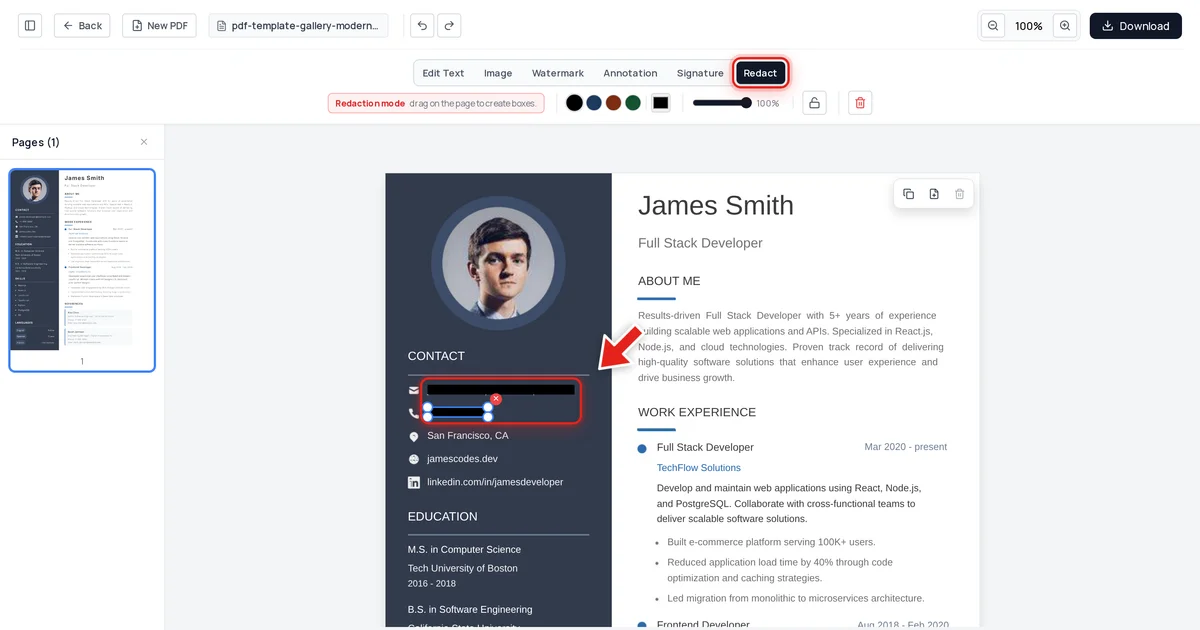
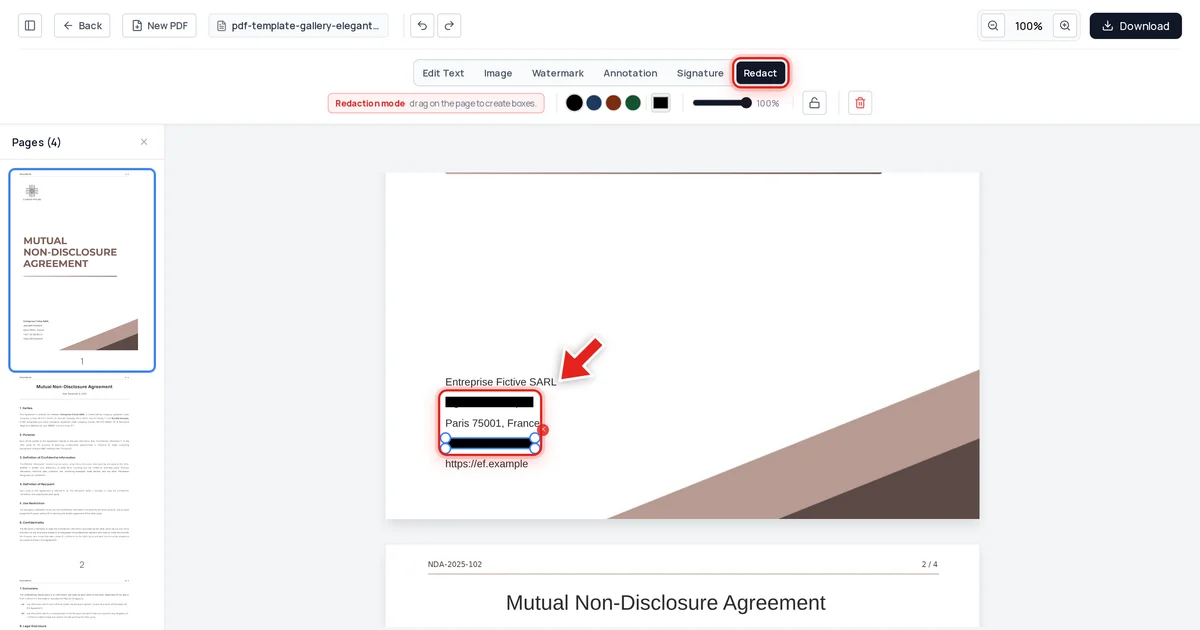
Click Redact in the toolbar:

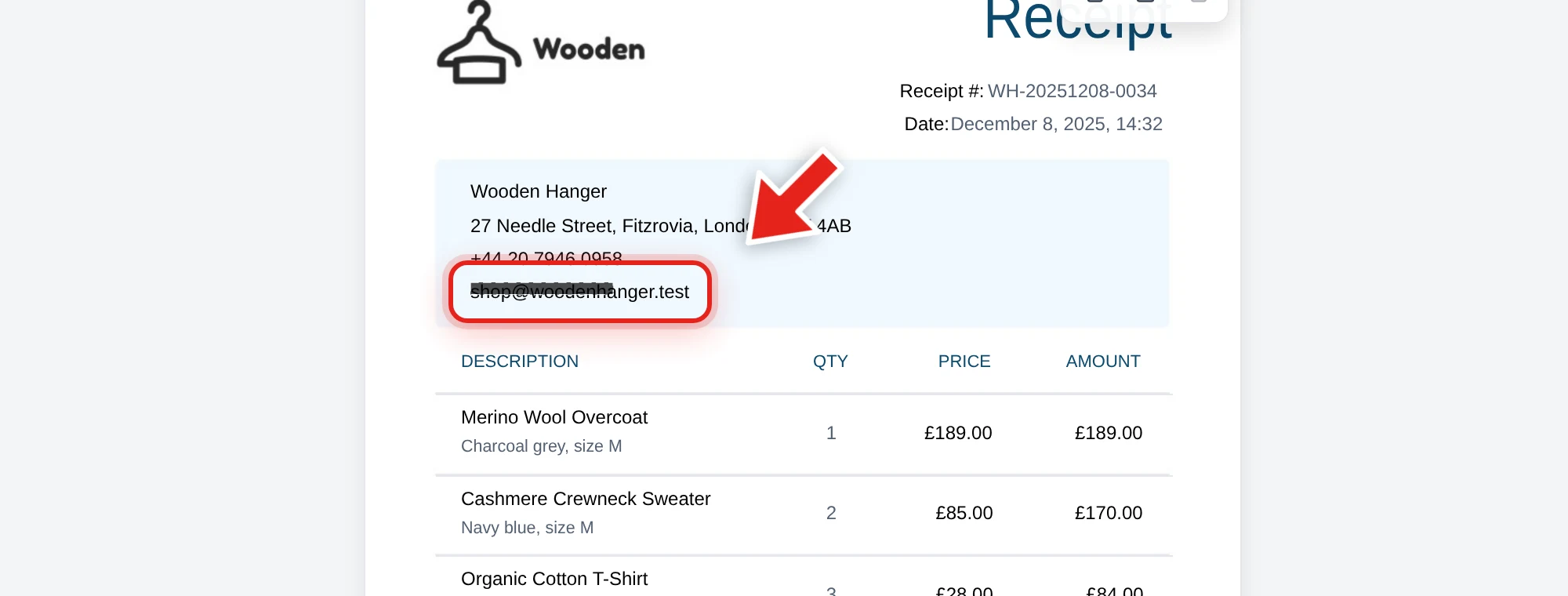
Then click and drag over each piece of information you want gone. A live preview shows the box growing as you drag:
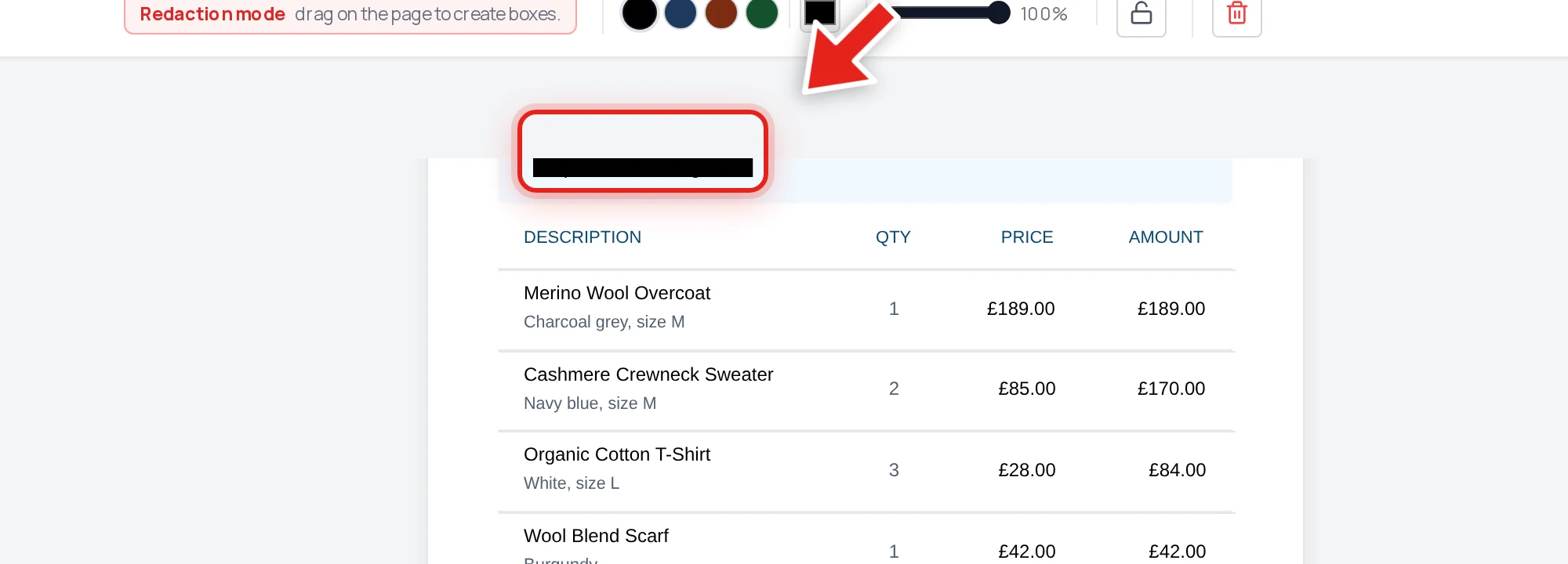
Release the mouse and a solid black bar takes its place.
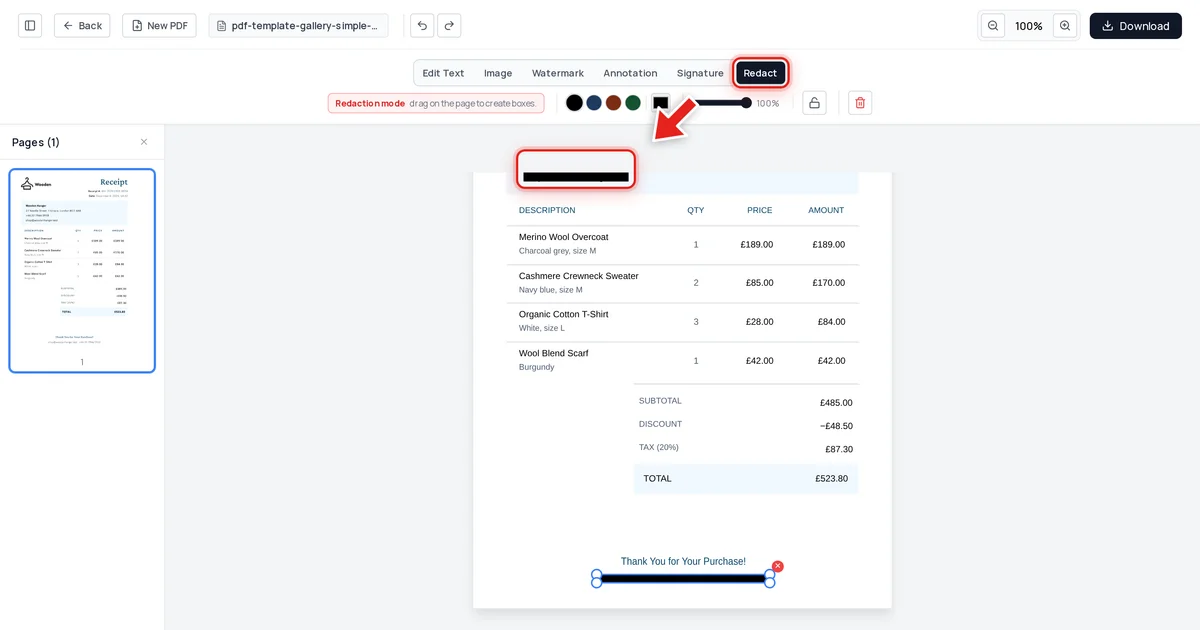
Check for repeats. The same contact detail often shows up more than once — a header and a footer, a cover page and a signature block. Scroll through the whole document and redact every occurrence, not just the first one you spot.
Step 3 — Export
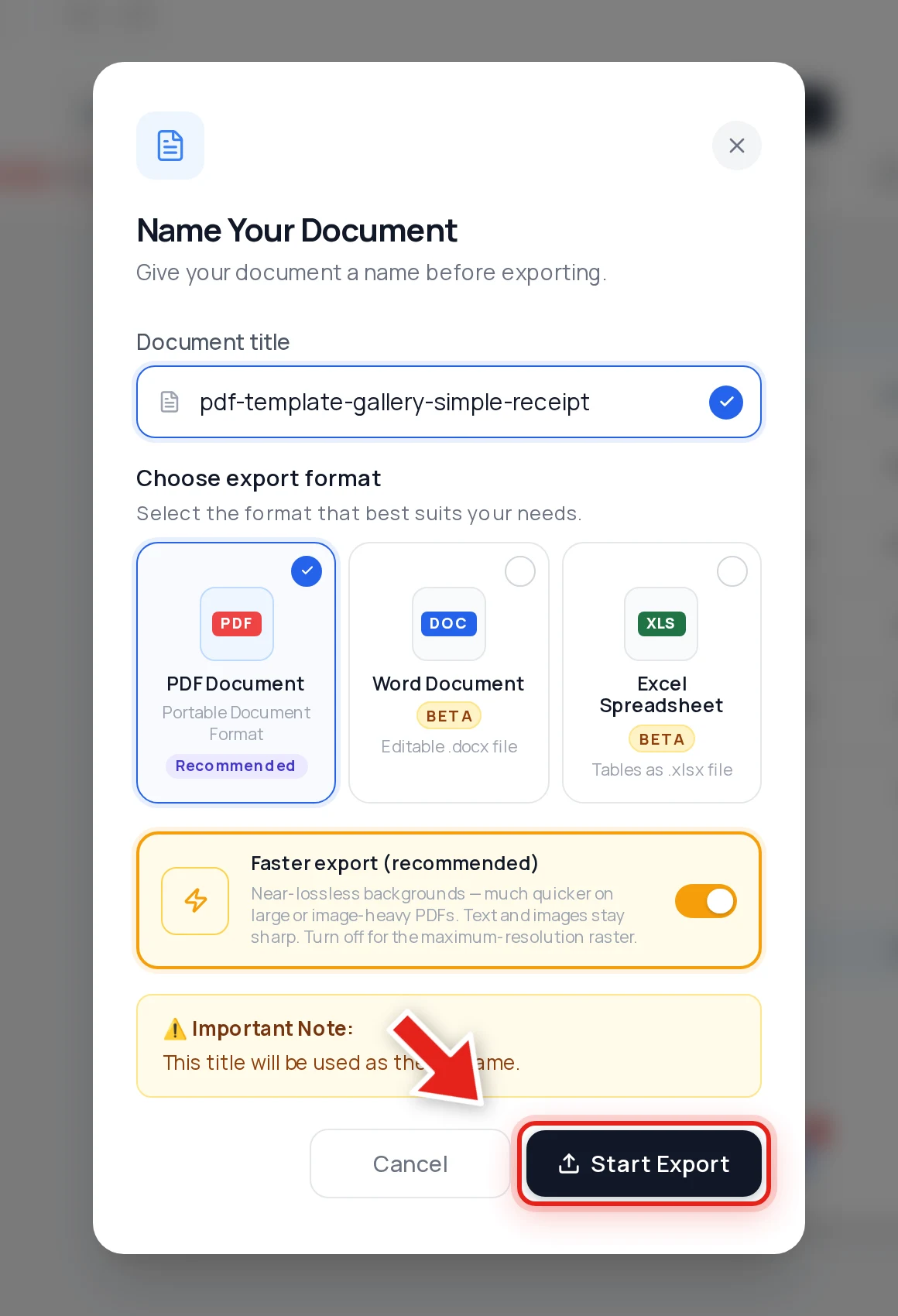
Click Download, keep PDF selected, and hit Start Export. No watermark is added to the output.
We tested the "repeated data" case specifically
Most redaction guides only show you the happy path — one sensitive value, one box, done. But a common real mistake is redacting the first copy of something and missing a repeat further down the page. So we tested exactly that: a receipt with the same shop email and phone number appearing once in the header and again in a footer line far below it.
After redacting all three occurrences and exporting, we checked the result three ways: extracted every line of text from the file, searched the raw decompressed file data, and inspected the embedded metadata. The email and phone number were gone — zero occurrences, anywhere in the file — while every product line, price, and total on the receipt stayed exactly as it was.
That's the standard a free tool has to meet to actually be useful: not just removing the one instance you noticed, but genuinely gone if you find and cover every occurrence.
Why "free" and "secure" aren't the same claim
A tool can be free and still fail at redaction — if all it does is draw a black rectangle on top of text, the text is still in the file no matter what the price tag says. The thing to check isn't the cost, it's whether the export actually deletes the covered content. See why black box redaction isn't safe for the mechanics of that failure, and how to verify any redacted PDF for a 30-second self-check you can run on the file you just exported.
FAQ
Is there really no watermark?
Correct — the exported file has no watermark added.
Do I need to create an account?
No. Upload, redact, and export all work without signing up or logging in.
Is free redaction as secure as a paid tool?
Security comes from what happens to the text on export, not from the price. A free tool that removes covered text from the file's content is more secure than a paid tool that only draws over it. We verified our export removes the covered text at the file level — see the test above.
What if the same information appears more than once in my document?
Redact every occurrence individually — scroll through the whole file first and note each place the sensitive value appears, then cover each one before exporting. Missing a repeat is one of the most common redaction mistakes.
Can I redact images as well as text?
Yes. Drag a redaction box over any part of the page — text, a photo, a signature, a logo — the same way.