Section boxes and dividers
Rounded rectangles with light fills group related questions; lines and arrows separate sections without visual clutter.

PDF Form Designer
A well-designed PDF form is 80% layout: clear sections, consistent label placement, and evenly spaced answer rows. This pdf form creator gives you a free design canvas in the browser where you compose that structure directly — draw a rounded rectangle around "Contact details", set labels in a clean font, and align a grid of answer fields under them with snap-to-grid precision.
Structure beats decoration in forms. Group related questions into boxed sections, run a two-column grid for short answers (name, phone) and full-width rows for long ones (address, comments), and use a table for line-item areas like order quantities. Rectangles, dividers, tables, and your logo are all first-class elements here — the same building blocks intake forms, order forms, and request forms are made of.
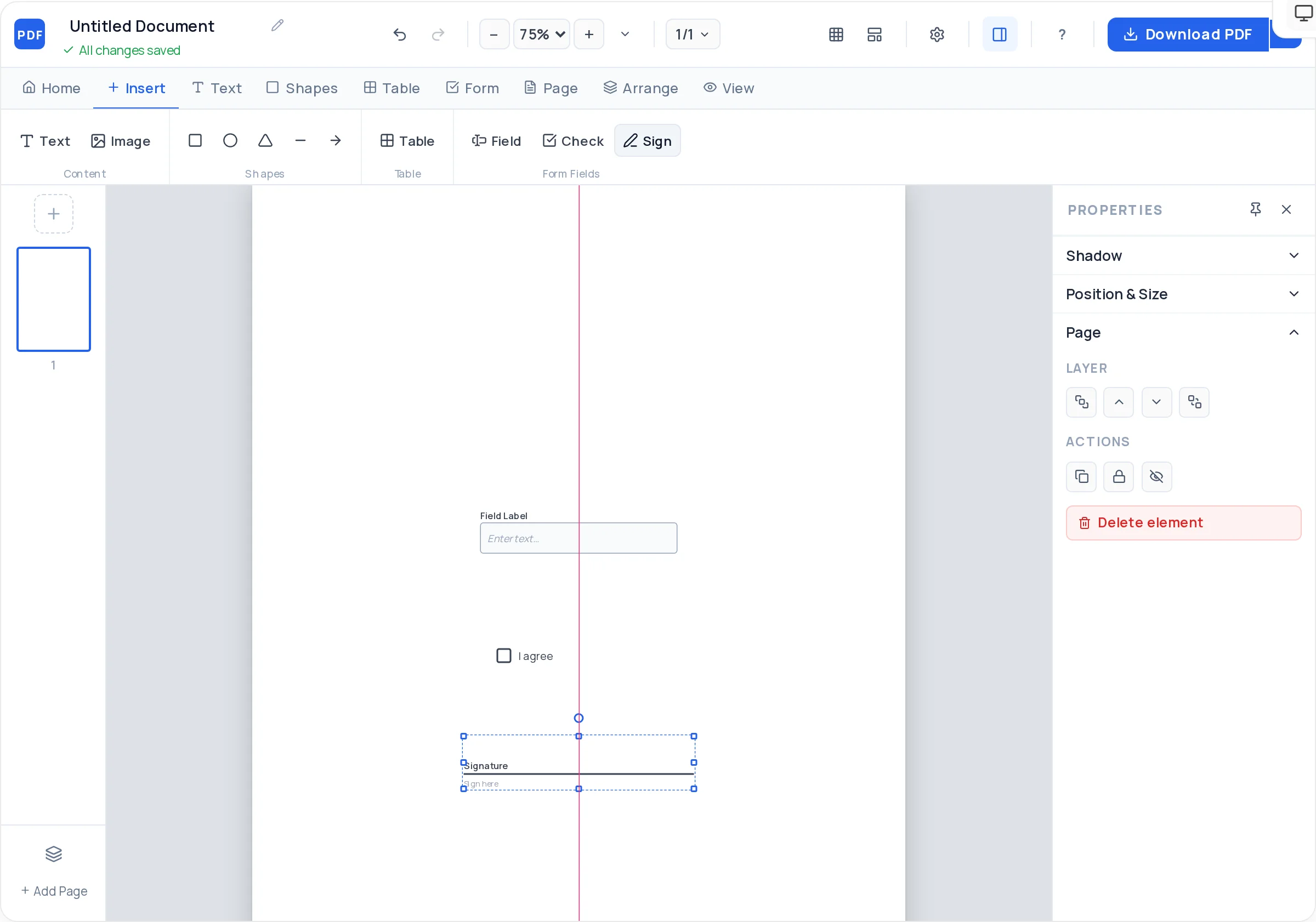
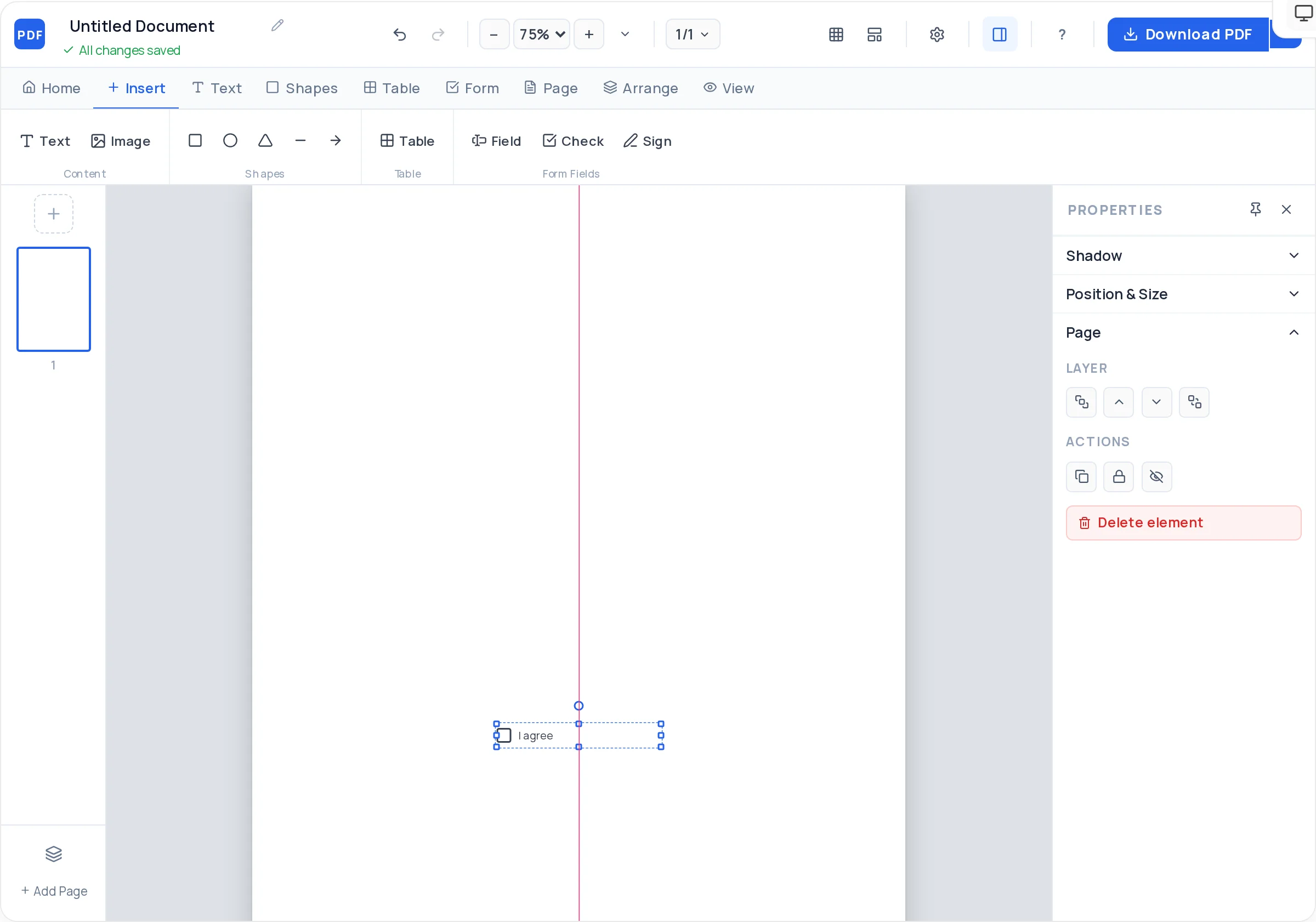
When the layout is right, the fields drop in fast: real text fields, checkboxes, and signature fields make the form fillable on screen, and the watermark-free vector export prints crisply for clipboard use. If you mainly need to understand how fillable fields behave for recipients, see the create-fillable-pdf guide — this page is about designing the document itself.
Rounded rectangles with light fills group related questions; lines and arrows separate sections without visual clutter.
Grid overlay, snap-to-grid, and smart guides align every label–field pair, so a 12-row form looks machine-set, not hand-placed.
Any rows × columns with a styled header row — the natural structure for order forms, quantity grids, and itemized requests.
Once the layout is set, add interactive text fields, checkboxes, and signature fields so the form works on screen too.
Upload a JPG/PNG logo for the header, control opacity and corner rounding, and set a page background color for branded forms.
Add, duplicate, and reorder pages — duplicate a finished section layout to keep spacing identical across a long form.
Choose A4 or US Letter for standard forms. Turn on the grid overlay before placing anything.
Draw a rounded rectangle per section — Applicant details, Request, Approval — with a short bold heading inside each.
Place labels in a consistent pattern: above fields for narrow columns, left of fields for wide single-column forms. Never mix both.
Drop text fields sized to the expected answer, checkboxes for options, and a table where quantities or line items belong.
End with a signature field and date line — approval forms are incomplete without them.
Download the vector PDF and print one copy: field boxes should be comfortable to write in with a pen, not just to type in.
Top-aligned labels are read fastest and survive narrow columns. Reserve left-aligned labels for dense single-column forms where vertical space is tight.
Pick a rhythm (e.g. 8px grid steps) and use it for every gap between rows and sections. Consistent spacing is what makes a form look professional.
Lock the section boxes and headings once placed so you cannot nudge them while dragging fields around inside.
Name, phone, and date pair well side by side; addresses and free-text never do. Full-width rows for anything longer than a few words.
Made one perfect label + field row? Duplicate it and edit the text. Copies inherit the exact size and spacing.
Above the field is the safer default — it reads faster, works in narrow columns, and keeps left edges aligned. Put labels to the left only in dense single-column forms, and right-align them so they hug their fields.
Enable snap-to-grid and the grid overlay, build one label + field row, then duplicate it down the page. Smart alignment guides confirm edges match, and arrow keys nudge stragglers one step at a time.
Yes — insert a table with a styled header row (Item, Qty, Price) and as many rows as you need. Cell padding and borders are adjustable; the printed table gives pen-fillers clean cells to write in.
No. The form designer runs in your browser with no signup, and you can create and download unlimited forms.
Yes. Add interactive text fields, checkboxes, and signature fields and the exported PDF works both ways: type into it in any PDF reader, or print it and fill it by hand.
Within a document, duplicate pages to reuse a section layout. For a new form, start again and rebuild — there is no cloud template saving yet, so keep your exported PDF as the reference.
A4 in most of the world, US Letter in North America. Both are available, along with A3/A5 if you need an oversized wall form or a compact slip.
The Creator starts from a blank canvas or template rather than importing files. To change text on an already-exported PDF, open it in /edit-pdf.
All of these open the same free online PDF creator — each guide covers what makes that document work.
Create a fillable PDF anyone can type into
Create a registration form PDF for your event, course, or club
Create a Fillable Job Application Form PDF
Create a checklist PDF you can actually tick off
Create a Professional Invoice PDF in Minutes
No signup, no watermark, nothing to install — design your document and download a clean, print-ready PDF in minutes.
Design your PDF form — free