Rating-scale grids
Tables with a styled header row turn a stack of questions into a clean 1–5 matrix — one checkbox per cell, tallied in seconds.

Survey & Questionnaire
A survey PDF is a fixed-layout questionnaire respondents complete on paper or on screen — the format of choice for workshops, patient feedback, classrooms, and anywhere a web form link is impractical. The backbone is the rating row: a question on the left and a 1–5 checkbox scale on the right, repeated down the page in a strict grid so fifty responses can be tallied at a glance.
Tables make those grids fast here. Build a table with one question per row and one column per scale point, drop a checkbox into each cell, and the header row ("Poor … Excellent") labels the whole scale once. Mix in multiple-choice checkbox questions and a wide text field for open comments, and you have a complete instrument on one page.
The questionnaire maker is browser-based, free without limits, and exports a clean watermark-free vector PDF. Responses come back on paper or as saved PDFs by email — this is a document tool, so there is no online response collection, and for many surveys that offline simplicity is exactly the point.
Tables with a styled header row turn a stack of questions into a clean 1–5 matrix — one checkbox per cell, tallied in seconds.
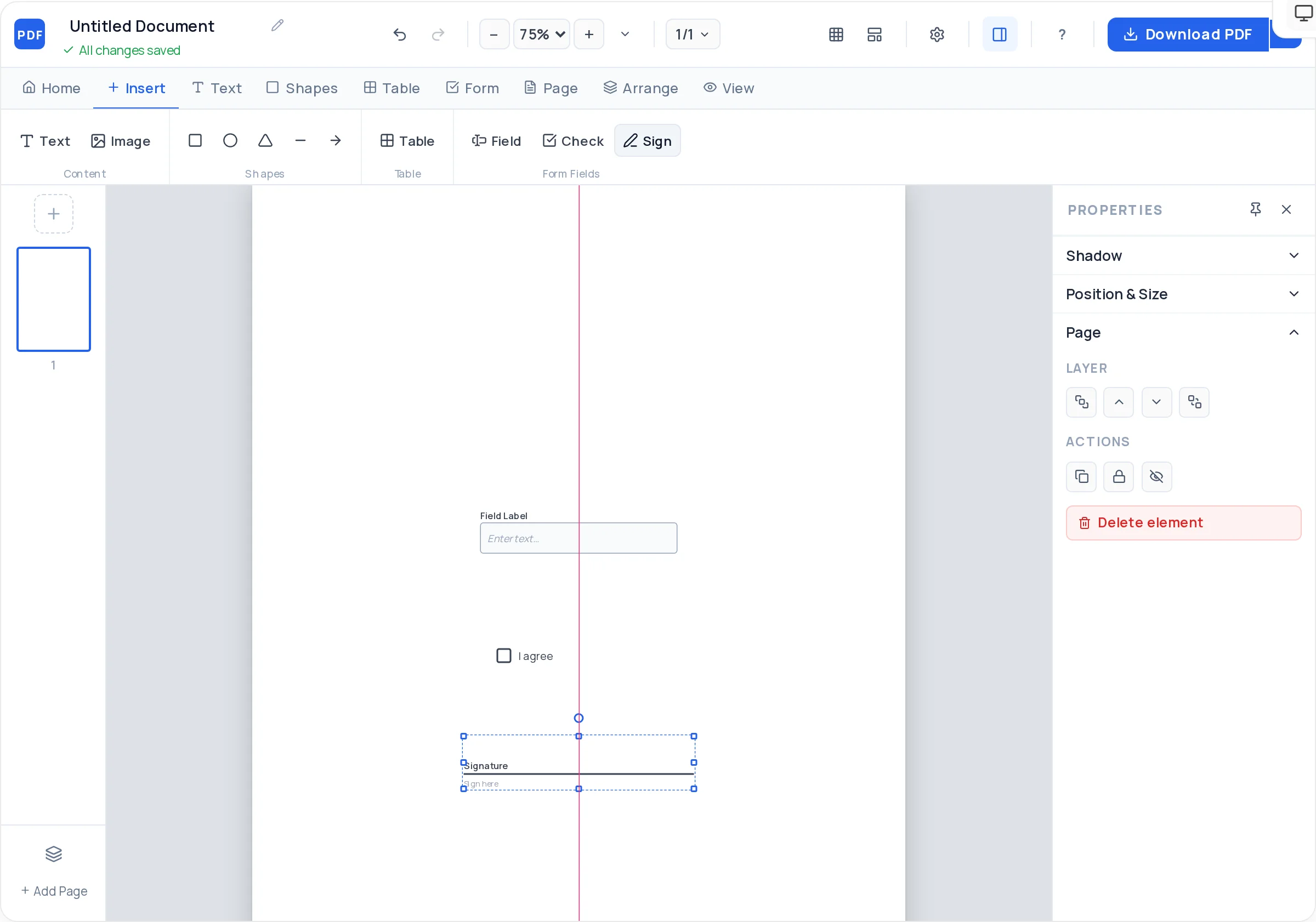
Real interactive checkboxes for on-screen respondents that print as crisp tick boxes for paper ones — one artifact, both modes.
Tall text fields for "Any other comments?" — size the box to the length of answer you actually want back.
Snap-to-grid keeps every checkbox column vertical down the entire page, which is what makes hand-tallying responses fast.
Longer instruments span pages cleanly — duplicate a section layout, reorder pages, and number them for collation.
Ten standard fonts, line-height and spacing control, and subtle zebra fills on table rows to guide the eye without distracting.
Title, purpose, and one line of instructions ("Tick one box per row") — plus "anonymous" if it is, since that changes answers.
Insert a table: one row per statement, one column per scale point, header row labeling the scale from Poor to Excellent.
Drop a checkbox in each answer cell, using snap-to-grid so the columns stay perfectly vertical.
Below the grid, add checkbox questions for categorical answers and a wide text field for free-form comments.
End with where to return the survey — the drop box, the email address, or "hand to the facilitator".
Download the PDF and pilot with two or three people. Ambiguous questions surface immediately and cost nothing to fix.
If 5 means best on question one, 5 means best everywhere. Flipped scales are the most common cause of unusable survey data.
Put "Poor / Fair / Good / Very good / Excellent" in the table header row, not on every row — the grid stays scannable.
"Was the venue clean and easy to find?" is two questions. Split it, or the answer tells you nothing about either.
Checkboxes get tallied; essays get skimmed. One or two comment boxes at the end beats free-text scattered throughout.
Before exporting, ask how you will count the responses. Straight checkbox columns and numbered questions cut tally time in half.
On paper — respondents hand back printed copies — or digitally, where they fill the PDF in any reader, save it, and email it to you. There is no built-in online response collection; the PDF itself is the whole pipeline.
Use a table with one statement per row and five answer columns, put the scale labels in the header row, and place a checkbox in every cell. Snap-to-grid keeps the checkbox columns straight for fast tallying.
Yes — the checkboxes and text fields are real interactive form fields, so the same PDF works typed into in Adobe Reader or a browser, then saved. One file serves both paper and screen respondents.
Simply leave out name and contact fields and say "This survey is anonymous" in the instructions. Paper returns into a box are genuinely anonymous; emailed PDFs reveal the sender, so offer a printed option if that matters.
Not yet — the available field types are text fields, checkboxes, and signature fields. In practice a checkbox row with a "tick one" instruction reads identically to radio buttons on both paper and screen.
One page for event and customer feedback — completion drops sharply on page two. Ten to twelve rated statements plus one open comment box is the sweet spot for response rate and useful data.
No — exports are watermark-free vector PDFs regardless of how many surveys you make, so the questionnaire always looks like yours, not ours.
All of these open the same free online PDF creator — each guide covers what makes that document work.
Create a fillable PDF anyone can type into
Create a checklist PDF you can actually tick off
Create a registration form PDF for your event, course, or club
Design a PDF form from a blank page
Create a Report PDF With a Cover, Sections, and Tables
No signup, no watermark, nothing to install — design your document and download a clean, print-ready PDF in minutes.
Create your survey PDF — free