New-hire detail fields
Fillable text fields capture legal name, address, emergency contact, and payroll details — typed answers instead of handwriting HR has to decipher and re-key.

Onboarding Form Maker
Create an onboarding form PDF by combining fillable text fields for the new hire’s details, checkbox checklists for tasks and equipment, and a signature field for policy acknowledgment — all on one multi-page document built free in your browser, with no watermark on the export.
Good onboarding paperwork does three jobs on day one: it collects data HR needs (personal details, emergency contact, payroll information), it tracks what has been issued and completed (laptop, badge, accounts), and it records that the employee has read the policies. One well-structured PDF packet can cover all three.
Because the Creator supports multi-page documents with real form fields, you can keep the data pages, the checklist page, and the acknowledgment page in a single file — the new hire completes everything in one sitting and returns one attachment instead of five.
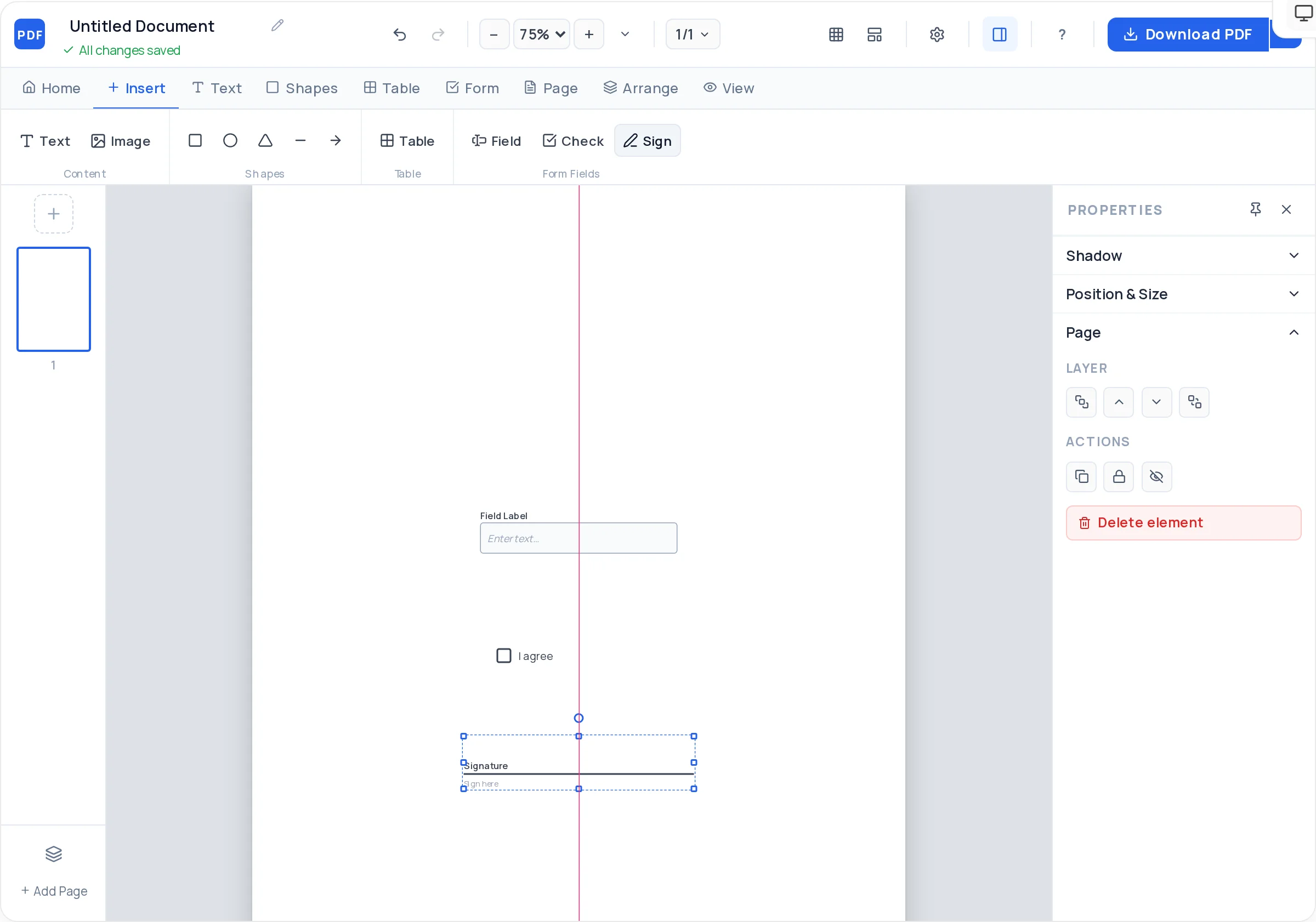
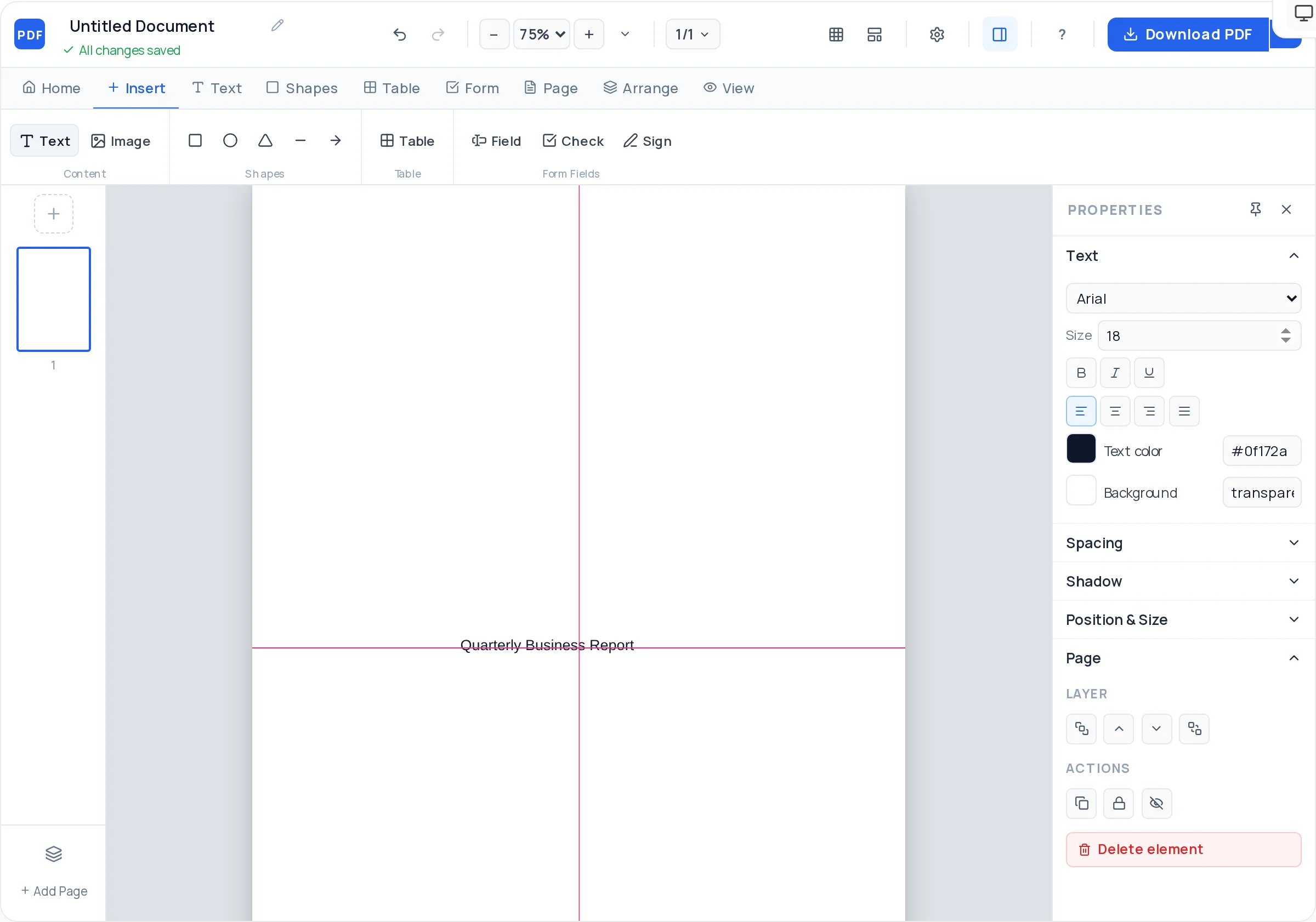
Fillable text fields capture legal name, address, emergency contact, and payroll details — typed answers instead of handwriting HR has to decipher and re-key.
Checkbox lists track issued equipment, account setups, and completed steps. The new hire and their manager tick items off as onboarding progresses.
A closing section lists the handbook and policies received, with a signature and date field confirming the employee has read and accepted them.
Keep details, payroll, checklist, and acknowledgment as separate pages in one file. Add, duplicate, or reorder pages as your onboarding process changes.
A table with item, serial number, issue date, and return-condition columns creates a clean record of company property handed to the employee.
Set a header band in your brand color, add the logo, and pick from ten standard fonts — day-one paperwork is part of the welcome, not just admin.
List what HR actually needs on day one — typically personal details, emergency contact, payroll information, equipment issue, and policy acknowledgment. Each becomes a page or section.
On a blank page in the free Creator, add your logo and a header, then labeled fillable text fields for legal name, address, phone, email, and emergency contact.
Add fields for the data your payroll provider requires — tax reference, bank details for salary deposit — and plan to password-protect the completed file since this is sensitive data.
Insert an equipment table with serial-number and issue-date columns, plus a checkbox list for accounts and access — email, badge, HR system, team tools.
List the policies and handbook provided, add a sentence confirming the employee has read and understood them, and place signature and date fields beneath it.
Download the fillable PDF and email it before the start date so day one starts with a handshake, not paperwork. Encrypt the returned copy with /encrypt-pdf if it holds bank details.
New hires can complete personal and payroll details at home, so the first morning is spent meeting the team instead of filling boxes. Only the equipment checklist and signature need to happen on site.
Keeping bank and tax details on a dedicated page lets you extract it with /extract-pages and store it under tighter access than the rest of the packet.
“I have read the employee handbook” is weaker than a list — handbook version, code of conduct, IT policy, each with its date. Specific acknowledgments are far more useful if a dispute ever surfaces.
An equipment table with serials and issue dates, signed by the employee, makes offboarding recovery straightforward — no arguing about which laptop went where.
What a signed policy acknowledgment actually proves varies by jurisdiction — this builder shapes the document, it doesn’t give legal advice. Ask counsel to sign off on the acknowledgment wording your packet uses.
The core sections are personal details, emergency contact, payroll information, an equipment and account checklist, and a signed acknowledgment of policies received. Many teams add a brief “about you” section — shirt size, dietary needs — for welcome logistics.
Yes — build each form as its own page in one multi-page document, or export forms separately and combine them with the free /merge-pdf tool. One packet means the new hire returns a single attachment instead of five.
Yes. Checkboxes added in the Creator are real AcroForm checkboxes, so they can be ticked in Adobe Reader or any modern browser, saved, and sent back — useful for remote hires who never touch a printer.
Ask the employee to password-protect the completed PDF with the free /encrypt-pdf tool before emailing it back, and share the password by phone or chat. Keeping payroll fields on their own page also lets you store that page separately.
It creates evidence the employee received and accepted specific policies, but how much weight it carries depends on the wording and local law — and a form builder is not legal counsel. Have a lawyer approve the acknowledgment text before rolling it out.
No — the PDF Creator runs free in the browser with no signup, and exports carry no watermark, so the packet you hand new hires looks entirely your own.
Open the exported PDF in /edit-pdf to tweak text, or use /delete-pdf-pages and /merge-pdf to retire an old checklist page and slot in a new one without rebuilding the rest of the packet.
The form collects information from the employee; the checklist tracks tasks HR and IT must complete. In practice most teams want both, and one packet with a checklist page in the middle covers it — or build a standalone list with the checklist page style.
All of these open the same free online PDF creator — each guide covers what makes that document work.
Create a Fillable Job Application Form PDF
Create a checklist PDF you can actually tick off
Create a fillable PDF anyone can type into
Build an Employment Contract PDF, Clause by Clause
Create a Job Offer Letter PDF in Minutes
No signup, no watermark, nothing to install — design your document and download a clean, print-ready PDF in minutes.
Build your onboarding packet — free