Opening the PDF editor…

Opening the PDF editor…
Edit existing PDF text, replace images, and update pages directly in your browser. 100% free with no subscription, no watermark, and your original layout preserved.
It edits the PDF in place rather than converting it to Word and back. Only the text object you change is rewritten; every other object on the page is left untouched, so fonts, spacing, columns and tables have nothing to shift for. We measured that instead of promising it — here is a real invoice, edited by this editor, with the project line above the table changed and the two files compared pixel by pixel.
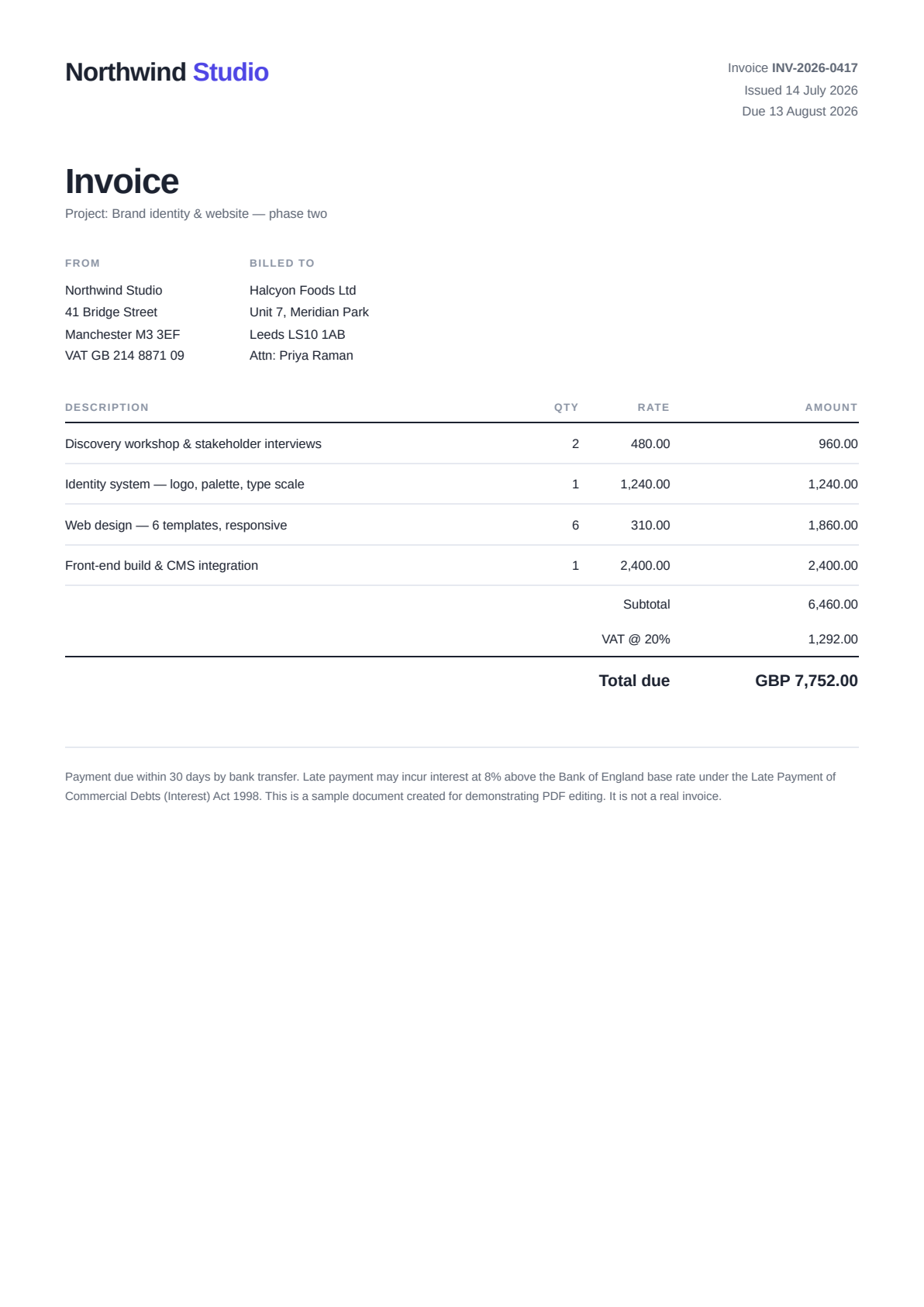
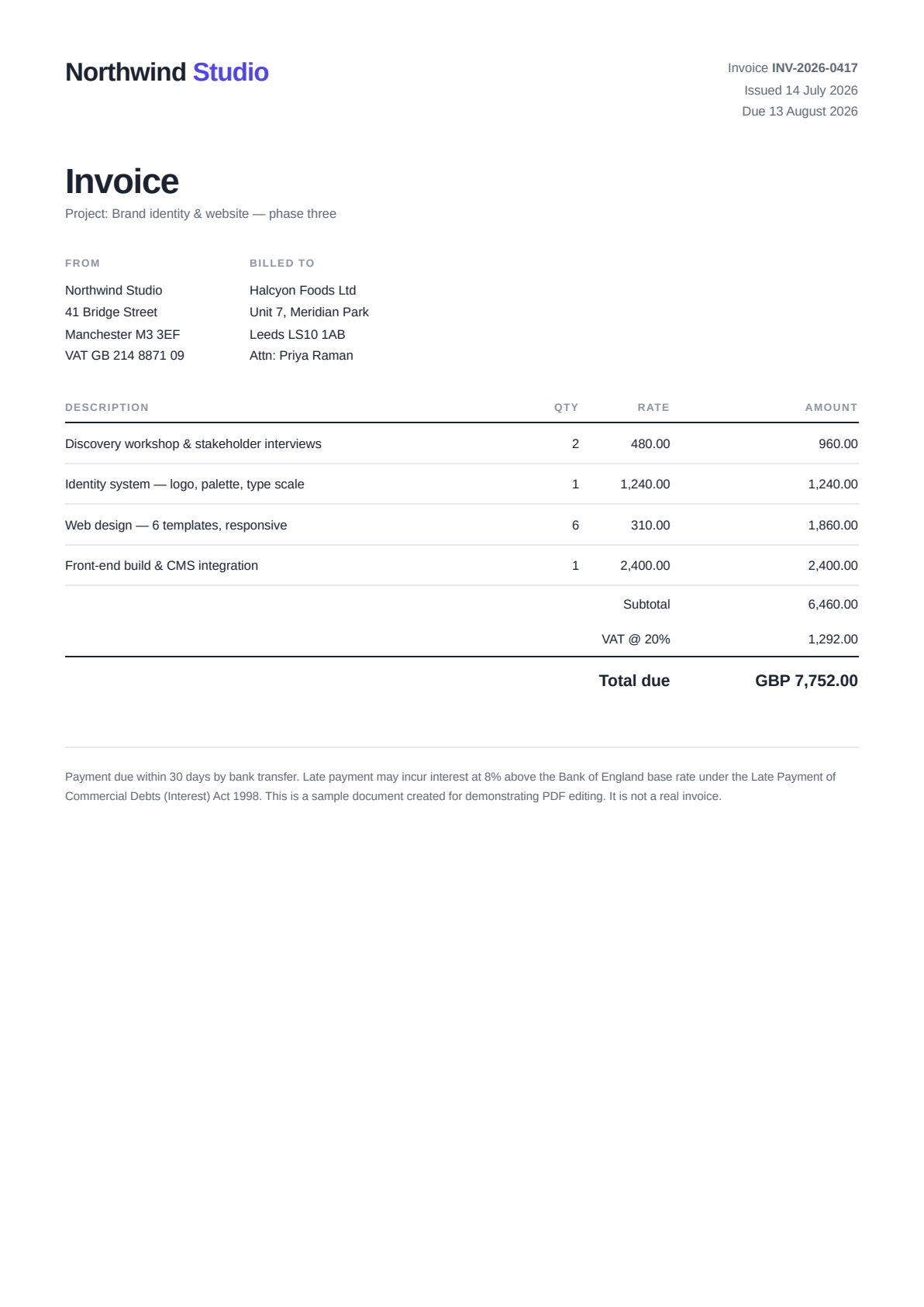
That last part is the bit that matters. In a word processor, changing a line above a table pushes everything below it down. Here nothing below the edit is redrawn at all, so it cannot move — here’s why. Want to try it on this exact file? Download the sample invoice and edit it above.
Edit text and images, add annotations and signatures, and redact what’s private — all online, with your original formatting kept intact. See how the text editing actually works.
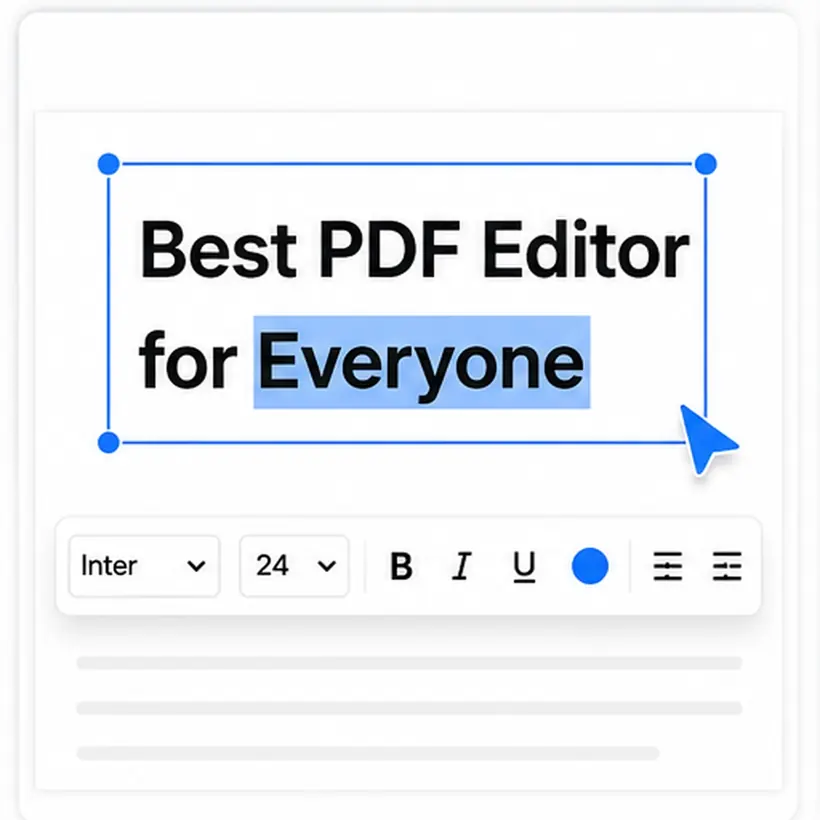
Click any line and rewrite it in place — the original text is removed and yours is written in the document’s own font, size, and spacing. It is not a white box with new text over it: export the file, select the line you changed, and copy it. You get your new wording.
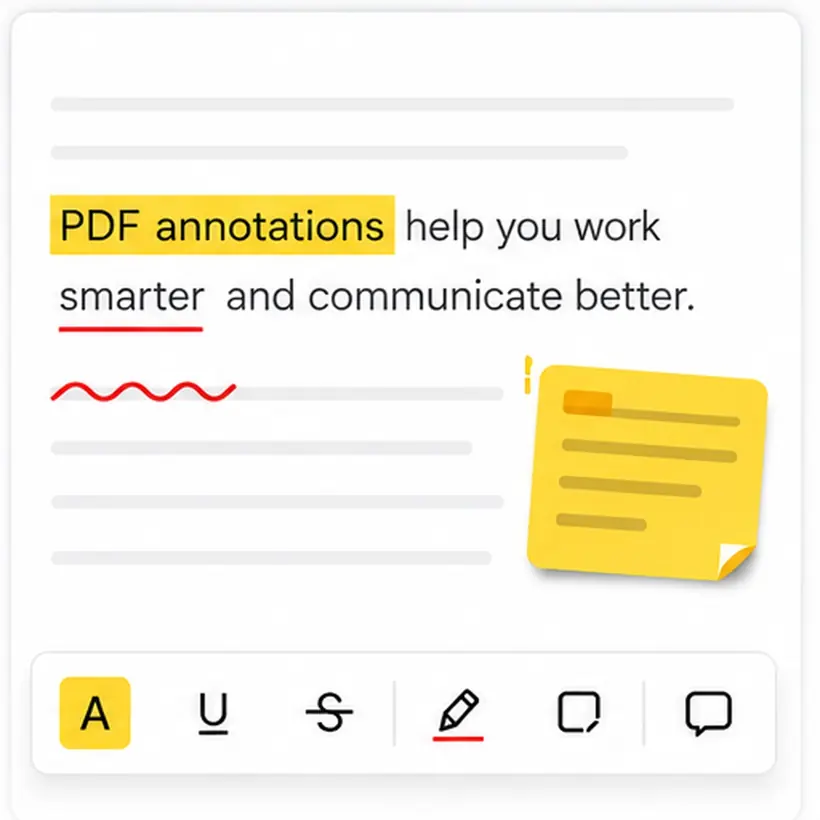
Highlight PDF text in any colour, underline the key lines, draw freehand, and add arrows or boxes. Mark up contracts and reports online, then share the annotated file.
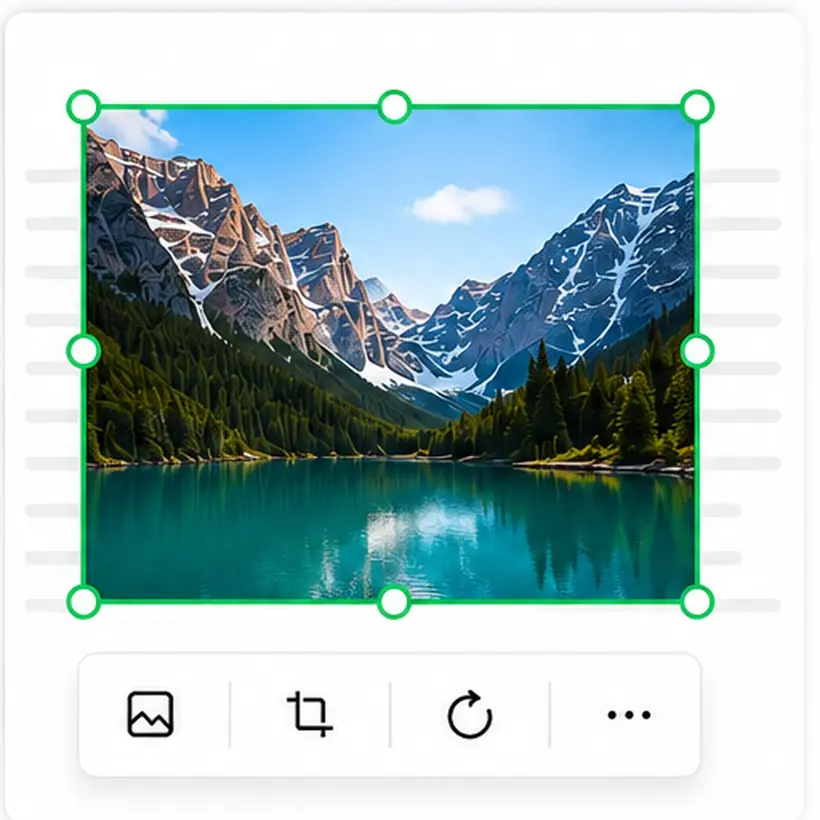
Select any image to move, resize, rotate, replace, or remove it. Swap a logo or straighten a scanned photo without leaving the page or opening a separate design tool.
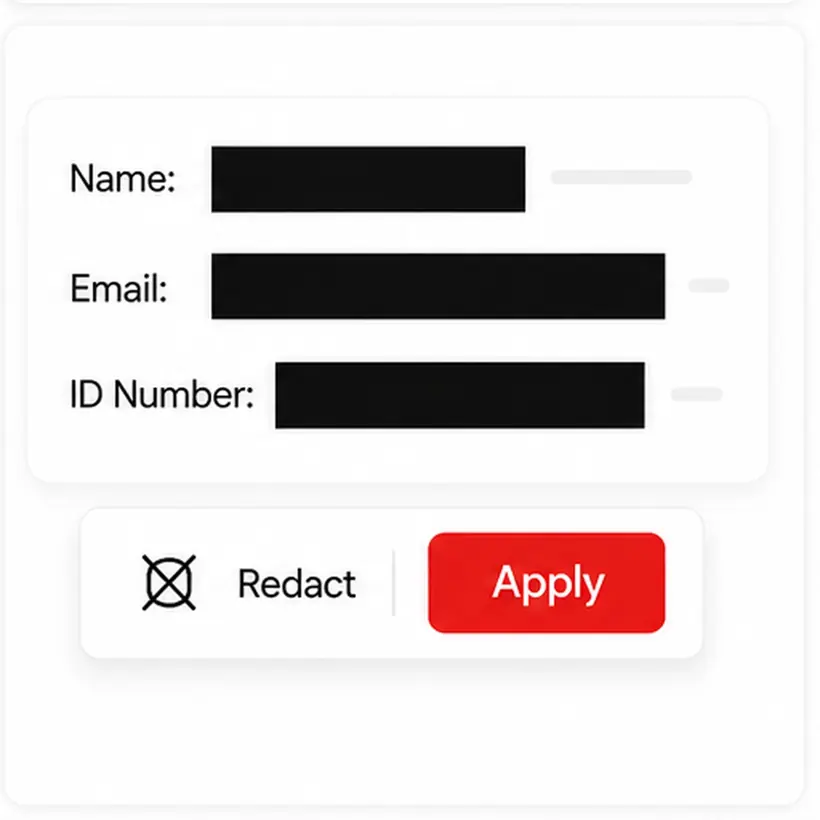
Cover names, numbers, or whole paragraphs and delete the data underneath for good. Redaction is permanent — the hidden text is removed from the exported file, not just masked.
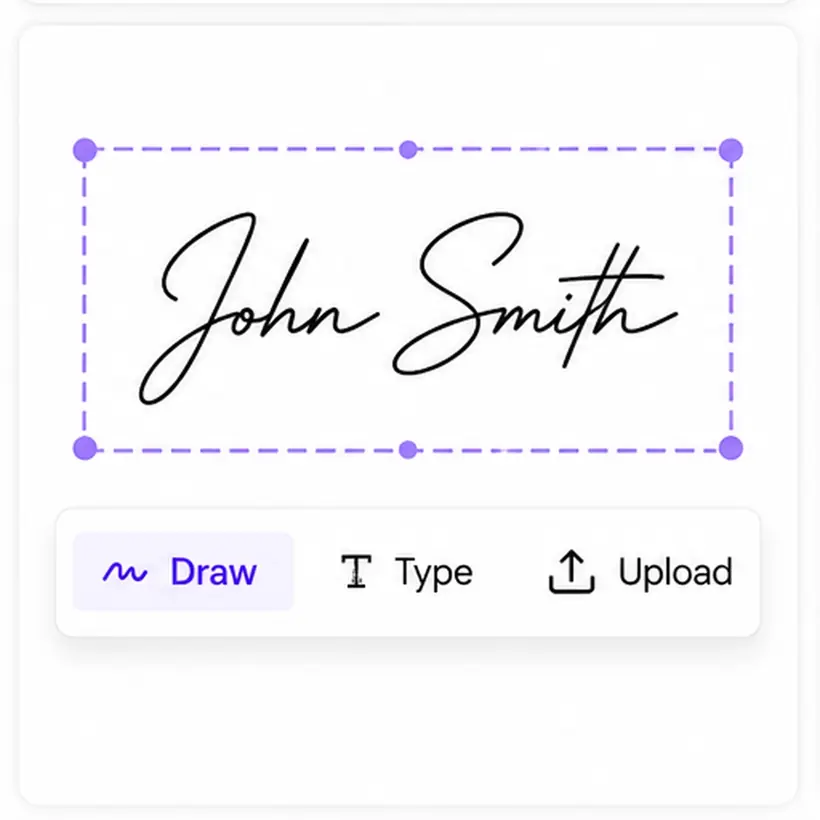
Draw or type your signature and place it exactly where it belongs. Sign agreements and forms in seconds — no printing, no scanning, and no account to create.
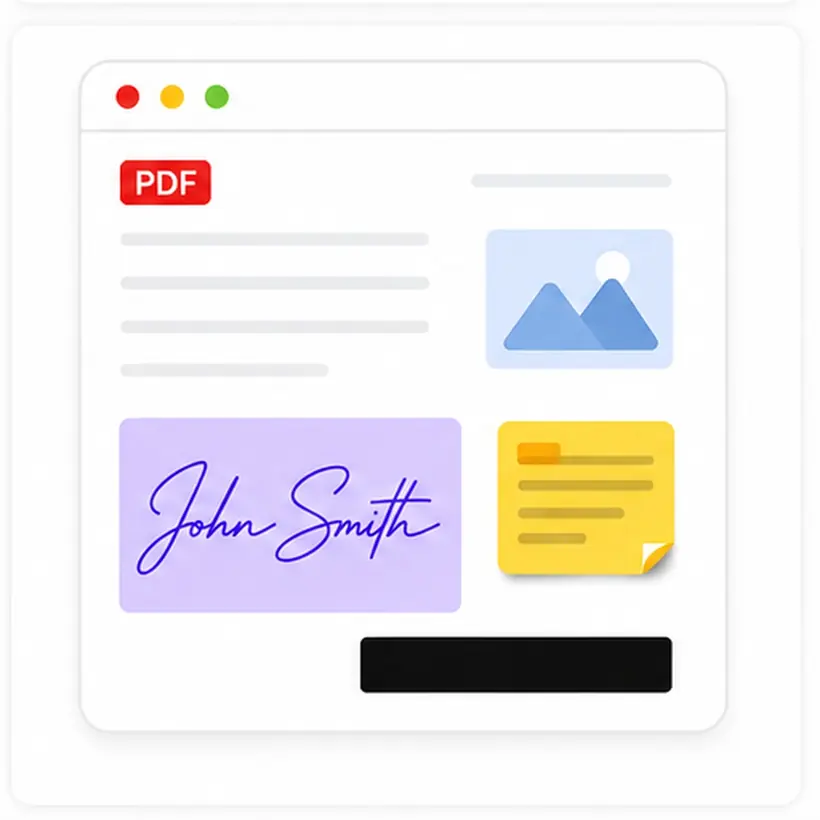
Text, images, highlights, signatures, and redaction all live in a single workspace. Finish the entire document in one place, then download a clean PDF with no watermark.
Everything you need to edit a PDF, with none of the friction — no installs, no accounts, and your original layout kept intact.
Every tool is free from upload to download. No subscription, no credit card, and no watermark added to your file.
Open the page and start editing right away. There is no software to download and no account to create.
You edit the original PDF itself — no converting to Word and back. Changes are written into the document’s existing structure, so fonts, spacing, columns, and everything you did not touch stay exactly as they were.
Your file is sent over a secure connection, used only to apply your edits, and removed once your session ends.
Rewrite text, add, replace, rotate and resize images, highlight what matters, and permanently redact sensitive content.
Edit from a laptop, tablet, or phone in the latest versions of Chrome, Firefox, Safari, and Edge.
Why editing the PDF directly in place preserves layout, fonts, and tables, while conversion round-trips introduce broken spacing.
| Feature / Capability | Direct PDF EditingOnline PDF Edits | PDF-to-Word Converters | Overlay / Whiteout Tools |
|---|---|---|---|
| Editing MechanismHow changes are applied to the file | Direct in-place object rewrite. Only modified text runs change. | Converts to Word (DOCX), edits, then re-exports to PDF. | Draws white boxes and overlays new text on top of the original. |
| Layout & SpacingSurrounding document structure | Anything you do not touch is left as the original file had it, so columns, tables and spacing have nothing to shift for. | Frequent broken tables, misaligned margins, and shifted lines. | Original stays behind, but new text easily drifts out of alignment. |
| Font HandlingTypography and glyph metrics | Reuses embedded PDF fonts and preserves exact character advances. | Substitutes system fonts during Word round-trip, distorting spacing. | Uses standard web fonts that rarely match the original typeface. |
| Measured Page DriftPixel-diffed on our sample invoice, one line edited | 0.02% of the rendered page changed, confined to a 13-pixel band on the edited line. | Full page reflow; unpredictable shifts across multi-page files. | Original pixels remain, but original text remains searchable underneath. |
| WatermarksBranding stamped on export | No watermark. Clean, client-ready export. | Often stamps a trial watermark unless upgraded. | Free tiers frequently add logos or page footers. |
| Account RequirementFriction before editing or downloading | No signup, no email, no credit card required. | Often requires registration to download converted files. | Often gates export behind account creation. |
| Privacy & StorageHow documents are handled | Processed in memory, never written to disk — there is no store to delete from. | Stored on third-party conversion servers and processing queues. | Retention policies vary; files may be cached in cloud storage. |
Edit the PDF directly instead of converting it to Word and back — the conversion round-trip is what destroys layouts, because it has to guess where columns start and which lines belong to a table. Here you upload the PDF, click the text or image you want to change, and only that object is rewritten. Everything you did not touch is left exactly as the original file had it, so fonts, spacing, columns, and tables have nothing to shift for. On our measured sample, changing a line above a table altered 0.02% of the page’s pixels and nothing below the edit moved at all.
Yes — it is completely free. There is no subscription, no credit card, and no hidden charges. Every step, from opening your PDF to downloading the edited file, is free.
No. There is no registration, no sign-up, no credit card, and nothing to install. Open the page, upload a PDF, and start editing straight away.
Yes. Your PDF is sent over a secure connection and used only to apply the edits you make. Your file is not sold or shared with anyone, and it is removed after your editing session ends.
Your document is used only to generate your edited PDF and is deleted once your session is over. We do not keep a copy or use your files for anything else.
No. Each edit is written back at the original object’s own position and size, so the text around it does not re-flow. Line spacing, indents, column edges, and page margins stay where the original file put them — the usual causes of broken spacing are converting to Word and back, or rebuilding the line from scratch, and this editor does neither.
Yes. Replacement text is drawn with the document’s own embedded font at the same size, weight, and colour as the text it replaces, so a corrected word matches the line it sits in. Nothing about the font changes unless you deliberately restyle it.
Because they do not have the original font to work with. A PDF usually embeds only a subset of a typeface — just the characters that document uses — so an editor that cannot read that subset falls back to a lookalike system font. That is why edited lines print in a different font from the rest of the page. This editor writes with the file’s own embedded font, and when a character genuinely is not in the embedded subset it tells you rather than substituting one.
Yes. Table rules, underlines, bullets, and other page graphics are separate objects from the text, and editing a word does not touch them. Change a figure inside a table and the cell borders, row heights, and column alignment stay exactly where they were.
Yes. New text is placed where you put it rather than inserted into a flowing document, so nothing below it shifts. That is the opposite of a word processor — useful when you need to fill in a line or add a note to a finished layout without disturbing anything else.
No. The page is not flattened or re-rendered into an image. Text stays selectable and searchable, images keep their original resolution, and fonts stay embedded — only the objects you edited are rewritten.
Yes, as long as the file is not password-protected against editing. These are the common cases: a date on a certificate, a clause in a contract, a job title on a resume, a field on a form. You edit the document you were sent rather than rebuilding it, so the original layout is preserved.
It changes the real text. Many online editors paint a white box over the old words and place a new text box on top, which leaves the original wording still sitting in the file underneath. This editor removes the original text from the page and writes yours in its place. You can check it yourself: export the file, then select the line you edited and copy it — you get your new wording, not the old.
You can rewrite and restyle text with matching fonts, add, replace, resize, rotate, or delete images, highlight and recolour text, and permanently redact sensitive content.
Yes. Click the image you want to change and upload a replacement — the editor swaps that image object for your new one and leaves the rest of the page untouched. Because it only rewrites the object you selected, the surrounding text, other images, and layout stay exactly as they were. You can also delete, resize, or rotate an image the same way, all without converting the PDF to another format.
A few, and it tells you rather than guessing. Your new text is drawn with the document’s own embedded font, and many PDFs embed only the characters that document actually uses. If you type a character that is not in that set — an accent or symbol the file never contained — the editor reports it instead of quietly swapping in a different font that would look wrong. A small number of PDFs also use an internal structure the editor cannot write back to yet; those return a clear message rather than a damaged file.
No. Your exported PDF comes back clean — no watermark, no logo, and nothing added to the page by the tool.
Each PDF can be up to 10 MB and 100 pages. Most contracts, invoices, reports, and forms fit comfortably within that.
No. There is no daily cap or usage limit — edit as many PDFs as you need, whenever you need to.
Yes. It runs in any modern mobile browser, so you can edit on a phone or tablet. For detailed edits, a larger screen is more comfortable.
The current versions of Chrome, Firefox, Safari, and Edge are all supported.
No. You edit directly inside the original PDF — there is no conversion to Word or any other format, so nothing about your file structure changes.
When you are done, click Export, give the file a name, and your edited PDF downloads straight to your device.
No — an internet connection is needed. Your document is processed securely online to apply your edits and produce the final PDF.
Three causes account for nearly all of it. The page is a scan — a picture of a document with no text layer, so there are no characters to click. The file is password-protected against changes, and that restriction lives in the file rather than in the software. Or the text was flattened into vector shapes when the document was produced, which leaves it looking like text while being a drawing. You can tell which you have in one step: open the PDF in any viewer and drag the cursor across a line. If nothing highlights, there is no text layer. This editor does not run OCR, so it cannot rewrite text on a scanned page — but highlighting, redaction, images, and signatures all still work there, because those are drawn onto the page rather than read out of it.
A greyed-out edit option means one of two things: the PDF carries permission settings that forbid content changes, or the page has no text layer to edit in the first place. Neither is a bug in the editor and neither is fixed by switching tools, because both conditions are stored inside the file. Distinguish them by trying to select text with your cursor — if text selects but editing is refused, it is a permissions lock and you need the document password to lift it; if nothing selects, the page is a scan or a flattened graphic.
Because the blocker is the file, not the licence. A subscription cannot add a text layer to a scanned page, and it cannot lift a permission password it was never given. Every editor, paid or free, stops at those same two walls. This is worth checking before buying any tool: open the document and try to select a line of text. If the text does not select, no amount of money changes the outcome — what you need is the original source file, the document password, or an OCR pass to create a text layer.
A single PDF page can mix real text with graphics that only look like text. Headings exported from design software are frequently converted to vector outlines while the body copy below stays as real characters, so one is editable and the other is not, on the same page and in the same font. The same happens when a document is assembled from mixed sources — a scanned letterhead above typed content, for example. Our PDF Object Explorer shows how each page is actually built, so you can see which parts are text objects and which are drawings or images before you start editing.
Because the editor that made the change did not have the document’s font to write with. A PDF normally embeds only a subset of a typeface — the exact characters that document uses and nothing more — so an editor that cannot read that subset falls back to the nearest system lookalike, and the edited line prints in a different face from the rest of the page. This editor writes replacement text with the file’s own embedded font at the same size, weight, and colour as the text it replaces. When a character genuinely is not in the embedded subset, it reports that instead of quietly substituting a different font. Our PDF Font Embed Checker shows which fonts a file embeds fully, which are subset, and which are only referenced.
The characters on the page are fine — the mapping used to read them is not. Subset fonts routinely place their glyphs in the private-use block at 0xF000 and above, and some fonts ship with no ToUnicode map at all, so anything that extracts text gets plausible-but-wrong letters. That is where the stray @ signs, empty boxes, and nonsense words come from, and no spell-check style heuristic can catch it because the wrong characters are individually valid. This editor normalises the 0xF000 private-use offset back to real characters, and flags documents whose fonts cannot be reliably decoded so you know to proofread instead of trusting the extraction. Our PDF Font Checker reports the encoding and ToUnicode status for every font in a file.
OCR does not correct a PDF’s text — it adds a new, invisible text layer underneath the page image, guessed from pixels. When the scan is low-resolution, skewed, or set in a typeface the engine handles badly, those guesses are wrong, and the wrong guesses are exactly what you get back when you copy or search. A file can also end up carrying two text layers, the original and the OCR one, which reads as doubled or interleaved characters. Re-running OCR at a higher scan resolution fixes most of it. This editor does not run OCR, so it never adds a guessed layer to your document.
Overlap happens when an editor rebuilds the line instead of replacing it in place. Rebuilding means re-measuring the text and re-flowing it, and when the original font is unavailable the measurement is taken from a substitute — so the new run comes out wider than the space it has and collides with whatever sits beside it. In-place replacement removes the problem at the source: the replacement is written at the original text object’s own position and size, so there is nothing to re-measure and no room for a collision.
Three checks, cheapest first. One: open the exported file and drag your cursor across the redacted area, then copy. If any of the covered wording reaches your clipboard, the text is still in the file and you are looking at a drawing on top of it. Two: use the viewer’s search with Ctrl+F or Command+F for a word you redacted — a genuine redaction returns no match. Three, for a definitive answer: inspect the page’s content stream with our PDF Object Explorer. Text that was truly removed is not in the stream at all, so there is nothing left to find.
In most tools, no. Drawing a filled rectangle simply adds one more drawing instruction to the page — the text underneath remains a text object in the file and comes straight back out through copy-paste, search, or any extraction script. That single mechanism is behind essentially every published redaction failure. In this editor, redaction deletes the text-drawing operators inside the box, blanks the pixel data of any image the box covers, and re-writes the whole file on export so the original objects are not left behind in the bytes. The black mark is drawn on top afterwards as a visible indicator, not as the mechanism.
For the content inside the boxes you draw, yes, and the exact behaviour is worth stating rather than asserting. The text operators covered by a box are deleted, character by character where a box covers only part of a line. An image the box covers has its pixel data destroyed rather than merely hidden. The file is then fully re-serialised on export, so the original content streams and image objects are dropped instead of being left in the file as unreferenced leftovers that a recovery tool could pull back. What it does not do: it does not strip document metadata, XMP packets, bookmarks, or attachments, and it does not touch anything outside the boxes you drew. Redaction here removes what you cover — it is not a whole-document sanitiser.
You can remove text that is sitting hidden underneath a graphic by redacting the region it occupies — the text operators inside that box are deleted whether or not they were ever visible on screen. What this editor does not do is sweep a whole document for hidden content and strip it automatically; you choose the regions. To see what a file is actually carrying before you decide, our PDF Object Explorer lists the objects, streams, and resources on each page, including text that renders invisibly.
Not with this editor. It edits page content, and it does not strip document metadata, XMP packets, or embedded attachments — stating that plainly matters more than claiming the feature, because metadata is where author names, software versions, original filenames, and edit timestamps live. A carefully redacted document with intact metadata can still identify its source. Our PDF Object Explorer will show you what a file carries so you know whether you need a dedicated metadata tool before sending it.
This one. There is no subscription, no trial that expires, no credit card, and no per-file or per-day limit — opening, editing, exporting, and downloading are free every time, and nothing is added to your file. There is no one-time purchase option either, for the simple reason that there is nothing to buy.
For editing a document that already exists — changing wording, swapping or rotating images, highlighting, signing, and redacting — this editor does the job in a browser at no cost and adds no watermark to the export. Acrobat still wins on the rest of its surface: OCR for scanned documents, preflight and PDF/A production workflows, and enterprise deployment and administration. If what you actually need is to fix the wording in a finished document, the subscription is not what you were paying for.
Yes. Select the text, choose a different family or size, and the change is written at the original object’s own position, so the lines around it, the column edges, and any table rules do not re-flow. One constraint applies to every PDF editor, this one included: the characters you type have to exist in a font the file can use. When you keep the document’s own embedded font and it lacks a character you need, this editor tells you rather than substituting a lookalike that would print wrong.
Click the image to select it and delete it — the image object is removed from the page and the text and other elements stay exactly where they were, because only the object you selected is rewritten. One caveat catches people out: if the whole page was flattened into a single picture when the document was produced, there is no separate background to remove, since the text is part of that same image. Selecting the page’s only image tells you immediately which of the two cases you are in.
Yes. The editor runs in a mobile browser — current Chrome, Safari, Firefox, and Edge — so there is nothing to install and no account to create. Text edits, image changes, signatures, and redaction all work on a phone. For detailed work on a dense page a larger screen is more comfortable, but nothing is withheld from the mobile version.
Diagnose it first
Read-only tools. They inspect the file and report what is actually inside it — nothing is modified, and nothing is saved back.
Further reading
If your last edit shifted the spacing, swapped a font, or moved a table, these explain why it happened and what to do about it.
Editing problems
Each page covers one problem end to end — what causes it, what the editor does about it, and where it stops. All of them open this editor.
Change text, swap and rotate images, highlight what matters, and redact what’s private — with your original formatting kept intact. Free, no signup, no watermark.
Upload your PDF