Edit PDF Online Free No Sign Up: Zero Catch, No Watermark
Skip the registration forms and hidden paywalls. Edit PDF text, insert signatures, and export your files directly in your browser with zero account requirements.

You spot a spelling mistake on a finalized invoice. You don't have an expensive Adobe Acrobat subscription, so you look for a quick browser-based fix. You upload the file to a tool, spend ten minutes fixing the errors, and hit download.
Suddenly, a popup blocks your screen: Create an account to export.
Your edited file is stuck behind an email registration wall. If you want the document, you have to hand over your personal data.
The Quick Answer: Yes, you can edit a PDF online for free with zero sign-up, zero email registration, and zero watermarks. Navigate to the main editor, upload your file, click any text to edit it, and download the finished document immediately. The entire process runs in your browser without requiring an account or hiding your work behind a paywall.
The Hidden Costs of Account Registration
Why do so many PDF platforms force you to register before giving you your file? It usually comes down to artificial limits and marketing metrics.
Lead Generation: Platforms want your email address to sell premium team subscriptions. A free tool is often just the top of a sales funnel. Task Throttling: Tying a session to an account lets platforms enforce strict limits. They can restrict you to one free download per day or block files over a certain size. The Sunk Cost Effect: By letting you do the work before asking for an email, they rely on you choosing to register rather than abandoning the edits and starting over elsewhere.
A basic utility tool shouldn't require your personal data to function.
Vector Editing vs. Annotation Overlays
When you edit a PDF online free no sign up, you will encounter two different technologies. Knowing how they work prevents embarrassing formatting errors.
Cosmetic Overlays (The White-Out Method)
Basic tools treat your PDF like an image. To change a word, they place a white box over the old text and drop new text on top. The original text remains underneath. Anyone can copy and paste the document to see the hidden words. Furthermore, because these tools can't read the file's embedded fonts, your new text will look obviously mismatched.
Direct Vector Modification
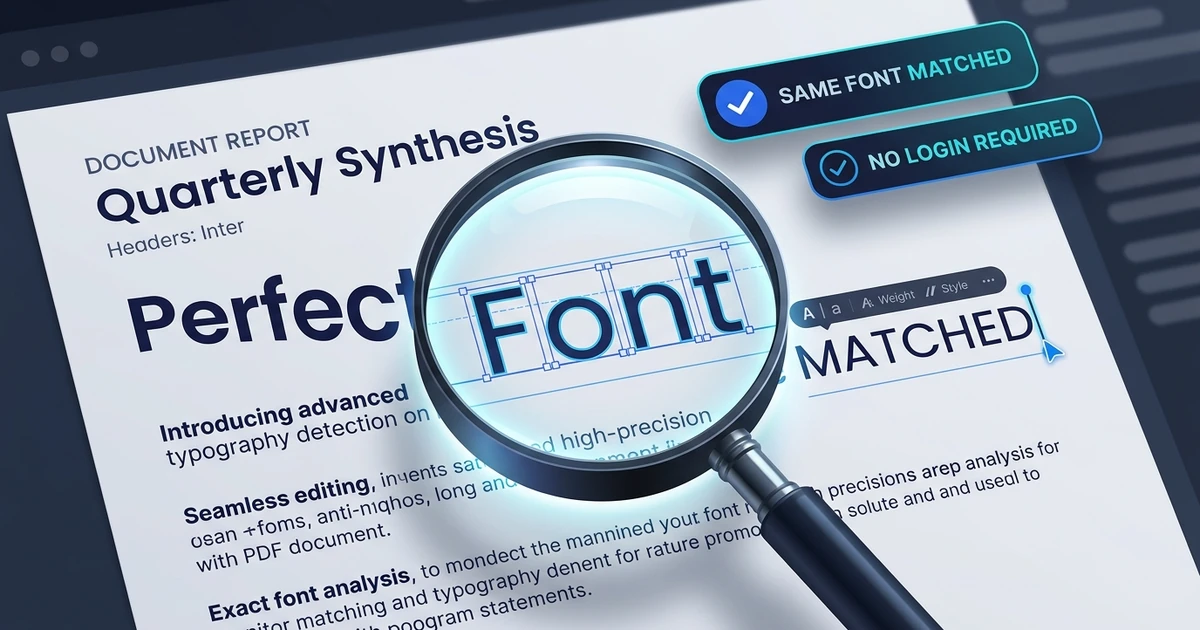
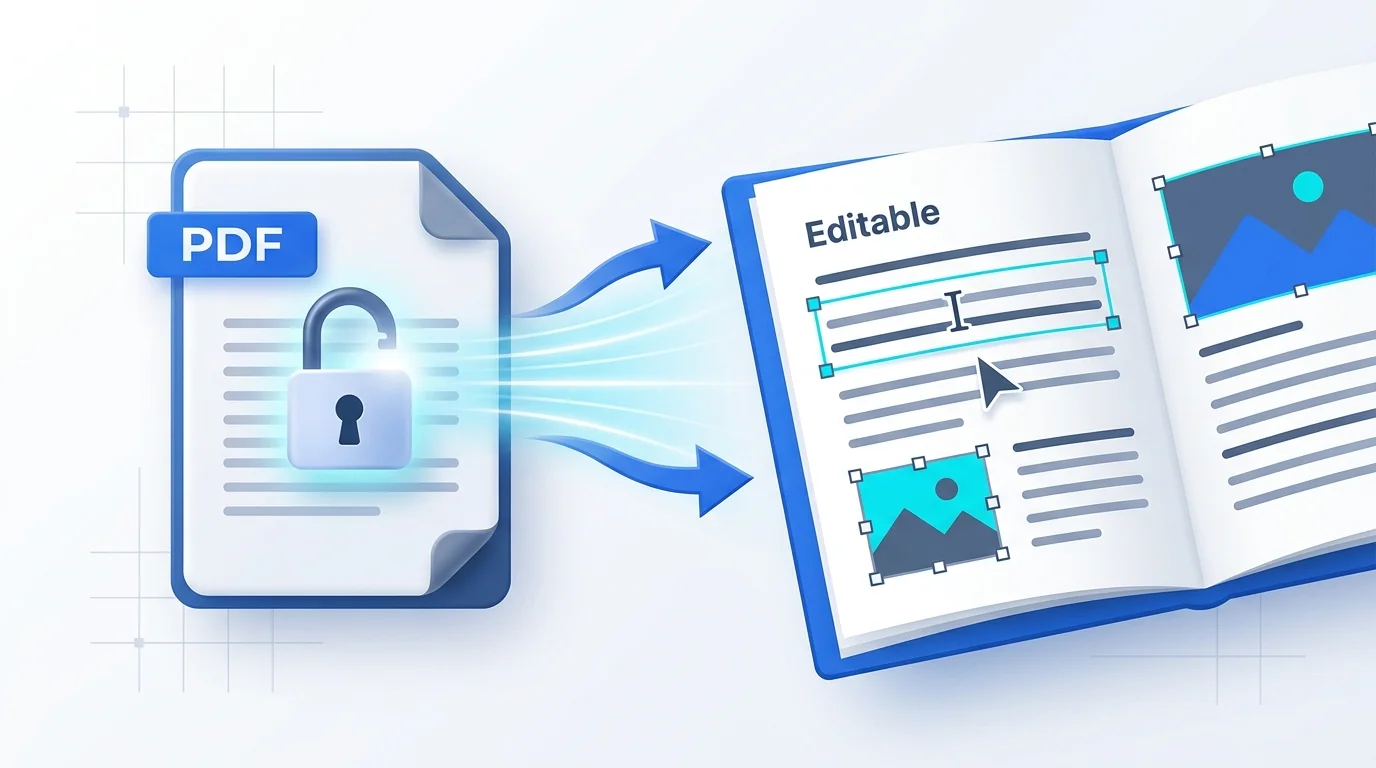
A true PDF text editor interacts with the file's internal code. When you click a word, the editor calculates the exact spacing, matches the embedded font, and replaces the actual characters. The result looks exactly like the original document.
How to Edit a PDF Online Free Without Signing Up
Here is how to modify text, insert signatures, and fix errors without ever giving up your email address.
Step 1: Open the Workspace
Go to the Free Online PDF Editor. Drop your file into the upload area. The workspace loads instantly. No login screens interrupt the process.
Step 2: Modify the Text
Click any existing sentence. A bounding box appears. Delete the old letters and type your corrections. The system automatically preserves the original font size, style, and color.
Step 3: Insert Signatures
Need to sign a contract? Click the Sign tool. Draw your signature or type your name, then drag it onto the signature line.
(If you need to clean up the file before saving, you can easily strip out extra pages using the Delete PDF Pages tool.)
Step 4: Export Instantly
Click Save & Export. The updated file downloads to your computer immediately. No watermarks are added to the pages, and you are not asked to register.
Compare Free No-Signup Tools to Major Competitors
Here is how a true no-account browser editor compares to standard PDF portals:
| Feature / Capability | Online PDF Edits | Smallpdf / iLovePDF | Adobe Acrobat Online | Sejda PDF |
|---|---|---|---|---|
| Account Required? | ❌ No (Zero sign-up) | ⚠️ Yes (Required for downloads) | ⚠️ Yes (Requires Adobe ID) | ❌ No (For first 3 tasks) |
| Edit Existing Text | ✅ Yes (Direct vector edit) | ❌ Paywalled to Pro plan | ⚠️ Limited free trial | ✅ Yes (Up to 3 free edits) |
| Watermark Added? | ❌ Never (100% clean) | ❌ Some free exports | ❌ None | ❌ None |
| Daily Task Limits | ✅ Unlimited | ❌ 1–2 tasks per 24 hours | ❌ 1 free task per trial | ❌ 3 tasks per hour |
| Document Privacy | ✅ Ephemeral processing | ⚠️ Kept in cloud library | ⚠️ Stored in Adobe Document Cloud | ⚠️ Retained for 2 hours |
(Looking for a permanent alternative to Adobe subscription charges? Review our detailed guide on Smallpdf alternatives.)
Why Skipping the Signup Improves Privacy
Avoiding account creation saves time, but it also protects your documents.
When you sign in with Google or a work email, your uploaded files are connected to your personal profile. If you edit a medical record or an employment agreement, that sensitive document is tied to your identity in a corporate database.
A no-account editor keeps your session completely anonymous. Files exist in memory only while you work on them. Once you close the tab, the data is purged. You retain full control over your digital footprint.
Frequently Asked Questions
Can I edit a PDF online for free without creating an account?
Yes. Open Online PDF Edits, upload your file, and export the finished document immediately without entering an email address.
Will a free no-signup PDF editor add a watermark to my document?
No. Download your file from our editor and receive a clean, professional document completely free of promotional stamps or logos.
Can I edit the actual existing text or only add new text?
Yes. Click directly on the existing words to modify them in place using our vector engine, provided the PDF is not a flat scanned image.
Is it safe to edit sensitive documents online without signing up?
Yes. Process your documents through an ephemeral editor to ensure files are deleted automatically rather than permanently attached to an account profile.
What should I do if my PDF text cannot be clicked or edited?
Run an OCR (Optical Character Recognition) pass to convert the flat image into live, editable digital characters before making your adjustments. This usually happens when dealing with scanned paper documents.
Documents are meant to be completed and delivered. The next time you catch an error before an important deadline, bypass the account registration traps. Edit your text cleanly, export your file in seconds, and move on.