GDPR Redaction: What to Remove Before Responding to a DSAR
A Subject Access Request means disclosing someone's personal data — but any third party mentioned in the same documents has to be protected first. Here's what to redact, and how to make sure it's actually removed.

When someone submits a Data Subject Access Request (DSAR) under GDPR, you have to hand over their personal data — but the documents that contain it often mention other people too: colleagues, patients, clients, family members. That third-party data has to come out before you disclose anything, and it has to come out permanently.
Key takeaways
- A DSAR requires disclosing the requester's own data, but any third party's personal data mentioned in the same documents must be redacted first.
- Redaction under GDPR needs to be permanent — a black box that still leaves the text selectable or extractable does not satisfy a compliance requirement.
- Common third-party fields to redact: other people's names, contact details, addresses, and any special-category data (health, for example) that isn't the requester's own.
- We tested this directly: a lab report with a patient's name and address redacted came back completely clean from text extraction, raw file data, and metadata.
- Document what you redacted and why — a defensible DSAR response includes a rationale, not just a blacked-out page.
What GDPR actually requires here
Article 15 of the GDPR gives individuals the right to access their own personal data. It does not give them the right to see other people's personal data that happens to appear in the same file — a shared medical record, an email thread with colleagues cc'd, a report that names multiple patients. Before disclosing, you need to identify and remove anything that isn't the requester's own data, or that would identify a third party without their consent.
Recital 63 and various DPA guidance are consistent on this: partial disclosure with third-party data redacted is the standard, compliant approach — not a full refusal, and not disclosure with third parties left exposed.
What to redact in a typical DSAR response
- Other people's names — colleagues, family members, other patients or clients mentioned incidentally.
- Third-party contact details — emails, phone numbers, addresses belonging to anyone other than the requester.
- Third-party special category data — health information, for example, about someone other than the requester.
- Internal identifiers for other people — employee IDs, case numbers, account numbers tied to someone else.
What you should generally not redact: the requester's own data, even if it's unflattering, and factual business records that don't identify a third party.
How to redact a document for a DSAR response
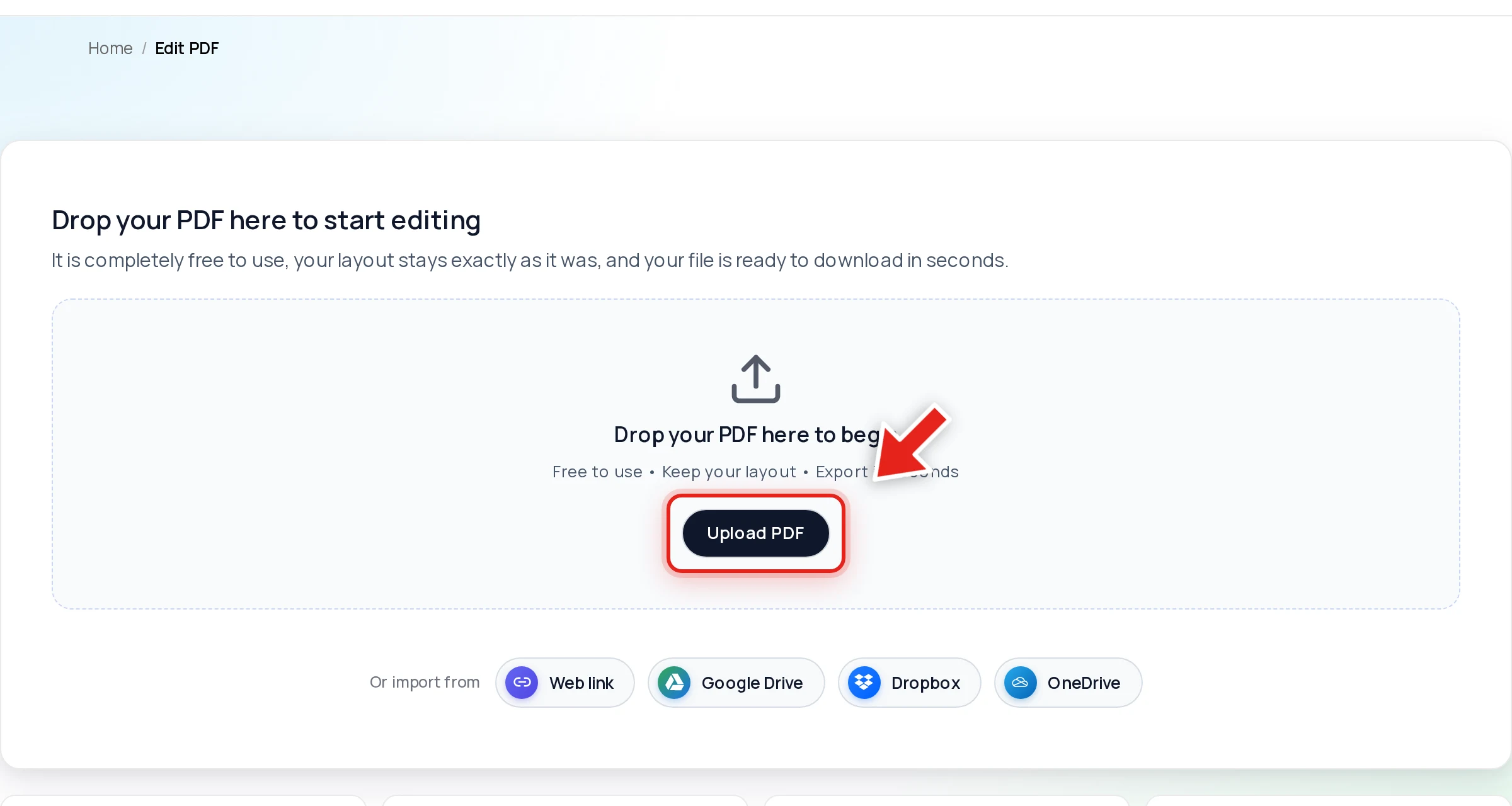
Open the document in Online PDF Edits — drop the file onto the upload area, or click Upload PDF.
Click Redact in the toolbar:

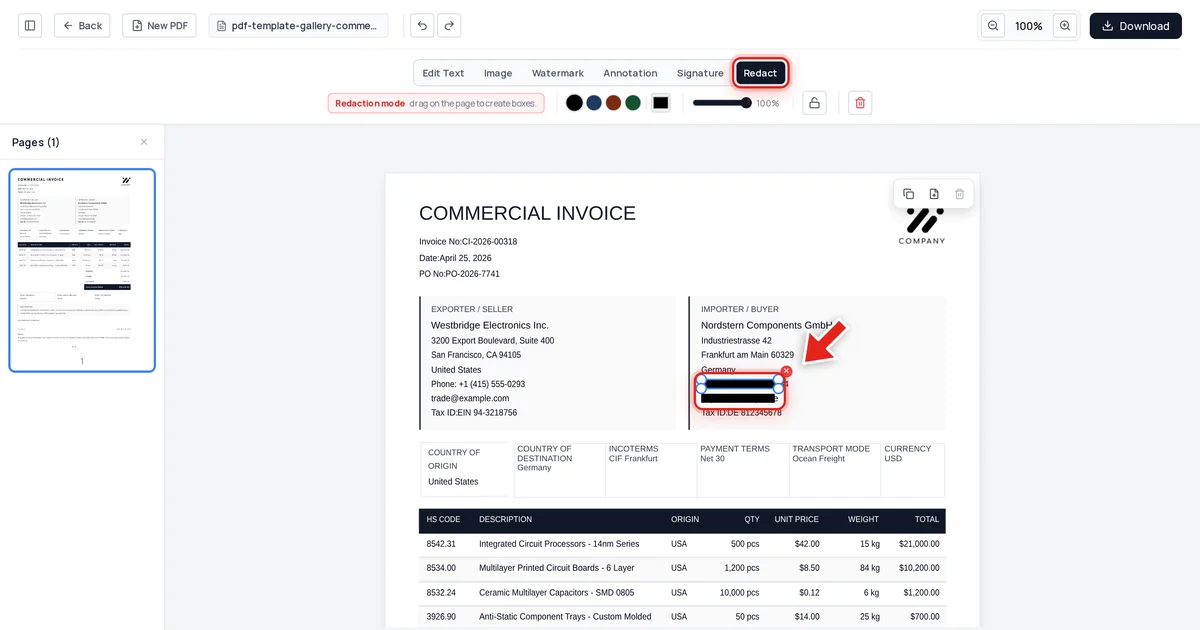
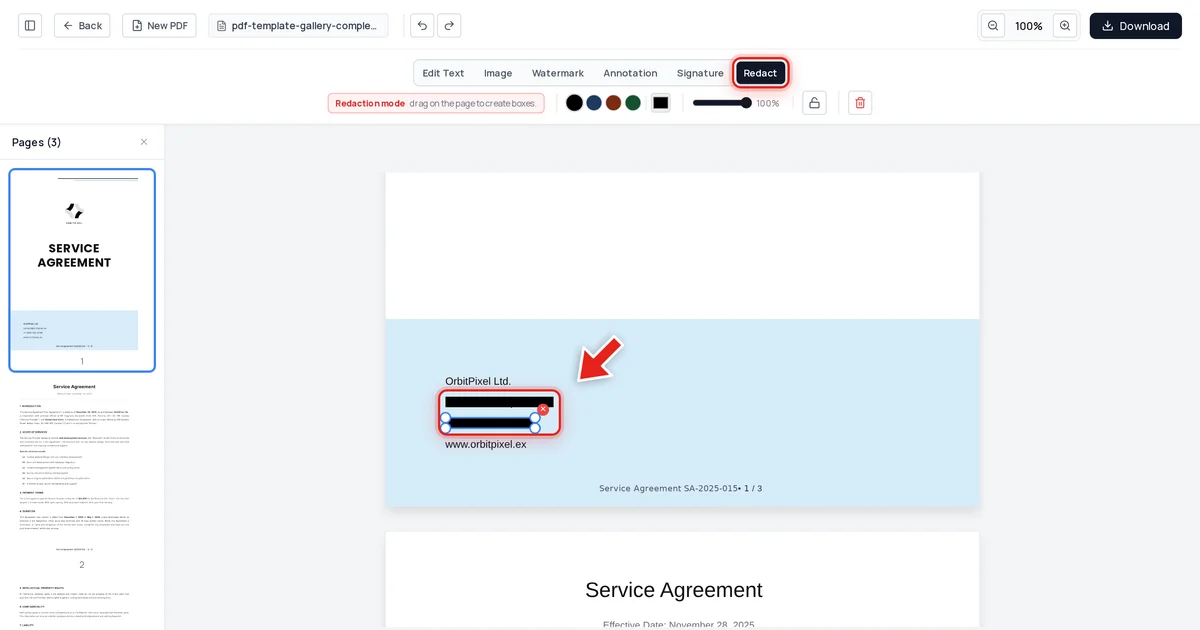
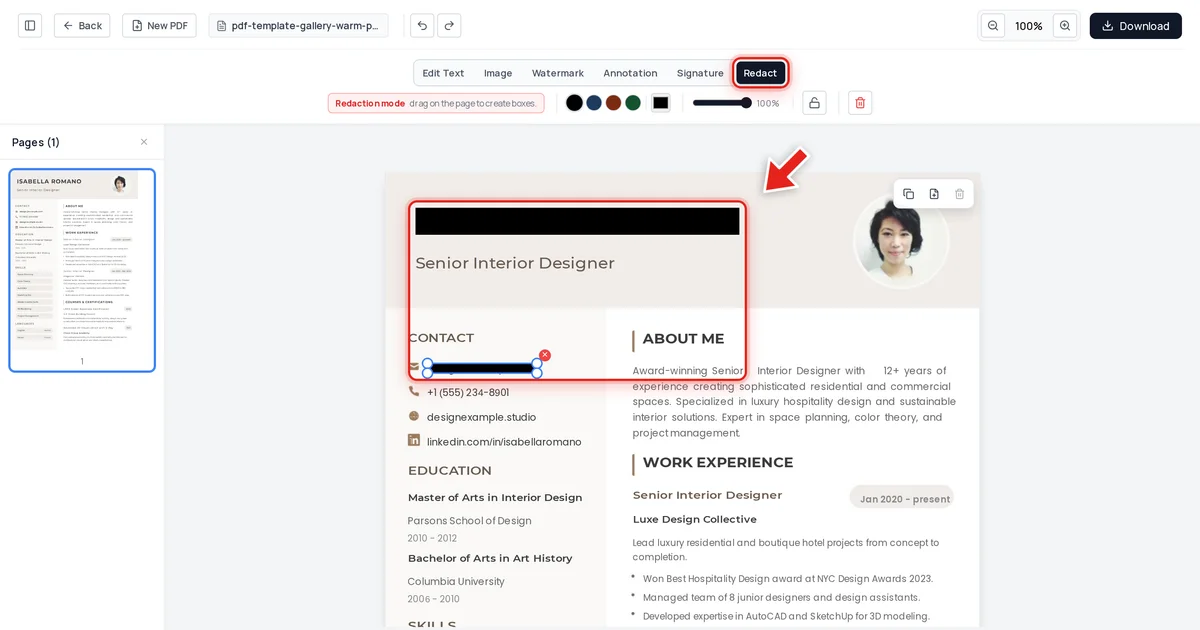
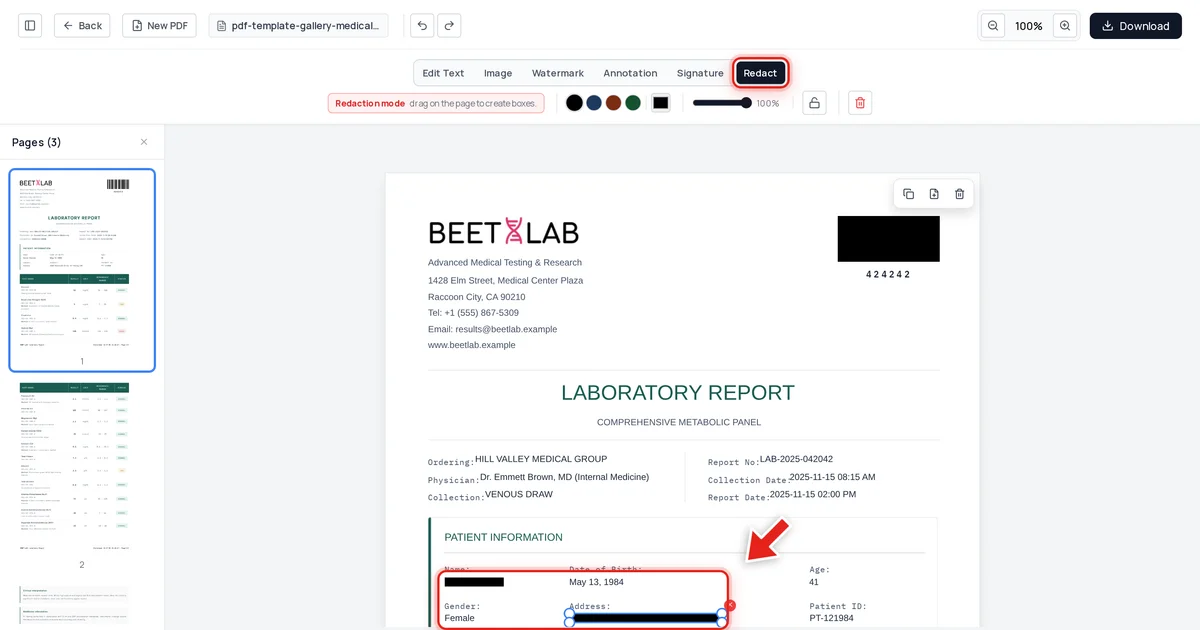
Then click and drag over each third party's details. A live preview shows the box growing as you drag:
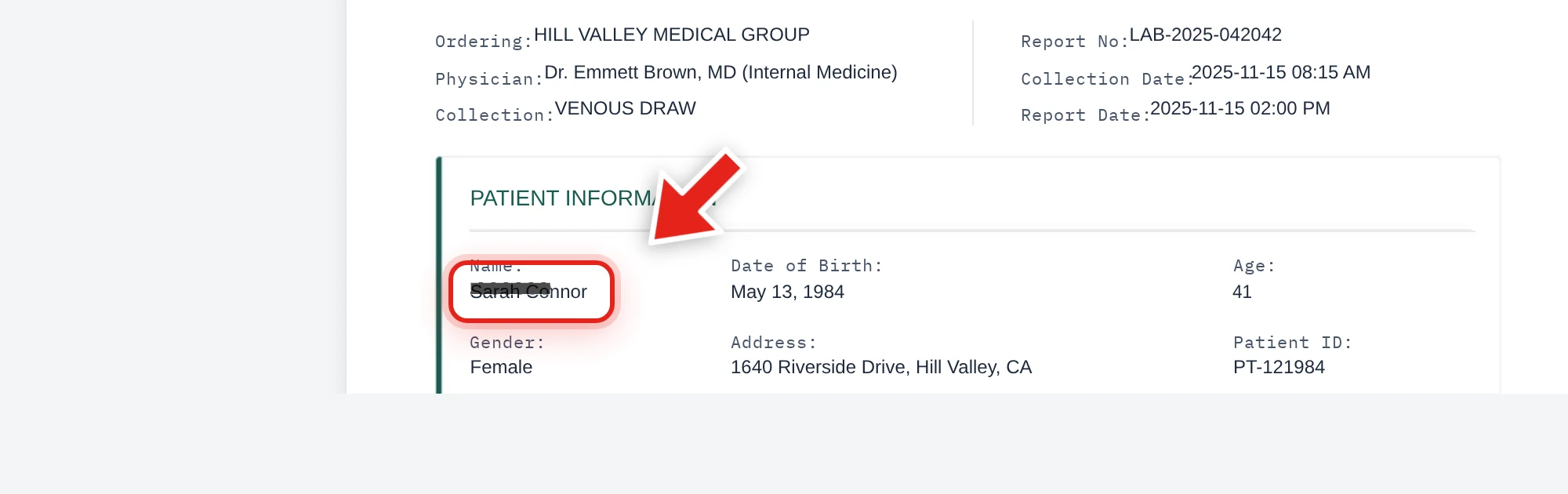
Release the mouse and a solid black bar takes its place.
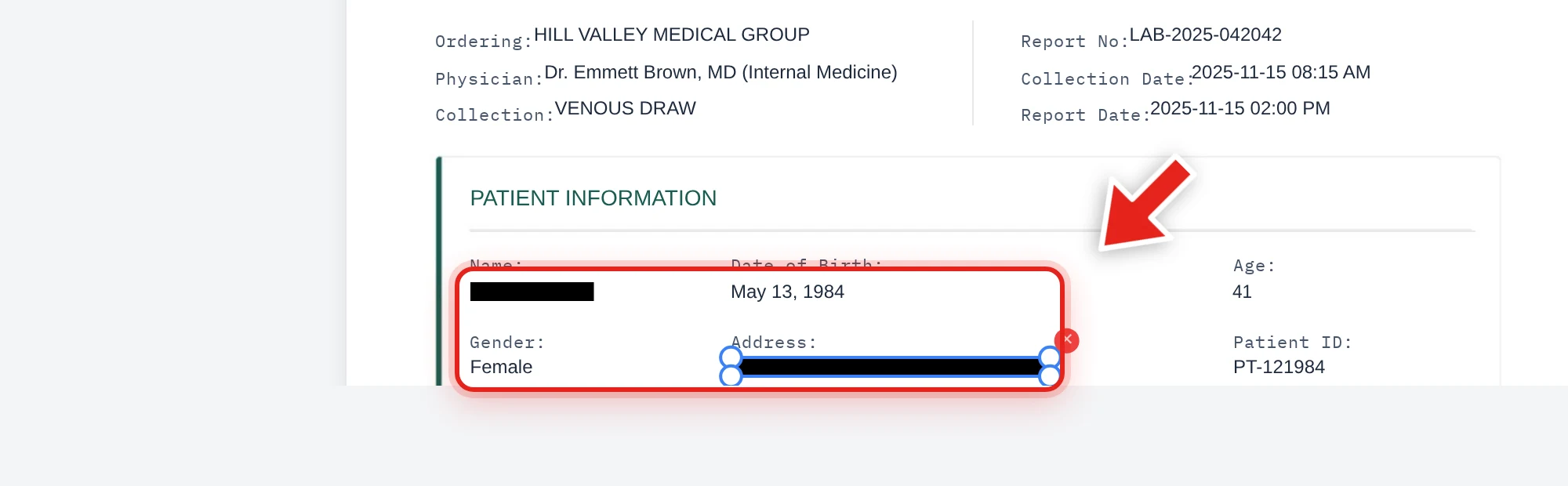
We tested this directly on the report above, redacting a patient's name and home address — third-party data that would have no place in a disclosure to someone else. After export, we checked the extracted text from every page, the raw decompressed file data, and the embedded metadata. Both values were completely absent from all three, while the clinical results, physician name, and report details stayed exactly as they were.
Why "compliant" means permanently removed, not covered
A black box over a name in a PDF is not GDPR-compliant redaction if the underlying text is still selectable or extractable — the third party's data hasn't actually been removed, it's just visually hidden, and a determined recipient can recover it in seconds. See why black box redaction isn't safe for exactly why this fails, and verify your own DSAR response before sending it: try to click-drag select the redacted area, copy it, and search for it with Ctrl+F. Nothing coming back is what confirms the redaction actually worked — see our full verification guide.
Document your reasoning
A defensible DSAR response isn't just a redacted PDF — it's a redacted PDF plus a short internal note on what was removed and why (typically: "third-party personal data, not belonging to the requester"). If the redaction is ever challenged, that record shows the process was deliberate and proportionate, not arbitrary.
FAQ
Do I have to redact anything from a DSAR response?
Only third-party personal data that isn't the requester's own. The requester's own data should generally be disclosed even if it's unflattering or negative.
Is a black box sufficient for GDPR compliance?
No, if the underlying text is still present in the file and can be selected, copied, or searched. Compliant redaction requires the content to be permanently removed, not just visually covered.
What if a document is entirely about a third party?
If a document is substantially about someone other than the requester and can't reasonably be redacted without destroying its meaning, you may be able to withhold it entirely — this is a judgment call that should be documented, and legal advice is worth seeking for edge cases.
Do I need to redact metadata too?
Yes — metadata (author, edit history) is a separate layer from visible content and can independently expose information. See how to check a PDF for hidden metadata.
How long do I have to respond to a DSAR?
Under GDPR, the standard timeframe is one month from receipt of the request, extendable by two further months for complex requests — check current guidance from your relevant supervisory authority for specifics.