How to Redact a PDF Without Adobe Acrobat (Free, In Your Browser)
Acrobat Pro costs up to $359.88 a year and most of that subscription has nothing to do with redaction. Here's how to permanently redact a PDF free, in your browser, in under a minute.

Adobe Acrobat can redact a PDF — but you're paying for an entire subscription to get there. Acrobat Pro runs $19.99/month billed annually ($239.88/year), or $29.99/month billed monthly ($359.88/year), for a tool most people only need for one specific job: making sure sensitive text is actually gone before they share a document.
You don't need any of that. Here's how to permanently redact a PDF free, in your browser, with no install and no subscription.
Key takeaways
- Adobe Acrobat Pro costs $239.88–$359.88 a year — Online PDF Edits redacts PDFs free, with no signup and no watermark.
- The tool that matters is a true redaction control: one that removes the covered text from the file, not one that just draws over it.
- The whole process is upload → drag a box over the sensitive text → export — about a minute from start to finish.
- We tested the export directly: the redacted text was gone from the extracted content, the raw file data, and the embedded metadata.
- Works the same way on Windows, Mac, or a Chromebook — anything with a browser.
What you're actually paying Adobe for
Redaction is one feature buried inside a much bigger product. Acrobat Pro bundles PDF creation, e-signatures, form building, OCR, and a mobile app — most of which has nothing to do with permanently removing a name or account number from one document. If redaction is the only reason you opened Acrobat, the subscription is solving a problem you don't have.
The actual requirement is narrow: a tool that deletes covered text from a PDF's content when you export it, so nothing is left to copy, search, or extract. That's a specific, well-defined capability — not a reason to pay for a full desktop suite.
How to redact a PDF free, without Adobe
Step 1 — Open your PDF
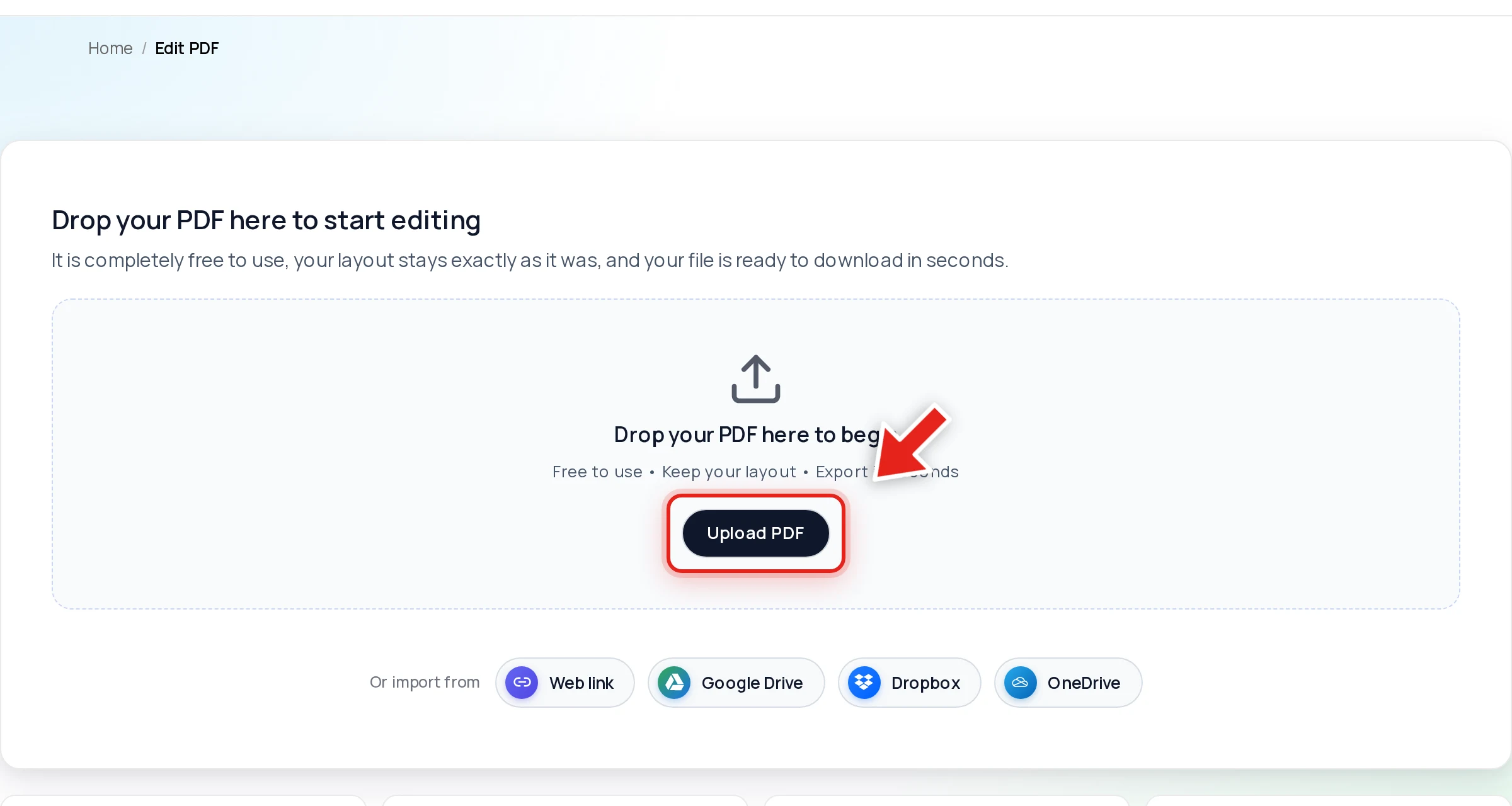
Go to the free PDF editor and drop your file onto the upload area, or click Upload PDF.
Step 2 — Open the Redact tab and drag over sensitive text
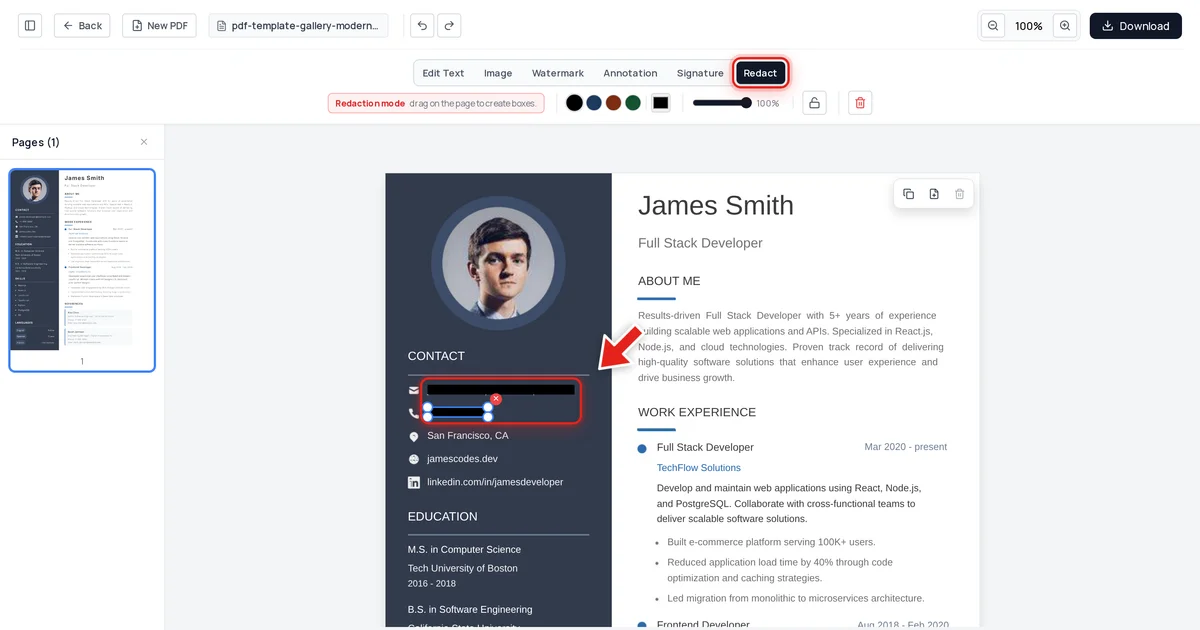
Click Redact in the toolbar:

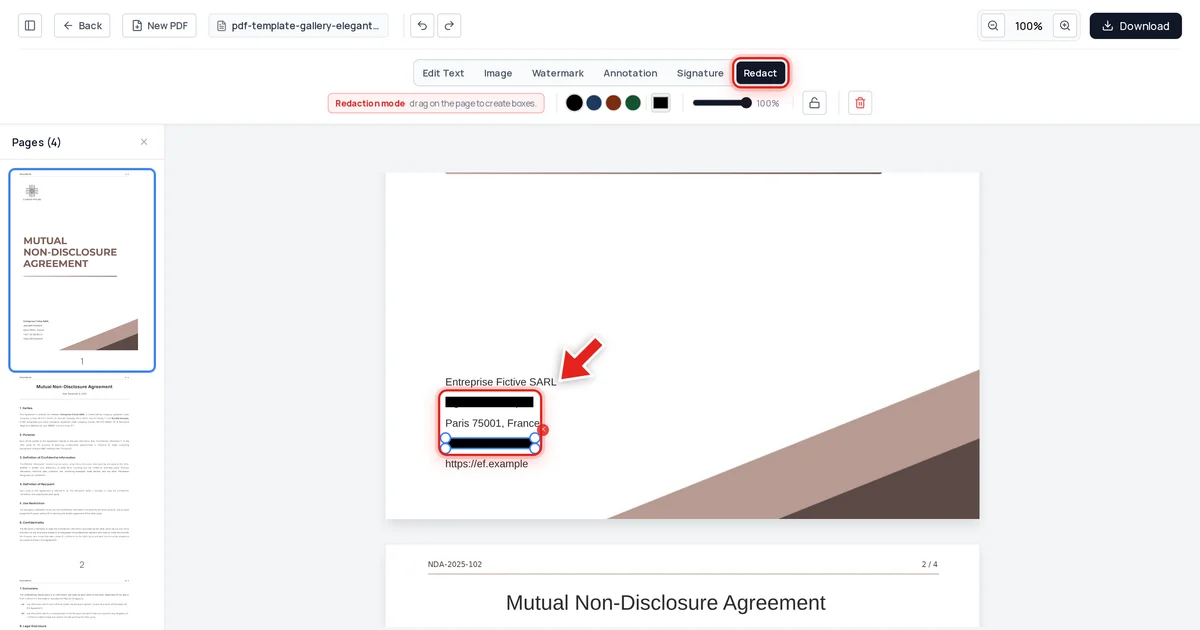
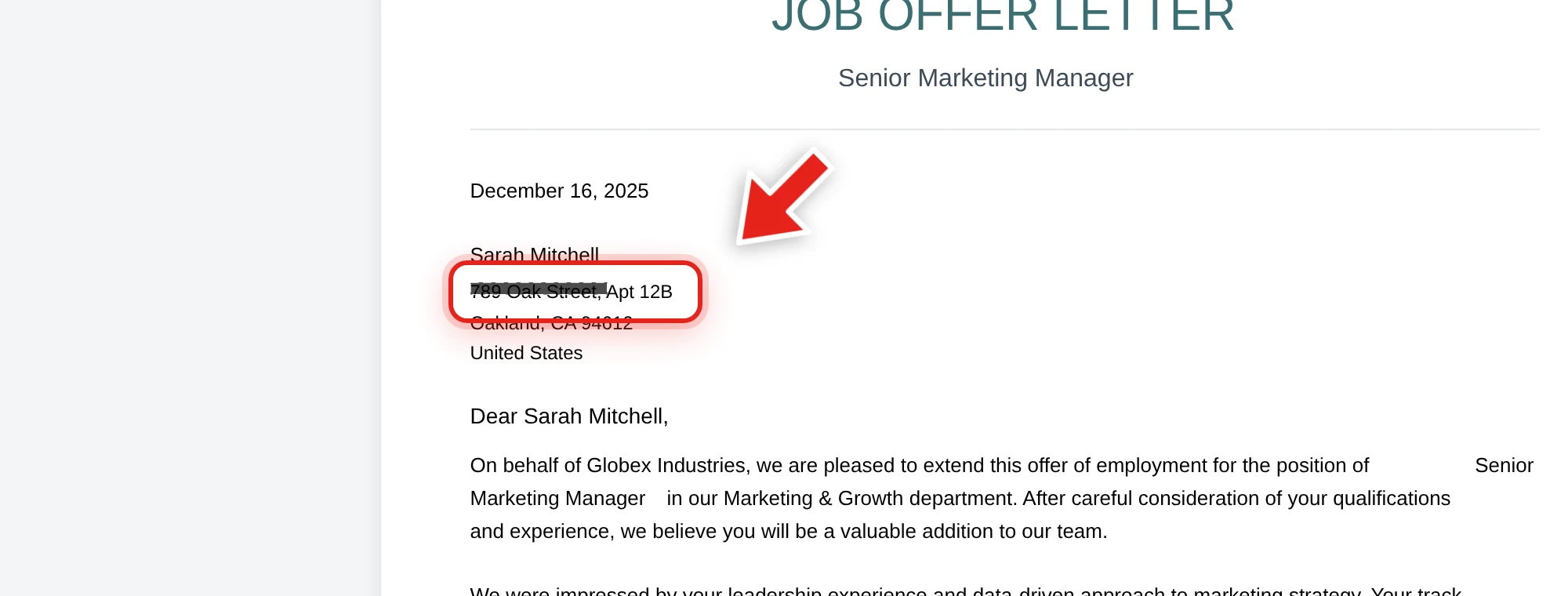
Then click and drag over anything that needs to disappear — a name, an address, an account number. A live preview shows the box growing as you drag:
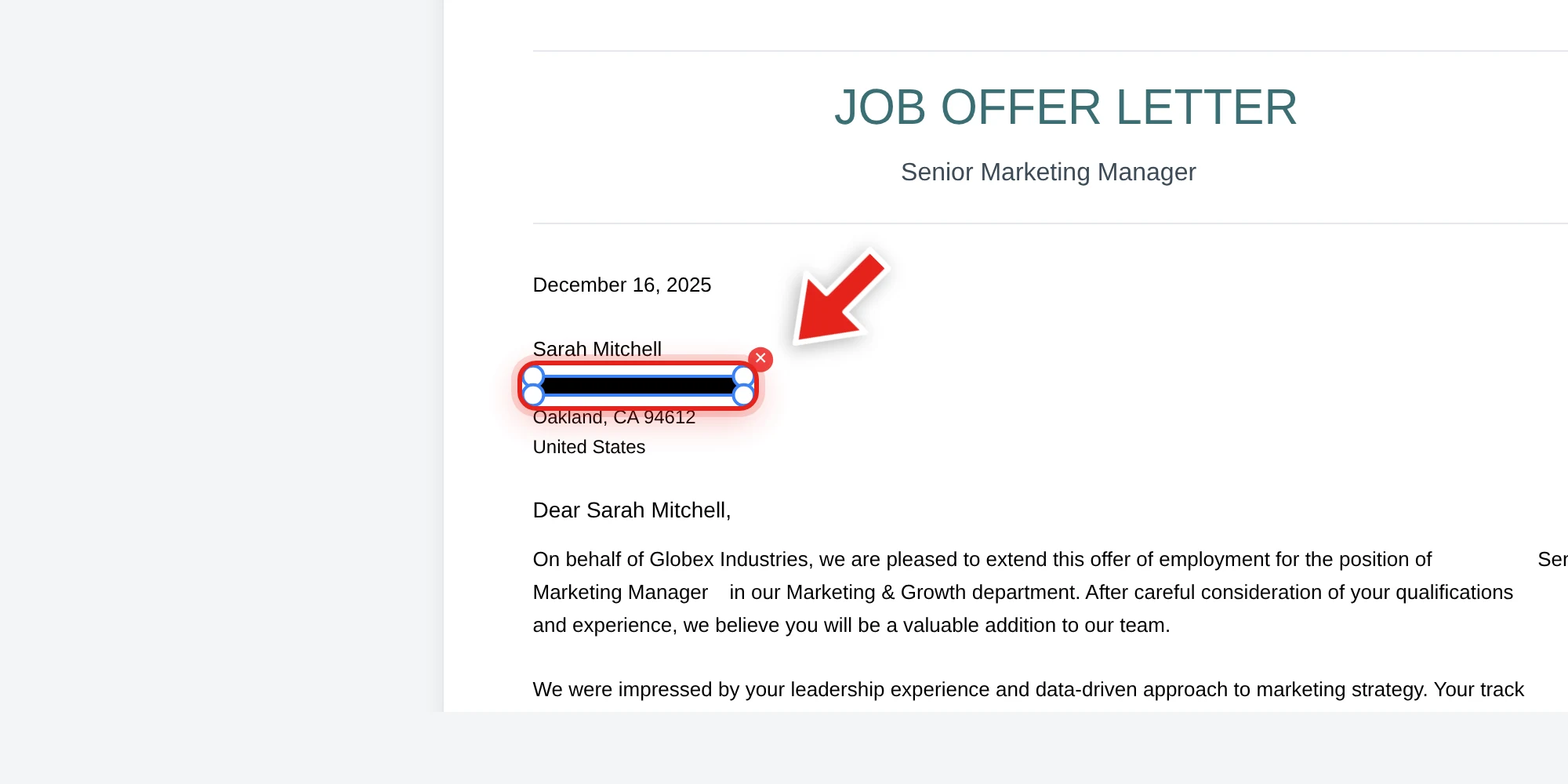
Release the mouse and a solid black bar takes its place.
Step 3 — Export
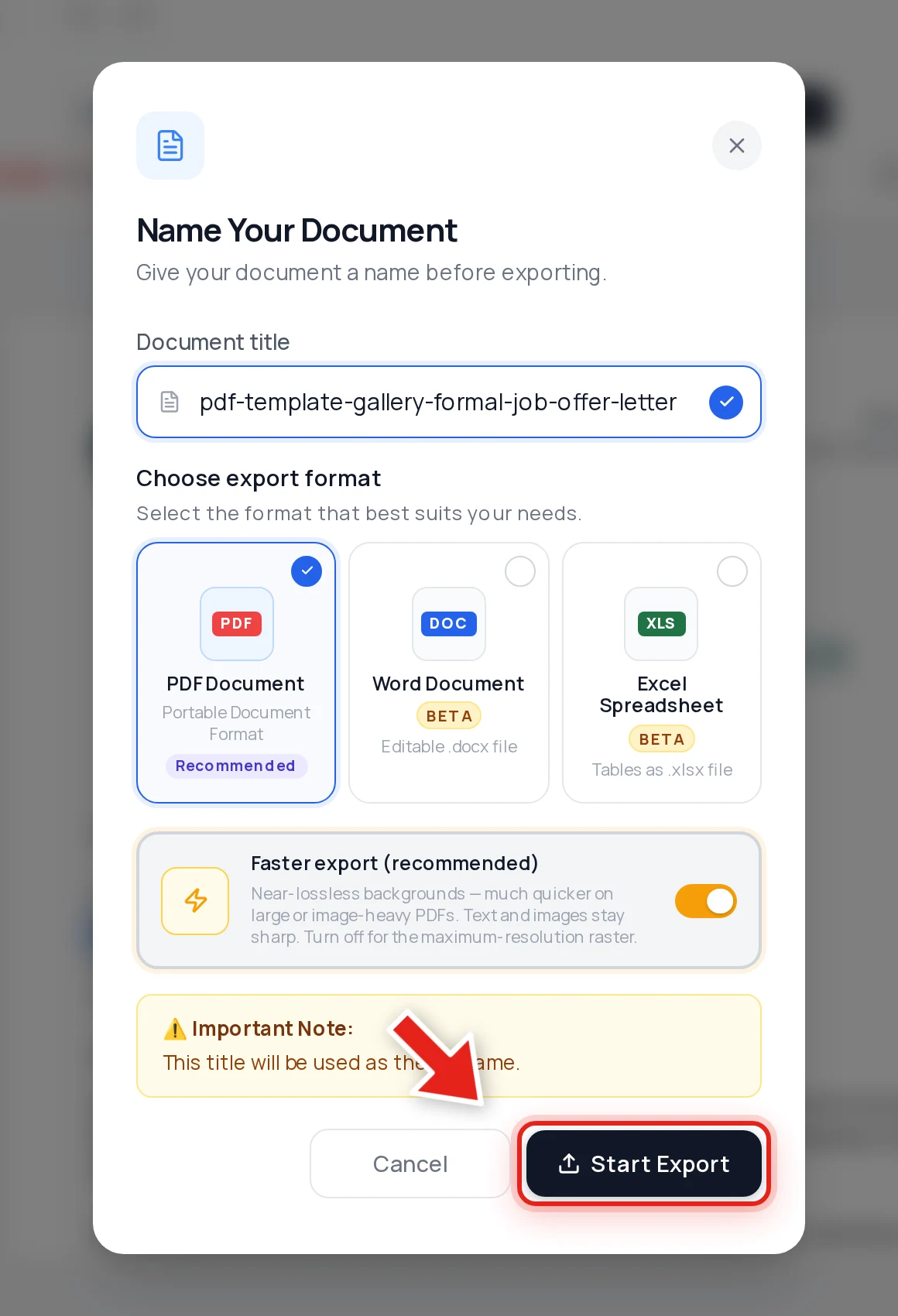
Click Download, keep PDF selected, and hit Start Export. The exported file has the covered text permanently removed — not hidden, removed.
We checked that it actually works
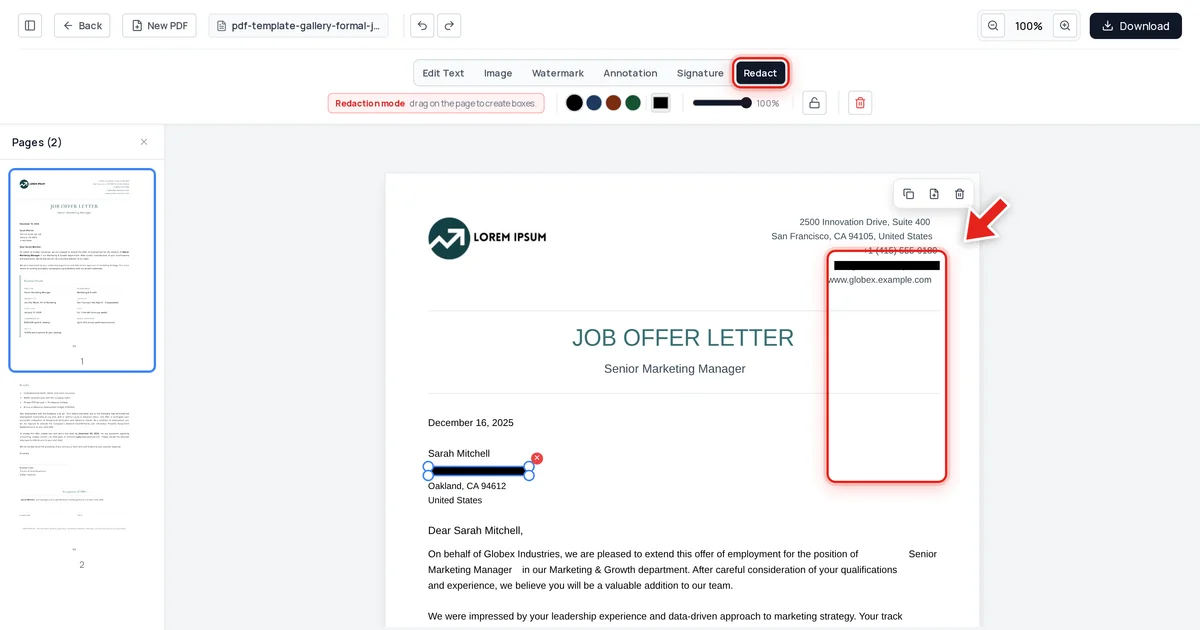
Trust, but verify. On the job offer letter above, we redacted the recipient's home address and the company's contact email, exported the file, and then tried to break our own redaction three ways: extracting all text from the document, searching the raw decompressed file data, and inspecting the embedded metadata. Both redacted values were gone from every layer. The recipient's name and every other line of the offer letter were untouched.
That's the bar a redaction tool actually needs to clear — free or paid.
When you might still want Acrobat
To be fair to Adobe: if you're already paying for Acrobat Pro for its other features — e-signatures, advanced form design, enterprise document workflows — its redaction tool is fine to use for that too. The point isn't that Acrobat's redaction is bad; it's that buying an entire subscription just to redact PDFs occasionally is spending real money on a problem a free browser tool already solves. See our full Adobe Acrobat vs true redaction comparison if you want the detailed feature-by-feature breakdown.
Verify any redacted PDF yourself
Whichever tool you use, don't take "it looks redacted" on faith. Open the exported file, try to click-drag select the blacked-out area, copy it, and paste into a plain text editor. Nothing pasting means it's genuinely gone. Our permanent redaction guide covers this test and the full workflow in more depth.
FAQ
Is free PDF redaction as secure as Adobe Acrobat's?
Security depends on what the tool actually does to the file, not on the price tag. A tool that removes covered text from the PDF's content on export is secure regardless of cost; a tool that only draws a box over text is unsafe regardless of cost — including inside Acrobat, if a step like "Sanitize Document" is skipped.
Do I need to create an account?
No. Uploading, redacting, and exporting all work without creating an account or signing in.
Will there be a watermark on my redacted PDF?
No watermark is added to the exported file.
Can I redact more than one page or document at once?
Yes — redaction boxes can be drawn on any page in the document; work through each page that needs it before exporting.
What if I need OCR, e-signatures, or other Acrobat features too?
Online PDF Edits also handles signing, merging, and other core PDF tasks — check the PDF tools overview if you need something beyond redaction for the same document.