FOIA Redaction Explained: Exemptions and How to Black Out Records
FOIA doesn't mean everything gets disclosed — nine exemptions let agencies withhold specific categories of information. Here's what they cover, and how to redact a document permanently once you've decided what to remove.

The Freedom of Information Act presumes disclosure — but it isn't unconditional. Nine exemptions let federal agencies withhold specific categories of information, and when a record is otherwise releasable, the exempt portions get redacted rather than the whole document withheld. Here's what those exemptions cover, and how permanent redaction actually works once you've identified what needs to come out.
Key takeaways
- FOIA has nine exemptions covering categories like classified national security information, internal deliberations, trade secrets, and personal privacy.
- Redaction under FOIA has to be permanent — a black box that still leaves text selectable or recoverable does not satisfy a proper response.
- Exemption 6 (personal privacy) and Exemption 7(C) (law enforcement records/personal privacy) are the ones most often applied to redact names, addresses, and other identifying details.
- We tested this directly: a document with a patient name redacted came back completely clean from text extraction, raw file data, and metadata.
- Requesters can challenge redactions through an administrative appeal — a defensible response documents which exemption applies to each redaction.
The nine FOIA exemptions, briefly
- Classified national security information
- Internal agency personnel rules and practices
- Information exempted by other statutes
- Trade secrets and confidential commercial information
- Inter-agency or intra-agency deliberative communications
- Personal privacy — information that would constitute a clearly unwarranted invasion of personal privacy
- Law enforcement records — with several sub-parts, including 7(C), personal privacy in law enforcement contexts
- Financial institution regulatory records
- Geological and geophysical information about wells
Exemptions 6 and 7(C) are the ones most commonly invoked to redact names, contact details, and other identifying information from otherwise releasable records — the same category of personal data covered in GDPR redaction for DSARs, applied in a different legal framework.
Redaction has to hold up, not just look right
Once an exemption has been identified and applied to a specific piece of information, the redaction itself has to actually remove that information from the released document — not just cover it. A black rectangle drawn over text in a PDF, without the underlying text also being deleted, leaves the "exempt" information fully recoverable by anyone who selects and copies it. This is exactly the mechanism behind several public redaction failures, including a 2019 court filing and pieces of a 2025 records release — see why black box redaction isn't safe.
How to redact a document permanently
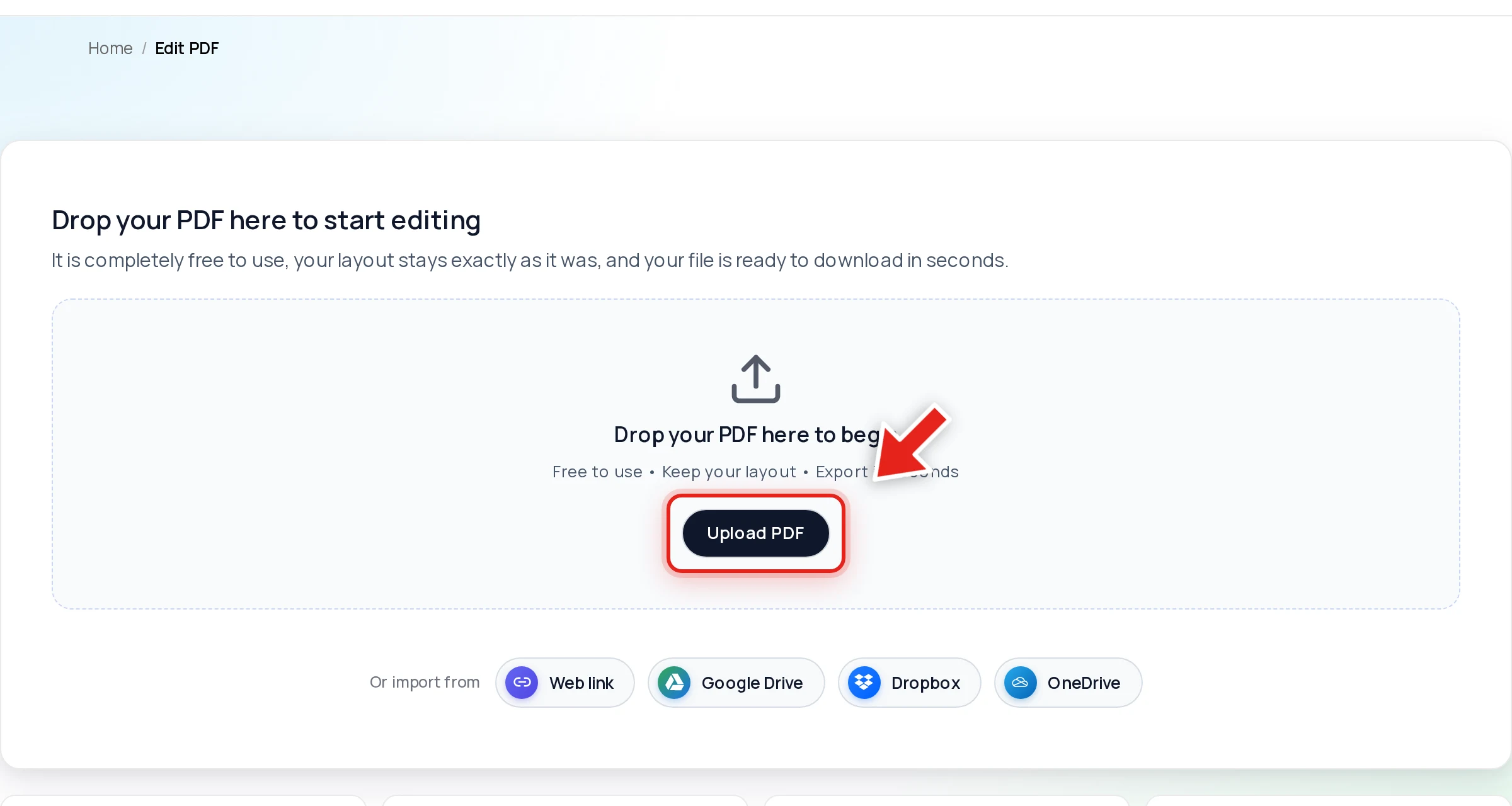
Open the file in Online PDF Edits — drop it onto the upload area, or click Upload PDF.
Click Redact in the toolbar:

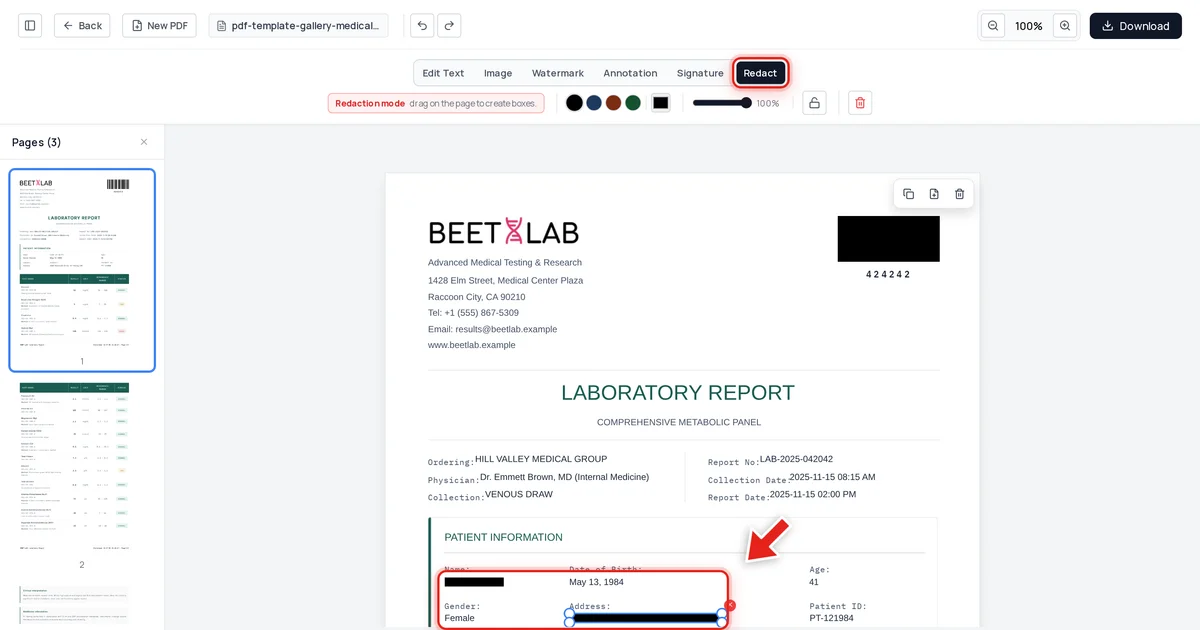
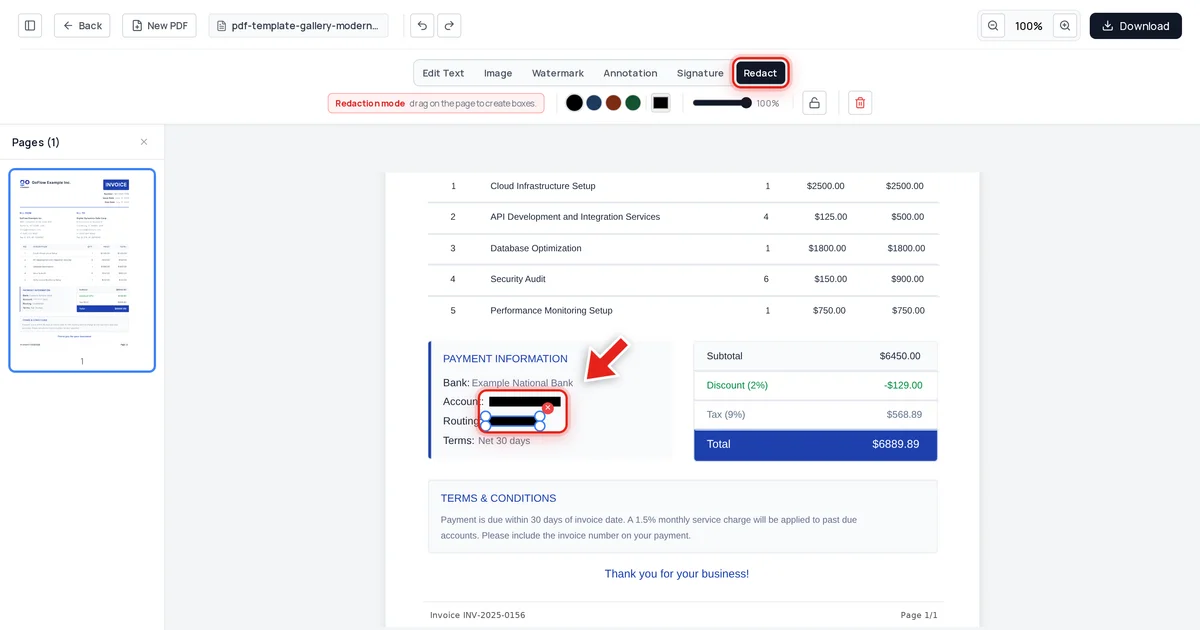
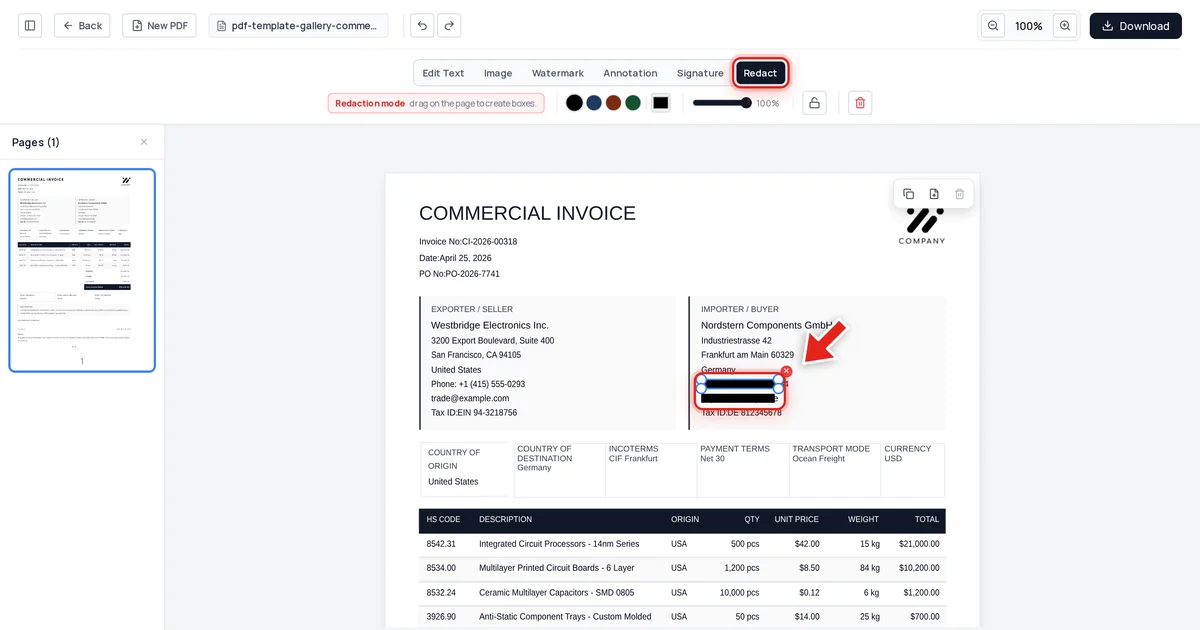
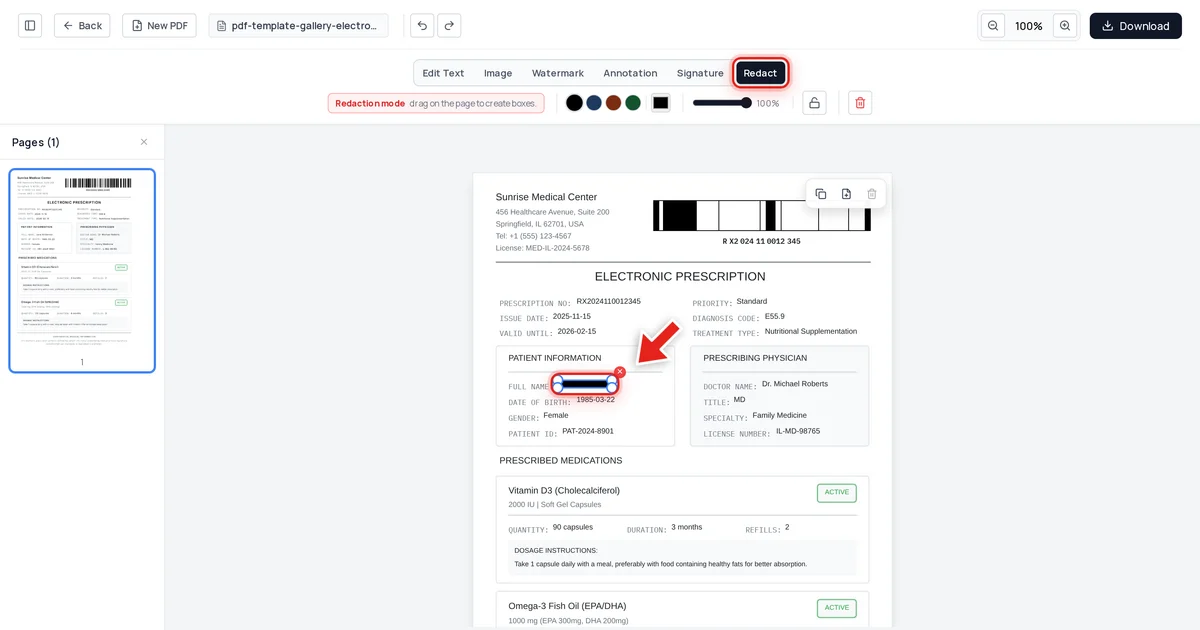
Then click and drag over each piece of exempt information. A live preview shows the box growing as you drag:
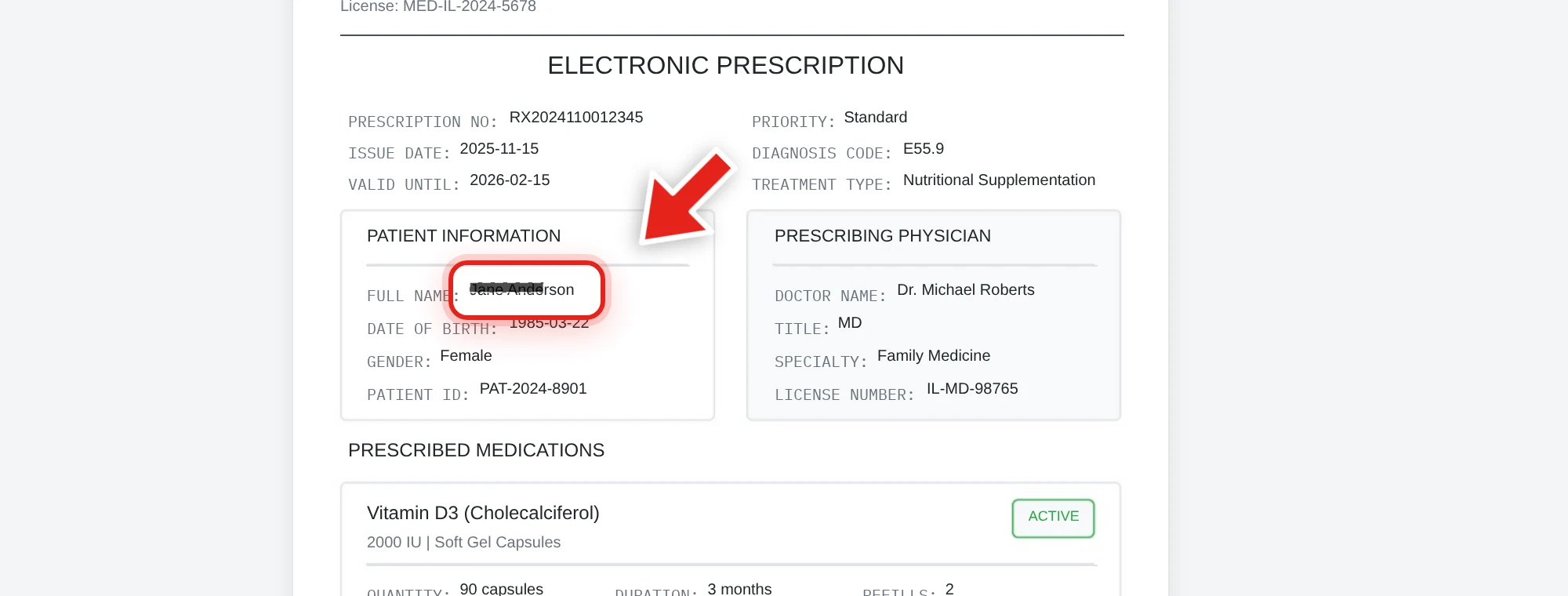
Release the mouse and a solid black bar takes its place.
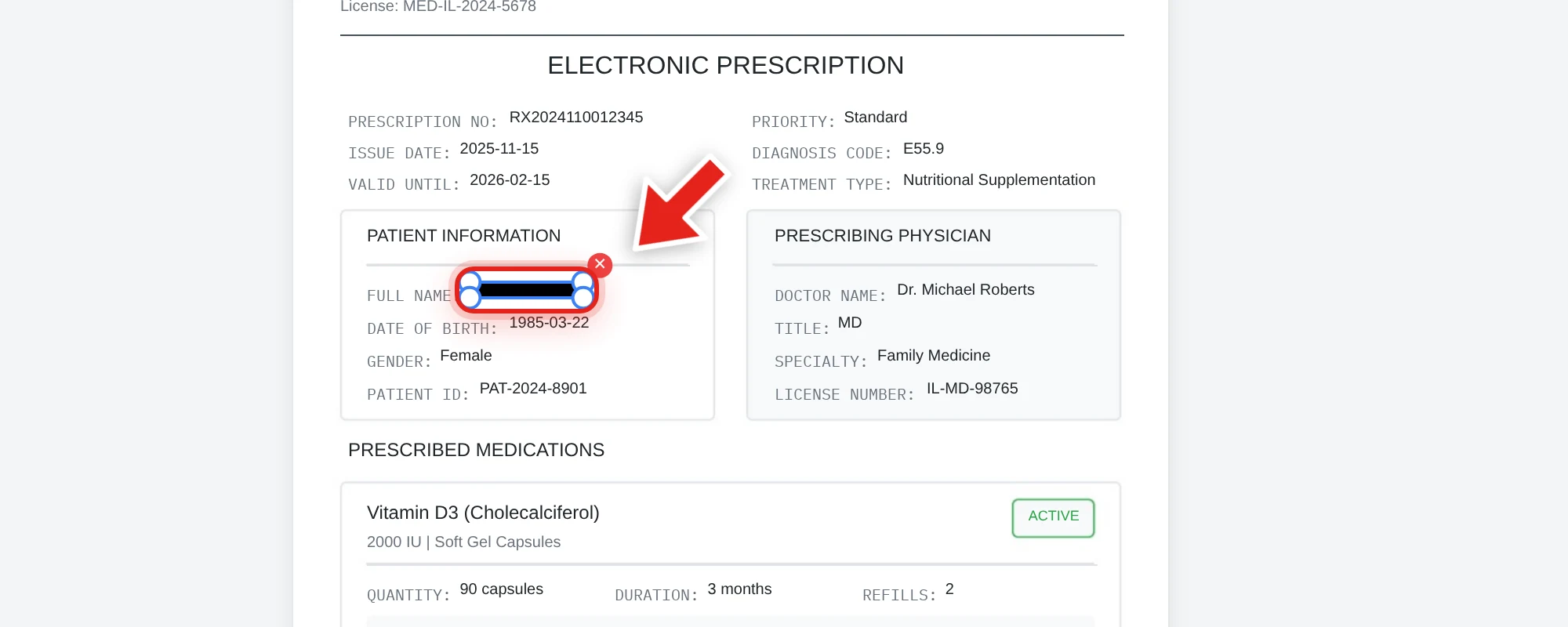
We tested this directly, redacting a patient's name from the document above — an example of the kind of Exemption 6 personal-privacy redaction that comes up in released health-adjacent records. After export, we checked the extracted text from every page, the raw decompressed file data, and the embedded metadata. The name was completely absent from all three, while every other detail in the document stayed exactly as it was.
Verify before releasing
Before a redacted document goes out the door, test it: try to click-drag select the redacted area, copy it, and paste into a plain text editor. Also search with Ctrl+F for the specific information you redacted. Nothing coming back is what confirms the exemption was actually applied, not just drawn on top of the page — see our full verification guide for the complete test.
Document the exemption for each redaction
A defensible FOIA response typically cites which exemption applies to each redacted section — this is standard practice and supports the response if a requester files an administrative appeal. A redacted page with no accompanying rationale is much easier to challenge than one with a documented exemption behind each redaction.
FAQ
Which FOIA exemption covers redacting someone's name or address?
Most commonly Exemption 6 (personal privacy) or Exemption 7(C) (personal privacy in law enforcement records), depending on the context of the document.
Is a black box enough to satisfy a FOIA redaction?
No, if the underlying text is still present in the file's content and can be selected, copied, or searched. The information needs to be actually removed, not just visually covered, to satisfy the exemption.
Can a requester challenge a redaction?
Yes, typically through an administrative appeal process, and documenting which specific exemption applies to each redaction helps support the response if challenged.
Does redacting a document also remove its metadata?
No — metadata (author, revision history) is a separate layer from visible content and needs to be checked and cleared independently. See how to check a PDF for hidden metadata.
How do I verify a FOIA redaction actually worked before releasing the document?
Try to select, copy, and search the redacted area in the exported file. If nothing readable comes back, the information was actually removed rather than just covered.