Foxit Smart Redact vs OnlinePDFEdits: AI Redaction Compared
Foxit's Smart Redact adds AI detection on top of a Foxit PDF Editor+ subscription. If what you actually need is permanent removal of the fields you already know about, that's a lot of product to buy for it.

Foxit Smart Redact is positioned as an AI-driven redaction feature, bundled into Foxit's paid PDF Editor+ subscription. Whether that's worth it depends entirely on what you actually need — automatic detection across a large batch of unfamiliar documents, or permanent removal of specific fields you already know are there.
Key takeaways
- Foxit Smart Redact is described on Foxit's own site as detecting "visible, hidden, and metadata with 99% AI-driven precision," available only with a Foxit PDF Editor+ subscription and a quota of 50 documents.
- A separate Smart Redact Server product launched at $1,000 per 1TB per year (prepaid $10,000 for 1TB) — enterprise-scale pricing for enterprise-scale volume.
- If you're redacting occasional documents where you already know which fields need to go, that's a lot of product and cost for a job a free manual tool handles directly.
- Online PDF Edits' redaction is free, manual, and has no daily cap or account requirement.
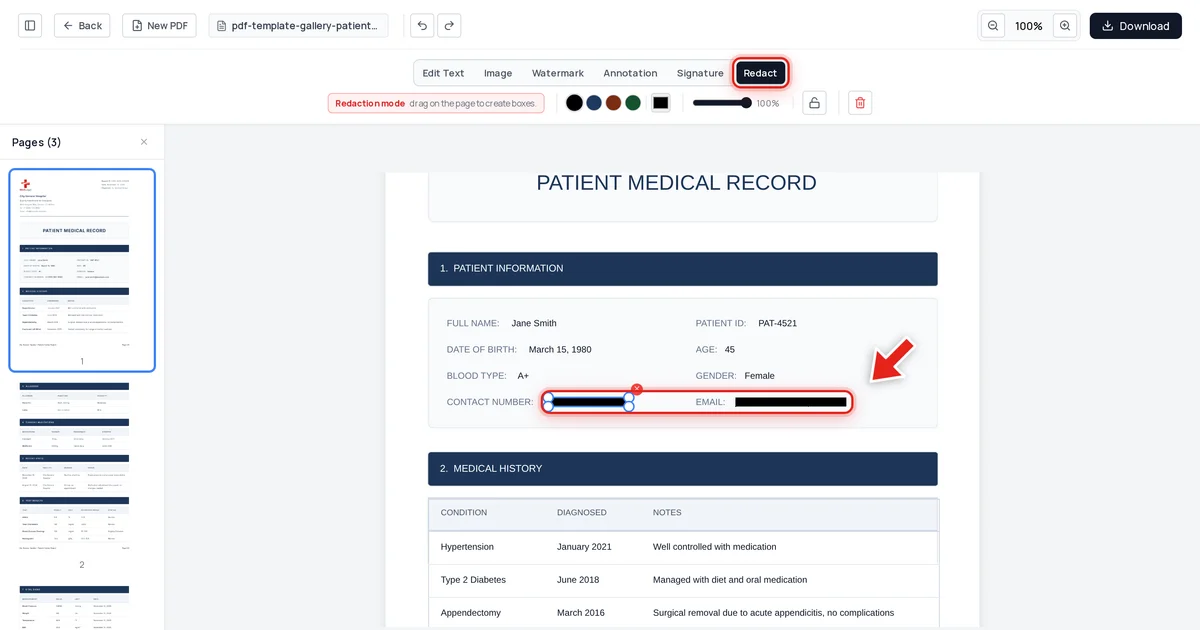
- We tested our own export directly: a patient record's email and phone number, redacted and exported, came back clean from text extraction, raw file data, and metadata.
What Foxit Smart Redact actually is
Per Foxit's own marketing, Smart Redact uses AI to detect and redact sensitive content automatically — visible text, hidden data, and metadata together — and is bundled exclusively with a Foxit PDF Editor+ subscription, with a stated quota of 50 documents. A separate, higher-volume Smart Redact Server product launched May 14, 2025 at enterprise pricing: $1,000 per 1TB per year, or $10,000 prepaid for 1TB.
That's real capability, aimed at a real use case: organizations processing large volumes of documents where a human can't manually review every one for sensitive fields. If that's your situation, automatic detection has genuine value.
When manual redaction is the better fit
Most people redacting a PDF aren't processing thousands of unfamiliar documents — they're removing a specific field or two from a document they're already looking at: an account number, an address, a name. For that job, AI detection doesn't save meaningful time over just dragging a box over the value yourself, and it doesn't justify a subscription plus a per-document quota.
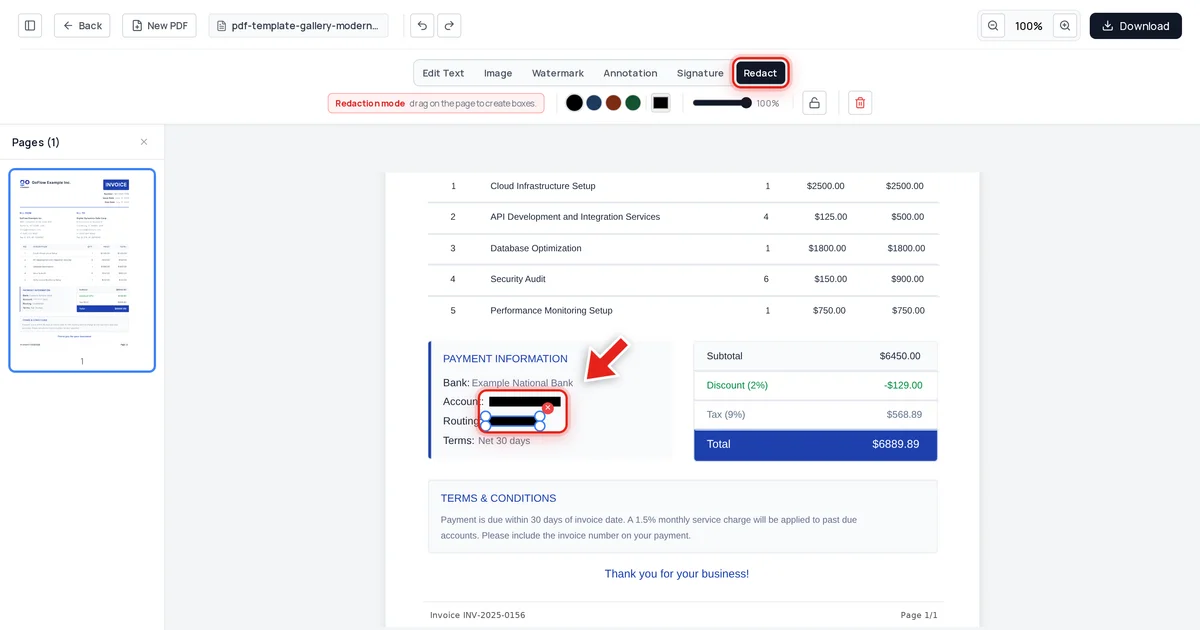
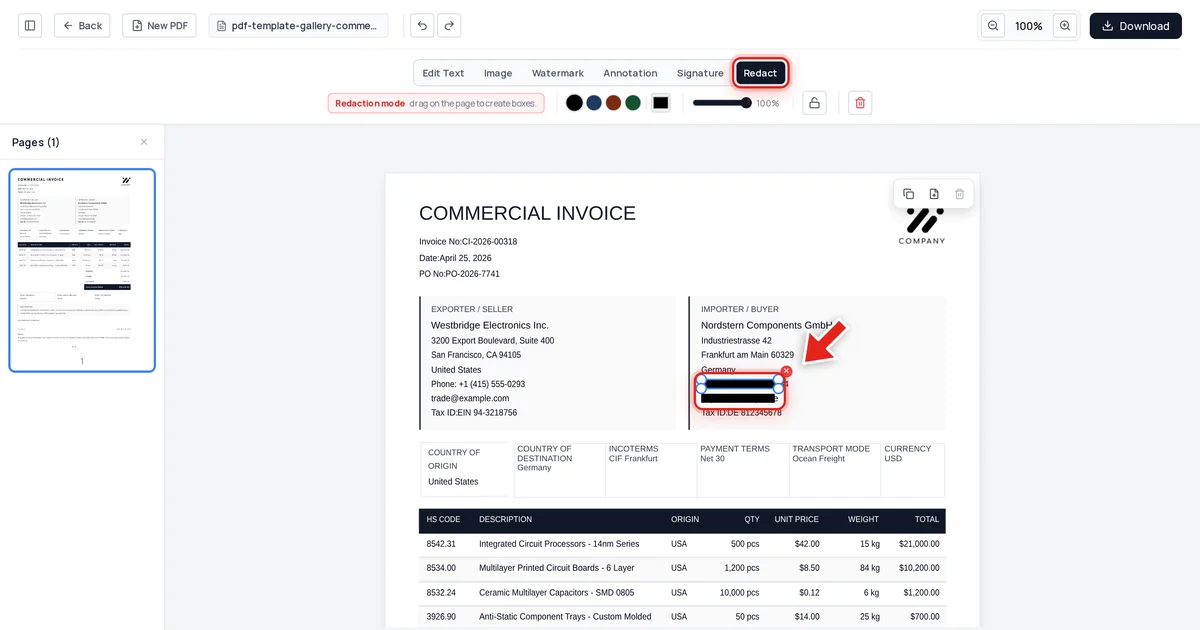
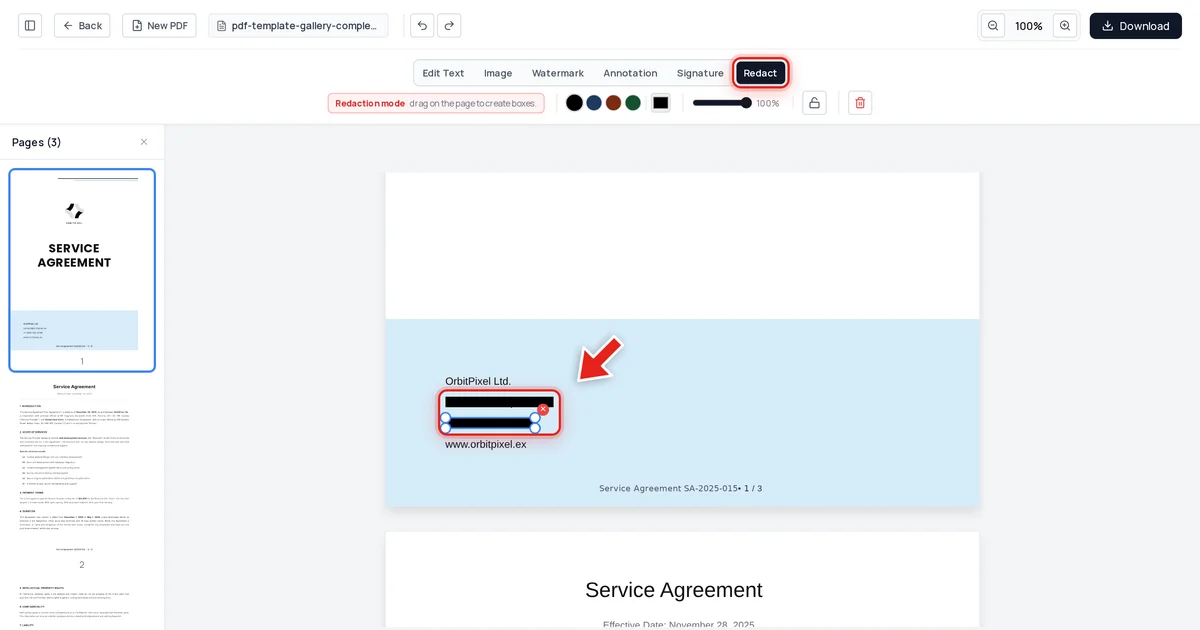
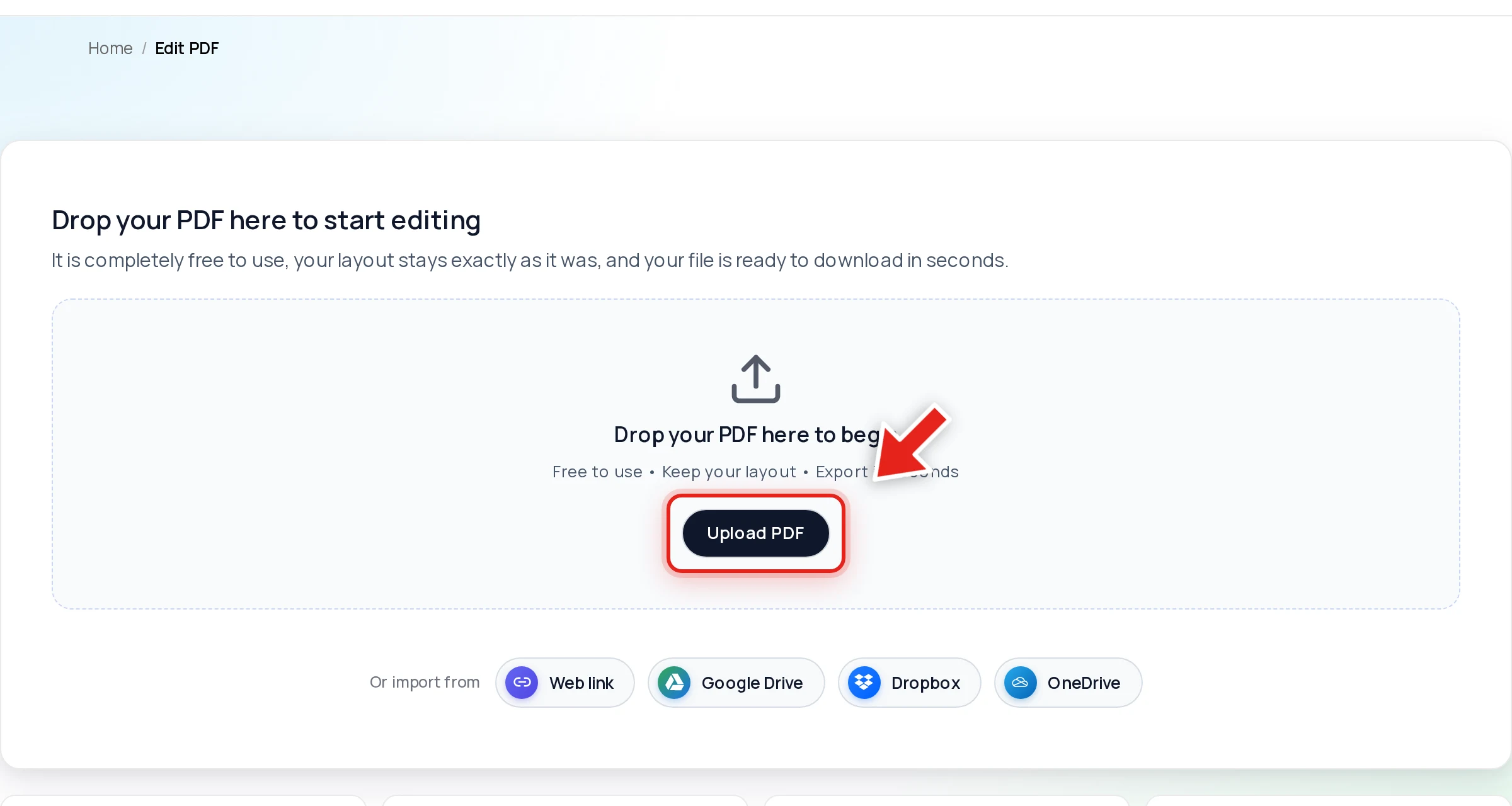
Open your PDF in Online PDF Edits — drop the file onto the upload area, or click Upload PDF.
Click Redact in the toolbar:

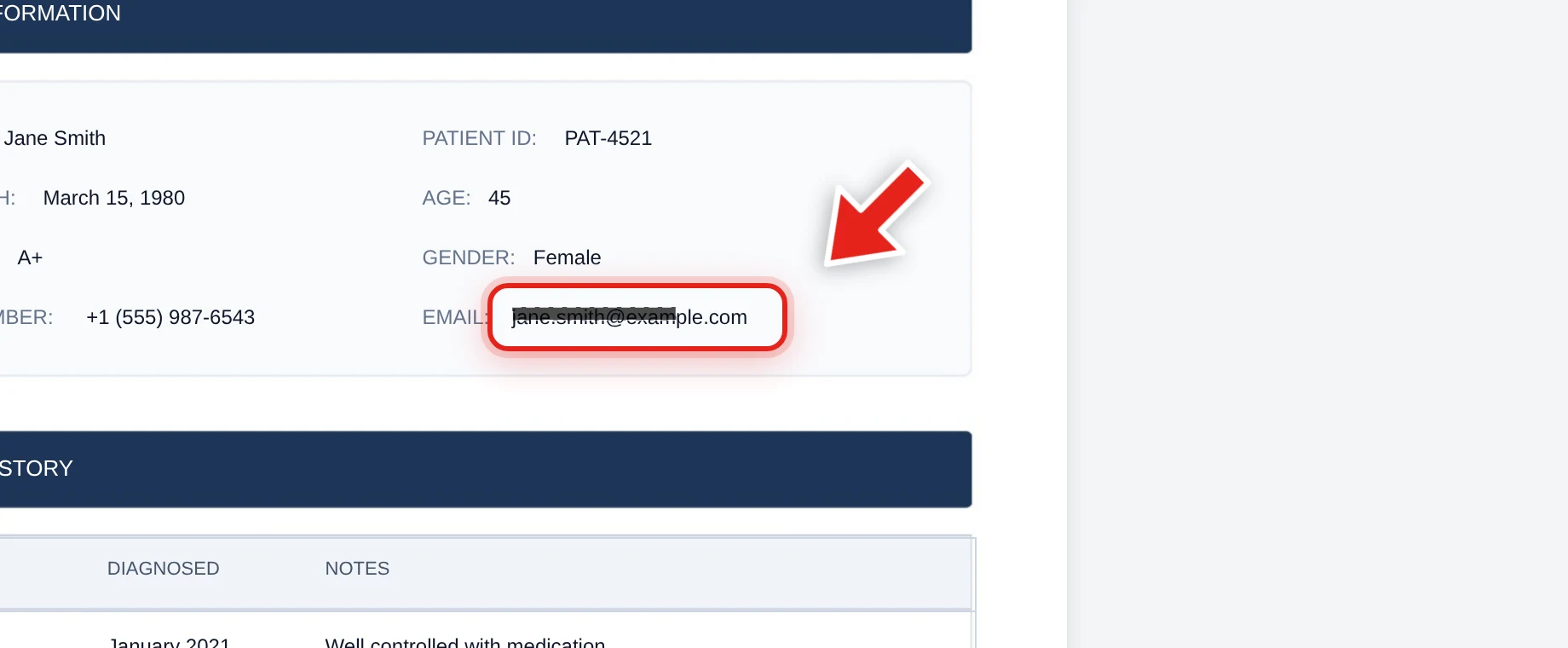
Then click and drag over the value. A live preview shows the box growing as you go:
Release the mouse and a solid black bar takes its place.
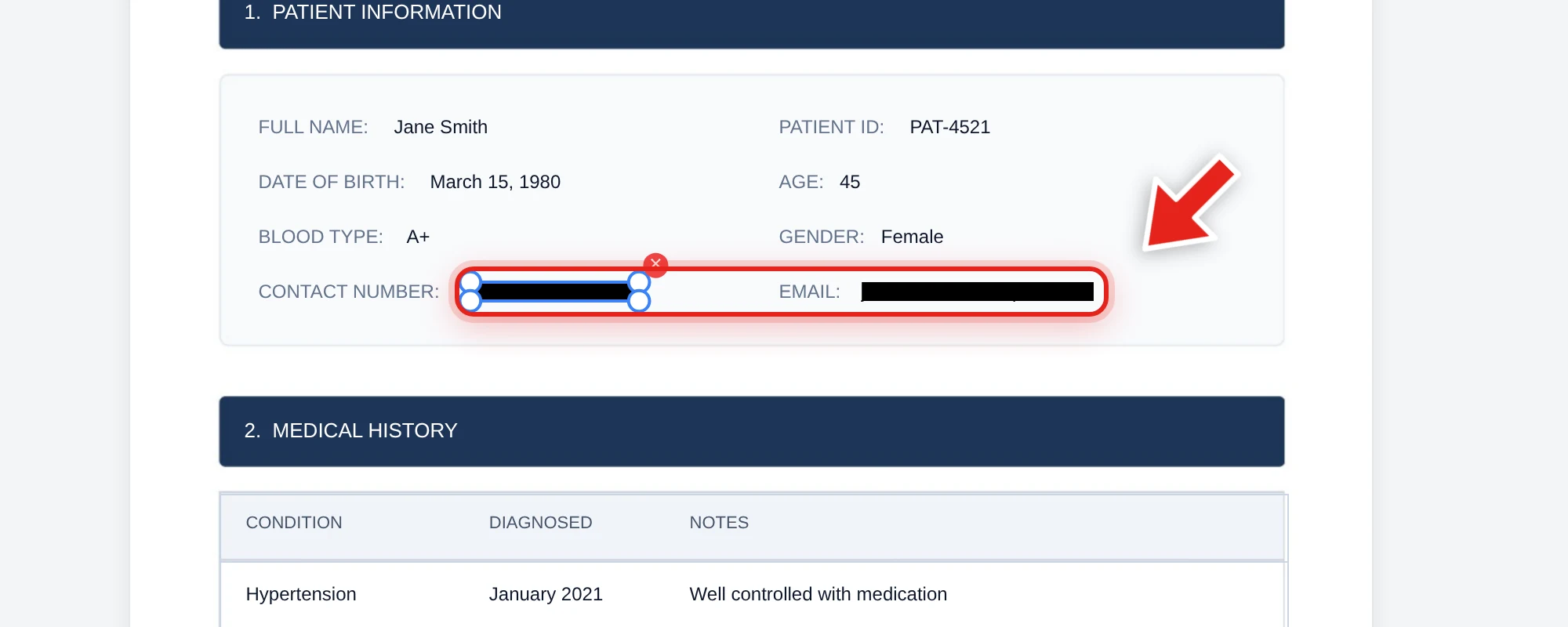
We tested this directly on the record above, redacting the patient's phone number and email. After export, we checked the extracted text from every page, the raw decompressed file data, and the embedded metadata — both values were completely absent from all three, while the patient's name and every clinical detail stayed exactly as it was.
The comparison that matters either way
Whether you use AI detection or manual selection, the only real test is what happens to the covered content on export. Try to click-drag select the redacted area in the output file, copy it, and search for the value with Ctrl+F. Nothing coming back is what confirms it worked — regardless of whether AI or a human hand drew the box. See our full verification guide for the complete test.
FAQ
Is Foxit Smart Redact worth the subscription?
Depends on your volume. If you're processing large batches of unfamiliar documents where manual review isn't practical, AI-assisted detection has real value. If you're redacting a known field or two in occasional documents, manual selection accomplishes the same end result without the subscription.
Does Online PDF Edits have AI-driven automatic detection?
No — redaction is manual: you select what to cover. See our look at automatic AI redaction for more on how that category of feature works and its limits.
Is manual redaction less secure than AI-driven redaction?
Security comes from what happens to the content on export, not from whether AI or a person selected it. A manually-drawn box that removes the underlying text on export is exactly as secure as an AI-detected one that does the same.
How much does Online PDF Edits' redaction cost?
It's free, with no daily task cap and no account required.
What's the single most important check regardless of which tool I use?
After exporting, try to select, copy, and search the redacted area. If nothing comes back, the redaction worked — this test is the same whether the box was drawn by AI or by hand.