How to Redact PDFs for FERPA Compliance (Student Records)
A transcript, certificate, or class roster released to one student or a researcher often names other students too. FERPA requires that data come out — permanently — before anything goes out the door.

FERPA protects the privacy of student education records, and one of the most common compliance situations for schools is releasing a record — a transcript, a certificate, a class list — that names students beyond the one requesting it. Before that document goes anywhere, the other students' identifying information has to be permanently removed.
Key takeaways
- FERPA requires protecting personally identifiable information in education records from students other than the one the disclosure is for (or their parent, for minors).
- Common fields to redact: other students' names, ID numbers, grades, and any identifying details in shared documents like class rosters or group certificates.
- Redaction has to be permanent — a black box that leaves a name still selectable or searchable doesn't satisfy the requirement.
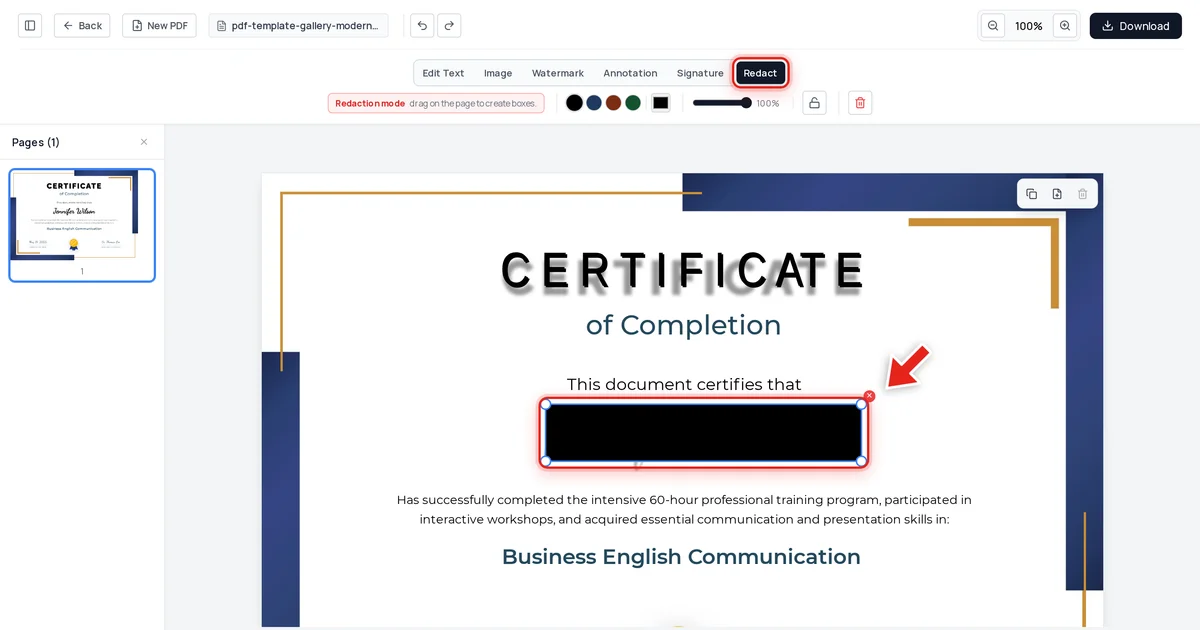
- We tested this directly: a completion certificate with the recipient's name redacted came back completely clean from text extraction, raw file data, and metadata.
- Watch for decorative or script fonts — some redaction boxes need to be drawn slightly larger than the visible text to fully cover it; always check the result before releasing anything.
What FERPA requires when releasing education records
A parent or eligible student (18+, or attending a postsecondary institution) has the right to access their own education records. They don't have the right to see another student's personally identifiable information that happens to appear in the same record — a shared certificate listing multiple names, a roster, a group project grade sheet. That third-party information has to be redacted before disclosure, the same principle applied under GDPR for DSAR responses and FOIA exemptions for personal privacy.
How to redact a student record
Open the document in Online PDF Edits — drop it onto the upload area, or click Upload PDF.
Click Redact in the toolbar:

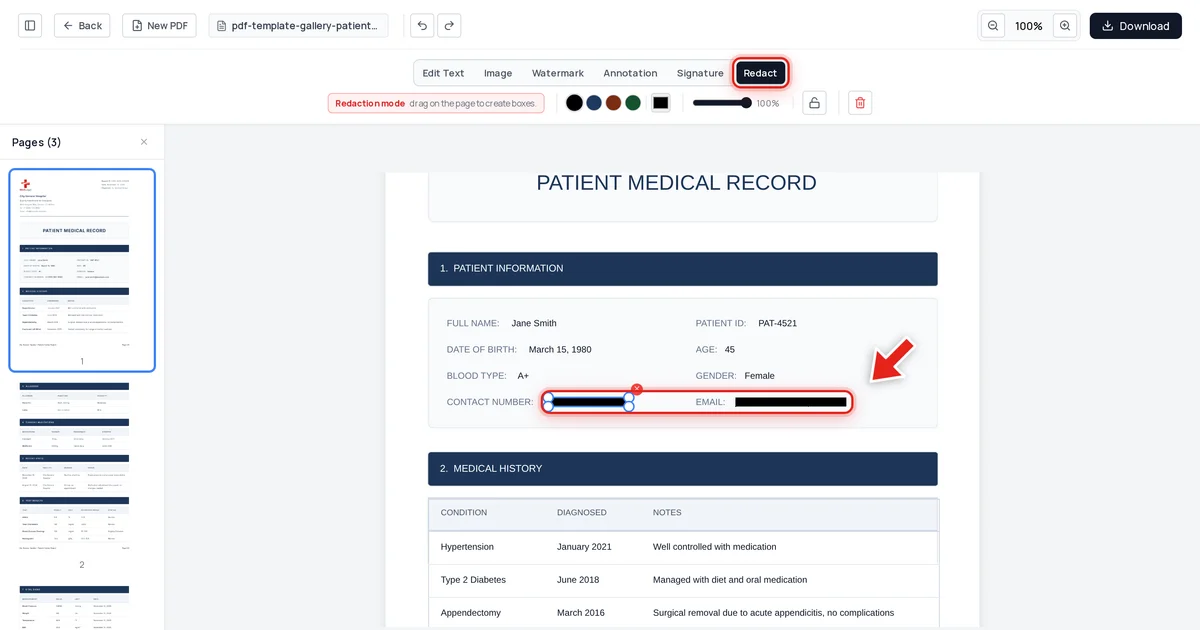
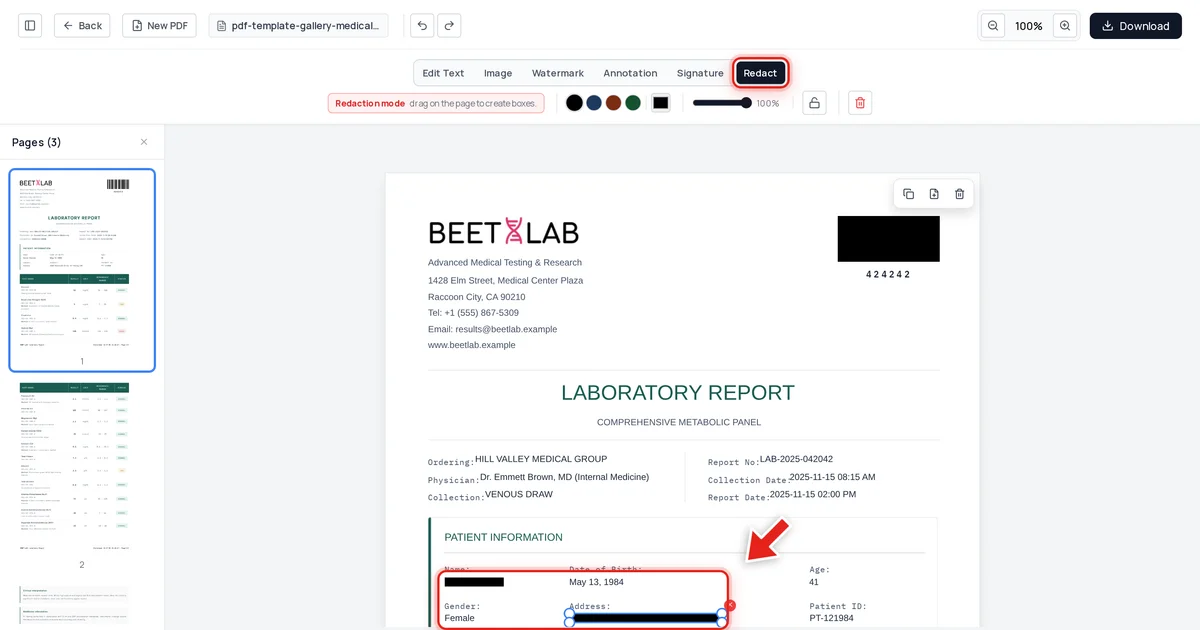
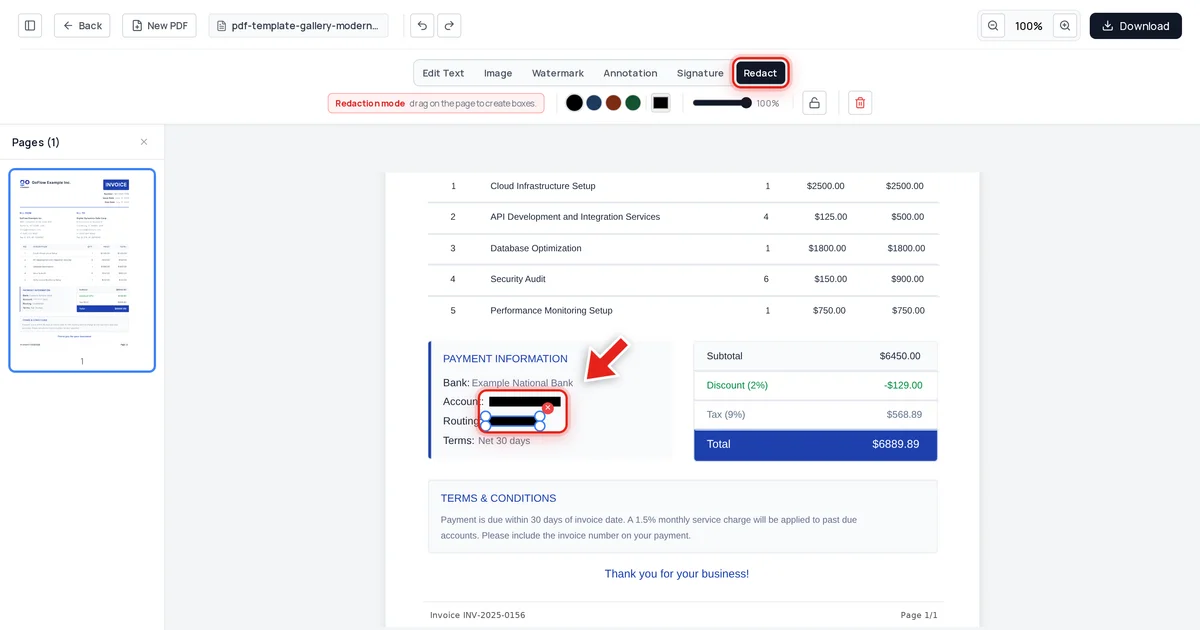
Then click and drag over the name or identifier that needs to disappear. A live preview shows the box growing as you drag:
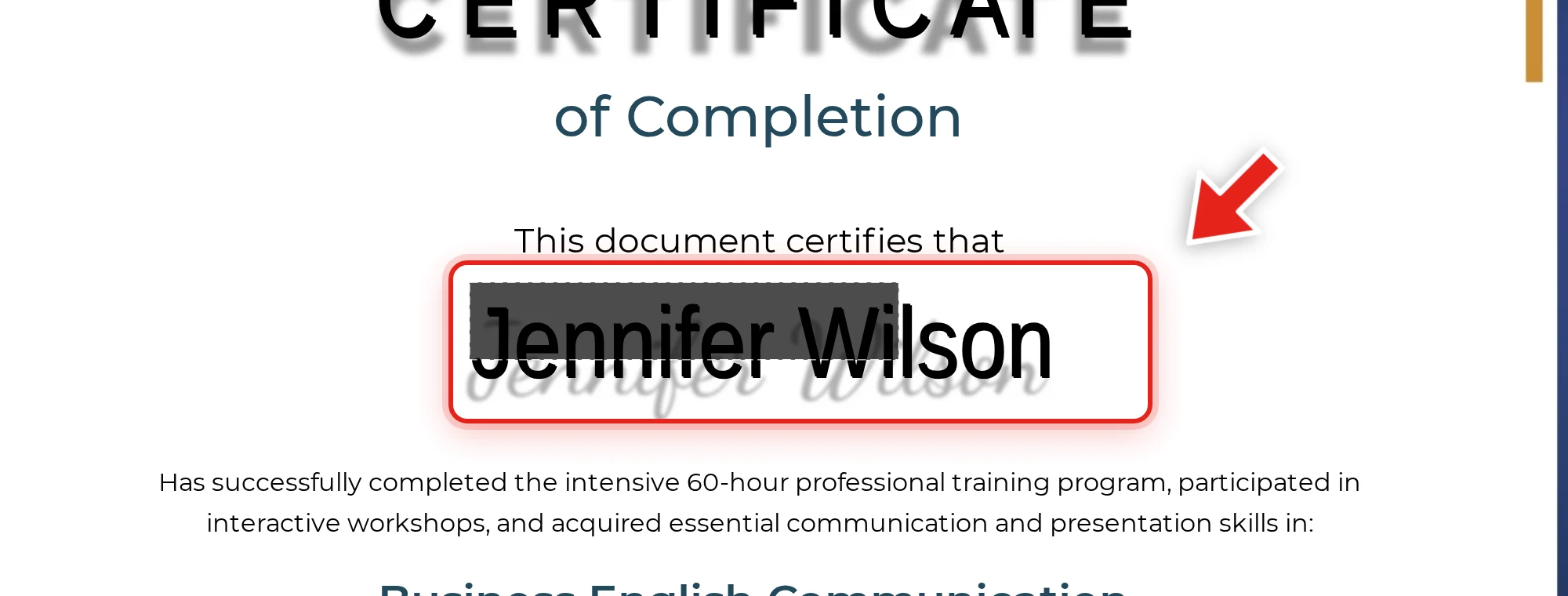
Release the mouse and a solid black bar takes its place — make sure the bar fully covers the name, since some certificate and diploma templates use decorative script fonts that render slightly wider than expected. Check the result before moving on.
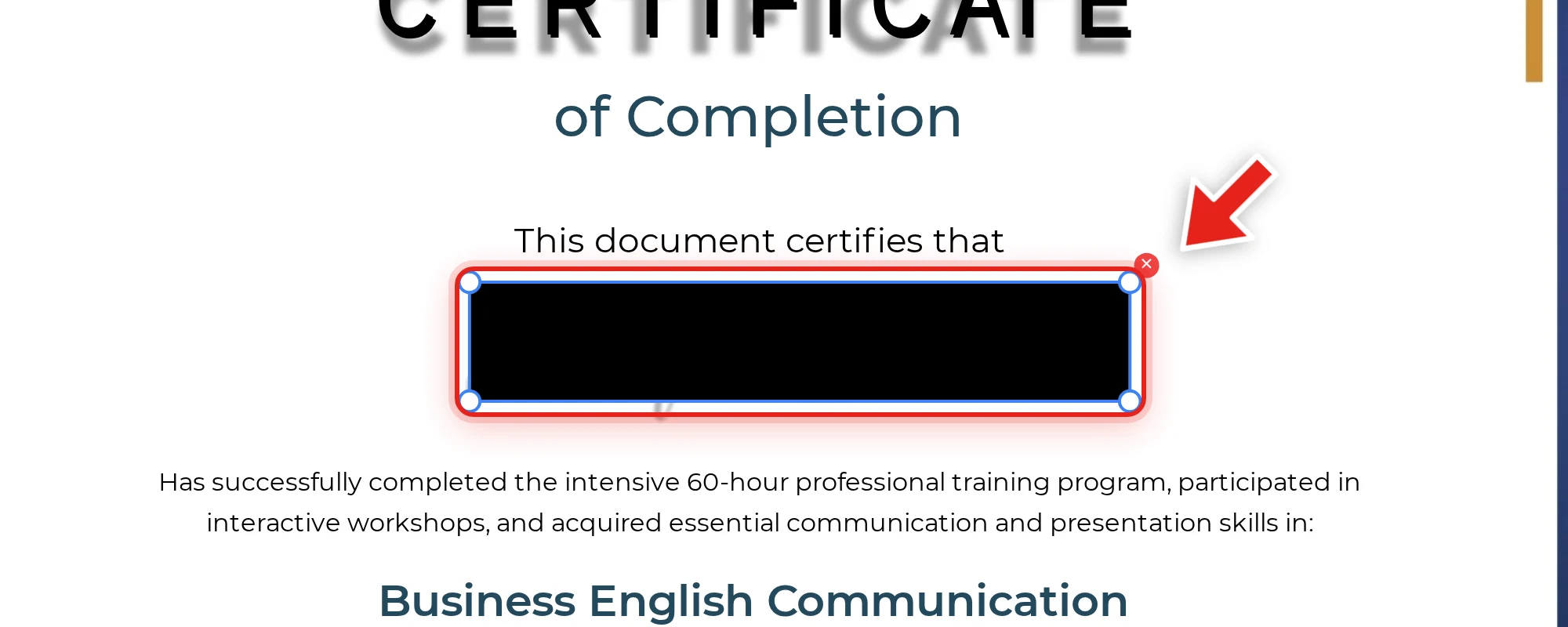
We tested this directly on the certificate above, redacting the recipient's name. After export, we checked the extracted text, the raw decompressed file data, and the embedded metadata. The name was completely absent from all three, while the program name, completion date, and instructor's name stayed exactly as they were.
Why permanent removal matters here specifically
A black box over a student's name that leaves the underlying text selectable is not a FERPA-compliant redaction — the identifying information is still fully recoverable by anyone who copies it, which is exactly what's happened in several public redaction failures involving similar drawn-box techniques. See why black box redaction isn't safe for the mechanics, and verify your own redacted education records before releasing them: try to select, copy, and search the redacted area — see our full verification guide.
FAQ
What information needs to be redacted from a student record under FERPA?
Any personally identifiable information belonging to a student other than the one the disclosure is for — names, ID numbers, grades, and similar identifying details that appear incidentally in a shared document.
Is a black box over a student's name sufficient?
No, if the underlying text is still present and can be selected, copied, or searched. The name has to actually be removed from the file's content on export.
What if the redaction box doesn't fully cover the name?
Widen the box until it fully covers the visible text before exporting — some decorative fonts, especially on certificates and diplomas, render wider than the parsed text metadata suggests. Always visually check the result.
Does redacting the visible name also clean the file's metadata?
No — check metadata separately, since it's a different layer of the file. See how to check a PDF for hidden metadata.
Can I redact multiple students' names from a class roster at once?
Yes — draw a separate box over each name individually rather than one large box, so the rest of the document stays legible and only the specific identifying details are removed.